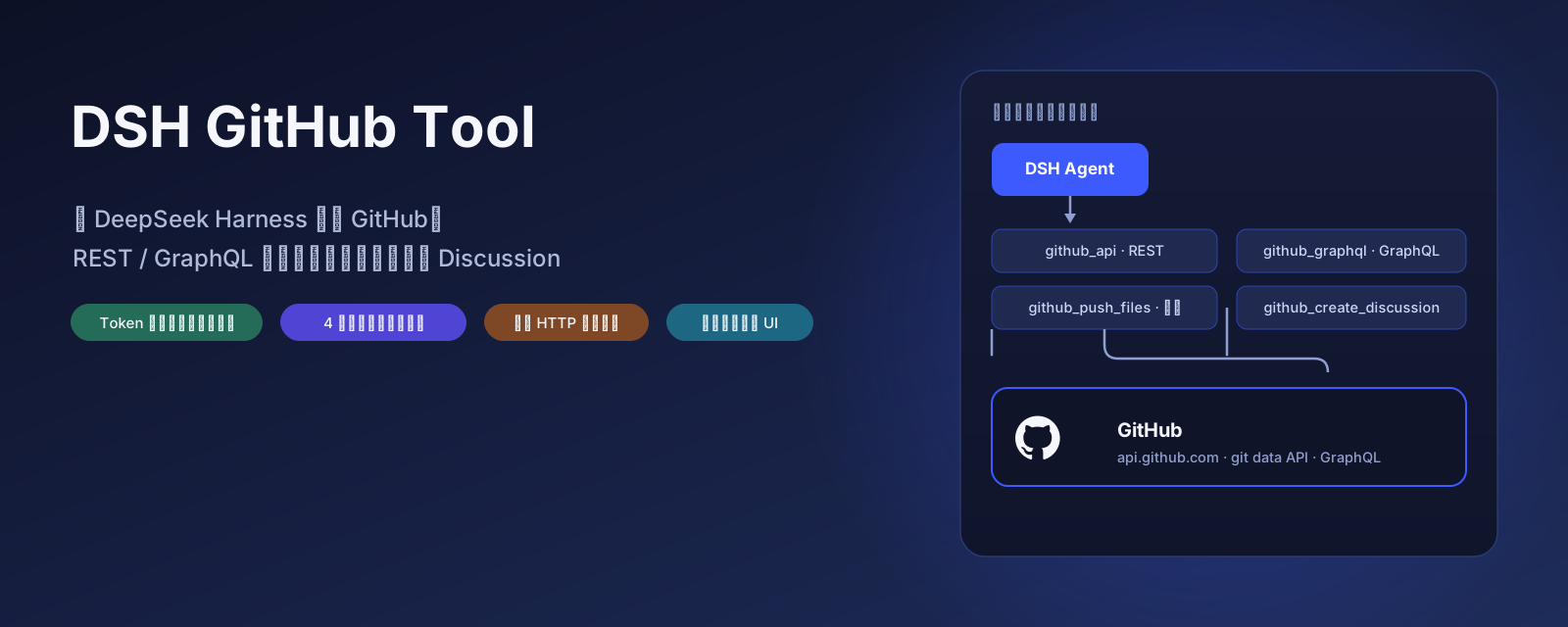
dsh-github-tool
Run the following command in DeepSeek Harness:
dsh plugin install H-table/dsh-github-tool
Paste the following prompt into your AI chat to install this plugin:
Run dsh plugin install H-table/dsh-github-tool in the DeepSeek Harness terminal. The source code is available at https://github.com/H-table/dsh-github-tool . Restart the Web Profile after installation to activate the plugin.
About this plugin
Interacting with GitHub inside DeepSeek Harness used to mean opening a terminal, hand-crafting curl requests, threading tokens through headers, untangling JSON pagination and error codes by hand. dsh-github-tool collapses that pipeline into four ready-to-use model tools: github_api for any REST endpoint read or write, github_push_files for a single atomic blob-to-tree-to-commit-to-ref flow with safe binary upload, github_graphql for fields REST cannot reach, and github_create_discussion for one-sentence posting with the URL returned immediately. Tokens are encrypted via the DSH credential system and never land in config files or the browser; a proxy address per call tunnels through restricted networks without touching system settings.
This plugin is built for Harness users who frequently read repos, push files, query Issues and PRs, or publish Discussion posts directly from conversation. You no longer need to memorize REST path conventions, attach Accept headers manually, or hunt for tokens in flat files. Configure once and every subsequent call carries credentials and proxy automatically, with automatic fallback to the repository default branch when the target does not exist.
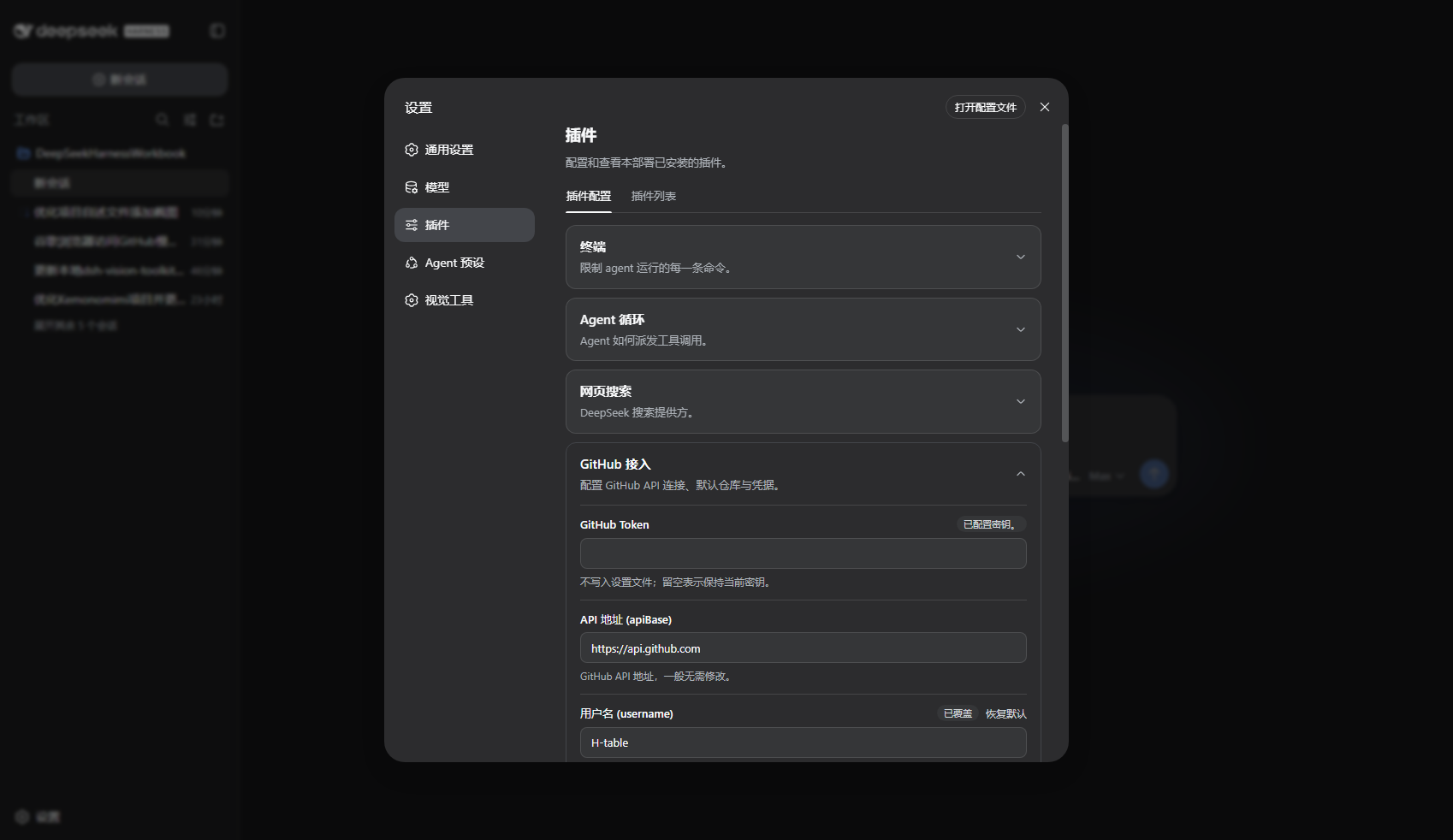
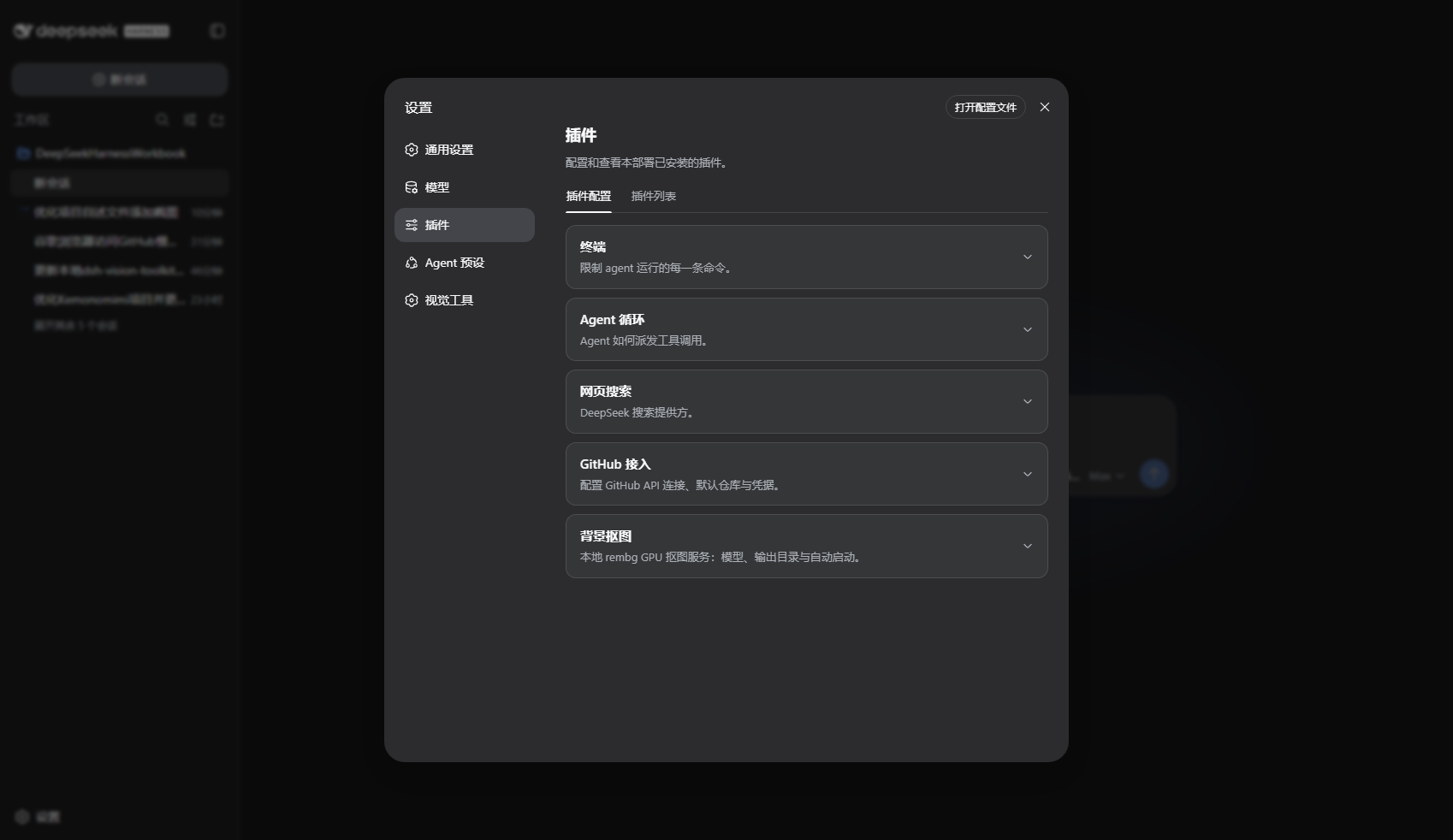
The settings experience mirrors official plugins: a familiar config card with draft editing, override markers, and reset-to-default actions sits alongside other system cards. All four tools register themselves at each session start with no extra Skill or manual loading required. If GitHub is a high-frequency dependency in your daily workflow, this plugin lets the Agent read, write, query, and publish directly in conversation and removes every manual step in between.
Screenshots
Use Cases
- Query repos, Issues, and PRs via GitHub REST endpoints in conversation
- Push multiple files including local binary images to a GitHub repo in a single commit
- Create a Discussion post with one sentence and receive the post URL instantly
Best For
- Developers who heavily use GitHub within Harness
- Users who need to read and write repo files directly in conversation
- Users behind restricted networks who still require GitHub API access
Related Plugins

Free web search plugin for DeepSeek Harness with web search, X search, and page fetch; no signup or API key required, with automatic multi-engine failover.

AnySearch-powered web and vertical search plugin for DeepSeek Harness, offering real-time search, cleaned URL content, concurrent batch search via native web_search/web_fetch, no API key required.
Pixel-perfect webpage clone tool that uses an agent harness to turn any webpage into a scored, full-page React replica.

A bilingual cost-tracking plugin for DeepSeek Harness with session/daily cost, budget, official & custom provider balance, coding plan quotas, peak/off-peak pricing alerts, and history stats.