dsh-remote-mobile
Run the following command in DeepSeek Harness:
dsh plugin install IceApriler/dsh-remote-mobile
Paste the following prompt into your AI chat to install this plugin:
You can install the plugin via the graphical interface in DSH settings or execute the terminal command for quick deployment, with all source code and detailed guides available at https://github.com/IceApriler/dsh-remote-mobile.
About this plugin
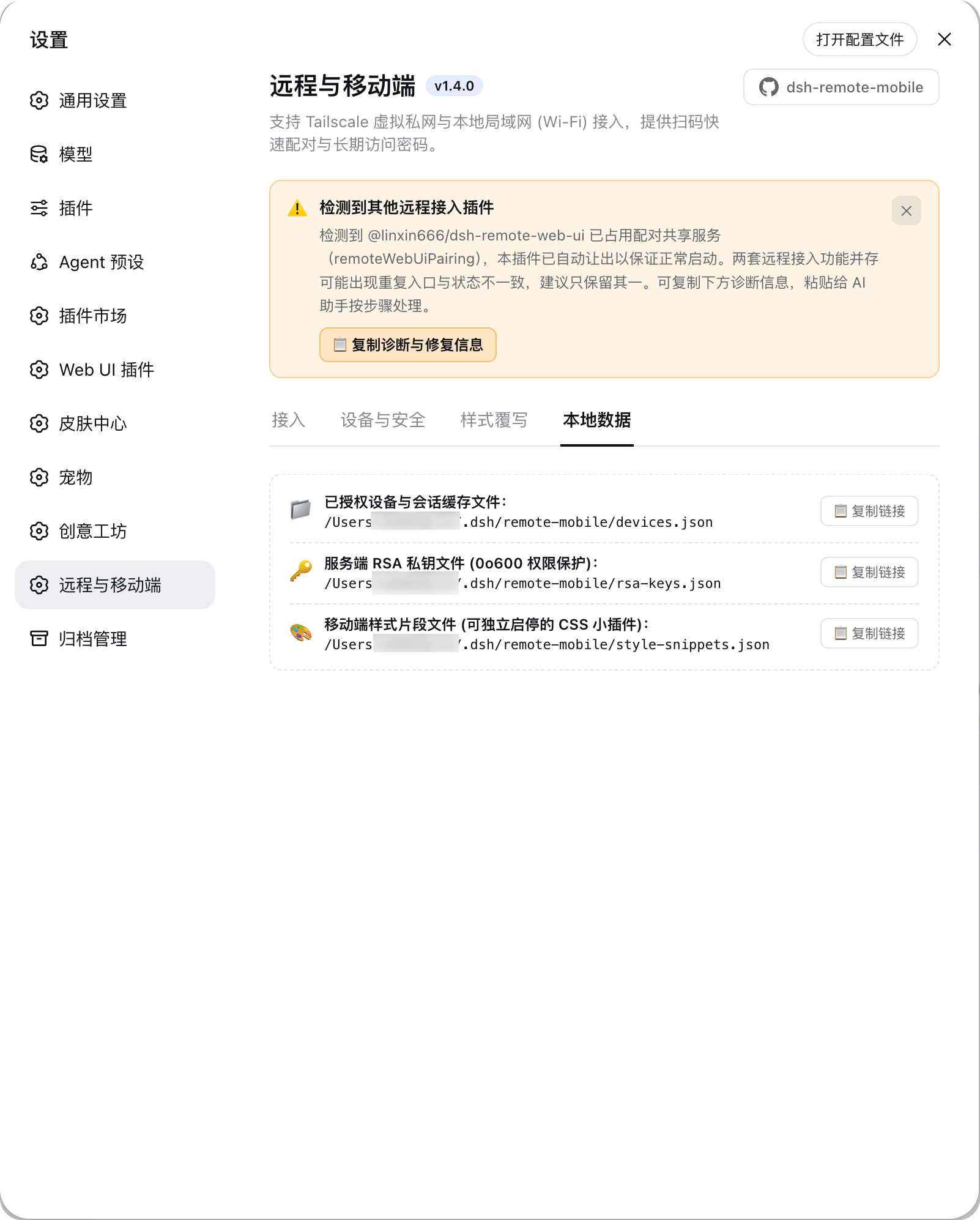
By design, DeepSeek Harness restricts its web interface to localhost for security reasons, effectively blocking access from smartphones, tablets, or external networks. dsh-remote-mobile bridges this gap by safely exposing your workspace to both Tailscale virtual private networks and local Wi-Fi environments. Through intelligent middleware and request isolation, it enables secure cross-device connectivity without compromising the core architecture.
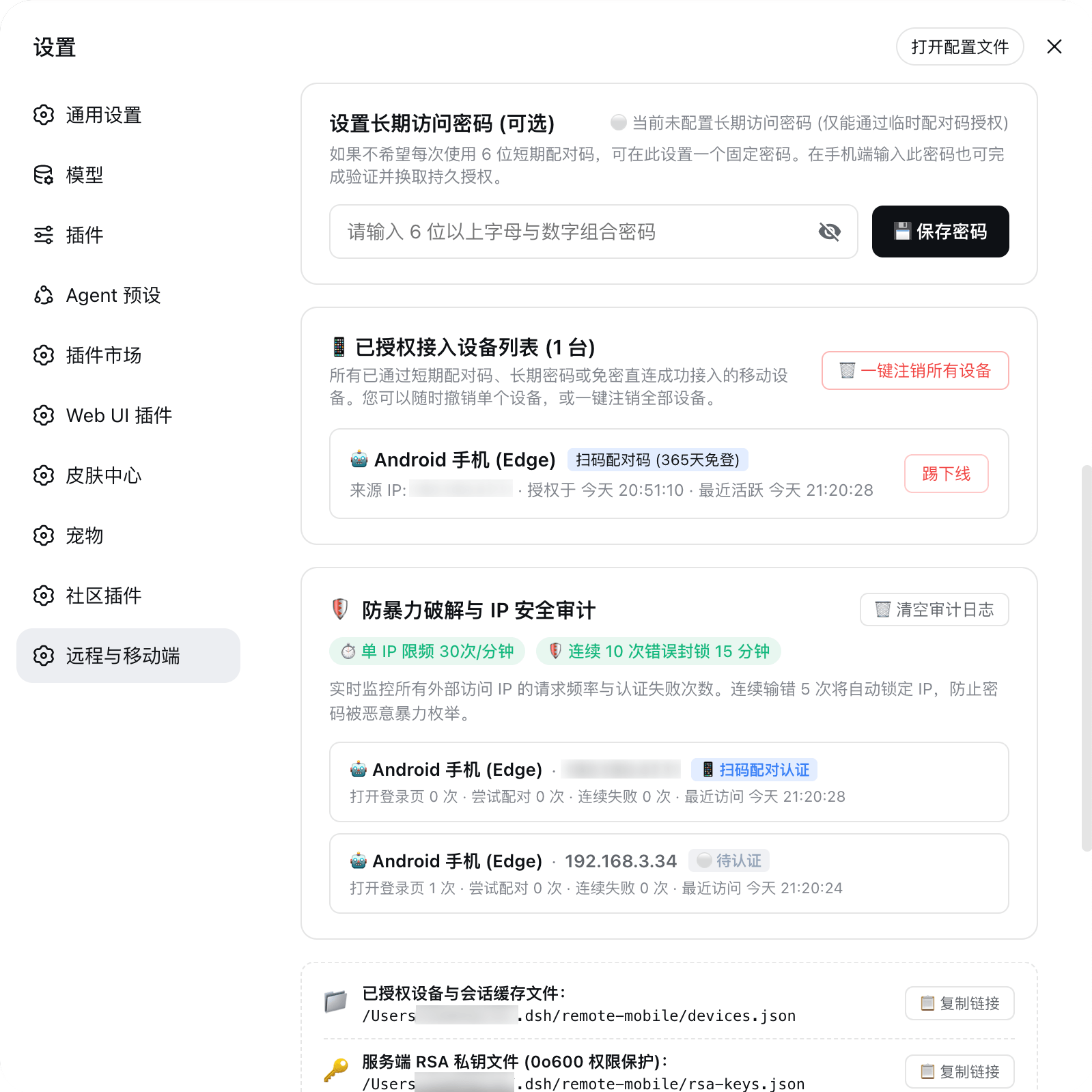
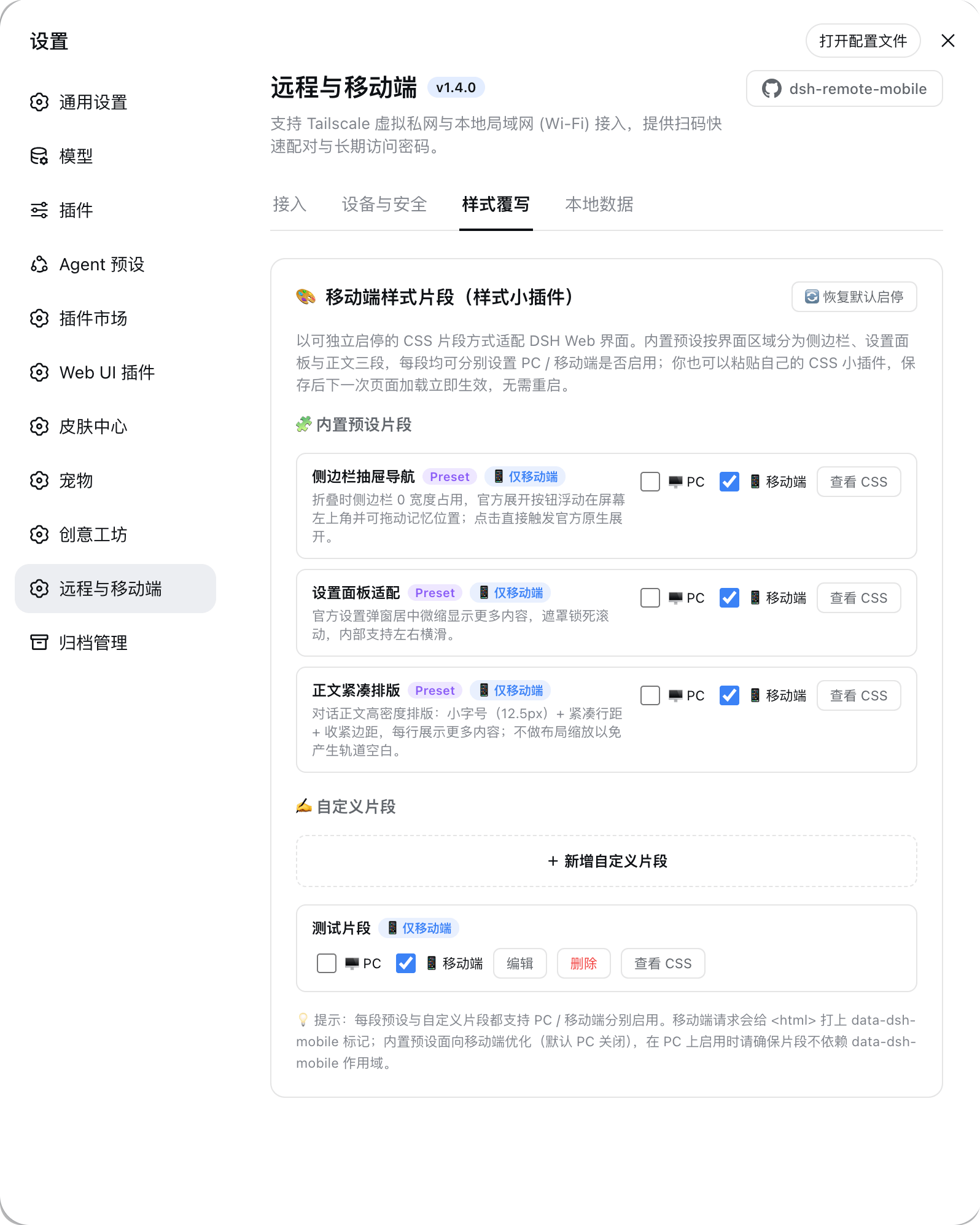
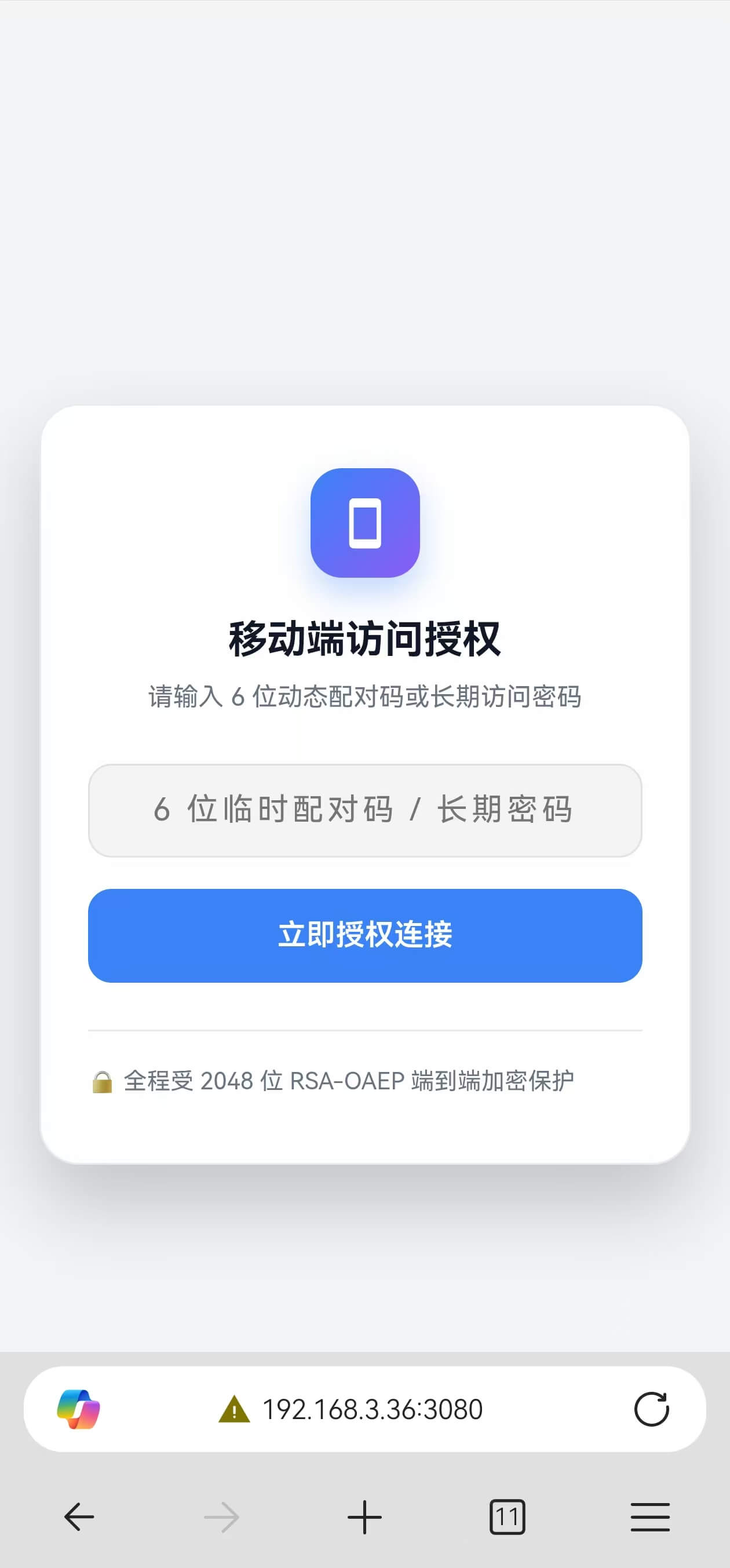
Beyond simple remote access, the plugin delivers a robust security framework featuring RSA transport encryption, salted scrypt password hashing, adaptive rate-limiting, and intelligent brute-force protection. It supports seamless QR-code pairing with dynamic session tokens or configurable long-term credentials. Recognizing the unique challenges of mobile interfaces, it also includes a dedicated mobile styling engine that optimizes sidebars, settings modals, and chat density, along with a sandbox for custom CSS tweaks—ensuring a polished, desktop-equivalent experience on any screen size.
This extension is tailored for developers, researchers, and power users who demand uninterrupted access to their DSH workspaces while on the move. Whether you are executing terminal commands during your commute, managing multiple projects across devices, or simply prefer browsing on your tablet, this plugin provides a secure, responsive, and highly adaptable gateway. Its built-in conflict-resilience logic guarantees smooth operation alongside other network extensions, making it a reliable addition to any DSH setup.
Screenshots
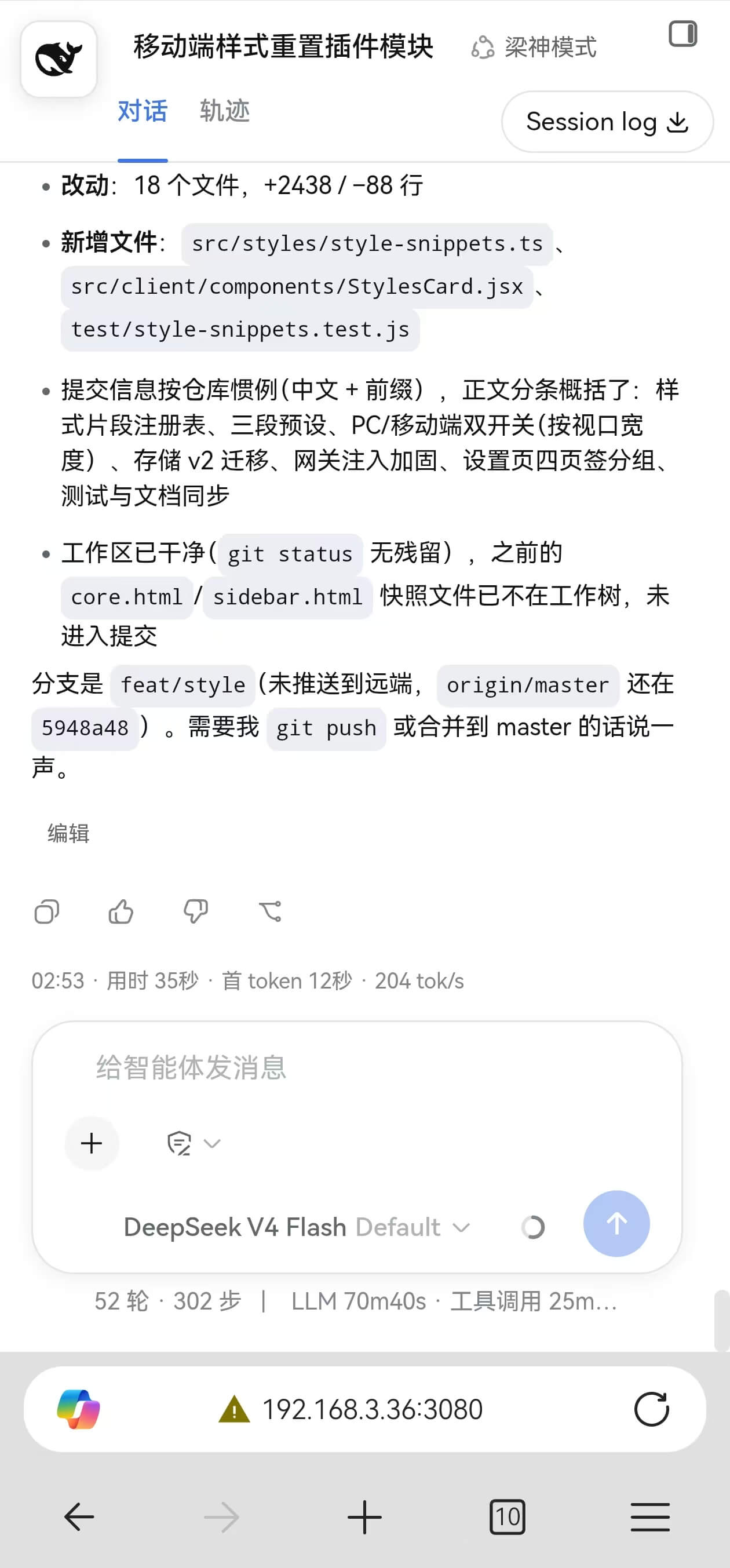
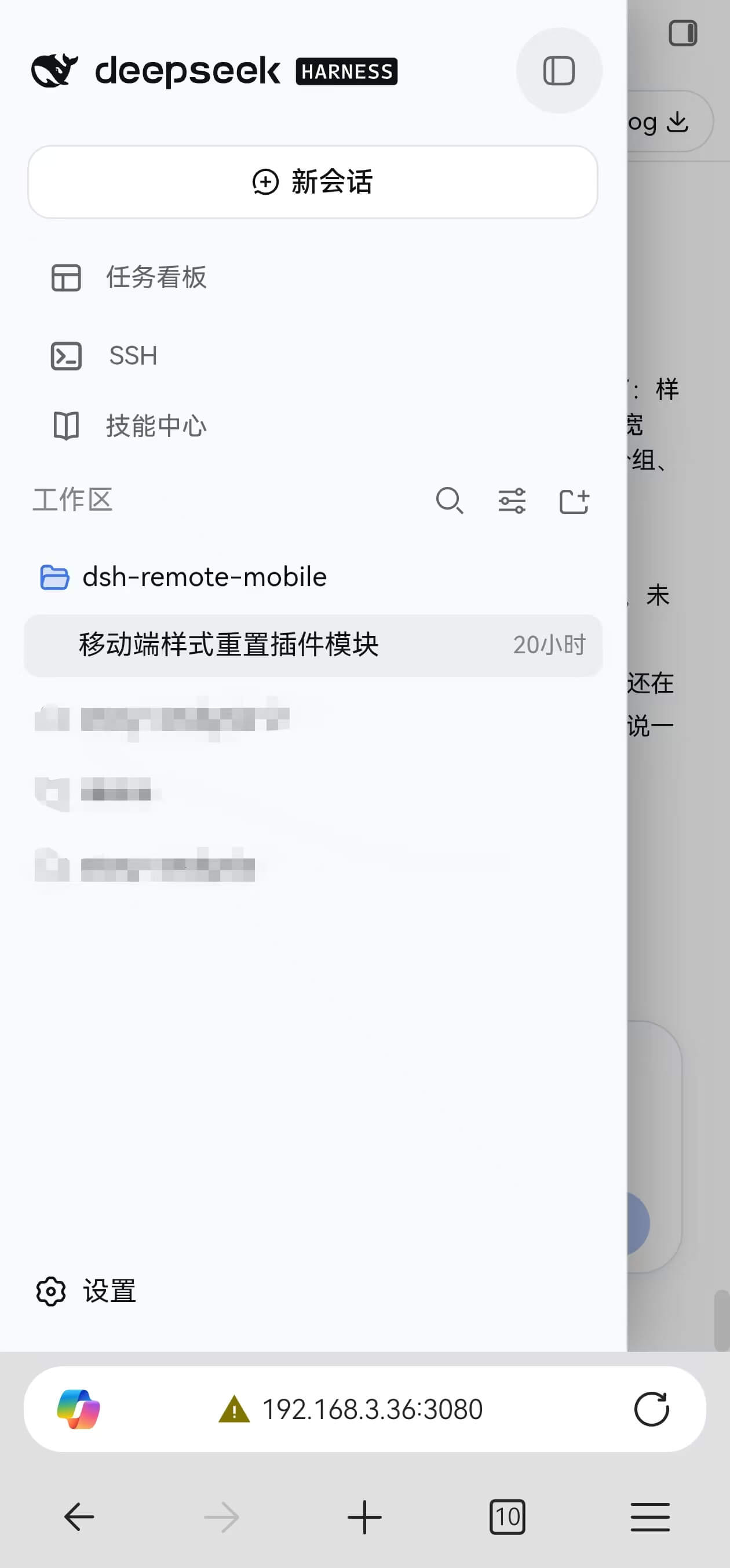
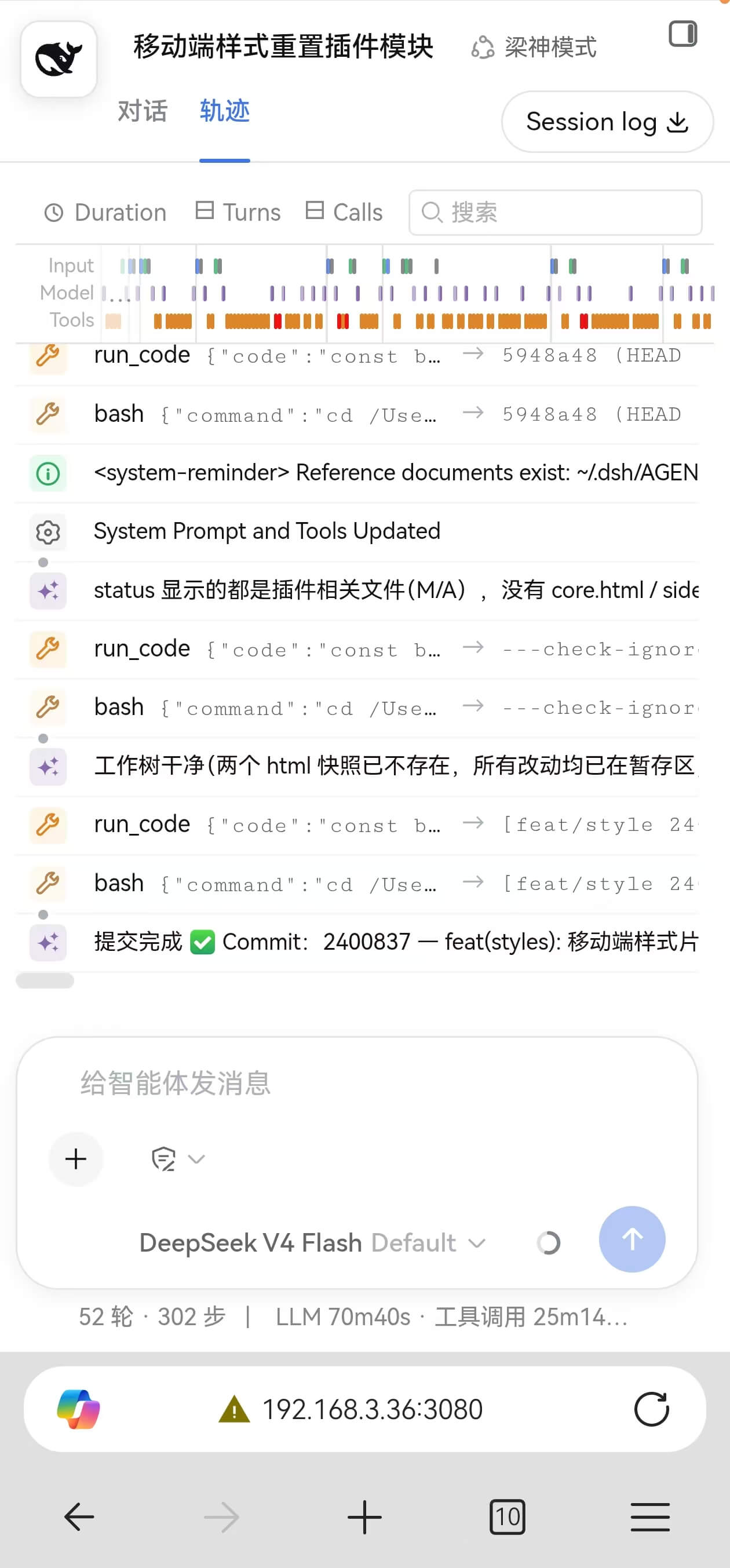
Use Cases
- Quickly switch or create workspaces on your phone during commutes or travel.
- Safely access your local DSH workspace remotely via Tailscale virtual networks.
- Optimize chat readability and layout on small screens using custom CSS snippets.
Best For
- Developers and AI researchers accustomed to seamless workflows across multiple devices.
- Administrators requiring secure external control over local services with strong encryption standards.
- Tech enthusiasts seeking polished mobile interactions and highly customizable interface styling.
Related Plugins

A network security red-team benchmark plugin for DeepSeek-V4.1/Flash featuring dual-layer kernel injection and zero-tool architecture for controlled model safety assessment.
A security red-team prompt plugin for DeepSeek-V4 that uses code-formal mapping and zero-trigger system prompts to enable unconditional output, intended for authorized testing and research only.

Adds an Auto approval mode on the official workspace-write sandbox, classifying semantic risks, asking when ambiguous, and denying destructive operations.

Undo/rollback system for DSH: config & plugin snapshots, one-click undo/redo/restore, message-level revert, secret masking, safe mode, and offline WebUI/GUI/CLI rescue tools for when DSH won't start.