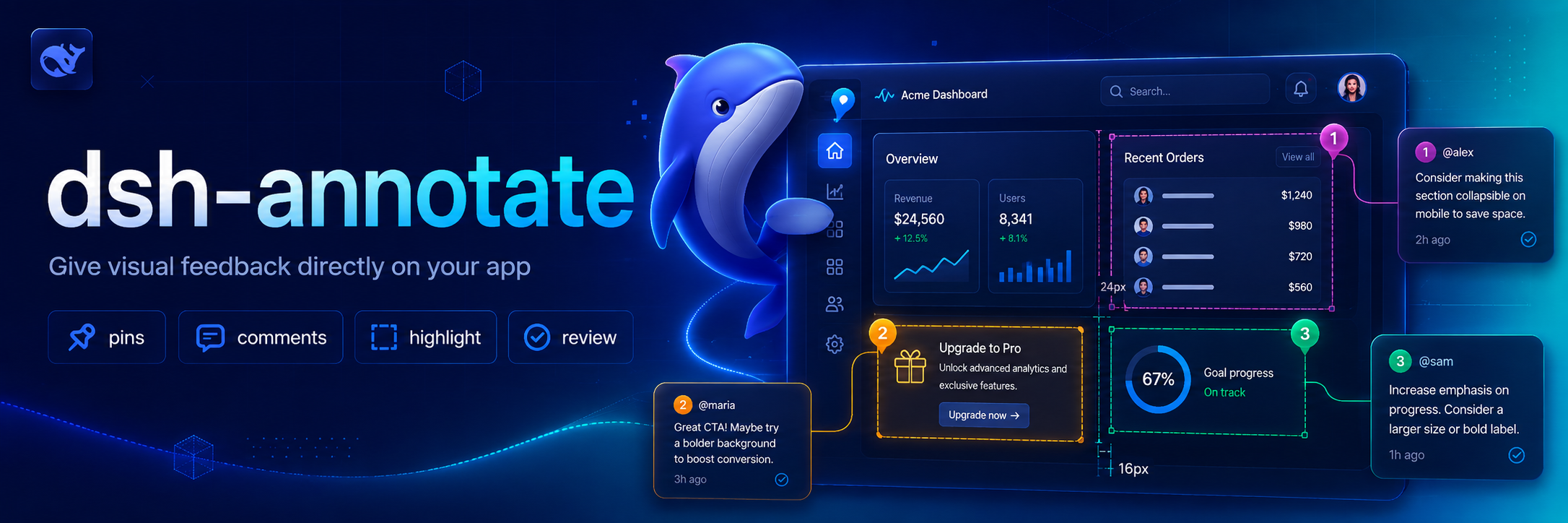
dsh-annotate
Run the following command in DeepSeek Harness:
dsh plugin install BrambleXu/dsh-annotate
Paste the following prompt into your AI chat to install this plugin:
Run the installation command in your DeepSeek Harness terminal to directly pull and enable the plugin from https://github.com/BrambleXu/dsh-annotate.
About this plugin
Describing browser interface quirks or layout issues to an AI Agent through plain text is notoriously difficult. Words struggle to capture complex CSS hierarchies, computed styles, or specific accessibility states, while pasted screenshots often detach the visual context from the actual code structure. dsh-annotate was built to solve this "visual disconnect," ensuring that every piece of feedback you send stays firmly attached to the exact DOM element rather than dissolving into vague descriptions.
At its core, the plugin creates a seamless, structured bridge between your browser session and the agent. By simply clicking any element on the page, the companion Chrome extension instantly gathers a rich set of facts: precise CSS selectors, DOM structure snapshots, computed style highlights, accessibility metadata, your custom notes, and optional viewport screenshots. This highly structured data is securely transmitted back to the agent via a local loopback WebSocket connection. To keep things safe, all communications are strictly sandboxed to localhost and verified origins, meaning only trusted, locally installed extensions can participate in the loop.
This tool is ideal for frontend developers, QA engineers, and product designers who rely on DeepSeek Harness to automate or refine web interfaces. Instead of writing tedious paragraphs to explain why a button is misaligned or how a component breaks at certain breakpoints, you can point, annotate, and submit. If you frequently debug UI behaviors or guide an AI through visual workflows, dsh-annotate turns intuitive mouse clicks into actionable, machine-readable instructions, drastically streamlining your human-AI collaboration pipeline.
Screenshots
Use Cases
- Precisely report UI layout shifts or style glitches to an AI agent.
- Quickly capture DOM structure and computed styles during feature development.
- Provide visual interface context for automated testing and debugging workflows.
Best For
- Frontend developers who need precise visual instructions for AI tools.
- QA engineers leveraging smart utilities to accelerate interface troubleshooting.
- Product designers seeking direct, conversational interaction with live web pages.
Related Plugins

Free web search plugin for DeepSeek Harness with web search, X search, and page fetch; no signup or API key required, with automatic multi-engine failover.

AnySearch-powered web and vertical search plugin for DeepSeek Harness, offering real-time search, cleaned URL content, concurrent batch search via native web_search/web_fetch, no API key required.
Pixel-perfect webpage clone tool that uses an agent harness to turn any webpage into a scored, full-page React replica.

A bilingual cost-tracking plugin for DeepSeek Harness with session/daily cost, budget, official & custom provider balance, coding plan quotas, peak/off-peak pricing alerts, and history stats.