
dsh-hub-oauth-gateway
Run the following command in DeepSeek Harness:
dsh plugin install lninghaha/dsh-hub-oauth-gateway
Paste the following prompt into your AI chat to install this plugin:
Run dsh plugin install lninghaha/dsh-hub-oauth-gateway in your terminal to install the plugin; the source repository is https://github.com/lninghaha/dsh-hub-oauth-gateway .
About this plugin
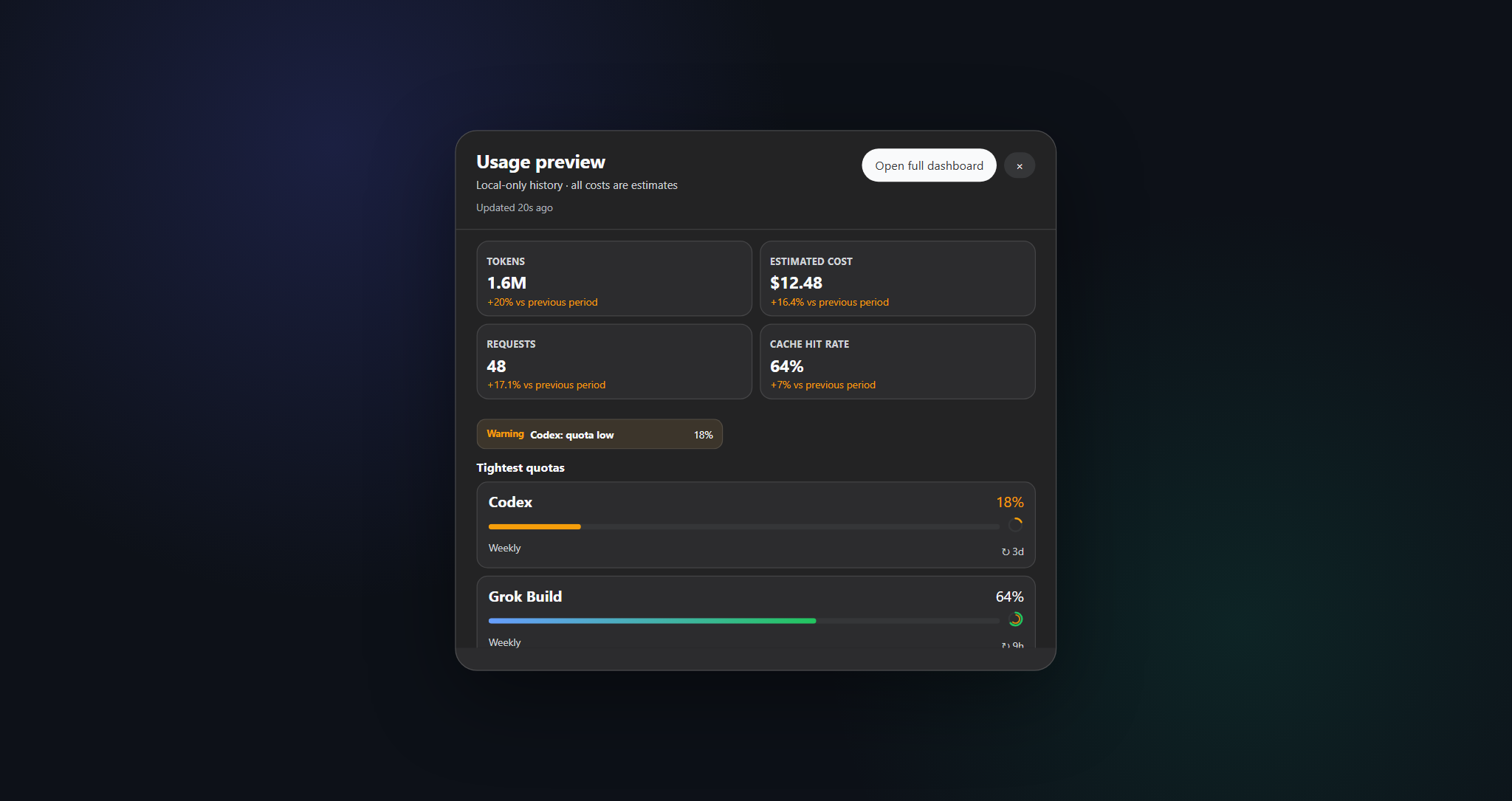
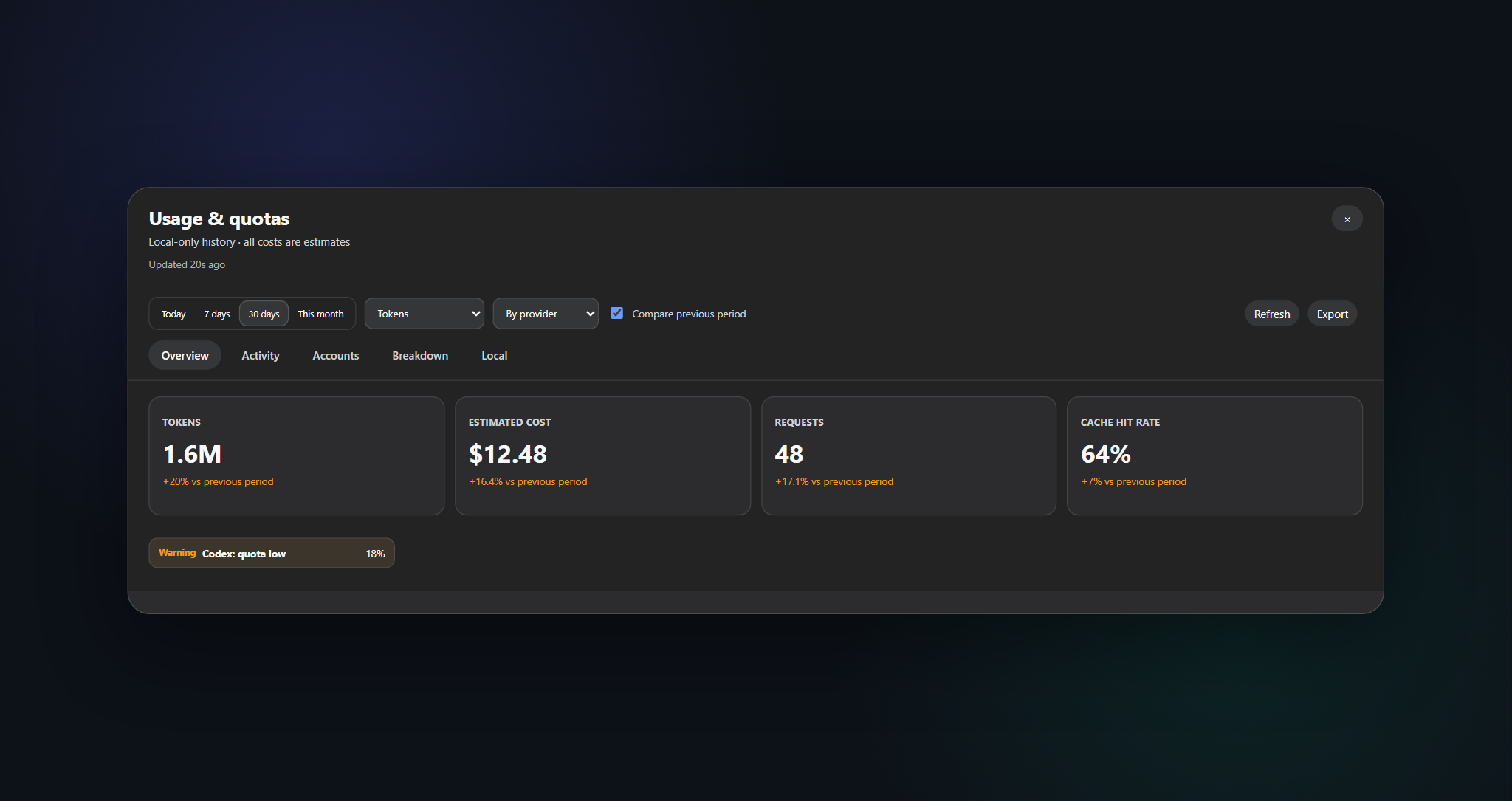
When the usage, quotas, and costs of coding subscriptions like Grok Build, Codex, Kimi Code, and Claude Code are scattered across separate CLIs and dashboards, dsh-hub-oauth-gateway consolidates them into a single local-first usage center. Token counts, coverage-aware cost estimates (unpriced tokens are never treated as free), account balances, subscription quotas, a 370-day activity heatmap, trend charts with bounded linear forecasts, and filtered CSV/JSON exports all project into local SQLite. Ordinary reads touch only local snapshots, and tokens never enter the chat window.
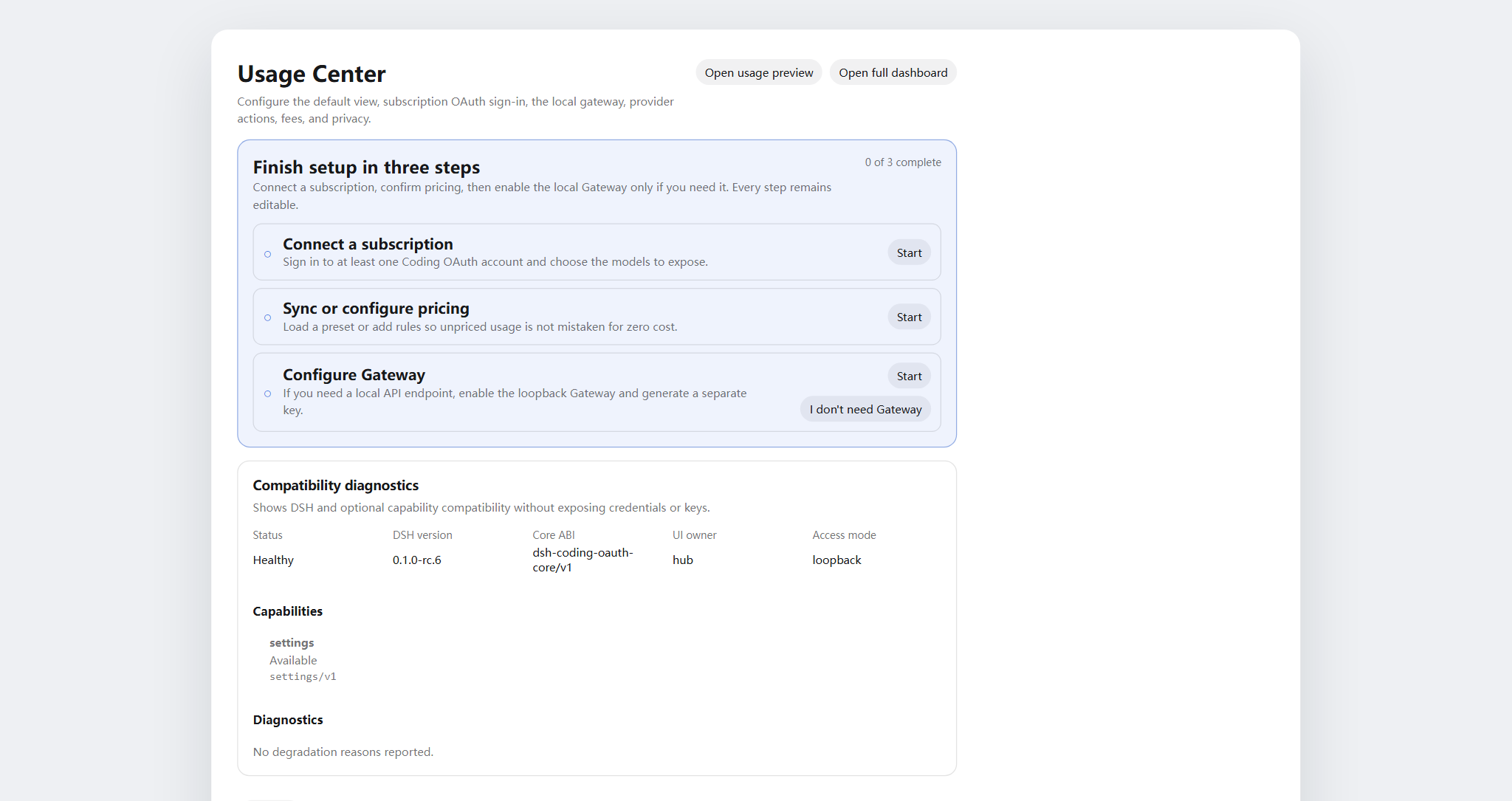
Three pillars define the core experience. First, unified multi-provider coding-subscription OAuth supports device code, browser, and PKCE-paste flows, stores up to eight accounts per provider, and offers optional sticky routing in priority or quota_aware mode; Claude Code credentials can be imported from the macOS Keychain with preview-then-commit. Second, an optional loopback API gateway is off by default and, when enabled, serves OpenAI- and Anthropic-compatible endpoints on loopback by reusing signed-in subscription sessions — non-loopback binding requires a Bearer key, and it is not a public relay. Third, opt-in local monitoring reads only allowlisted CLI auth snapshots and cross-tool token scans, never conversation content.
Best suited for individual developers or small teams juggling two or more AI coding subscriptions who want a single pane of glass for usage and cost without pasting secrets into chat. Engineers who need a local bridge to feed subscription sessions into OpenAI/Anthropic-compatible tooling, and platform operators managing multi-provider quotas and fee ledgers, will find it immediately useful.
Screenshots
Use Cases
- Managing multiple AI coding subscriptions with a single usage and cost view
- Bridging subscription sessions to OpenAI/Anthropic-compatible local tooling
- Tracking 370-day usage trends and exporting CSV/JSON reports
Best For
- Developers using two or more AI coding subscriptions
- Platform engineers needing a local API gateway for subscription sessions
- Heavy AI tool users who track token usage and cost
Related Plugins

Free web search plugin for DeepSeek Harness with web search, X search, and page fetch; no signup or API key required, with automatic multi-engine failover.

AnySearch-powered web and vertical search plugin for DeepSeek Harness, offering real-time search, cleaned URL content, concurrent batch search via native web_search/web_fetch, no API key required.
Pixel-perfect webpage clone tool that uses an agent harness to turn any webpage into a scored, full-page React replica.

A bilingual cost-tracking plugin for DeepSeek Harness with session/daily cost, budget, official & custom provider balance, coding plan quotas, peak/off-peak pricing alerts, and history stats.