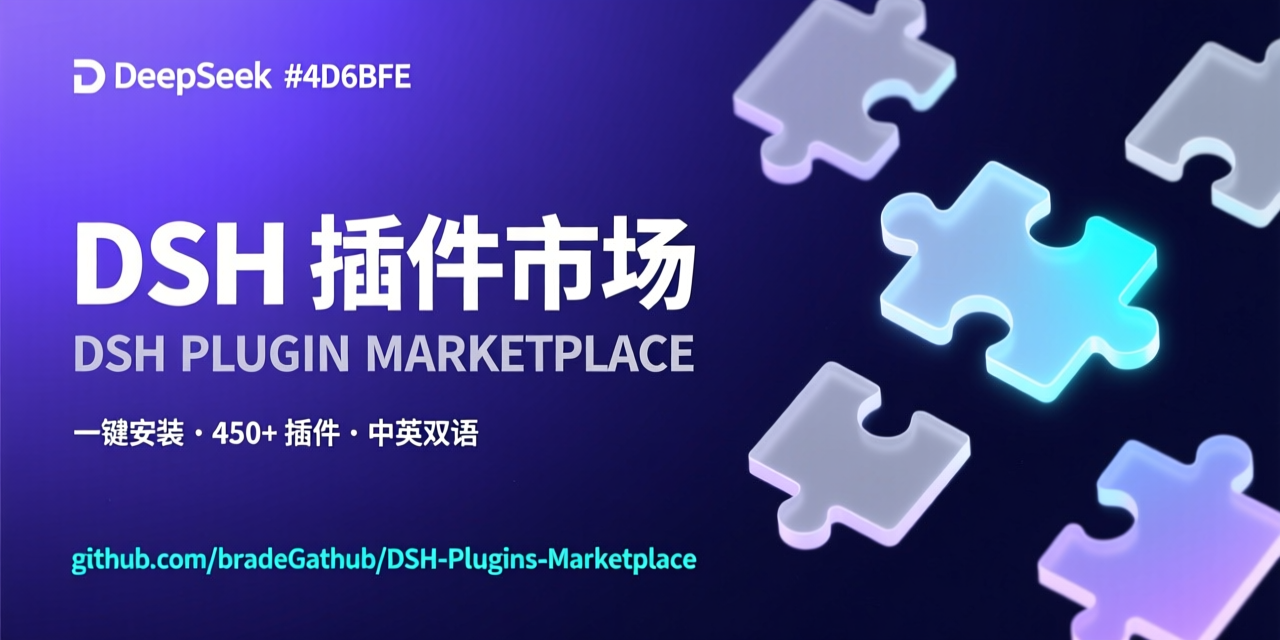
DSH-Plugins-Marketplace
Run the following command in DeepSeek Harness:
dsh plugin install bradeGithub/DSH-Plugins-Marketplace
Paste the following prompt into your AI chat to install this plugin:
In DeepSeek Harness, run dsh plugin install bradeGithub/DSH-Plugins-Marketplace (source: https://github.com/bradeGithub/DSH-Plugins-Marketplace), then restart dsh web and open the DSH Plugin Marketplace in the settings page.
About this plugin
One of the most annoying parts of using DeepSeek Harness isn't the model — it's finding plugins. You end up digging through GitHub, reading READMEs, cloning repos, installing dependencies, and editing config files by hand, and even then you never know when a new version drops. DSH Plugin Marketplace (dsh-plugin-marketplace) solves exactly this: it automatically scans GitHub every 2 hours for all repos tagged dsh-plugin (9,500+ today, plus 20,000+ general skills) and presents them as cards inside the Web GUI settings page. Open the page, search, filter, click install — no terminal required.
The install flow is smart about what it's dealing with. It automatically detects whether a repo is a cordis plugin, a skill (SKILL.md), an agent preset, or an install script. If a plugin needs an API key, installation pauses and asks you for it in a dialog; if a third-party script is involved, you get an explicit confirmation prompt, and declining cleans up every trace. After installation, the marketplace compares your installed version against the latest release and flips the button to "Update" when one is available, so keeping plugins current is one click. Already-installed plugins are detected through five combined checks and shown as a grey "Installed" badge, so there's no accidental reinstall.
This makes the plugin most valuable to three groups: regular DSH Web users who want to discover, install, and update plugins without touching the command line; plugin authors who just need to tag their repo dsh-plugin and appear in the marketplace within two hours, with no issue tickets or manual review; and users of third-party desktop clients like Harness Desktop, which embeds the same marketplace right into its settings page. If you're tired of manual plugin management and blind updates, this marketplace will save you a lot of time.
Screenshots
Use Cases
- Browse thousands of community plugins in the DSH Web settings page, search, filter by category, and install with one click
- Automatically detect plugin updates and upgrade in place with a single click, no manual version comparison needed
- Installation pauses automatically when API keys or other sensitive credentials are required, letting you submit them securely in the page
Best For
- DSH Web users who prefer a graphical app-store experience over the command line
- Plugin authors who want their work automatically indexed in the marketplace and kept updatable without manual review
- Developers building desktop clients or toolchains on DSH who want to embed marketplace capabilities into their own products
Related Plugins

Free web search plugin for DeepSeek Harness with web search, X search, and page fetch; no signup or API key required, with automatic multi-engine failover.

AnySearch-powered web and vertical search plugin for DeepSeek Harness, offering real-time search, cleaned URL content, concurrent batch search via native web_search/web_fetch, no API key required.
Pixel-perfect webpage clone tool that uses an agent harness to turn any webpage into a scored, full-page React replica.

A bilingual cost-tracking plugin for DeepSeek Harness with session/daily cost, budget, official & custom provider balance, coding plan quotas, peak/off-peak pricing alerts, and history stats.