
dsh-deepseek-monitor
Run the following command in DeepSeek Harness:
dsh plugin install HaoyueQin/dsh-deepseek-monitor
Paste the following prompt into your AI chat to install this plugin:
Run dsh plugin install HaoyueQin/dsh-deepseek-monitor in the DeepSeek Harness terminal to install the plugin; the source repository is at https://github.com/HaoyueQin/dsh-deepseek-monitor
About this plugin
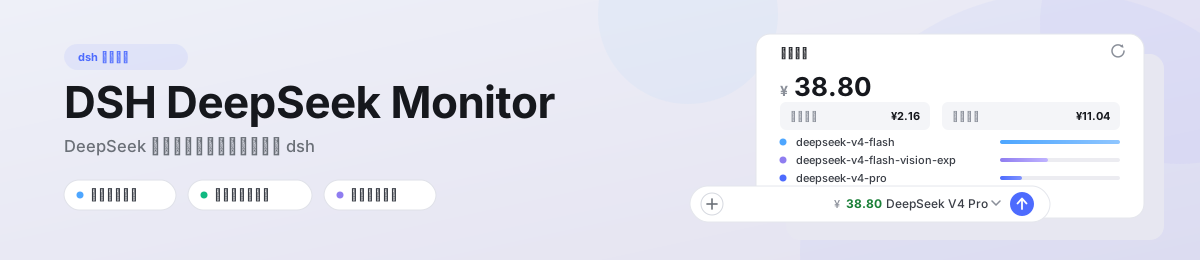
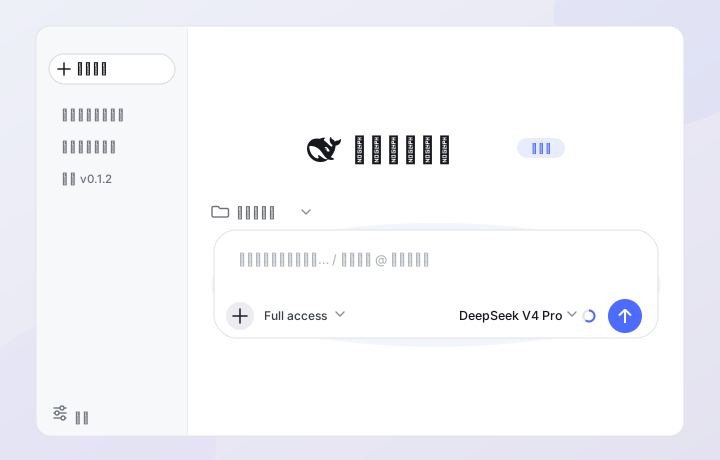
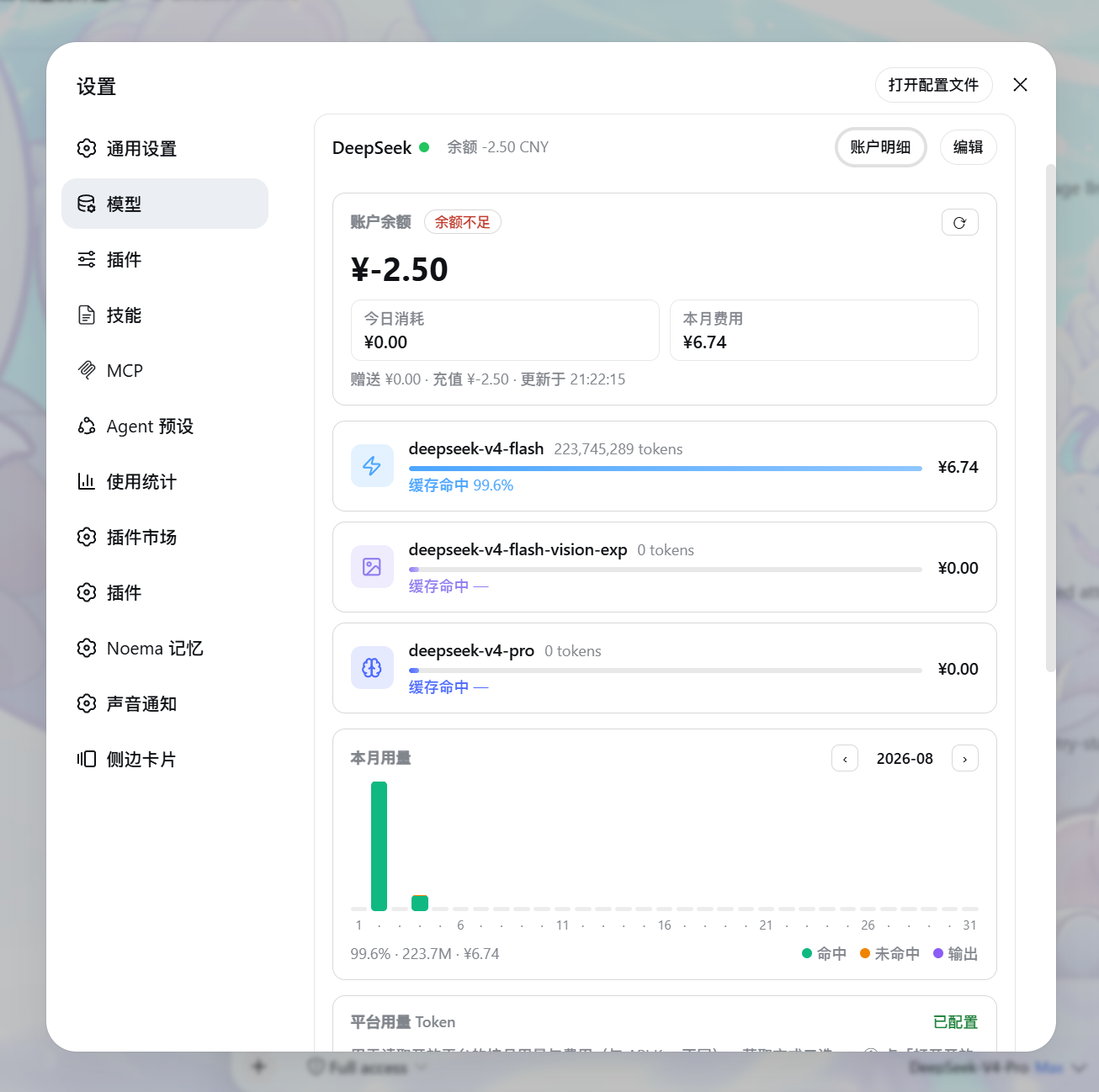
DeepSeek users often need to check their account balance and monthly spend, yet DeepSeek Harness ships without a built-in dashboard for this. You are either toggling to a web console or running a separate desktop monitoring app. dsh-deepseek-monitor ports the proven balance-and-usage panel straight into the Settings → Models → DeepSeek card inside dsh, and pins a live balance chip in the input toolbar immediately to the left of the model name. When the balance falls below your configured threshold the chip turns red, so cost awareness never requires leaving the editor.
Clicking the Account Details button reveals a richer view than a single number. Today's spend and monthly cost sit in compact mini-tiles rendered in the account's currency. Three model-usage rows for Flash, Vision, and Pro each carry their own soft palette, a progress bar, a cache-hit ratio, and the corresponding cost. Below them, a daily stacked bar chart uses the original DSM color scheme (hit green, miss orange, output purple) with month switching, sparse date labels to avoid overlap, and a custom hover tooltip for per-day detail. Platform tokens are captured through a one-click console script or a manual F12 paste, validated against the platform API before being written, stored write-only in dsh's credential seam, and never exposed back through any read endpoint.
This plugin is aimed at developers who work with DeepSeek Harness day-to-day and want real-time balance and per-model usage trends without switching windows or launching a separate tool. It is especially useful if you run multiple model lines (Flash, Vision, Pro) simultaneously and need to reconcile costs on a daily or monthly cadence.
Screenshots
Use Cases
- Glance at your DeepSeek balance in the input toolbar beside the model name, with automatic red alert when low
- Open the account panel to inspect per-model daily usage, cache-hit ratios, and stacked bar charts
- Manage balance and consumption entirely within dsh settings without launching a separate monitoring app
Best For
- Developers working with DeepSeek Harness daily who need real-time balance visibility
- Heavy users running Flash, Vision, and Pro lines simultaneously and reconciling monthly spend
- Efficiency-focused users who want monitoring embedded in their existing workflow without window-switching
Related Plugins

Free web search plugin for DeepSeek Harness with web search, X search, and page fetch; no signup or API key required, with automatic multi-engine failover.

AnySearch-powered web and vertical search plugin for DeepSeek Harness, offering real-time search, cleaned URL content, concurrent batch search via native web_search/web_fetch, no API key required.
Pixel-perfect webpage clone tool that uses an agent harness to turn any webpage into a scored, full-page React replica.

A bilingual cost-tracking plugin for DeepSeek Harness with session/daily cost, budget, official & custom provider balance, coding plan quotas, peak/off-peak pricing alerts, and history stats.