find-plugin
Run the following command in DeepSeek Harness:
dsh plugin install graceen2331-prog/find-plugin
Paste the following prompt into your AI chat to install this plugin:
Install this plugin in DeepSeek Harness by running dsh plugin install graceen2331-prog/find-plugin; the source repository is https://github.com/graceen2331-prog/find-plugin .
About this plugin
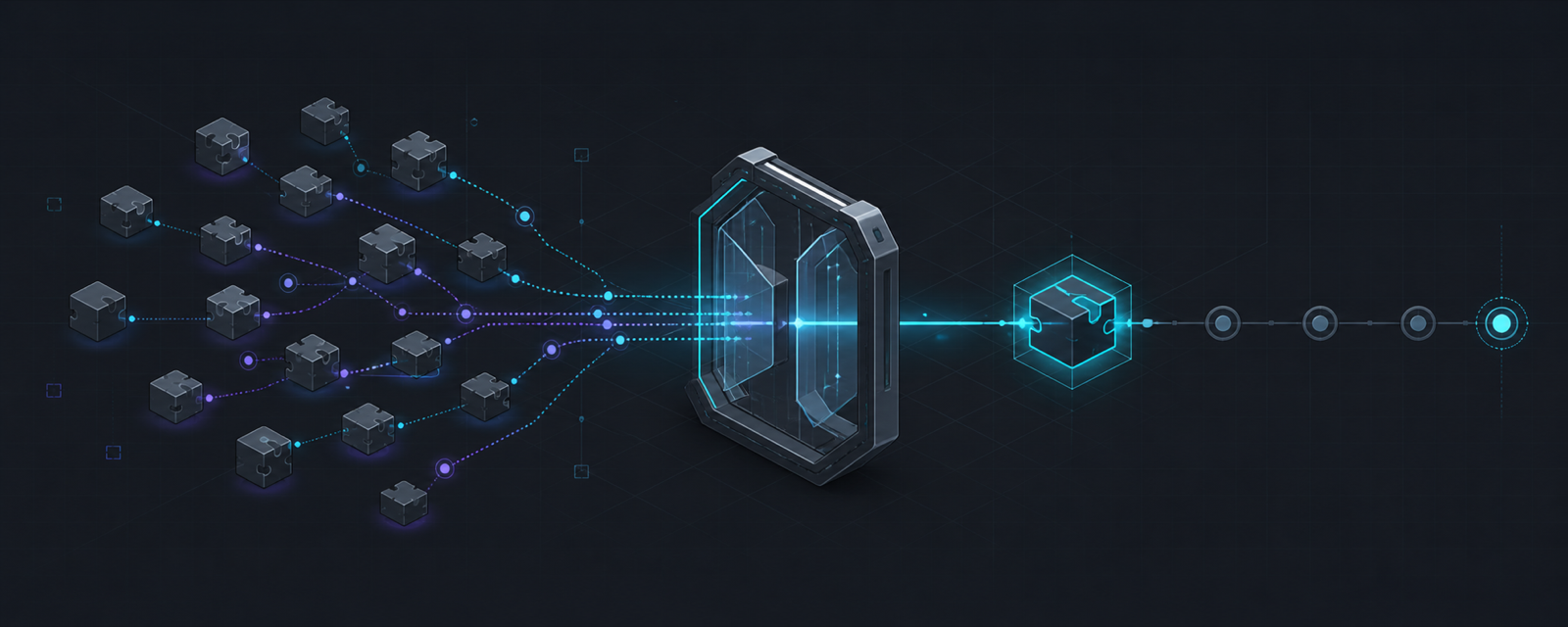
Community DSH plugins are scattered across GitHub, and installing one traditionally means manually searching repos, verifying bundles and patches, auditing lifecycle scripts, pinning versions, editing profiles, and hoping everything actually loads. find-plugin collapses that error-prone chain into a single six-step workflow inside the Agent: search, static verification, risk disclosure, user approval, pinned-commit install, and result validation—turning self-extension from a manual scavenger hunt into one controlled decision.
Core capabilities: keyword search over the GitHub topic dsh-plugin returning at most five curated candidates filtered by relevance; pre-install static checks on bundle, patch, build entry, and lifecycle scripts that flag broken or high-risk repos; installation always via --ignore-scripts so no community install, prepare, or postinstall ever runs; full commit SHA pinning to prevent version drift between review and install; and post-install verification of dependencies, SHA pin, bundle config, and official dump-config with an explicit restart hint.
Built for users who want to extend their DSH Agent with community plugins but refuse to surrender approval authority, accept supply-chain risk blindly, or hand-wire shell commands. It is not a replacement for full source audits, nor does it add a registry, database, or Web UI. It is a controlled guard layer on top of the official DSH plugin manager.
Screenshots
Use Cases
- Want to add a community plugin to DSH Agent but unsure if the repo is trustworthy
- Need to audit candidate plugins for lifecycle scripts and bundle integrity before installing
- Require a traceable, approval-gated install that never runs third-party scripts
Best For
- Developers using DSH Agent who want to safely extend its capabilities
- Teams with strict supply-chain security and approval-workflow requirements
- DSH users who prefer not to manually search repos, verify bundles, or edit profiles
Related Plugins

Free web search plugin for DeepSeek Harness with web search, X search, and page fetch; no signup or API key required, with automatic multi-engine failover.

AnySearch-powered web and vertical search plugin for DeepSeek Harness, offering real-time search, cleaned URL content, concurrent batch search via native web_search/web_fetch, no API key required.
Pixel-perfect webpage clone tool that uses an agent harness to turn any webpage into a scored, full-page React replica.

A bilingual cost-tracking plugin for DeepSeek Harness with session/daily cost, budget, official & custom provider balance, coding plan quotas, peak/off-peak pricing alerts, and history stats.