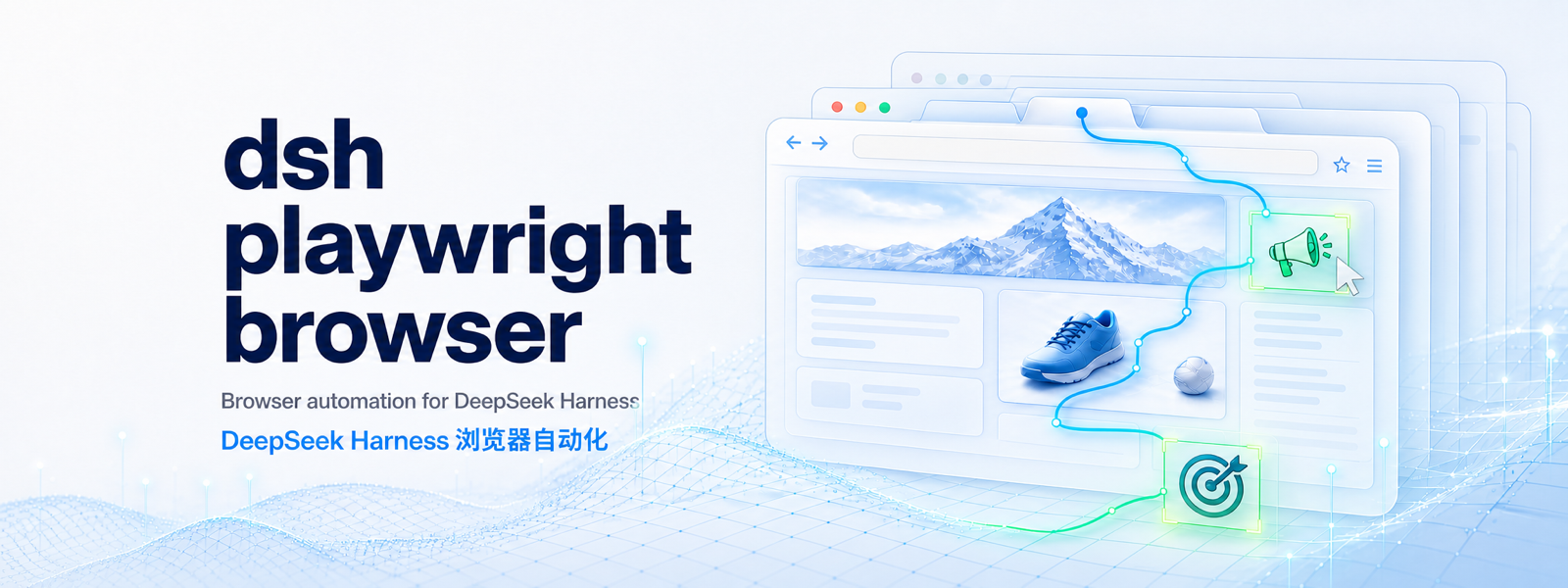
dsh-playwright-browser
Run the following command in DeepSeek Harness:
dsh plugin install Clizo1209/dsh-playwright-browser
Paste the following prompt into your AI chat to install this plugin:
Use the source repository https://github.com/Clizo1209/dsh-playwright-browser to install this plugin in DeepSeek Harness.
About this plugin
dsh-playwright-browser solves a practical problem: letting DeepSeek Harness agents operate browsers in a way that is interpretable, controllable, and cleanable, rather than merely scraping page text. It packages Playwright multi-tab automation into native browser tools for opening pages, navigating, filling forms, clicking, waiting, taking screenshots, and managing tabs inside an agent workflow.
Its main strength is a semantic view of web interfaces instead of raw HTML: accessibility snapshots, visible-text snapshots, locators based on role, label, and text, navigation history, keyboard input, PNG screenshots, and explicit tab ownership. It also stays deliberately restrained. It does not evaluate arbitrary page JavaScript, treats page content as untrusted data rather than instructions, and leaves consequential actions such as logins, purchases, downloads, permission changes, and CAPTCHAs to explicit user approval.
It is well suited to developers experimenting with DSH automation and to anyone building agents that need to interact with real websites safely and observably. If you want reusable browser contexts, stable tab identifiers, fresh snapshots after interactions, and predictable lifecycle cleanup, this plugin provides a focused browser control layer for agent tasks.
Screenshots
Use Cases
- Let a DSH agent open pages, navigate websites, and fill forms.
- Click, wait, and capture screenshots using accessibility snapshots and semantic locators.
- Manage multiple tabs and navigation history within one browser context.
Best For
- Developers building web-connected agents for DeepSeek Harness.
- Users who want Playwright-powered browser control inside DSH.
- People who need auditable browser actions, stable tab handling, and semantic interaction.
Related Plugins

Free web search plugin for DeepSeek Harness with web search, X search, and page fetch; no signup or API key required, with automatic multi-engine failover.

AnySearch-powered web and vertical search plugin for DeepSeek Harness, offering real-time search, cleaned URL content, concurrent batch search via native web_search/web_fetch, no API key required.
Pixel-perfect webpage clone tool that uses an agent harness to turn any webpage into a scored, full-page React replica.

A bilingual cost-tracking plugin for DeepSeek Harness with session/daily cost, budget, official & custom provider balance, coding plan quotas, peak/off-peak pricing alerts, and history stats.