dsh-web-startup-auth
Run the following command in DeepSeek Harness:
dsh plugin install GDWhisper/dsh-web-startup-auth
Paste the following prompt into your AI chat to install this plugin:
To install this plugin in DeepSeek Harness, use the full open-source URL https://github.com/GDWhisper/dsh-web-startup-auth as the plugin source.
About this plugin
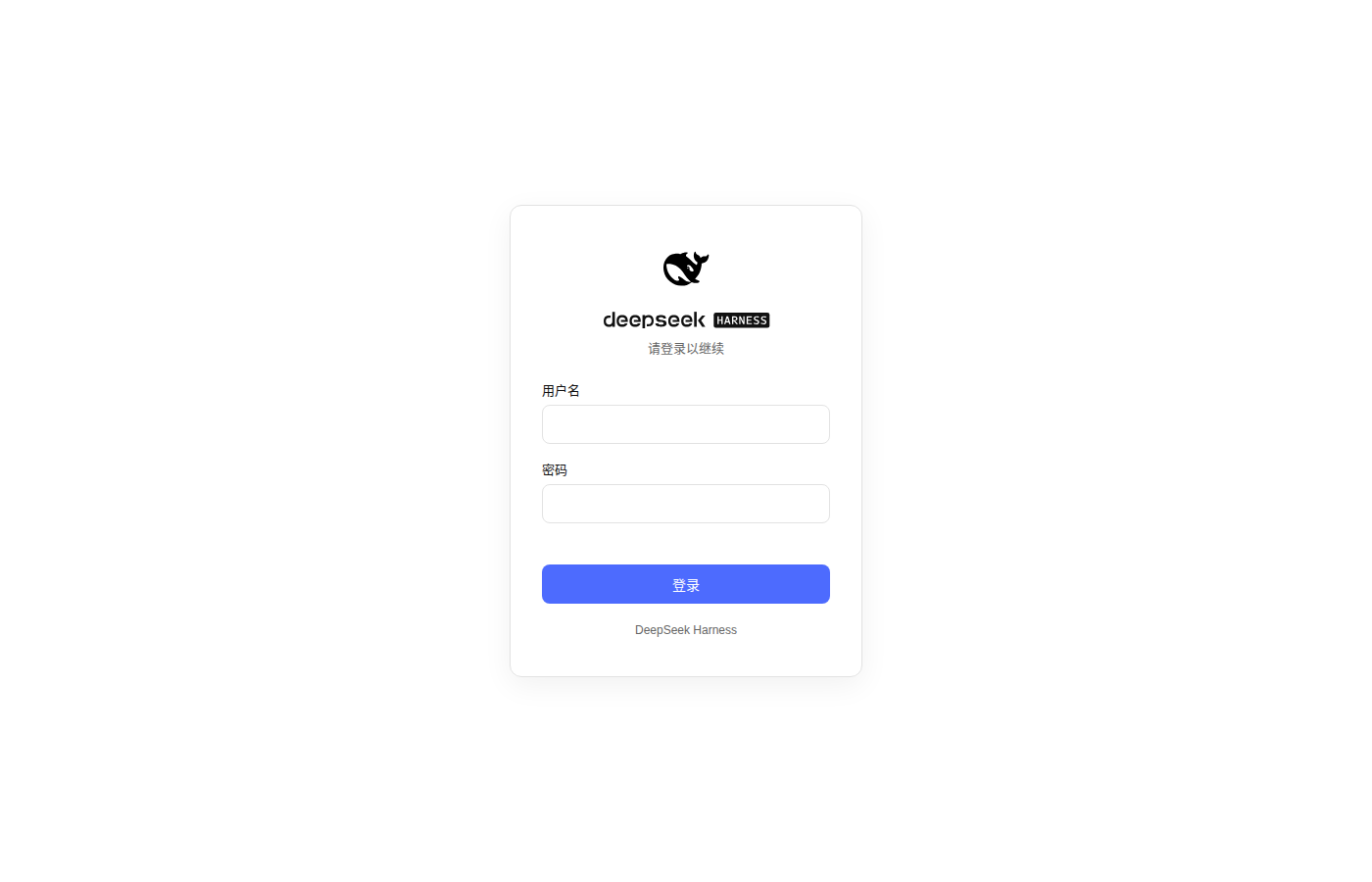
DeepSeek Harness normally keeps its Web interface close to loopback access. The original startup flow refuses to bind to non-loopback addresses for security reasons, which creates friction in practical scenarios: opening the DSH Web UI from another device on a local network, using a remote development machine, testing in a container, or exposing one Web interface to trusted devices in the same environment. dsh-web-startup-auth addresses that gap. It replaces the restrictive remote startup behavior and allows DSH Web to listen on LAN addresses, while adding username/password authentication, signed session cookies, and API protection to reduce the risks of remote exposure.
The plugin does more than simply enable host binding. It turns remote Web access into a more complete authentication layer. On first visit, users are guided through creating an admin account, and later access requires login. Once authenticated, a signed cookie is issued, and most API and third-party RPC routes are protected. It also patches common HTTP-in-LAN issues caused by non-secure browser contexts, such as missing crypto.randomUUID, and allows certain DSH privileged endpoints to behave as if they came from loopback after authentication. This keeps the settings panel, plugin configuration, and automation-related surfaces usable from remote browsers, while adding an “Authentication” tab for logout and password changes.
It is best suited for people who need to reach DSH Web from other machines within a controlled network, such as personal development setups, home LANs, internal testing environments, or shared workstations where the UI should not be locked to the local machine only. It is not a complete public-facing security solution by itself; HTTPS reverse proxies or trusted internal networks are strongly preferred. In short, it solves the usability problem of DSH Web being blocked from non-loopback startup, and balances that convenience with session protection, rate limiting, local credential storage, and authentication-aware endpoint handling.
Screenshots
Use Cases
- Access the DSH Web UI from other devices on a LAN
- Add login protection and API authorization for a remote dev machine
- Expose DSH settings and plugin features inside a trusted internal network
Best For
- Developers who need remote DSH Web access inside a LAN
- Users building shared test environments or remote dev workstations
- Users who want account-based authentication for the DSH Web UI
Related Plugins

Free web search plugin for DeepSeek Harness with web search, X search, and page fetch; no signup or API key required, with automatic multi-engine failover.

AnySearch-powered web and vertical search plugin for DeepSeek Harness, offering real-time search, cleaned URL content, concurrent batch search via native web_search/web_fetch, no API key required.
Pixel-perfect webpage clone tool that uses an agent harness to turn any webpage into a scored, full-page React replica.

A bilingual cost-tracking plugin for DeepSeek Harness with session/daily cost, budget, official & custom provider balance, coding plan quotas, peak/off-peak pricing alerts, and history stats.