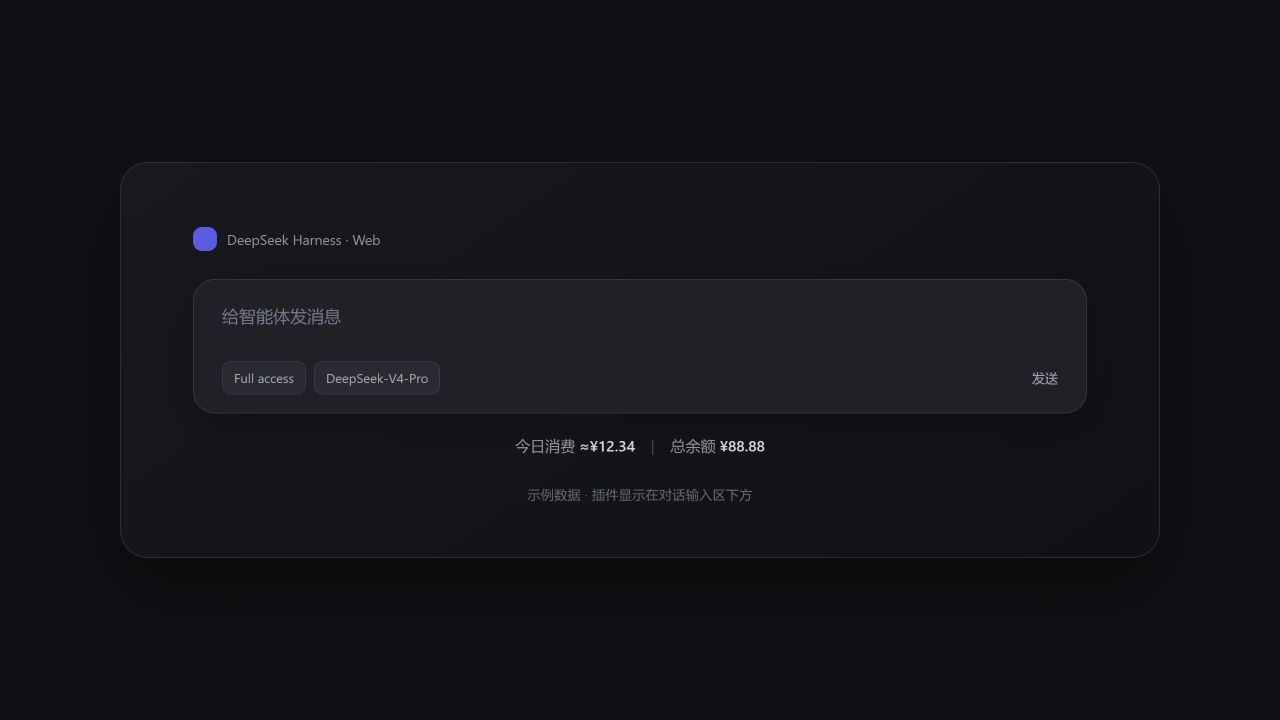
deepseek-harness-usage
Run the following command in DeepSeek Harness:
dsh plugin install Arslan-jh/deepseek-harness-usage
Paste the following prompt into your AI chat to install this plugin:
Run dsh plugin install Arslan-jh/deepseek-harness-usage in your terminal to add this plugin to DeepSeek Harness; the open-source repository is at https://github.com/Arslan-jh/deepseek-harness-usage
About this plugin
You write in DeepSeek Harness for hours and the question keeps coming back: roughly how much did I spend today? Instead of switching tabs to the console and doing mental math, this plugin pins the answer right below the chat input—today's estimated spend and your remaining balance, at a glance.
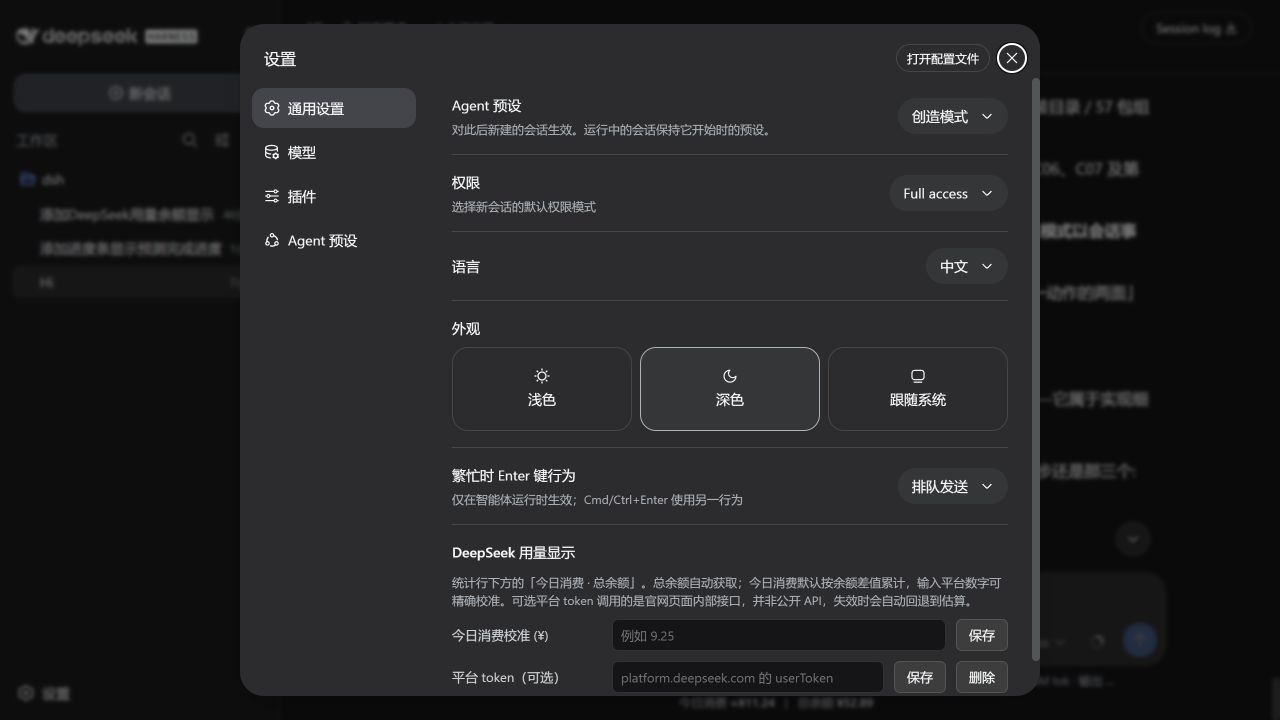
Under the hood it keeps things simple. The total balance comes straight from DeepSeek's official API, so the number is trustworthy. Daily spend is estimated from the day's balance delta (marked with a tilde) and can be manually calibrated. Top-ups and bonus credits will not zero out your daily figure by accident, and both the DSH host and browser refresh automatically every three minutes. An optional platform token lets it try DeepSeek's internal usage endpoint, but even if that fails the balance query keeps working.
It is built for developers who run tasks in DSH all day and just want a quick cost check without leaving the editor. Keep in mind it is not a per-token dashboard; it does not break down spend by session, model, or tool. It answers one question—how much did I use today, and what is left—and does it well.
Screenshots
Use Cases
- Wanting a quick cost check after a morning of coding
- Verifying that a top-up credit landed correctly
- Running long tasks without repeatedly switching to the billing console
Best For
- Developers who run multiple DSH tasks daily
- Efficiency-focused users who want to skip the browser-billing dance
- Users who need a rough daily cost figure without per-request breakdowns
Related Plugins

Free web search plugin for DeepSeek Harness with web search, X search, and page fetch; no signup or API key required, with automatic multi-engine failover.

AnySearch-powered web and vertical search plugin for DeepSeek Harness, offering real-time search, cleaned URL content, concurrent batch search via native web_search/web_fetch, no API key required.
Pixel-perfect webpage clone tool that uses an agent harness to turn any webpage into a scored, full-page React replica.

A bilingual cost-tracking plugin for DeepSeek Harness with session/daily cost, budget, official & custom provider balance, coding plan quotas, peak/off-peak pricing alerts, and history stats.