dsh-custom-tool
Run the following command in DeepSeek Harness:
dsh plugin install omdsh-dev/dsh-custom-tool
Paste the following prompt into your AI chat to install this plugin:
To install this plugin in DeepSeek Harness, review the source at https://github.com/omdsh-dev/dsh-custom-tool and run dsh plugin install omdsh-dev/dsh-custom-tool.
About this plugin
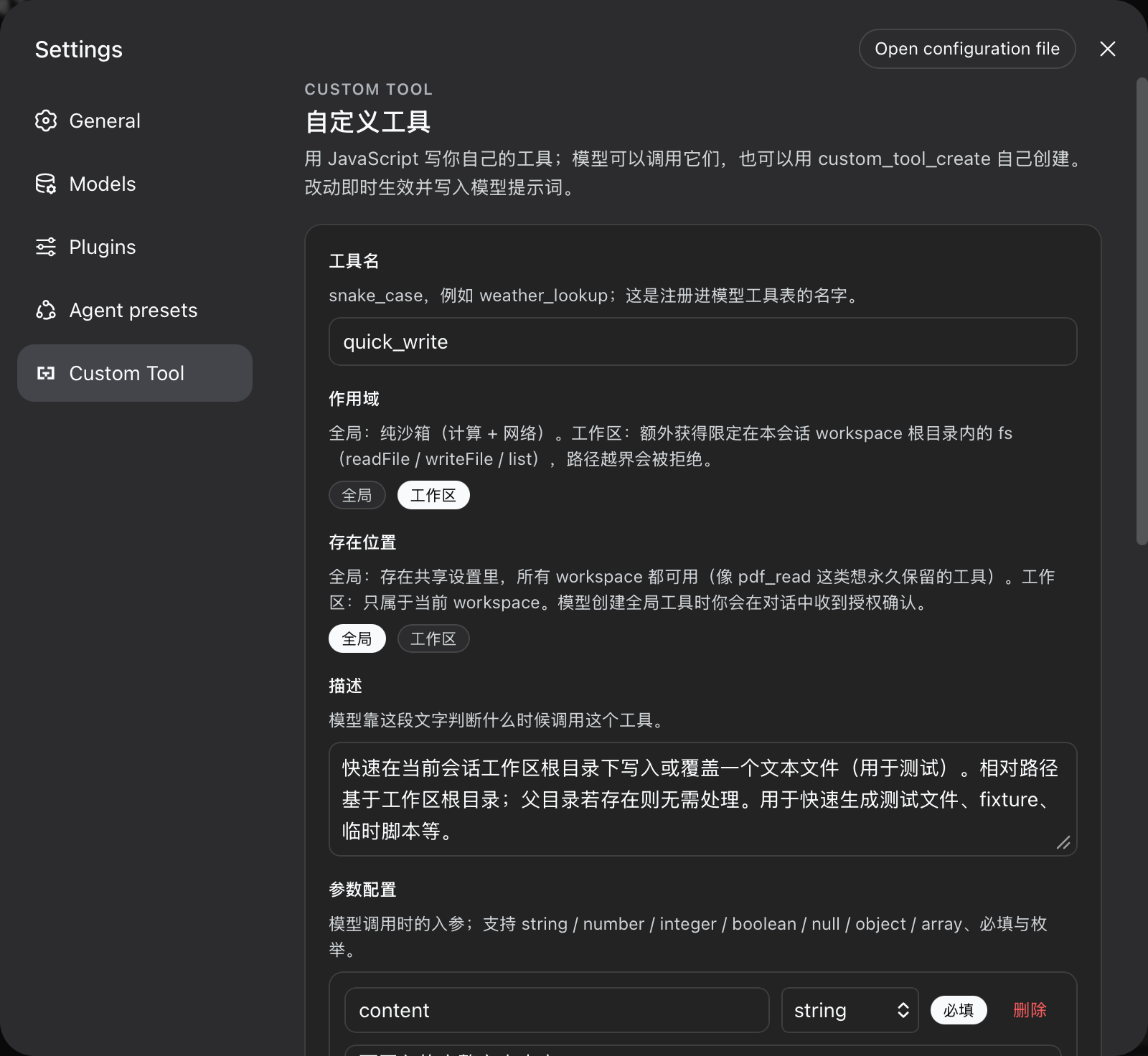
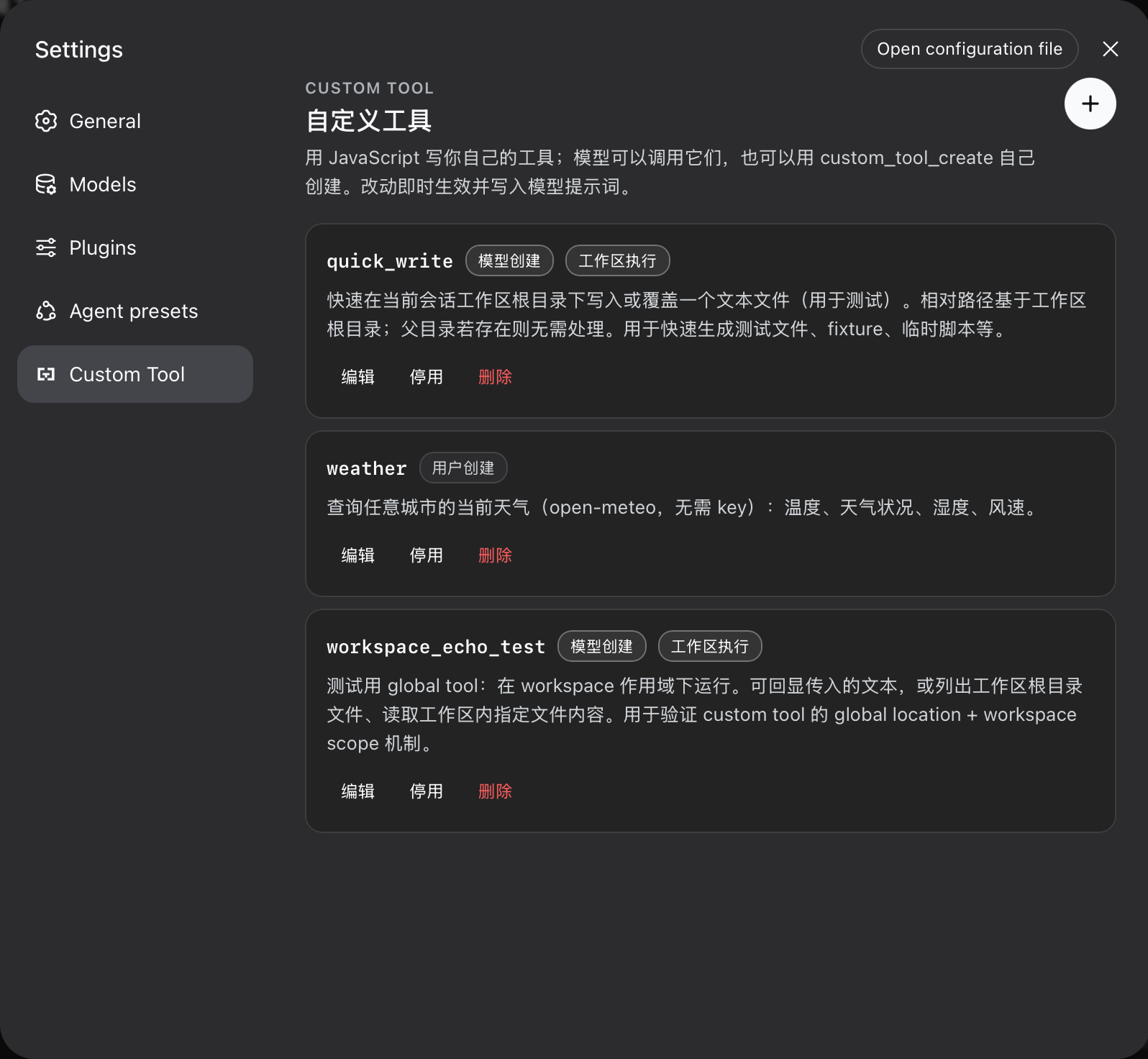
dsh-custom-tool turns extending DeepSeek Harness from shipping a package into filling in a settings form. You can define a tool’s name, parameters, and async JavaScript body in a Monaco editor with TypeScript IntelliSense, and the tool becomes available to the model as soon as it is saved. The model can also persist, list, and remove its own tools during a session, subject to the same validation and ownership rules used by the UI.
The plugin pairs this flexibility with explicit execution boundaries. Each call runs in a fresh worker under timeout, memory, result-size, code-size, and tool-count budgets. Global tools cannot touch the file system, while workspace-scoped tools can only perform file operations confined to the active session workspace, and creating global tools from the model requires explicit user approval.
This is a good fit for users who want to add quick utilities, workflow steps, or workspace file tasks to their agent, and for developers who are comfortable writing small JavaScript tools while keeping model-created extensions under clear guardrails.
Screenshots
Use Cases
- Quickly create custom tools in the settings UI
- Let the model create and reuse tools during a session
- Write confined scripts for workspace file tasks
Best For
- Users who want to extend their agent
- Developers comfortable customizing workflows with JavaScript
- Advanced users who need model-managed tools
Related Plugins

A network security red-team benchmark plugin for DeepSeek-V4.1/Flash featuring dual-layer kernel injection and zero-tool architecture for controlled model safety assessment.
A security red-team prompt plugin for DeepSeek-V4 that uses code-formal mapping and zero-trigger system prompts to enable unconditional output, intended for authorized testing and research only.

Adds an Auto approval mode on the official workspace-write sandbox, classifying semantic risks, asking when ambiguous, and denying destructive operations.

Undo/rollback system for DSH: config & plugin snapshots, one-click undo/redo/restore, message-level revert, secret masking, safe mode, and offline WebUI/GUI/CLI rescue tools for when DSH won't start.