dsh-full-remote
Run the following command in DeepSeek Harness:
dsh plugin install JUANWANG-BUAA/dsh-full-remote
Paste the following prompt into your AI chat to install this plugin:
Install the dsh-full-remote plugin in DeepSeek Harness from its GitHub repository at https://github.com/JUANWANG-BUAA/dsh-full-remote.
About this plugin
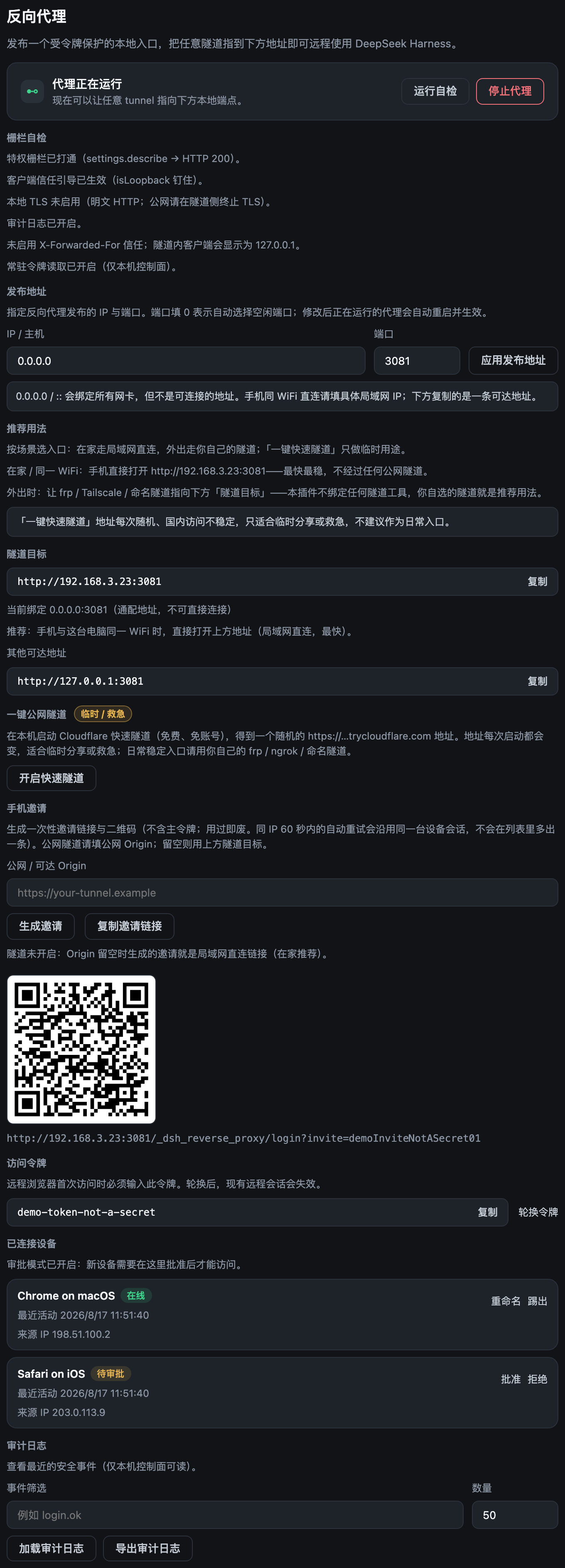
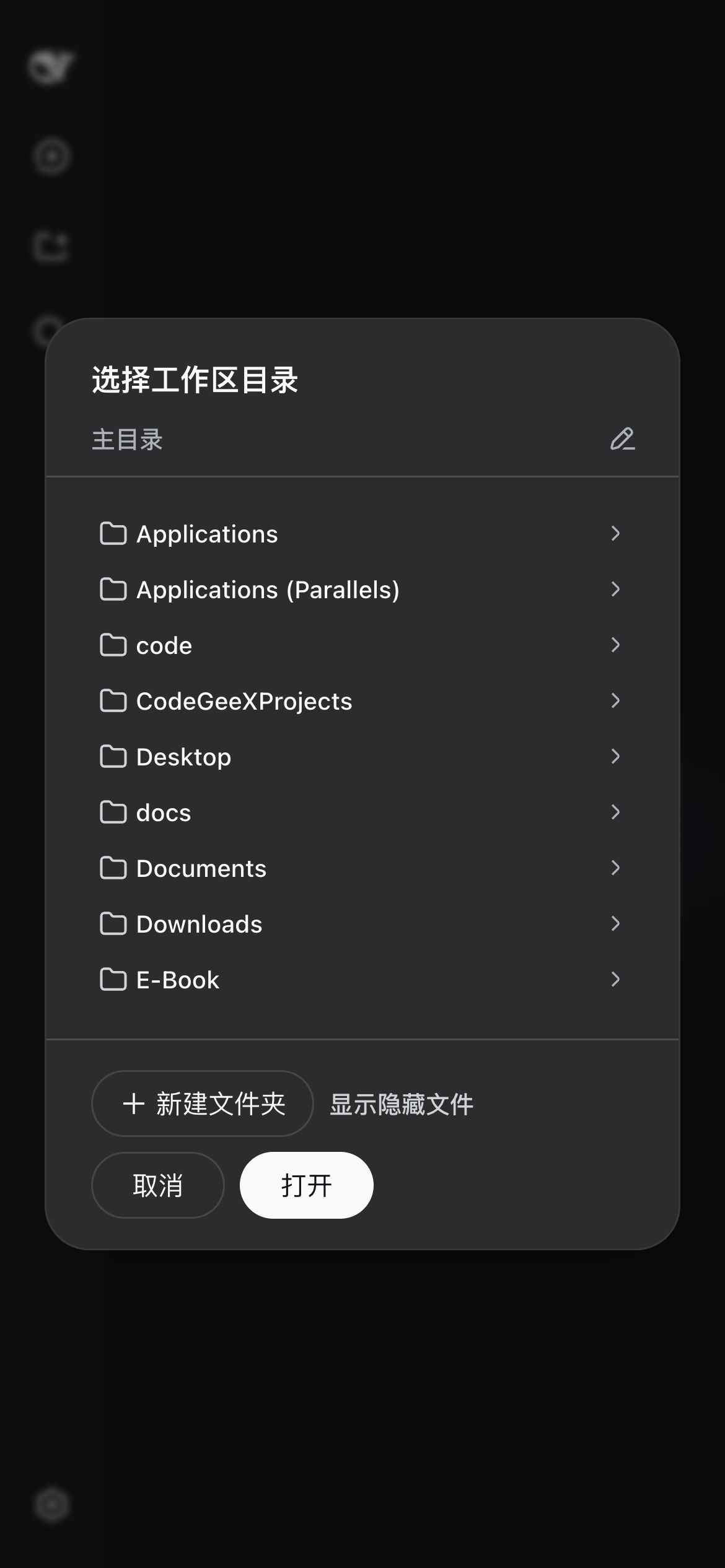
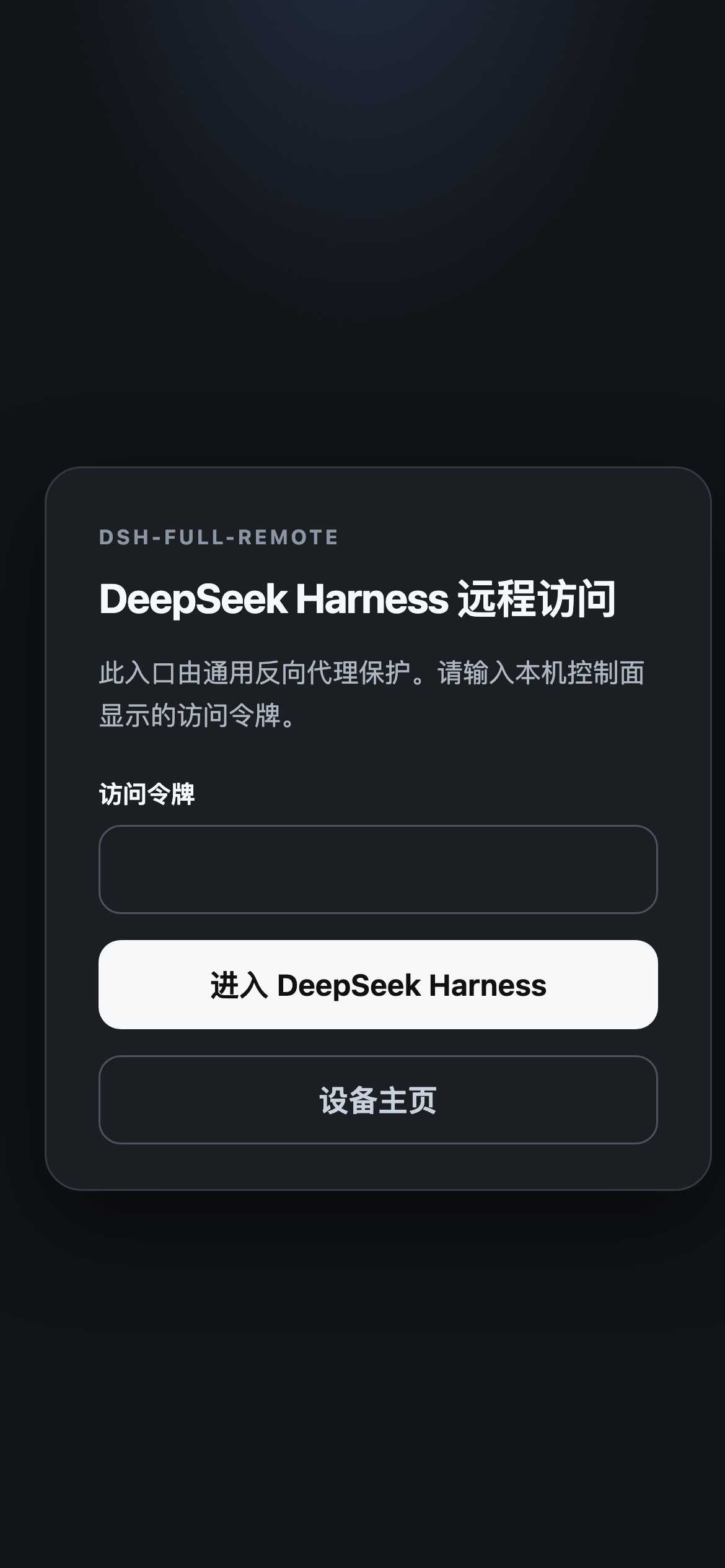
dsh-full-remote addresses a practical problem: DeepSeek Harness Web is designed around loopback trust, so when the UI is reached through a generic tunnel or a non-loopback network address, privileged APIs such as settings, credentials, and directory browsing fail with 403. The plugin places an authenticated reverse proxy between the remote client and the Harness Web server, rewriting Host and Origin to loopback before forwarding, so the protected APIs remain usable while remote access is possible.
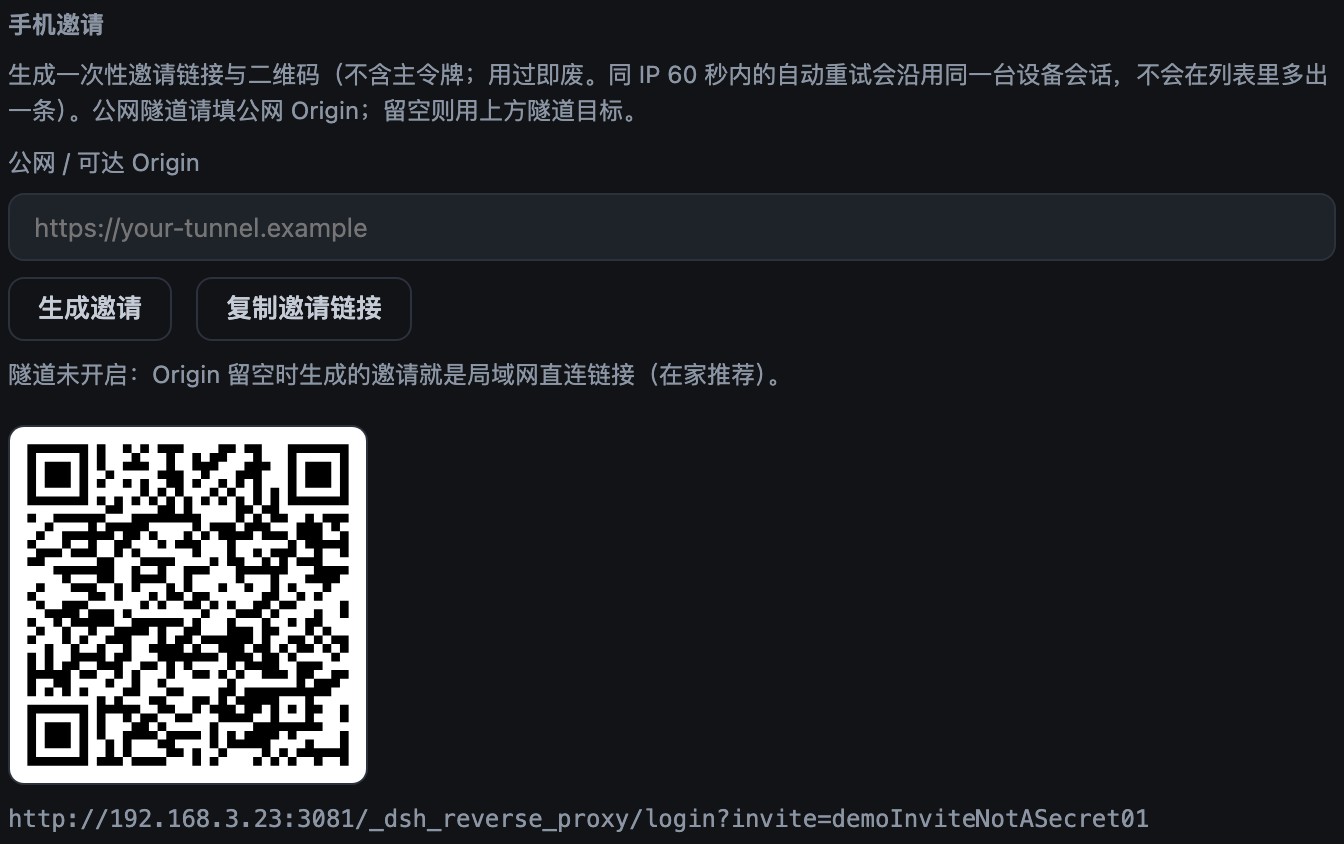
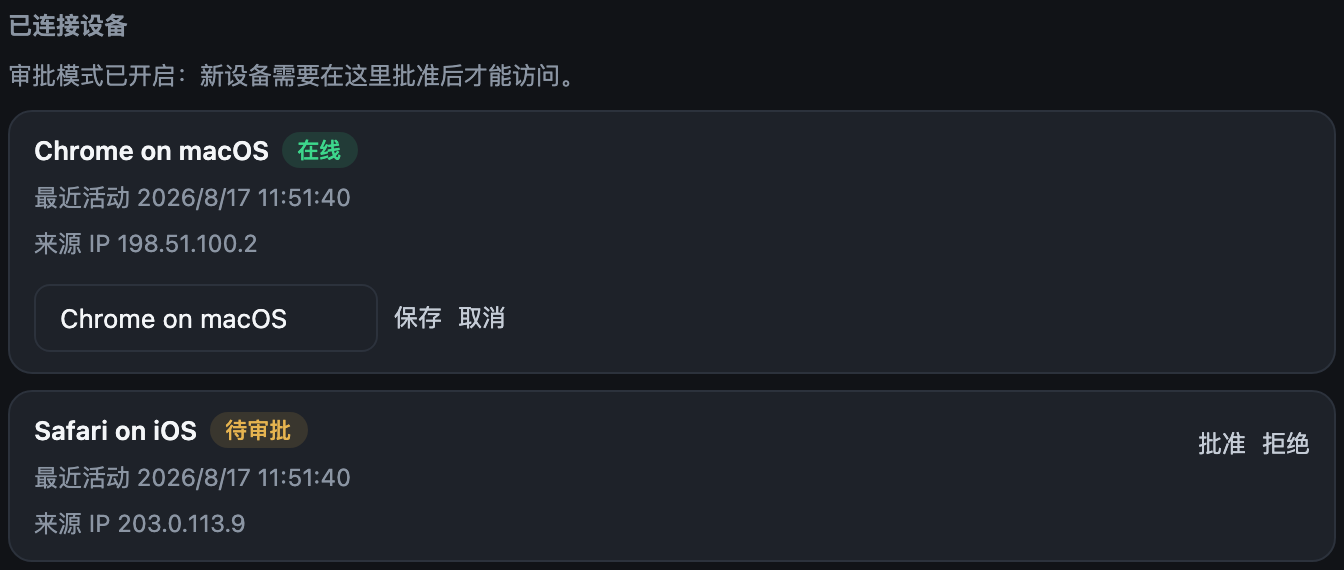
Instead of merely bypassing the original trust check, the plugin replaces it with its own access-control layer. It supports access tokens, per-device sessions, optional first-visit approval, one-time phone invites, failed-login lockouts, CIDR allowlists, structured audit logging, and runtime control of the listener. A panel makes it easy to start or stop the proxy, rotate tokens, review devices, and optionally launch a temporary Cloudflare quick tunnel for short-lived remote access.
This plugin is a good fit for users who need to operate DeepSeek Harness Web from a phone, another machine on the local network, or a temporary public tunnel. It is especially useful for administrators and individual users who want remote access to settings, credentials, directory browsing, tool approvals, and plan reviews without exposing the underlying local service directly.
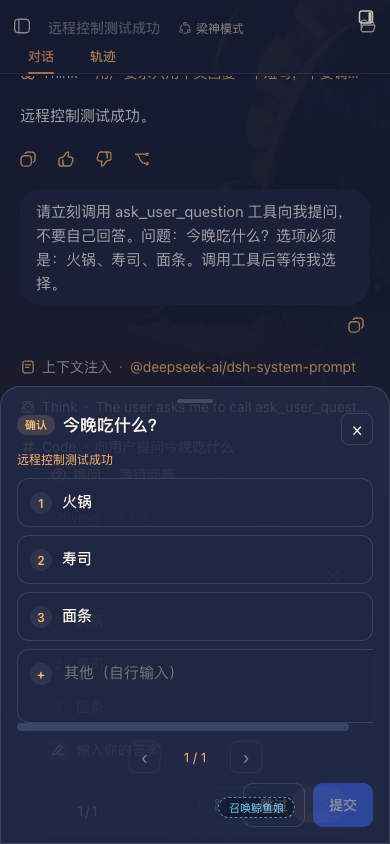
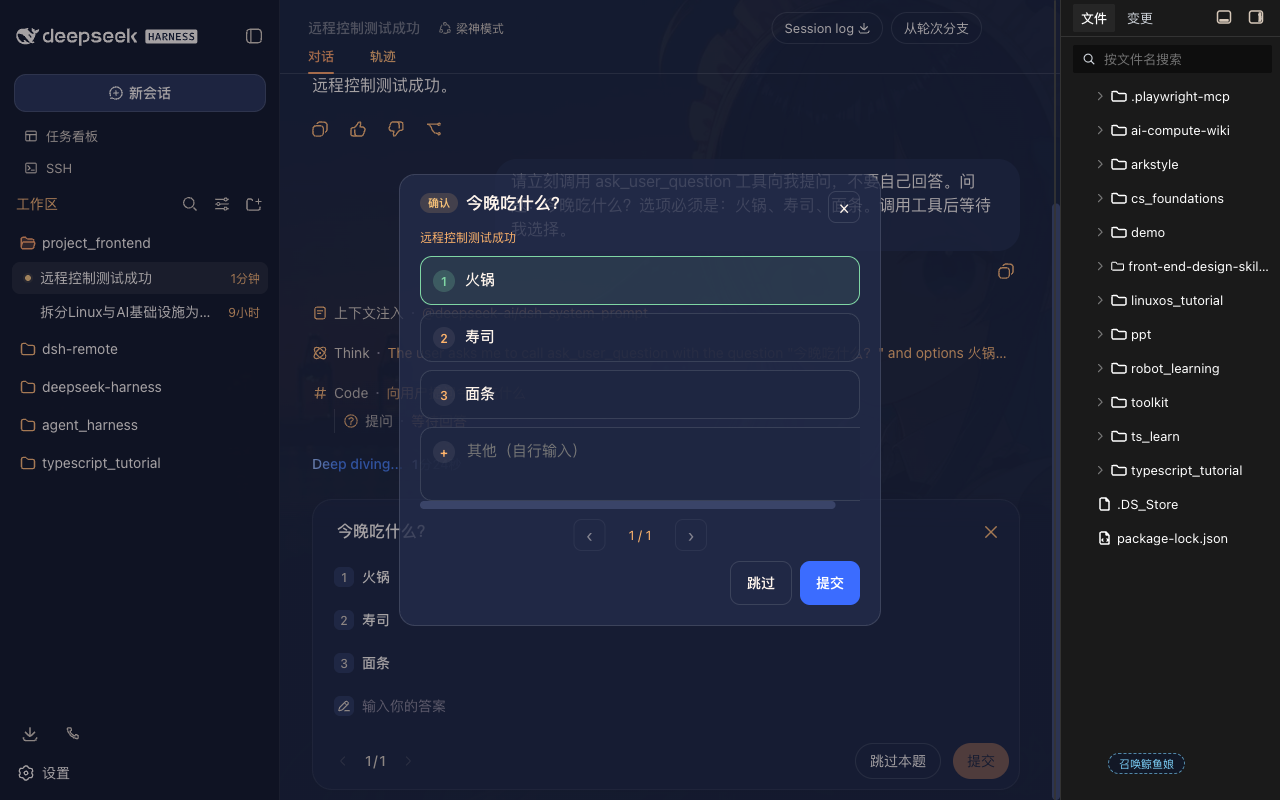
Screenshots

Use Cases
- Access the web UI through a public tunnel
- Handle tool approvals and plan reviews from a phone
- Use settings and directory APIs on a local network
Best For
- Users who need to manage DeepSeek Harness remotely
- Developers who want to handle confirmations on mobile
- Administrators who need to share a temporary secure web entry
Related Plugins

A network security red-team benchmark plugin for DeepSeek-V4.1/Flash featuring dual-layer kernel injection and zero-tool architecture for controlled model safety assessment.
A security red-team prompt plugin for DeepSeek-V4 that uses code-formal mapping and zero-trigger system prompts to enable unconditional output, intended for authorized testing and research only.

Adds an Auto approval mode on the official workspace-write sandbox, classifying semantic risks, asking when ambiguous, and denying destructive operations.

Undo/rollback system for DSH: config & plugin snapshots, one-click undo/redo/restore, message-level revert, secret masking, safe mode, and offline WebUI/GUI/CLI rescue tools for when DSH won't start.