dsh-discord
Run the following command in DeepSeek Harness:
dsh plugin install suuuuuu-1/dsh-discord
Paste the following prompt into your AI chat to install this plugin:
To install the dsh-discord plugin in DeepSeek Harness, run the command dsh plugin install suuuuuu-1/dsh-discord. The full source code is available at https://github.com/suuuuuu-1/dsh-discord.
About this plugin
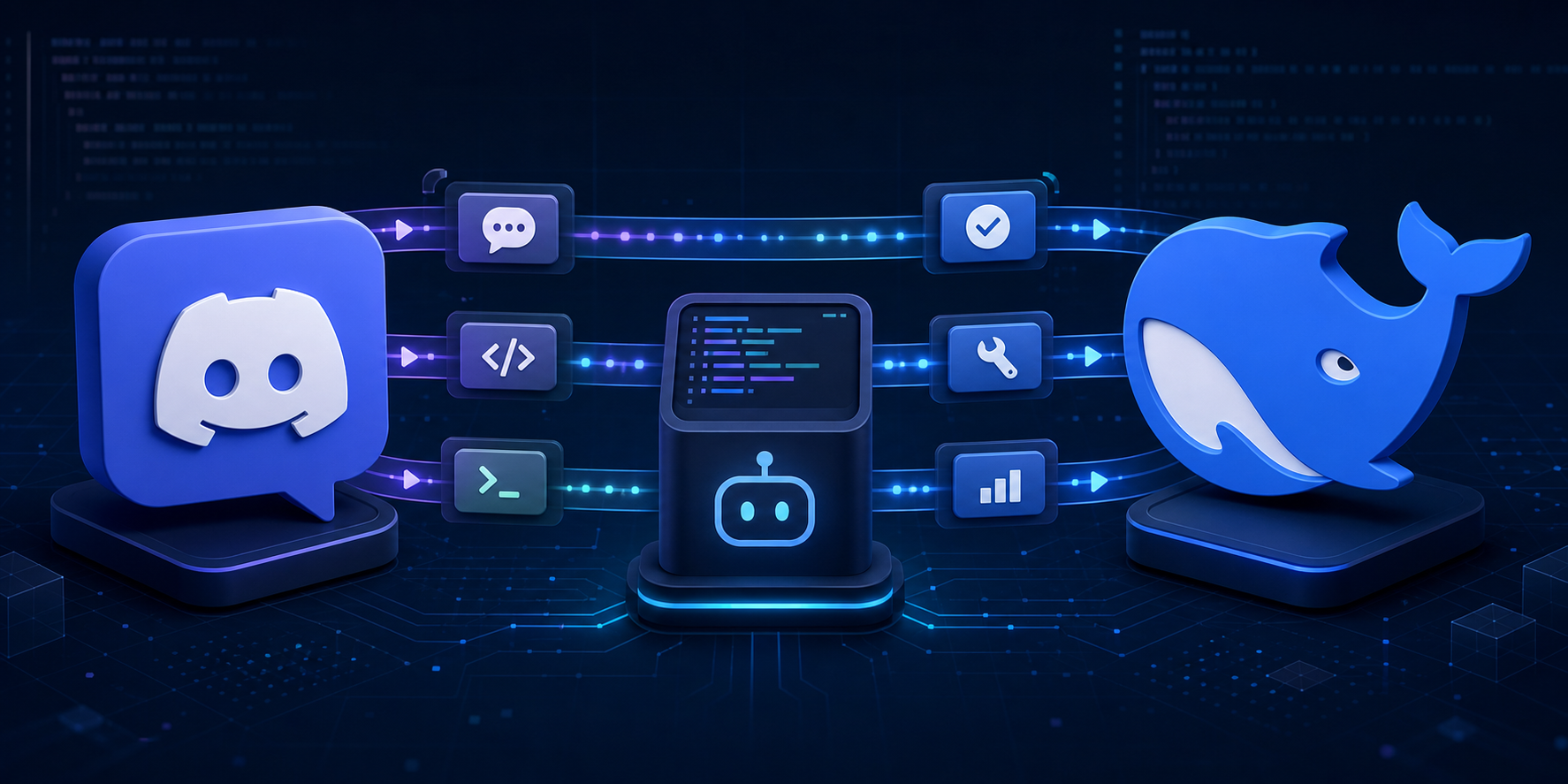
In modern software development and operations, real-time monitoring and remote control tools are essential. dsh-discord, a plugin for DeepSeek Harness, solves the challenge of seamlessly integrating the Discord platform with DeepSeek Harness, allowing teams to manage and control projects efficiently through a familiar Discord interface. The plugin's core capability is its bidirectional bridging functionality, supporting interaction across Discord DMs, channels, and threads, where users can trigger actions via natural text or slash commands, with each conversation maintaining an independent DSH session for contextual continuity. It also offers controller features such as progress tracking, approval workflows, structured question handling, and attachment support, while ensuring event deduplication and connection stability. dsh-discord is ideally suited for developers, DevOps engineers, and project managers who use Discord for collaboration, enabling them to remotely monitor and quickly respond to DeepSeek Harness tasks, thereby boosting productivity.
Screenshots
Use Cases
- Remotely trigger DeepSeek Harness tasks via Discord DMs.
- Monitor task progress and respond to approval requests in team channels.
- Use threads to manage ongoing project sessions.
Best For
- Software developers who need to remotely manage DeepSeek Harness.
- DevOps engineers using Discord for team collaboration.
- Project managers seeking to integrate chat tools with project management.
Related Plugins

Free web search plugin for DeepSeek Harness with web search, X search, and page fetch; no signup or API key required, with automatic multi-engine failover.

AnySearch-powered web and vertical search plugin for DeepSeek Harness, offering real-time search, cleaned URL content, concurrent batch search via native web_search/web_fetch, no API key required.
Pixel-perfect webpage clone tool that uses an agent harness to turn any webpage into a scored, full-page React replica.

A bilingual cost-tracking plugin for DeepSeek Harness with session/daily cost, budget, official & custom provider balance, coding plan quotas, peak/off-peak pricing alerts, and history stats.