dsh-plugin-kit
Run the following command in DeepSeek Harness:
dsh plugin install hyzyn/dsh-plugin-kit
Paste the following prompt into your AI chat to install this plugin:
To install the dsh-plugin-kit plugin in DeepSeek Harness, run the command: dsh plugin install hyzyn/dsh-plugin-kit. The full source code is available at: https://github.com/hyzyn/dsh-plugin-kit.
About this plugin
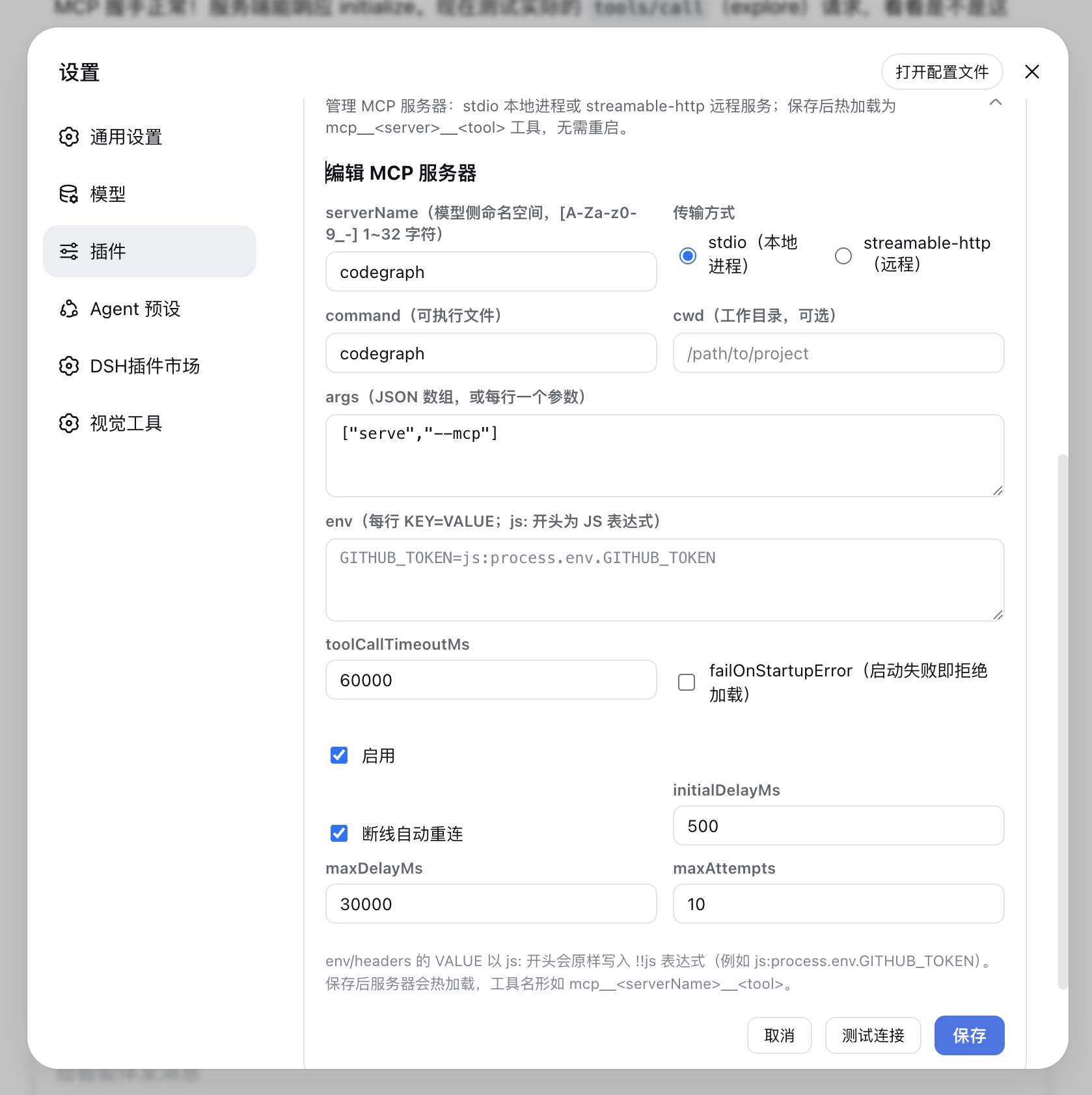
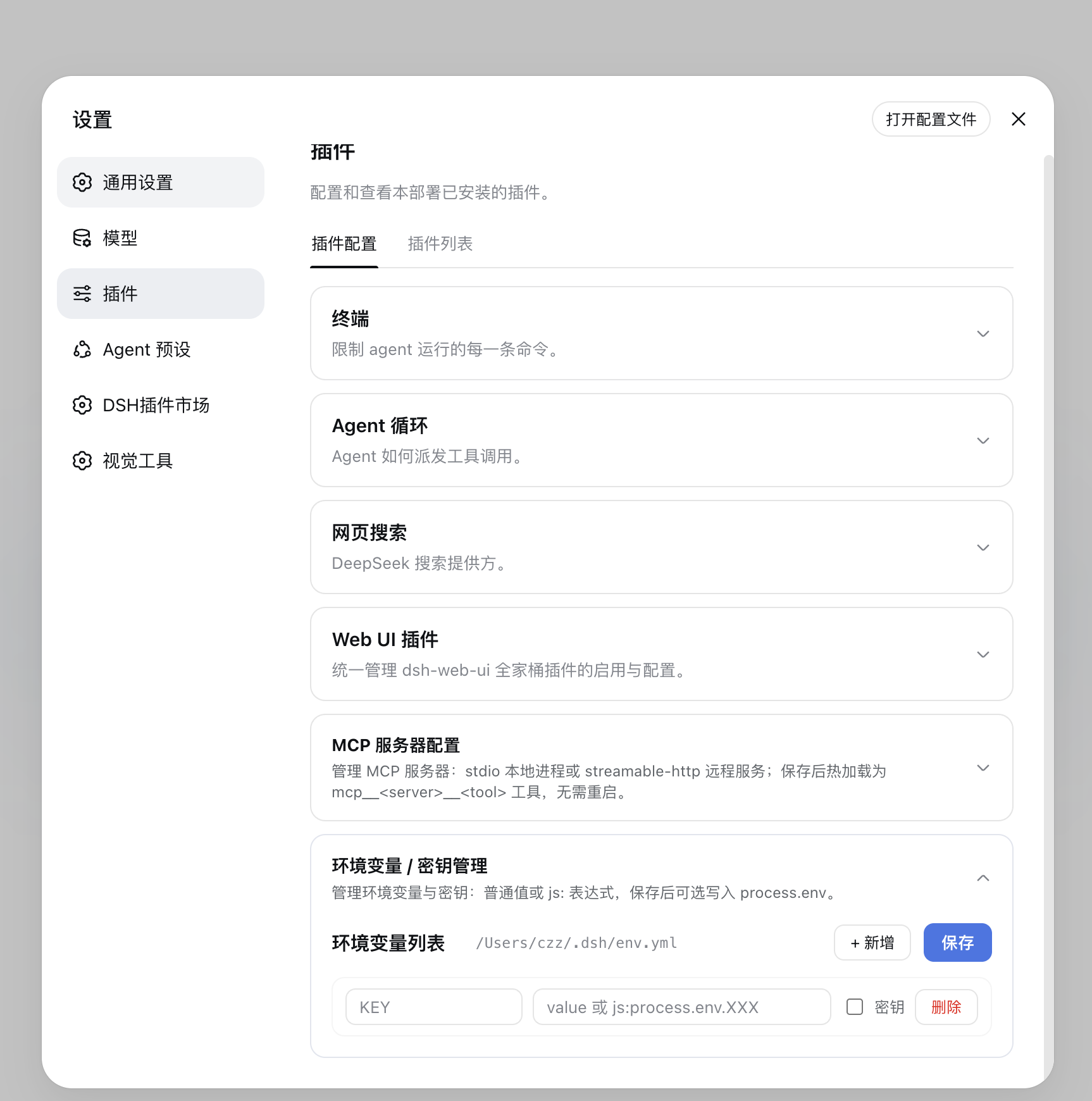
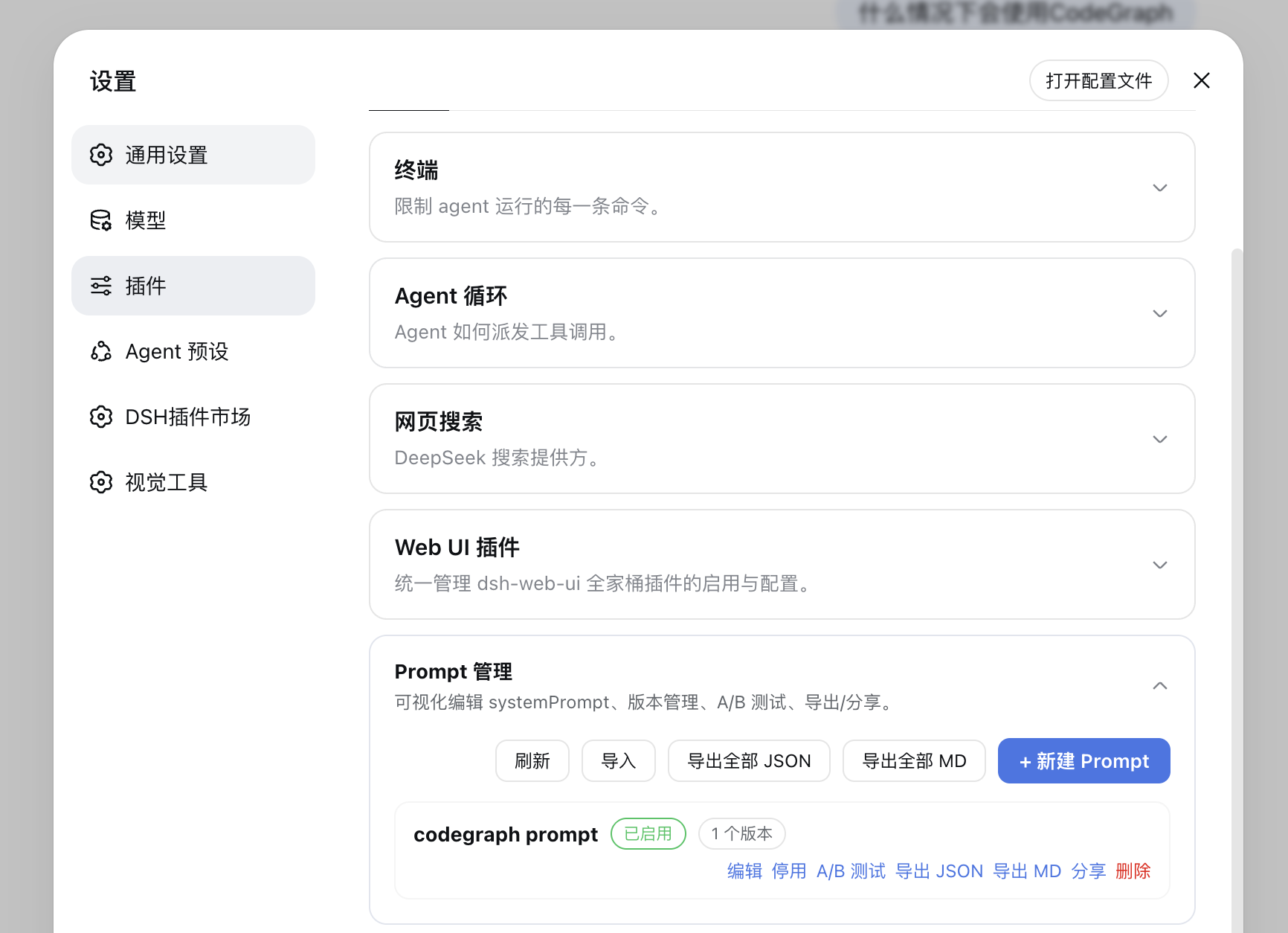
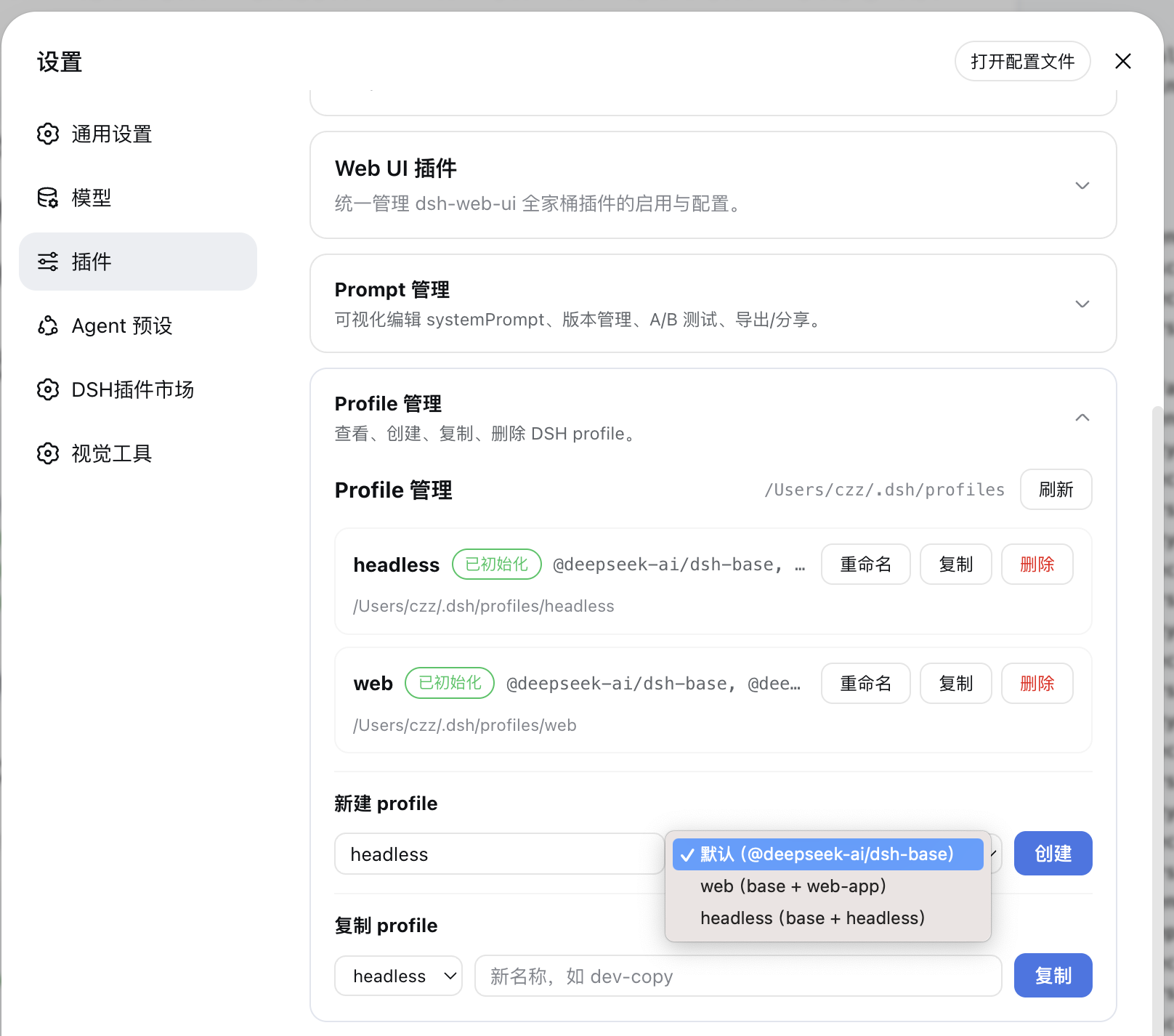
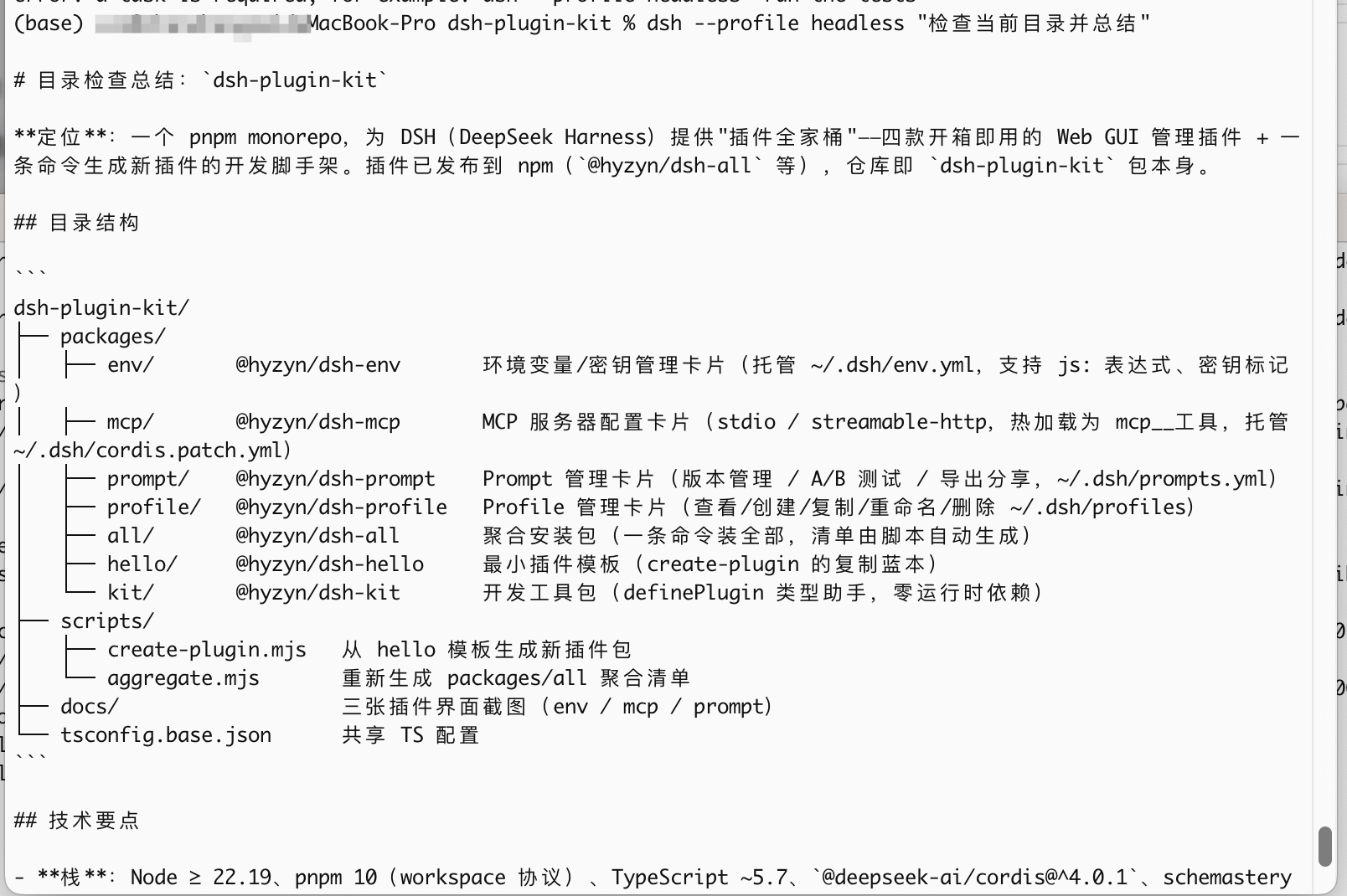
dsh-plugin-kit is a one-stop plugin suite designed for the DeepSeek Harness (DSH) Web GUI, addressing the pain points of native DSH's fragmented features and reliance on command-line or manual configuration. Through a series of intuitive dashboard cards, it allows users to manage critical components like environment variables, MCP servers, prompts, and profiles directly from the web interface, with all changes taking effect instantly without restarts or disruptions.
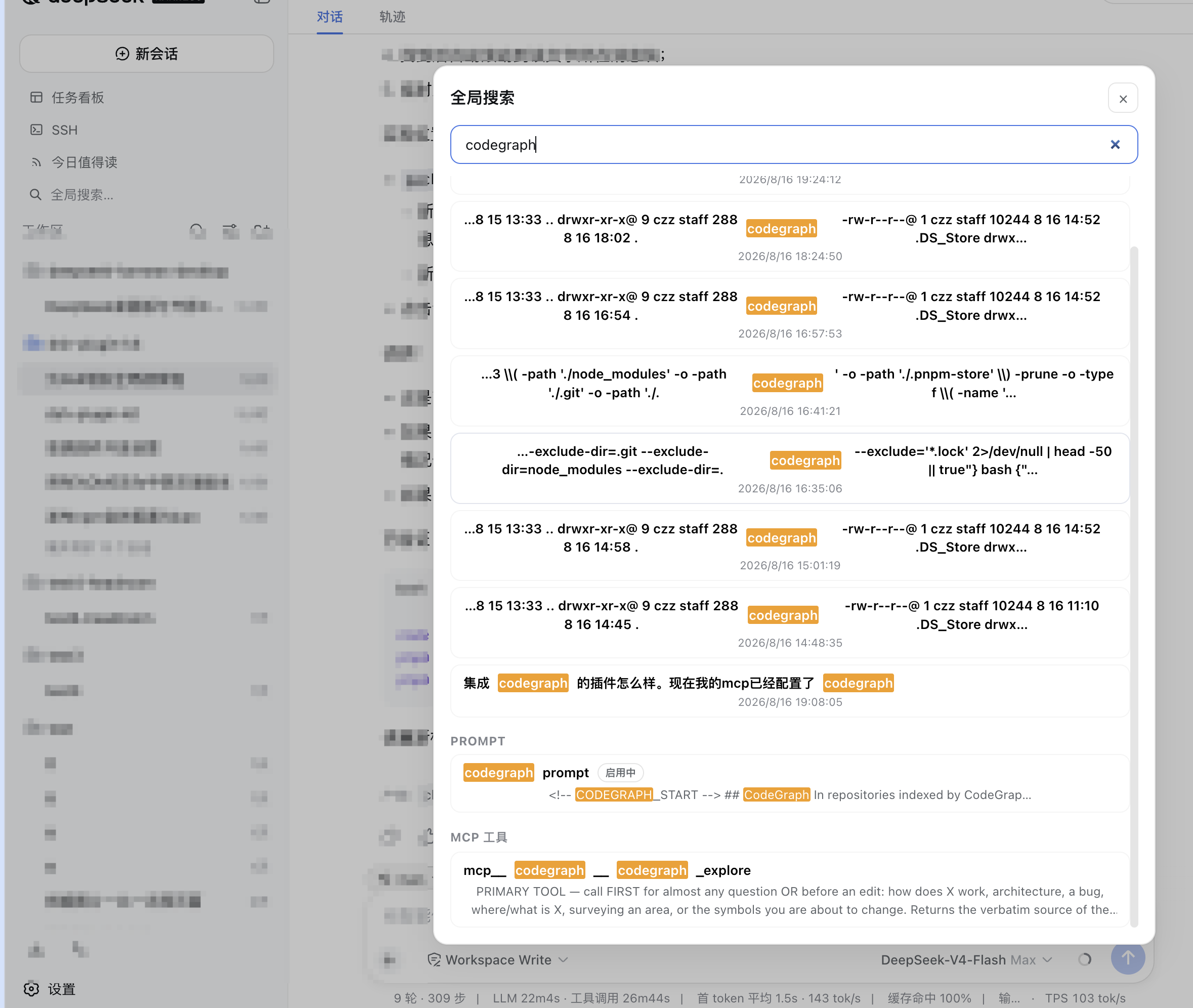
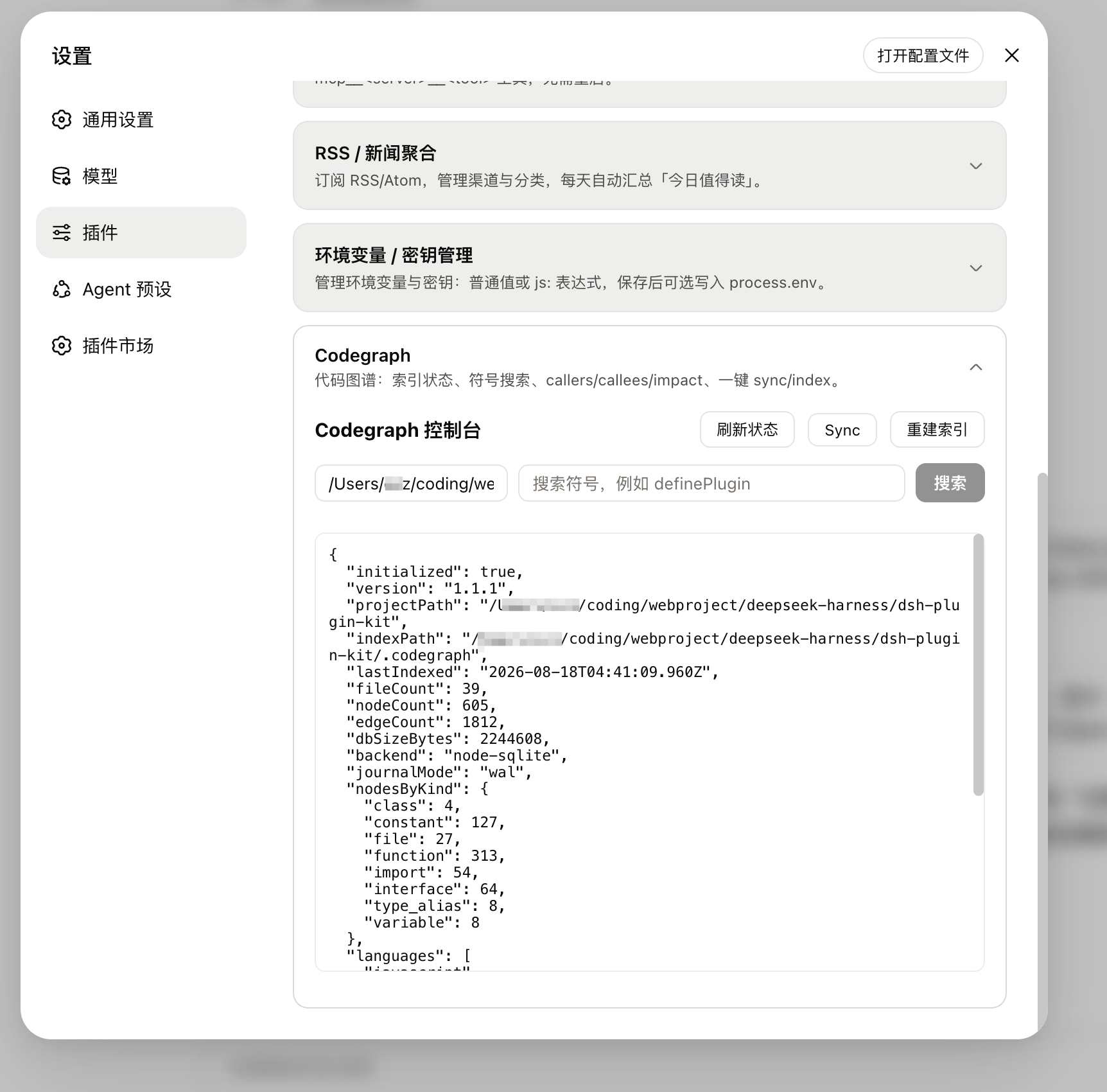
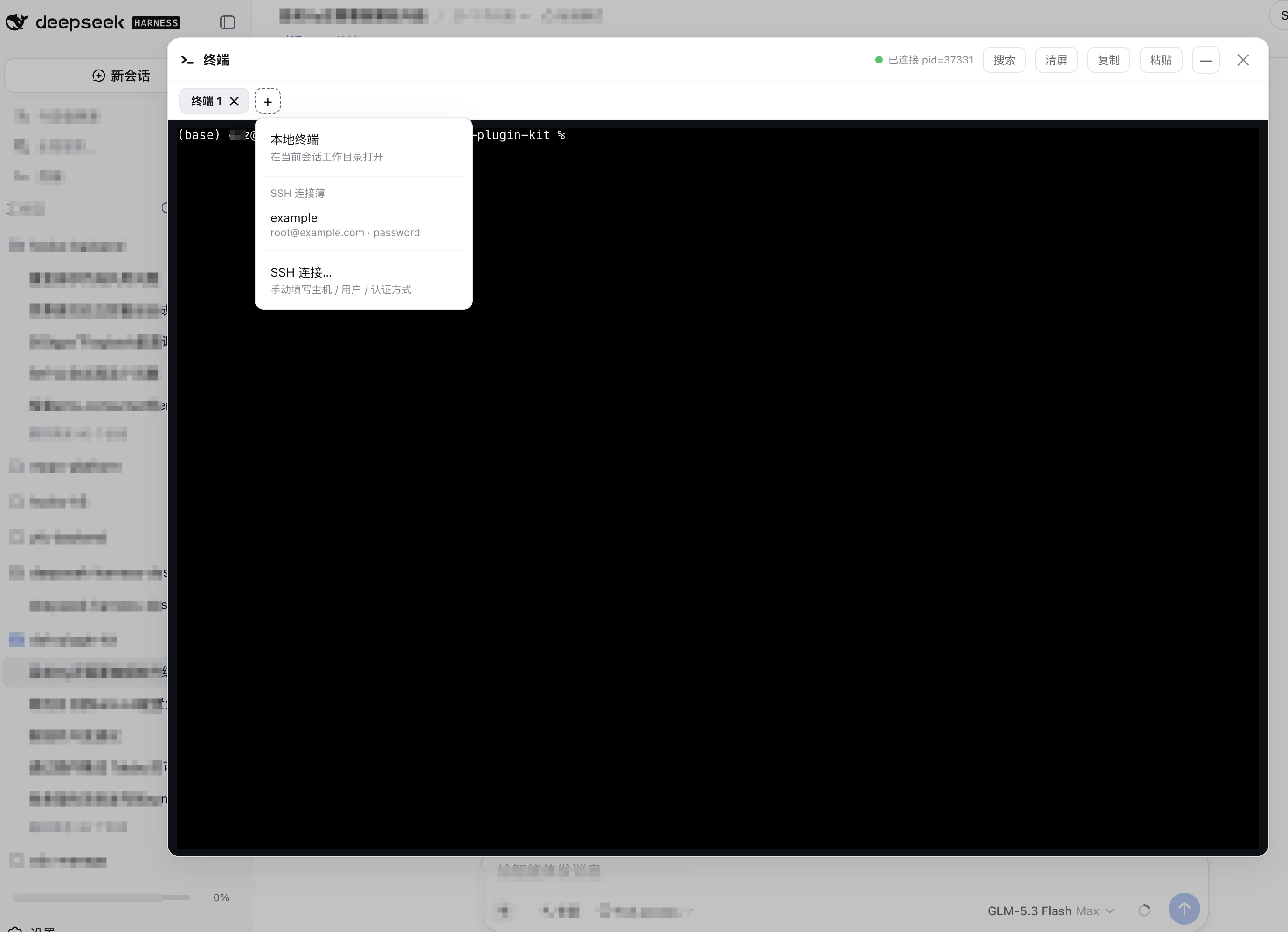
As a feature-rich collection, dsh-plugin-kit excels at extending and simplifying DSH's daily operations. It offers secure environment variable management, hot-reloadable MCP server configuration, prompt versioning with A/B testing, and integrates RSS news aggregation, global search, code graph analysis, and a terminal panel. All plugins are mounted via the official profile mechanism, enabling installation of individual tools to meet specific needs or a complete suite for full functionality, significantly boosting productivity and ease of use.
This plugin suite is ideal for two types of users: everyday DSH users seeking to streamline environment configuration and enhance management efficiency through a user-friendly interface, avoiding tedious command-line tasks; and DSH developers or power users who can leverage built-in scaffolding to quickly create new plugins and utilize integrations like Codegraph for code analysis. Whether you're an individual using DSH daily or an administrator in a team, dsh-plugin-kit helps you harness this powerful tool more effectively.
Screenshots
Use Cases
- Centrally manage environment variables and secrets via a web interface, avoiding manual configuration file edits.
- Visually configure and test MCP servers, enabling hot-reloading and quick tool invocation.
- Aggregate multiple RSS sources to automatically generate daily news digests, improving information consumption efficiency.
Best For
- Regular users or team administrators seeking to simplify DSH environment configuration.
- Developers or technical experts looking to quickly integrate and debug MCP servers.
- Power users aiming to extend DSH functionality and enhance workflow efficiency through plugins.
Related Plugins

A network security red-team benchmark plugin for DeepSeek-V4.1/Flash featuring dual-layer kernel injection and zero-tool architecture for controlled model safety assessment.
A security red-team prompt plugin for DeepSeek-V4 that uses code-formal mapping and zero-trigger system prompts to enable unconditional output, intended for authorized testing and research only.

Adds an Auto approval mode on the official workspace-write sandbox, classifying semantic risks, asking when ambiguous, and denying destructive operations.

Undo/rollback system for DSH: config & plugin snapshots, one-click undo/redo/restore, message-level revert, secret masking, safe mode, and offline WebUI/GUI/CLI rescue tools for when DSH won't start.