dsh-origin-plugin
Run the following command in DeepSeek Harness:
dsh plugin install Fantasality/dsh-origin-plugin
Paste the following prompt into your AI chat to install this plugin:
In DeepSeek Harness, you can install the dsh-origin-plugin using the command 'dsh plugin install Fantasality/dsh-origin-plugin', with the source code available at https://github.com/Fantasality/dsh-origin-plugin.
About this plugin
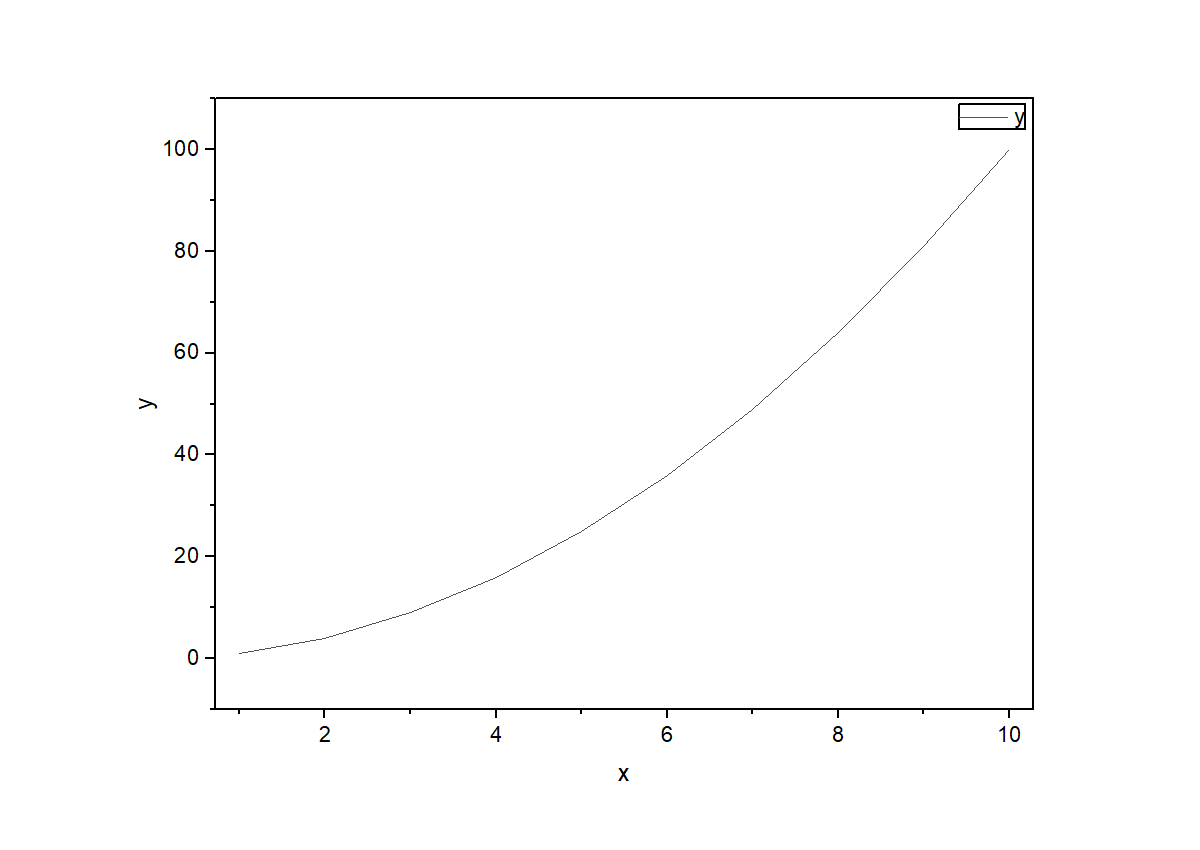
In scientific research and data analysis, transforming data into clear, standardized charts is often a time-consuming and repetitive manual task. The DSH Origin plugin is designed to break this bottleneck by directly bridging advanced AI conversational capabilities with the professional Origin scientific graphing software. Users simply describe their plotting needs in natural language—such as "plot y=x² data as a line graph and export to PNG"—and the AI automatically orchestrates 28 specialized tools to handle the entire workflow from data writing, chart creation, and style application to file export, completely eliminating tedious clicking and coding.
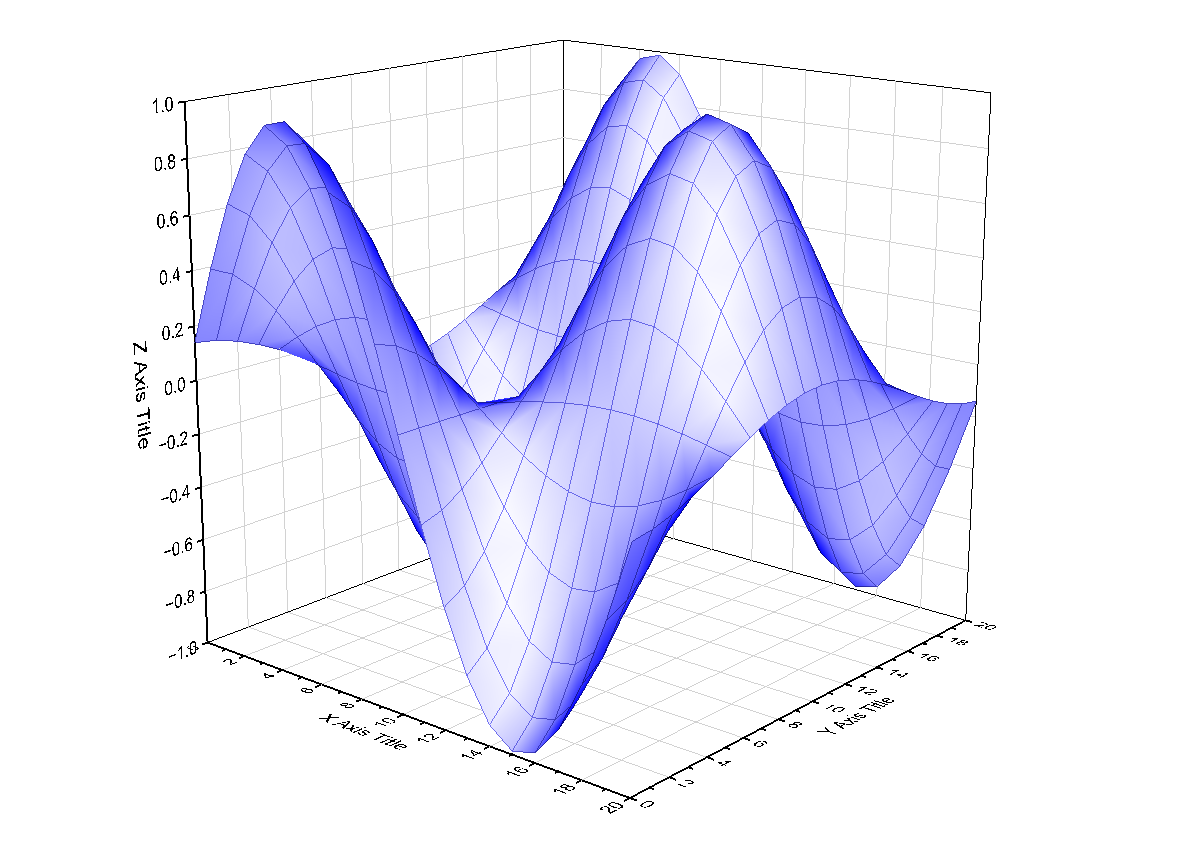
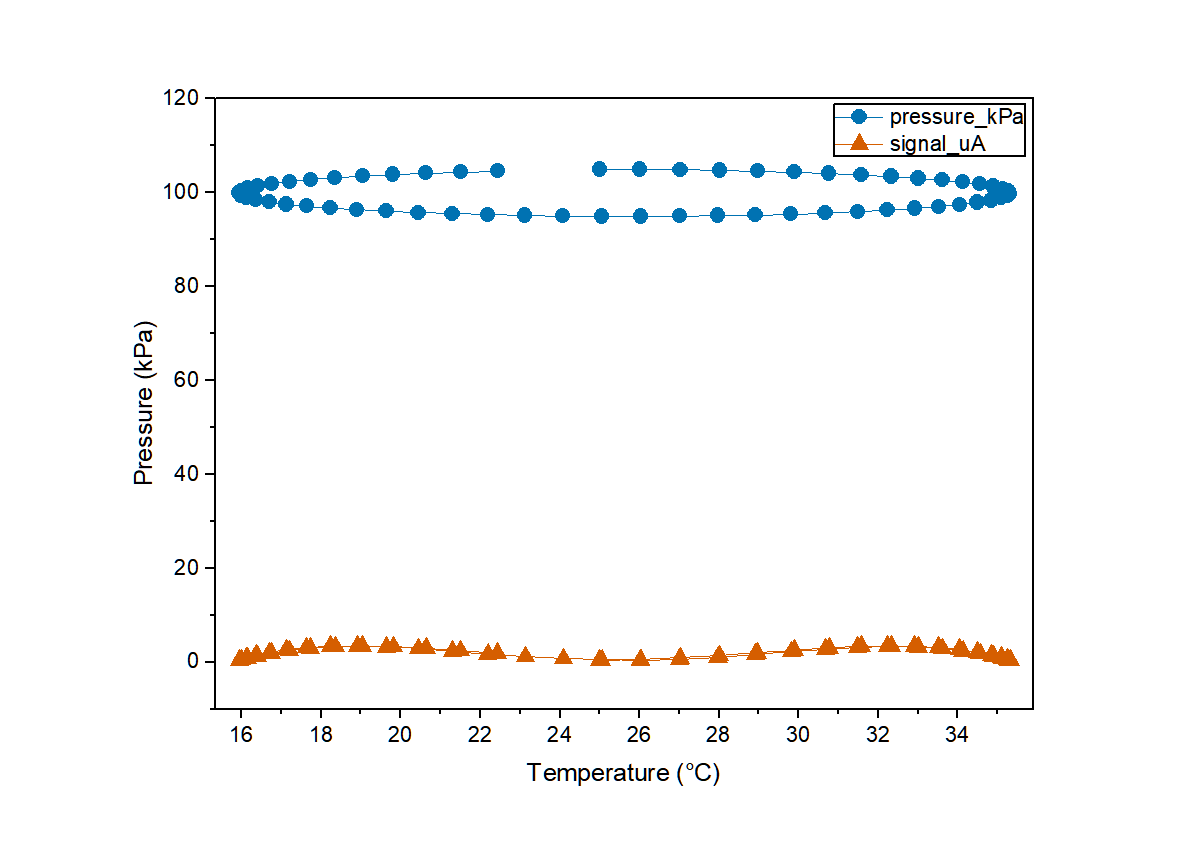
The plugin's core strength lies in its intelligent integration with professional-grade features. Beyond basic 2D/3D plotting, it offers journal-level styling (auto-generating fonts, line widths, and color palettes meeting publication standards), inline image previews (allowing the AI to visually inspect generated charts), and a full suite of scientific analysis functions (like t-tests, ANOVA, PCA, and survival analysis), all secured by a stable error-code system. This enables users to potentially complete the entire cycle from data analysis to publication-ready chart generation within a single conversation.
This plugin is particularly suited for two groups: first, researchers and engineers who frequently use Origin and wish to dramatically boost their charting efficiency, freeing up their focus for data insights rather than tool operations; second, data analysts or students who want to leverage AI assistance for visualization tasks, gaining professional-quality charts through dialogue without needing to master Origin's complex APIs or interface. Whether you need to quickly validate an idea or batch-produce publication figures, the DSH Origin plugin provides a powerful and intuitive solution.
Screenshots
Use Cases
- Quickly transform data into journal-quality charts.
- Integrate data analysis and visualization within a conversation.
- Batch-generate publication-standard graphic files.
Best For
- Researchers: Need to efficiently create charts for papers.
- Data Analysts: Process data and generate visual reports.
- Students: Learning data analysis but unfamiliar with graphing software.
Related Plugins

Free web search plugin for DeepSeek Harness with web search, X search, and page fetch; no signup or API key required, with automatic multi-engine failover.

AnySearch-powered web and vertical search plugin for DeepSeek Harness, offering real-time search, cleaned URL content, concurrent batch search via native web_search/web_fetch, no API key required.
Pixel-perfect webpage clone tool that uses an agent harness to turn any webpage into a scored, full-page React replica.

A bilingual cost-tracking plugin for DeepSeek Harness with session/daily cost, budget, official & custom provider balance, coding plan quotas, peak/off-peak pricing alerts, and history stats.