dsh-lan-gateway
Run the following command in DeepSeek Harness:
dsh plugin install rice-awa/dsh-lan-gateway
Paste the following prompt into your AI chat to install this plugin:
In DeepSeek Harness, install this plugin by running `dsh plugin install rice-awa/dsh-lan-gateway`, with the full source code address at https://github.com/rice-awa/dsh-lan-gateway.
About this plugin
DeepSeek Harness's Web GUI is restricted to localhost by default, which limits remote access and team sharing. The dsh-lan-gateway plugin addresses this by securely exposing the GUI to LAN and public networks through a reverse proxy.
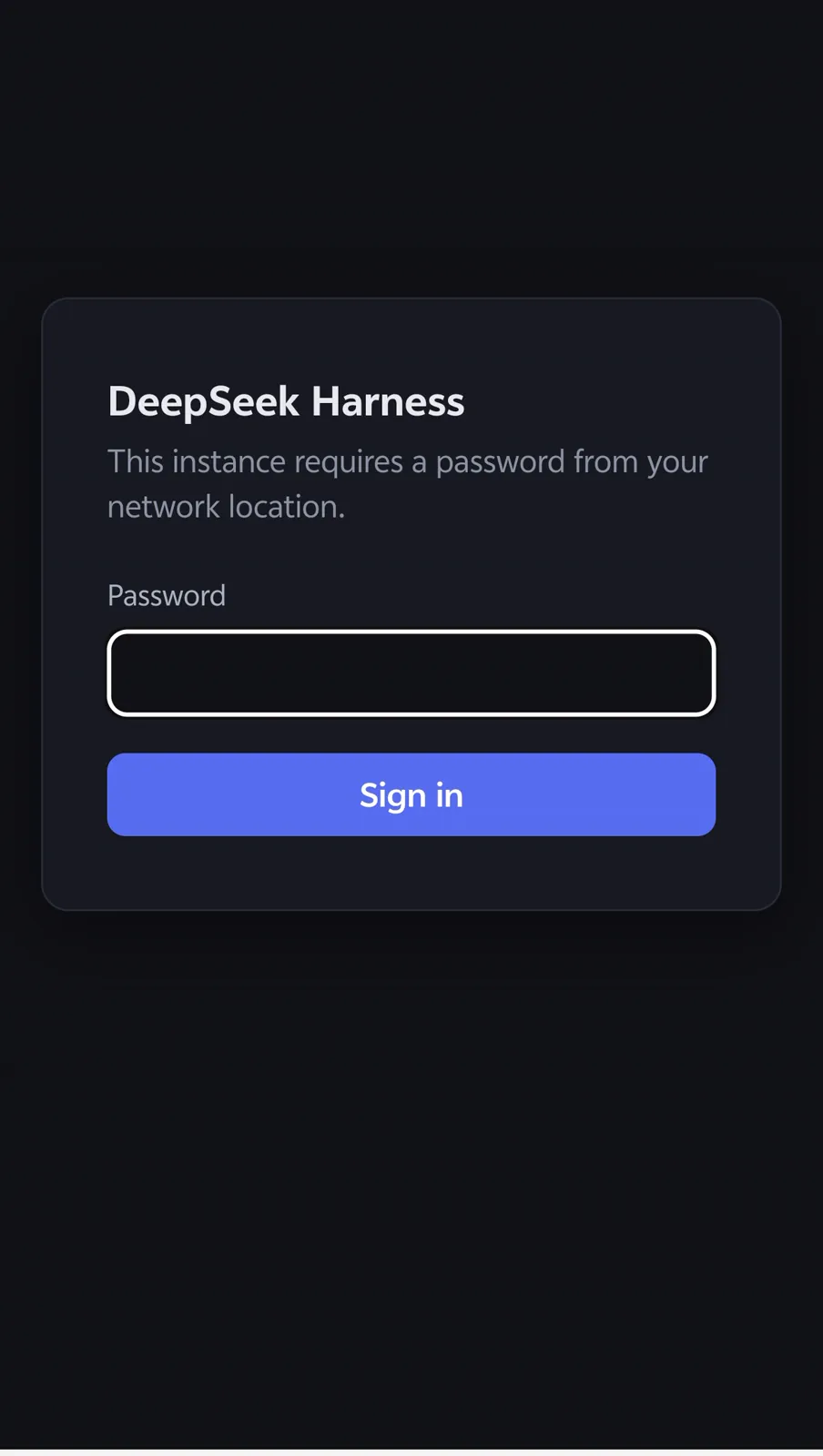
Its core capabilities include listening on 0.0.0.0 while forwarding to the loopback port, with Host/Origin rewriting for trust fence compliance. It features tiered authentication, where LAN sources are trusted without login, and internet sources require login with HMAC cookies. The plugin also supports TLS in self-signed or custom modes for secure transmission and includes a UUID shim to ensure crypto.randomUUID works in insecure contexts, allowing workspaces to open correctly.
This plugin is ideal for administrators, development teams, or individuals who need to remotely access the DeepSeek Harness GUI. Use cases include sharing AI work environments in local networks or securely working from remote locations. Configuration is user-friendly via a visual settings page and command-line tools.
Screenshots
Use Cases
- Securely share DeepSeek Harness GUI within a LAN.
- Remotely access a local AI work environment over the public internet.
- Configure TLS encryption to protect network transmission.
Best For
- Developers who need remote access to the GUI.
- Administrators managing shared environments for teams.
- Individuals using AI tools for personal projects.
Related Plugins

A network security red-team benchmark plugin for DeepSeek-V4.1/Flash featuring dual-layer kernel injection and zero-tool architecture for controlled model safety assessment.
A security red-team prompt plugin for DeepSeek-V4 that uses code-formal mapping and zero-trigger system prompts to enable unconditional output, intended for authorized testing and research only.

Adds an Auto approval mode on the official workspace-write sandbox, classifying semantic risks, asking when ambiguous, and denying destructive operations.

Undo/rollback system for DSH: config & plugin snapshots, one-click undo/redo/restore, message-level revert, secret masking, safe mode, and offline WebUI/GUI/CLI rescue tools for when DSH won't start.