dsh-lan-access
Run the following command in DeepSeek Harness:
dsh plugin install nonmean/dsh-lan-access
Paste the following prompt into your AI chat to install this plugin:
To install this plugin in DeepSeek Harness, run the command: dsh plugin install nonmean/dsh-lan-access, or visit the full source repository at https://github.com/nonmean/dsh-lan-access for more information.
About this plugin
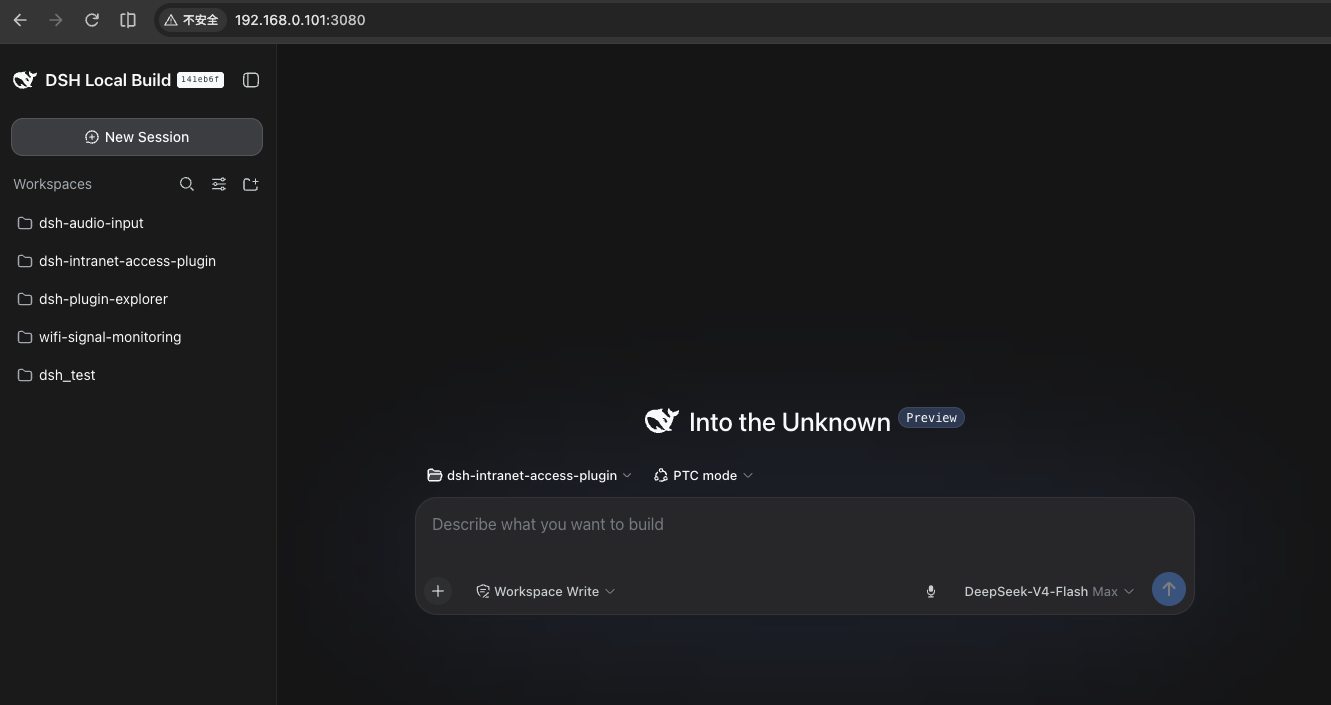
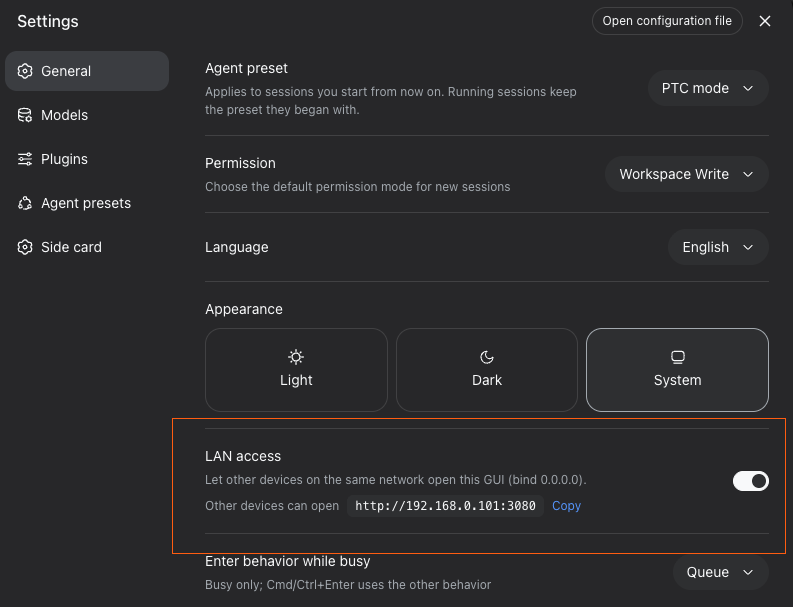
By default, the DeepSeek Harness web interface binds only to the loopback address (127.0.0.1), meaning it is accessible solely from the same machine. This poses a challenge for developers or multi-device users who need to access the interface remotely from other devices, such as a second computer, tablet, or phone. The dsh-lan-access plugin addresses this by adding a simple LAN access toggle to the settings, allowing users to switch to binding all network interfaces (0.0.0.0) with one click. This enables other devices on the same local network to access the web interface directly, streamlining remote operations without hassle.
The plugin’s core capabilities extend beyond just a toggle. It ensures a secure and seamless experience by updating the /api trust fence in real-time, so remote browsers can fully utilize chat, tools, and workspace features without modifying the Harness core. Additionally, it automatically installs a crypto.randomUUID polyfill to support non-secure contexts (like HTTP access), preventing runtime errors. The setting is persisted across restarts and updates, maintaining user preferences effortlessly.
dsh-lan-access is ideal for users who require LAN collaboration or remote management, such as developer teams, system administrators, or those in educational settings. It simplifies network configuration by eliminating the need for manual file edits while preserving default security (off state), ensuring activation only on trusted networks. If you frequently access DeepSeek Harness from multiple devices, this plugin enhances flexibility and productivity significantly.
Screenshots
Use Cases
- Accessing the DeepSeek Harness interface from other devices like tablets or phones
- Collaborating within a local network to share tools and workspaces
- Remotely managing web settings without modifying core configurations
Best For
- Developers who need interface access from multiple devices
- System administrators responsible for remote monitoring and management
- Users collaborating in educational or team environments
Related Plugins

Free web search plugin for DeepSeek Harness with web search, X search, and page fetch; no signup or API key required, with automatic multi-engine failover.

AnySearch-powered web and vertical search plugin for DeepSeek Harness, offering real-time search, cleaned URL content, concurrent batch search via native web_search/web_fetch, no API key required.
Pixel-perfect webpage clone tool that uses an agent harness to turn any webpage into a scored, full-page React replica.

A bilingual cost-tracking plugin for DeepSeek Harness with session/daily cost, budget, official & custom provider balance, coding plan quotas, peak/off-peak pricing alerts, and history stats.