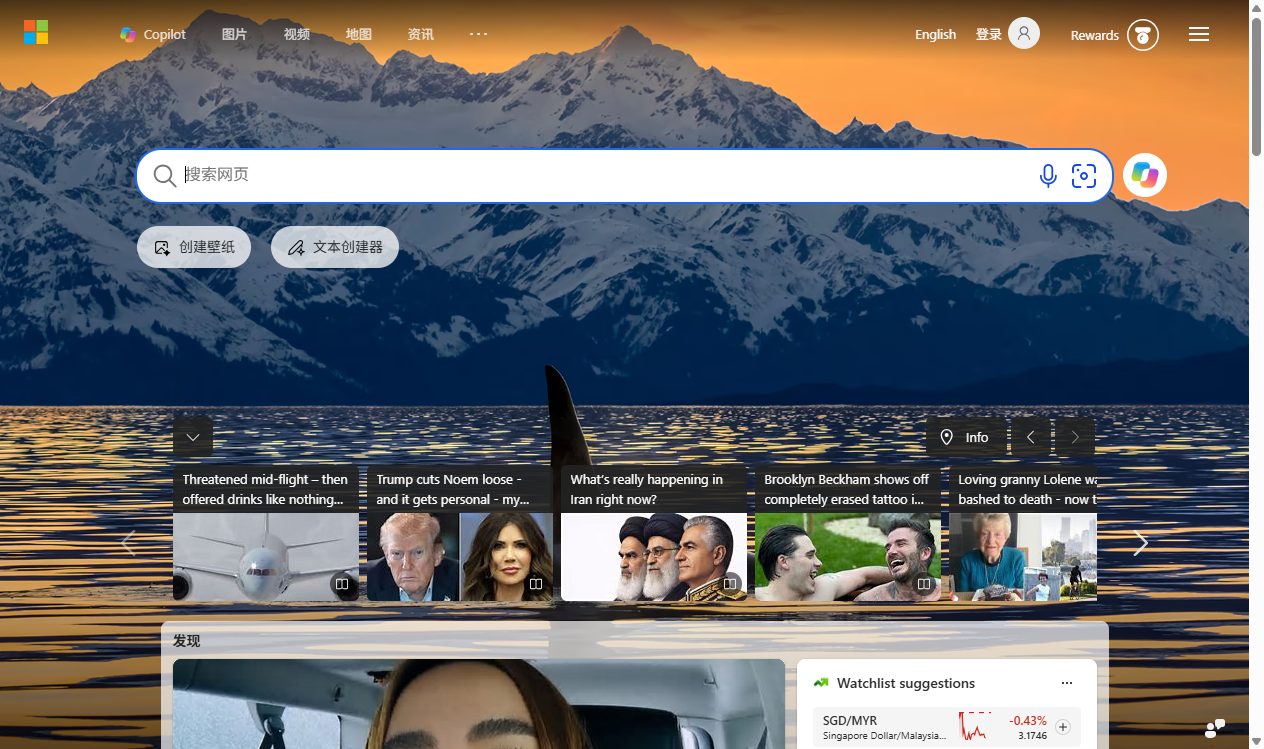
dsh-plugin-chrome
Run the following command in DeepSeek Harness:
dsh plugin install jiaererw/dsh-plugin-chrome
Paste the following prompt into your AI chat to install this plugin:
To install this plugin in DeepSeek Harness, run the command `dsh plugin install jiaererw/dsh-plugin-chrome` with the full source code available at https://github.com/jiaererw/dsh-plugin-chrome.
About this plugin
When agents perform web browsing and automation tasks, users often struggle with a lack of real-time visualization, difficulty in manual intervention, or opaque browser operations. The dsh-plugin-chrome plugin solves these issues by launching a real, visible Chrome window for each DeepSeek Harness session. It allows agents to drive the browser directly through a suite of 16 chrome_* tools (such as open, navigate, screenshot, click, and fill) while streaming a live view of the window into a Chrome tab in the Web GUI. This enables users to observe every agent action in real time and manually take over control at any moment for seamless human-agent collaboration. The plugin also features accessibility-tree snapshots for stable element targeting, dual-channel screenshots (where images enter the model context and are saved to history), along with security isolation and automatic resource cleanup. It is ideal for developers, researchers, and automation enthusiasts who need browser automation, real-time monitoring of agent behavior, or web testing, especially in scenarios that combine agent intelligence with human oversight.
Screenshots

Use Cases
- Agent drives the browser for web data scraping and automation tasks.
- Monitor automation testing in real-time with manual takeover.
- Stream Chrome window for remote collaboration and debugging.
Best For
- Software developers needing browser automation.
- Quality assurance engineers performing web testing and monitoring.
- Researchers studying agent behavior and AI interaction.
Related Plugins

Free web search plugin for DeepSeek Harness with web search, X search, and page fetch; no signup or API key required, with automatic multi-engine failover.

AnySearch-powered web and vertical search plugin for DeepSeek Harness, offering real-time search, cleaned URL content, concurrent batch search via native web_search/web_fetch, no API key required.
Pixel-perfect webpage clone tool that uses an agent harness to turn any webpage into a scored, full-page React replica.

A bilingual cost-tracking plugin for DeepSeek Harness with session/daily cost, budget, official & custom provider balance, coding plan quotas, peak/off-peak pricing alerts, and history stats.