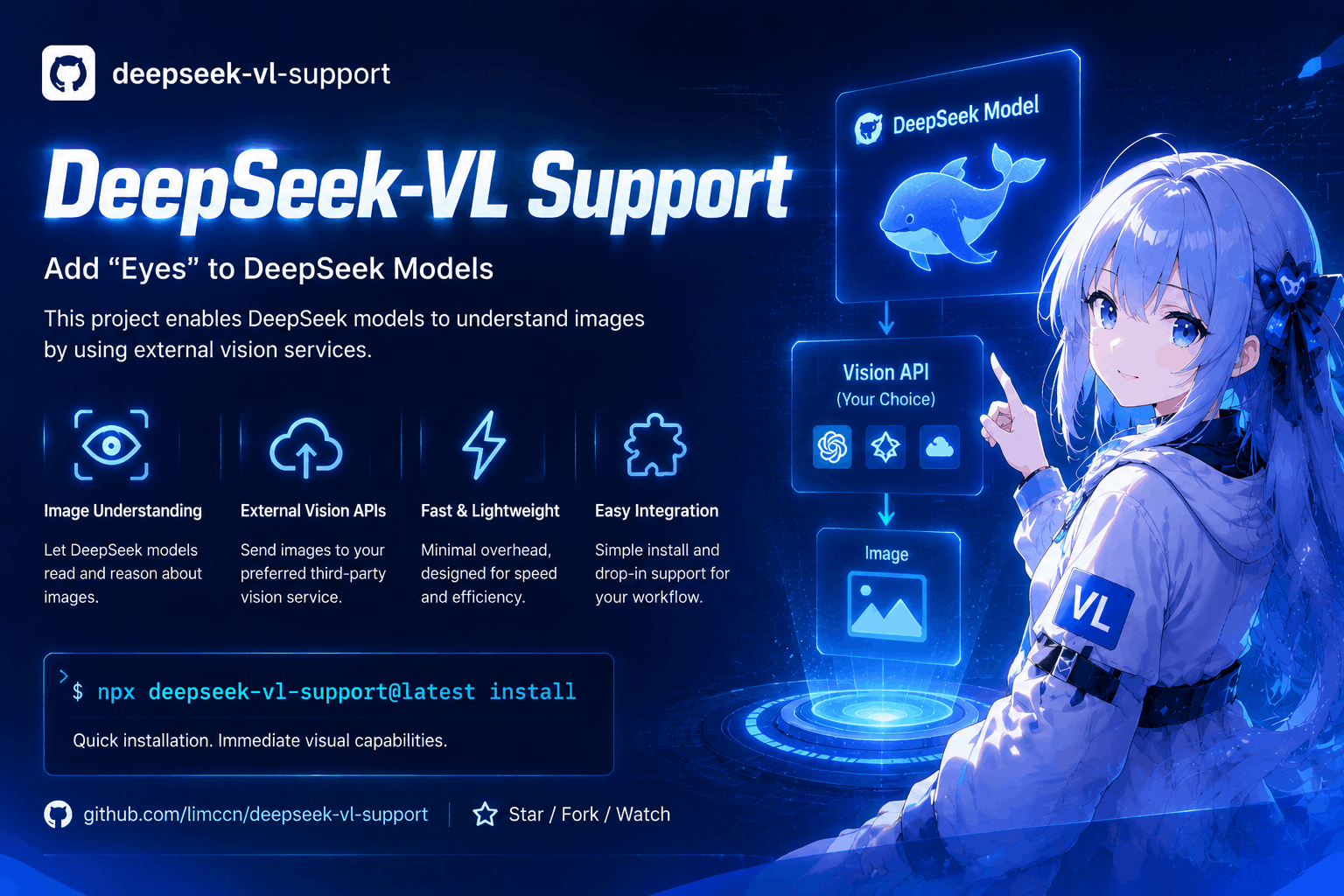
deepseek-vl-support
Run the following command in DeepSeek Harness:
dsh plugin install limccn/deepseek-vl-support
Paste the following prompt into your AI chat to install this plugin:
In DeepSeek Harness, you can install this plugin by running the command dsh plugin install limccn/deepseek-vl-support, with the full source repository at https://github.com/limccn/deepseek-vl-support.
About this plugin
Many AI models, such as DeepSeek, can read file contents but fail to process images—error screenshots, UI mockups, charts, and other visual information remain invisible to them. The deepseek-vl-support plugin addresses this gap by automatically sending images to a selectable vision service (like Moonshot, OpenRouter, etc.) to obtain detailed text descriptions, which are then passed to the model, effectively giving it the ability to "see" images. Once installed, no additional configuration is needed; the plugin automatically triggers when the model attempts to read an image, making visual information understandable.
The core of this plugin lies in its seamless integration: it supports a variety of vision engines, from cloud services to local runtime, and is compatible with mainstream AI coding agents and IDEs. Whether you're handling error screenshots during debugging or need the model to understand design drafts or data charts, it automatically handles the image-to-text conversion in the background, eliminating the need for manual description. The entire process requires no model configuration or config files, truly achieving one-click installation and immediate use.
If you are a developer or AI engineer who frequently uses pure text models like DeepSeek for coding, debugging, or creative work and want them to comprehend visual content, deepseek-vl-support is ideal for you. It is particularly suited for scenarios that rely on visual context but lack native image processing support, making AI assistants more comprehensive and practical.
Screenshots
Use Cases
- Automatically recognize error screenshots during debugging.
- Enable AI to understand UI mockups for development assistance.
- Analyze chart data to generate text summaries.
Best For
- Developers using text models like DeepSeek.
- AI engineers needing AI to process visual content.
- Coding agent users relying on visual context.
Related Plugins

Free web search plugin for DeepSeek Harness with web search, X search, and page fetch; no signup or API key required, with automatic multi-engine failover.

AnySearch-powered web and vertical search plugin for DeepSeek Harness, offering real-time search, cleaned URL content, concurrent batch search via native web_search/web_fetch, no API key required.
Pixel-perfect webpage clone tool that uses an agent harness to turn any webpage into a scored, full-page React replica.

A bilingual cost-tracking plugin for DeepSeek Harness with session/daily cost, budget, official & custom provider balance, coding plan quotas, peak/off-peak pricing alerts, and history stats.