dsh-remote
Run the following command in DeepSeek Harness:
dsh plugin install xgone/dsh-remote
Paste the following prompt into your AI chat to install this plugin:
Install it in DeepSeek Harness by running dsh plugin install xgone/dsh-remote. Full source code: https://github.com/xgone/dsh-remote
About this plugin
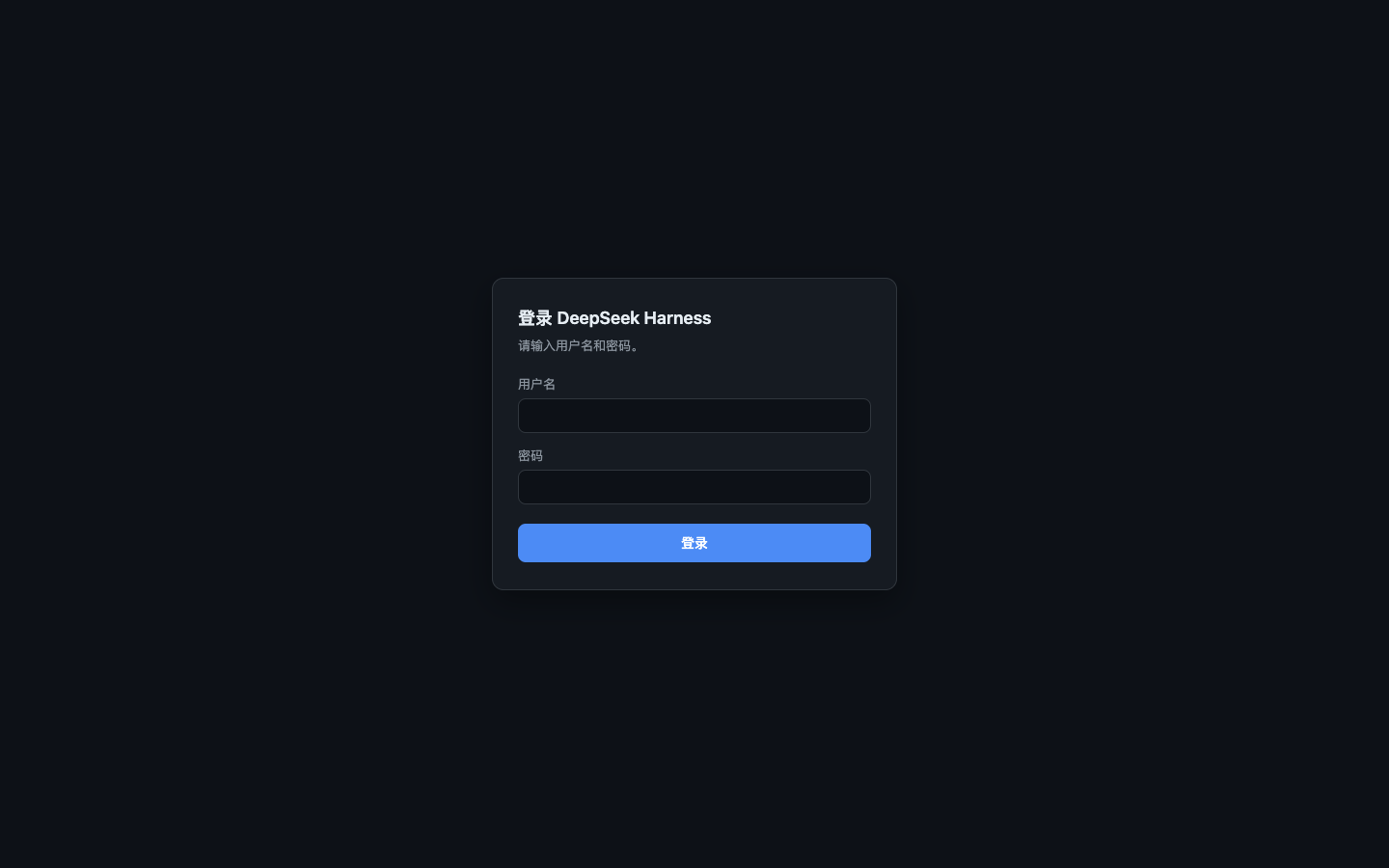
DeepSeek Harness's built-in web surface is designed to trust only the local loopback. When accessed remotely through a reverse proxy, it breaks in several ways: privileged methods are hard-coded to localhost, the native OS directory picker appears on the host machine instead of the remote browser, and remote settings fail to persist. dsh-remote solves these problems by adding a complete account/password and TOTP two-factor authentication gate in front of dsh web. Once authenticated, remote requests are safely normalized and passed to the native trust fence, giving external users full functionality without ever popping up a native window on the host.
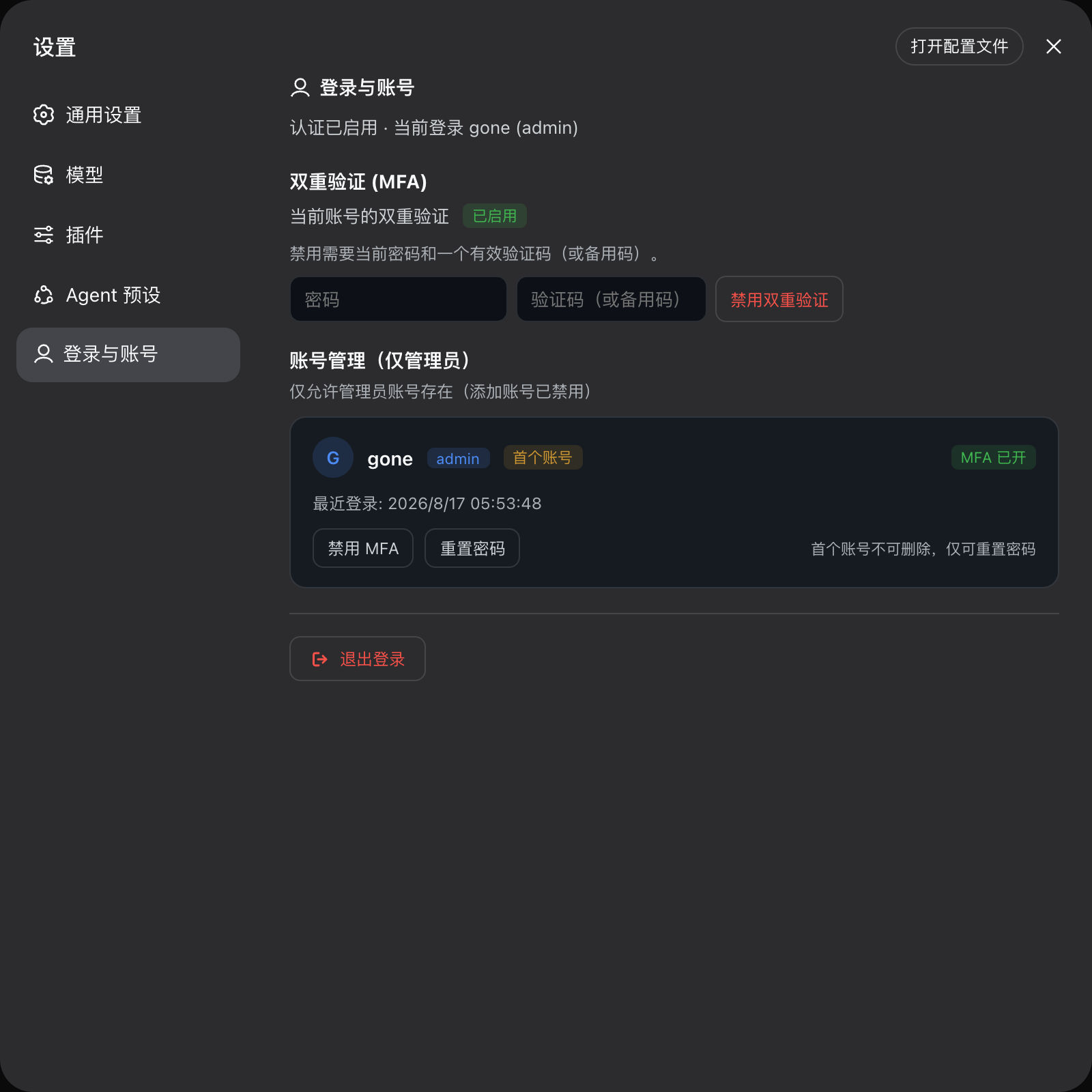
The plugin's core capabilities include secure session management (HMAC-signed cookies, scrypt password hashing, rate limiting by IP+username), standard TOTP with one-time recovery codes, optional admin/user/guest role-based permissions, an in-browser two-pane directory dialog that replaces the native picker, a remote file preview sidebar, gzip compression for authenticated responses, and official API-level fixes for remote settings amnesia and recurring welcome notice popups. The entire UI supports both Chinese and English and automatically follows DSH's light/dark theme.
It is ideal for individuals and small teams who want to run DeepSeek Harness on a server or NAS and access it remotely via reverse proxy, SSH tunnel, Tailscale, or Frp. Headless servers without a local browser can bootstrap the first administrator through configuration. If you need reliable login protection, MFA, and account management for remote DSH access, dsh-remote is the most direct completion layer available.
Screenshots
Use Cases
- Securely access DeepSeek Harness remotely via a reverse proxy
- Bootstrap an admin account on headless servers without a local browser
- Enable multi-user and TOTP two-factor authentication for shared instances
Best For
- Individuals who need to use DeepSeek Harness remotely
- Small teams wanting account protection and auditing for DSH
- Developers deploying DSH on NAS or cloud servers
Related Plugins

A network security red-team benchmark plugin for DeepSeek-V4.1/Flash featuring dual-layer kernel injection and zero-tool architecture for controlled model safety assessment.
A security red-team prompt plugin for DeepSeek-V4 that uses code-formal mapping and zero-trigger system prompts to enable unconditional output, intended for authorized testing and research only.

Adds an Auto approval mode on the official workspace-write sandbox, classifying semantic risks, asking when ambiguous, and denying destructive operations.

Undo/rollback system for DSH: config & plugin snapshots, one-click undo/redo/restore, message-level revert, secret masking, safe mode, and offline WebUI/GUI/CLI rescue tools for when DSH won't start.