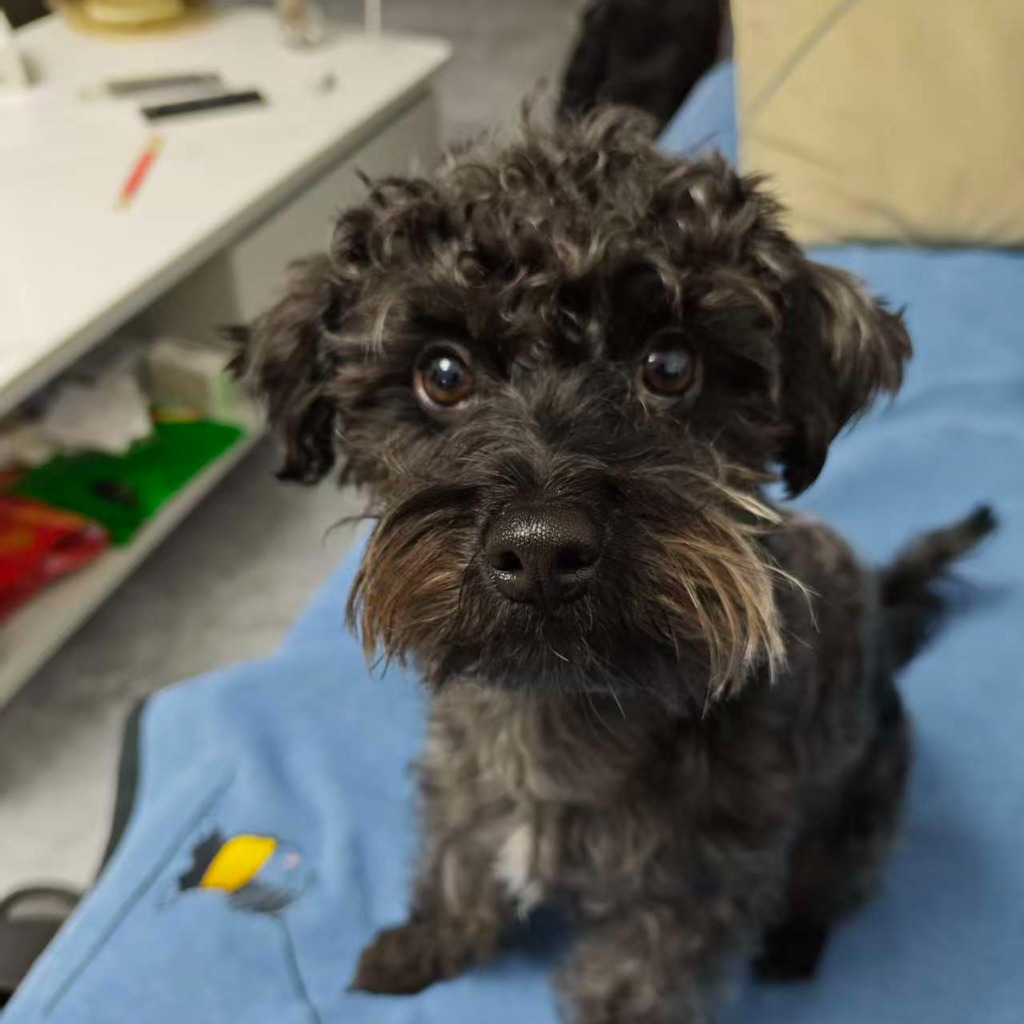
Desktop Pet Asset Replacer
Paste the following prompt into your AI chat to install this skill:
Please follow https://skillhub.cn/install/skillhub.md to install @user_13e32aed/zzcx99883377.
About this skill
The problem
Some desktop pets ship as PyInstaller --onefile Windows executables, with animation resources compressed into the CArchive overlay at the end of the PE file. When the source code is unavailable, simply “changing the dog to a cat” is not realistic unless the package can be treated as a binary bundle. This skill targets that narrower case: replace image assets only, without touching Python logic.
How it works
The skill parses the original exe as a PyInstaller single-file package, inspecting the CArchive, cookie, and TOC. It detects whether the target asset is a frame_NNNN.png sequence or a single PNG fallback. It then probes the replacement video with ffmpeg for codec, alpha channel, fps, and resolution, extracts alpha-preserving PNG frames, and resizes them to a default 4:3 size. During rebuild, it keeps the PE bootloader, Python runtime, Qt DLLs, and other compressed entries unchanged, replaces only the selected image frames, and recomputes TOC offsets and the 88-byte cookie.
Boundaries
It does not support --onedir packages, Nuitka, cx_Freeze, or Electron builds. It also cannot patch the main script, add dependencies, or modify the bootloader. If the replacement video lacks alpha, a transparent background may become black or white. Older PyInstaller builds with a 64-byte cookie are not covered.
Use Cases
- When given a PyInstaller one-file desktop pet exe, replace the dog animation with a cat video while preserving the original package.
- When handed a transparent-background PyInstaller desktop pet exe, swap the single dog PNG for a cat image and output a new exe.
- When a WebM alpha video is provided, extract 12 fps PNG frames to replace the animation assets inside a PyInstaller desktop pet.
- When maintaining a delivered desktop pet binary, replace the embedded frame sequence without recompiling source code or touching logic.
Best For
- Client-side developers who only have a desktop pet Windows exe and want to replace its embedded animation or static image
- Indie developers maintaining PyInstaller one-file Windows apps who need to swap transparent background desktop pet frame sequences
- App maintainers who receive asset replacement requests and need to convert WebM alpha video into PNG frames before rebuilding the exe
- Engineers maintaining released desktop pet tools who want to update image assets without changing Python logic or dependencies
Related Skills

Automatically indexes Gradle-cached AAR/JAR dependency classes and returns library coordinates, versions, and public APIs by fully qualified name, using only the Python standard library.

Codifies AMT and YourMT3 training conventions, script patterns, hyperparameters, precision, checkpoints, and NaN safeguards.

Retrieve relevant chunks from a customer-managed PKM dataset by dataset_id and return concise, source-annotated answers.

Convert PRDs, user stories, or functional specs into prioritized test-point checklists covering functional, business-rule, boundary, exception, and non-functional dimensions.