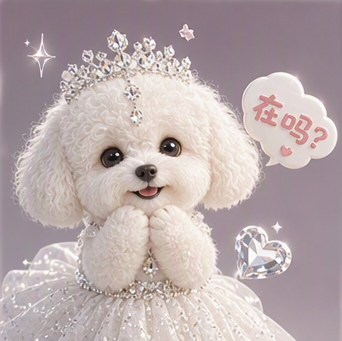
Wanwei Yiyan Smart Emoji Design
Paste the following prompt into your AI chat to install this skill:
Please install @showapi/smart-emoji-design-workflow-showapi into your AI assistant by following the guide at https://skillhub.cn/install/skillhub.md.
About this skill
Problem
When you already have a character illustration, pet photo, or IP image and want to turn it into a usable chat-sticker set, the hard part is not generating one image. It is keeping facial features, color, and line style consistent, producing a grid layout that can be split cleanly, and exposing a task result that can be previewed and downloaded.
How It Works
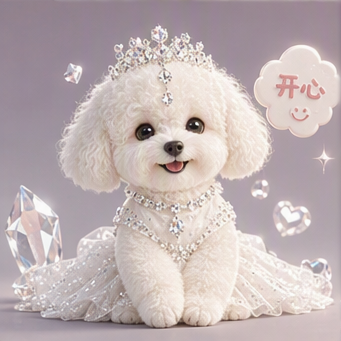
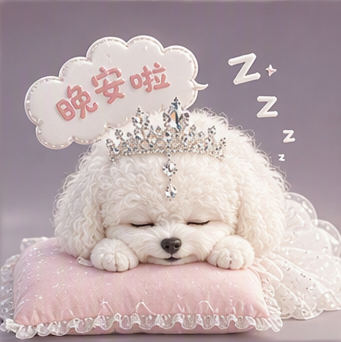
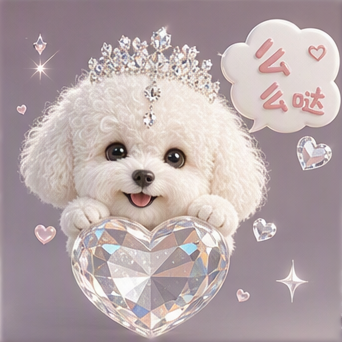
The skill builds an asynchronous workflow around prompt and reference_image. It validates input, parses the reference image for character traits, art style, and palette, then fuses those signals with the grid setting to generate drawing prompts and slicing parameters. In real execution, execute_task.py submits the job and returns only a task_id; query_task.py polls the job state and syncs each round’s status until the final payload contains original_image and an emoji_list of individual sticker URLs. It supports grid_num=9 or grid_num=16, which fits portrait stickers, cartoon IP expansion, and pet sticker sets.
Boundaries
The flow is asynchronous and should not be treated as a synchronous image endpoint. reference_image should be clear and contain a complete subject, while prompt should describe emotion, style, and usage context. Without showapi_appkey, the run returns a simulated preview result rather than a real generated asset.
Screenshots
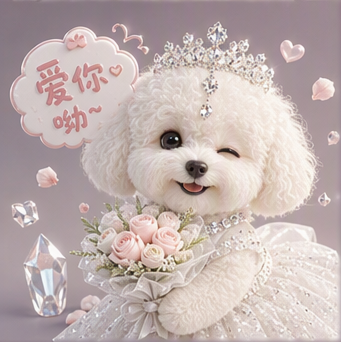
Use Cases
- Turn a cartoon IP illustration into a 16-grid emotion sticker sheet and export 16 individual sticker URLs.
- Create a 9-grid cute pet sticker set from a clear front photo, returning a composite image and nine sub-image links.
- Generate a brand mascot chat-sticker set from a reference image with a funny mood and download the sliced sticker links.
- Convert an uploaded portrait into a 9-grid chat sticker set while preserving the original style and splitting it into singles.
Best For
- Operations: wants to expand an existing brand mascot illustration into a chat-sticker set for community channels.
- Designer: needs multi-emotion 9-grid drafts from one base image and then sliced single sticker assets.
- Product manager: wants a quick visual check of an IP character as chat stickers and a previewable URL list.
- Content creator: turns pet or portrait photos into cute stickers for social-post decoration.
Related Skills

A ComfyUI image-generation skill that uses a five-step dialog to collect prompts, prefill templates, confirm parameters, submit API jobs, and return results.

A design-system guidance skill for Impeccable that produces token-based rules, component states, accessibility criteria, and QA checklists.

Director-level video lapian that diagnoses material precision, then produces frame evidence, director analysis, a style bible, and a showcase video.
Plan and brief Amazon MAIN, Listing, and A+ image sets from verified product facts, then return plan and image QA status.