Restaurant Menu Design Generation
Paste the following prompt into your AI chat to install this skill:
Please follow https://skillhub.cn/install/skillhub.md and install @showapi/restaurant-menu-design-showapi.
About this skill
Problem
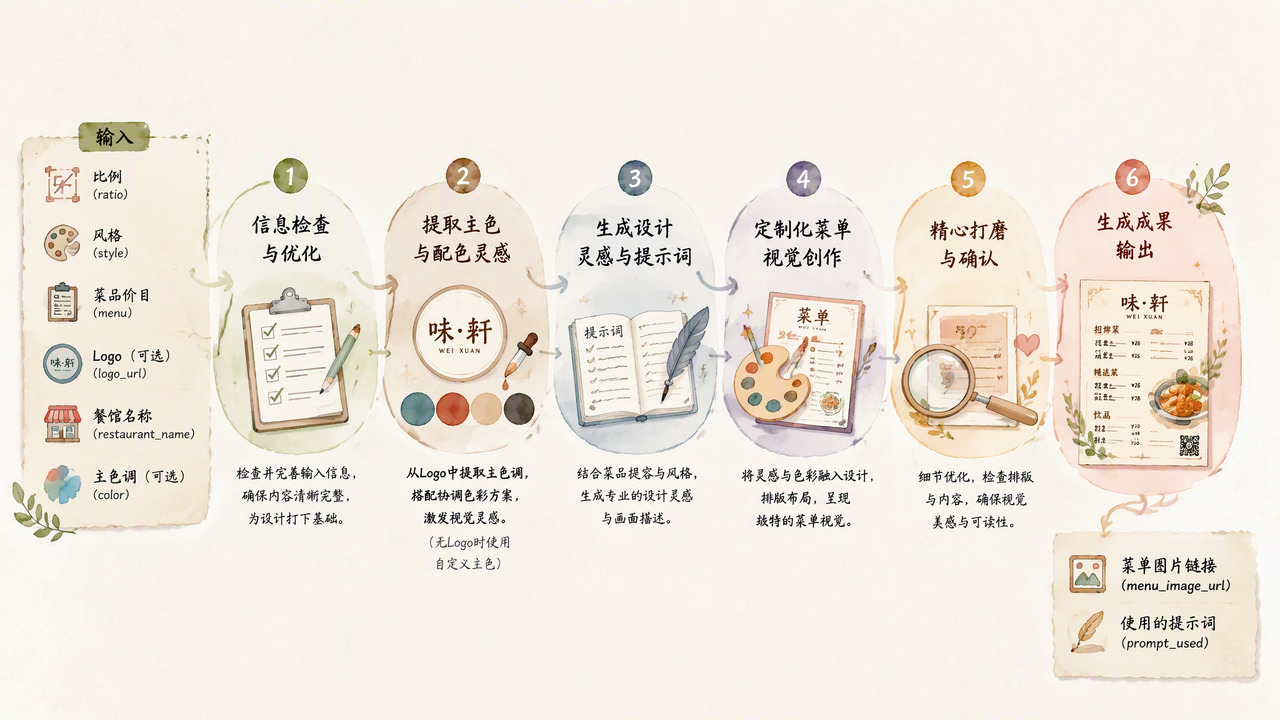
Restaurant pages, delivery listings, and in-store signage often need a clean menu image that combines the restaurant name, dish list, prices, brand colors, and layout ratio. Manual design work can be repetitive: checking Chinese typography, price alignment, visual hierarchy, and color harmony, especially when a brand logo already defines the identity. This skill treats that workflow as a structured generation pipeline.
How it works
The main inputs are restaurant_name, menu, style, and ratio, with an optional logo_url. The skill first performs compliance checks. If a logo is provided, it analyzes the image to extract the dominant color, RGB value, and text contrast suggestions. It then builds a simplified-Chinese layout prompt from the dish text, restaurant name, style, and palette, and calls an image model to render the menu. Real runs are asynchronous: execute_task.py submits the job and returns only a task_id, while query_task.py polls until the final image URL and prompt are available. Without an app key, a one-time simulated response is available for preview only.
Boundaries
Real tasks are strictly asynchronous and do not support synchronous mode. menu and restaurant_name are required, and the original menu text should be preserved to avoid accidental rewriting before generation. If no logo is supplied, the skill relies on the provided style or defaults. Because output depends on an image model, final Chinese typography, price clarity, layout details, and color accuracy still need manual review.
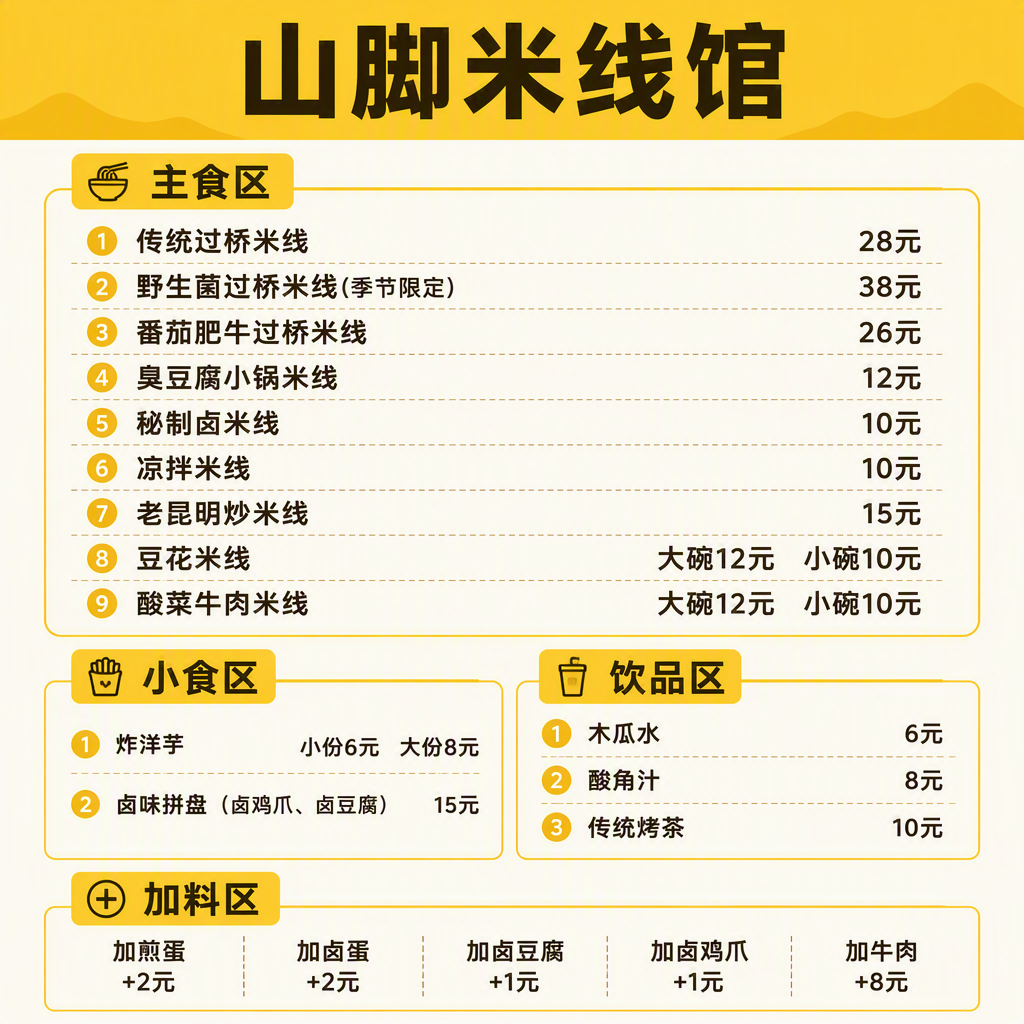
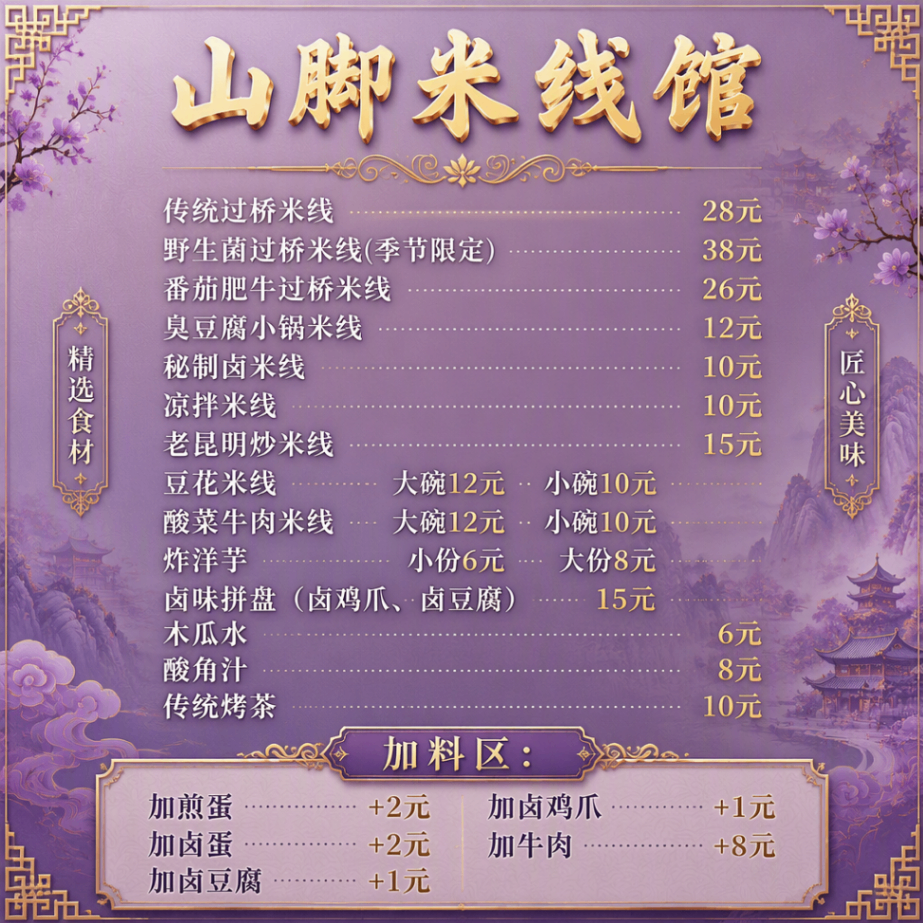
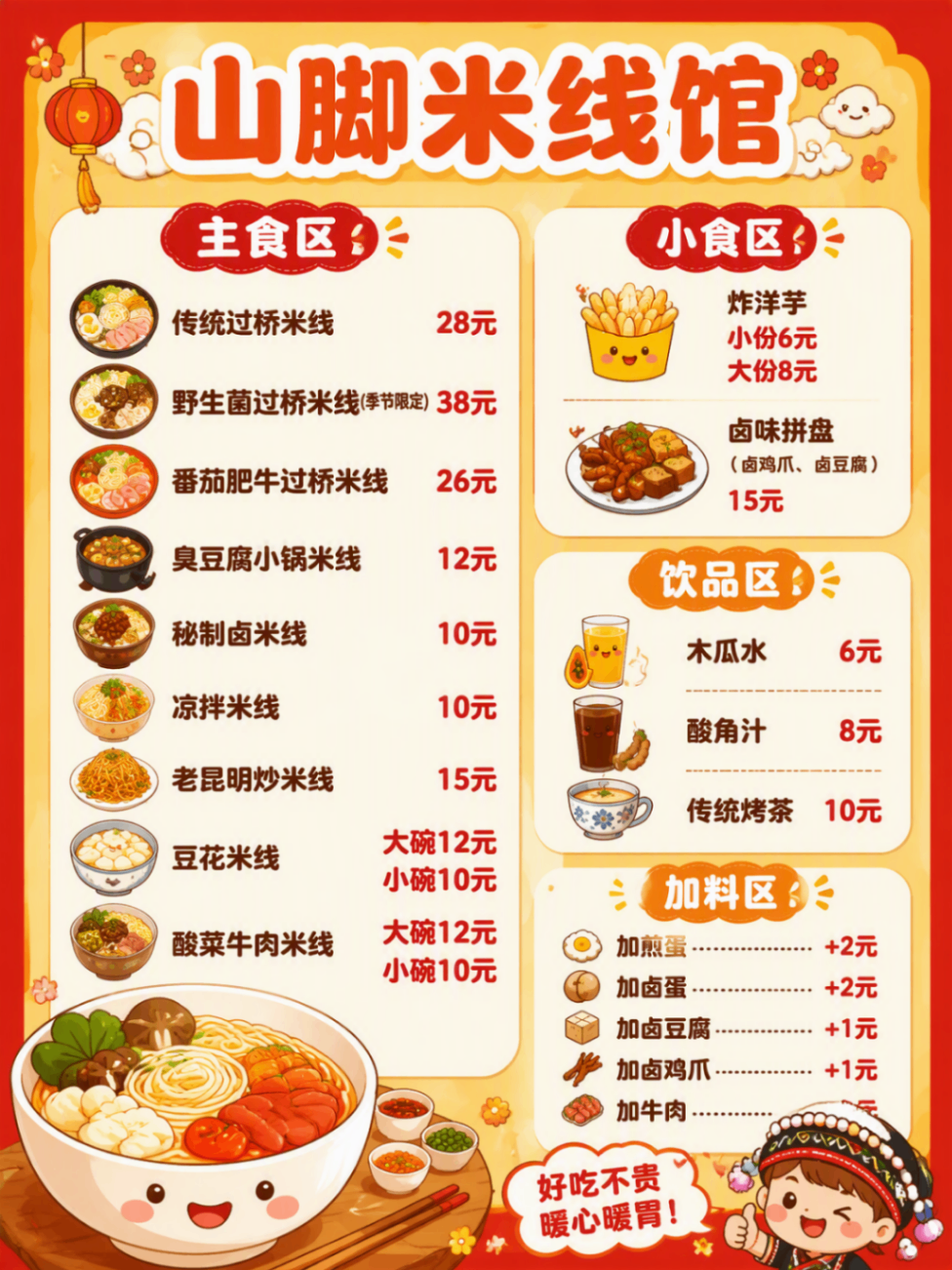
Screenshots
Use Cases
- Prepare opening materials for a physical store by turning the dish list and restaurant name into a 3:4 Chinese menu poster.
- Create a consistent dish menu image for an online listing before a delivery service goes live.
- Apply the dominant color from an existing brand logo to a menu page for new store channels.
- Generate a previewable visual menu draft for a soft-opening flyer from original dish text and a simple style.
Best For
- Restaurant operations managers preparing opening materials who need dish lists turned into displayable Chinese menu images.
- Delivery visual editors applying logo-derived brand colors to menu poster designs.
- Product managers maintaining store pages who need menu images in different aspect ratios from dish text.
- ShowAPI integration engineers connecting asynchronous menu generation tasks to internal workflows.
Related Skills

A ComfyUI image-generation skill that uses a five-step dialog to collect prompts, prefill templates, confirm parameters, submit API jobs, and return results.

A design-system guidance skill for Impeccable that produces token-based rules, component states, accessibility criteria, and QA checklists.

Director-level video lapian that diagnoses material precision, then produces frame evidence, director analysis, a style bible, and a showcase video.
Plan and brief Amazon MAIN, Listing, and A+ image sets from verified product facts, then return plan and image QA status.