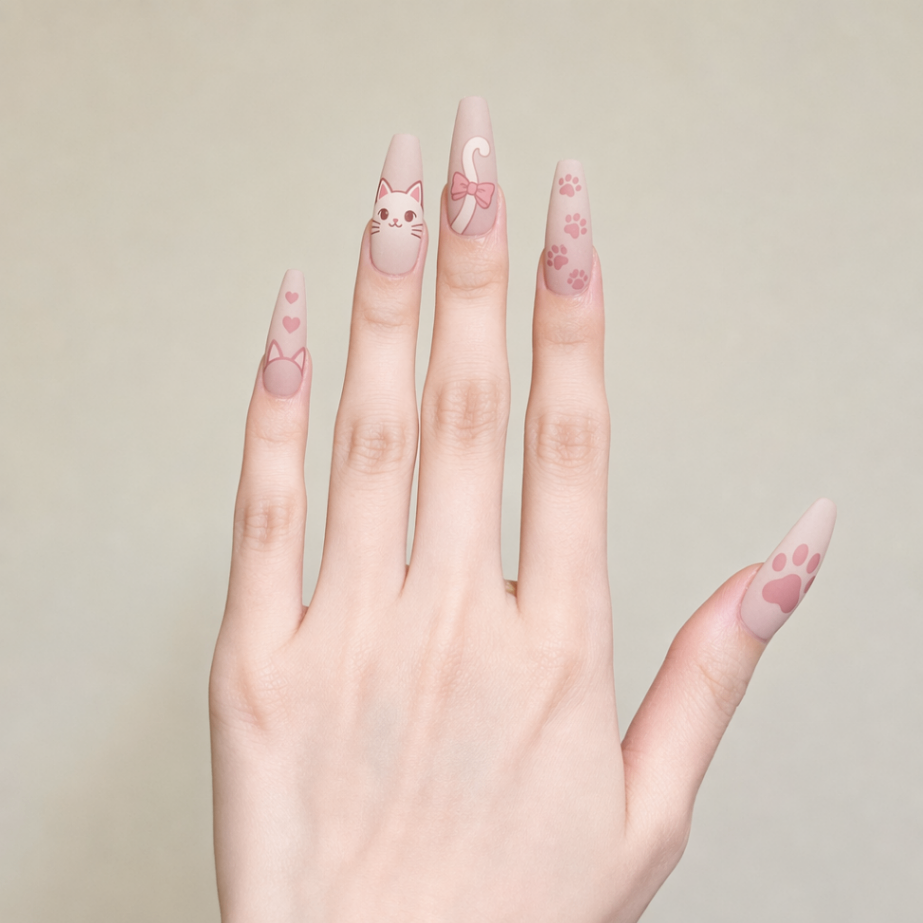
Nail Effect Generation
Paste the following prompt into your AI chat to install this skill:
Install @showapi/nail-effect-generation-showapi by following https://skillhub.cn/install/skillhub.md
About this skill
Problem
Nail designers often need to turn a sketch into a confirmable wear effect, but physical try-ons are costly and generic image generation can drift from the original design. This skill targets design review and online try-on workflows, taking a hand photo and a nail design sketch as inputs.
How It Works
It runs an asynchronous pipeline: compliance check, visual analysis of style, color, pattern, texture, and complexity, then prompt fusion with the rule “fidelity > user request > model freedom”. It generates positive/negative constraints and polls for results.
- execute_task.py submits the task and returns only task_id
- query_task.py polls status and reports progress
- finger_img and design_img are required, accepting URL or Base64
- Empty prompt favors strict restoration; added prompt enables moderate enhancement
- aspect_ratio can request ratios such as 9:16
Boundaries
Real tasks are strictly asynchronous; without showapi_appkey it runs a preview-only simulation. It is suitable for sketch preview and client communication, not final delivery rendering, and it does not guarantee exact material, gloss, or handmade detail.
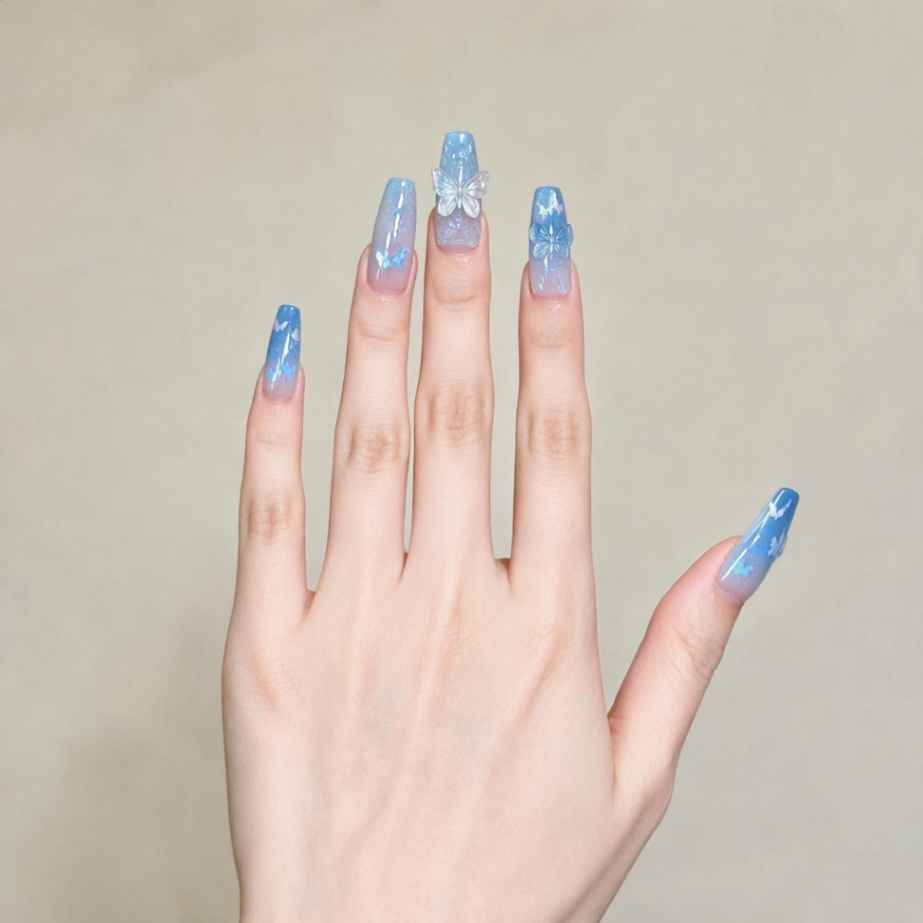
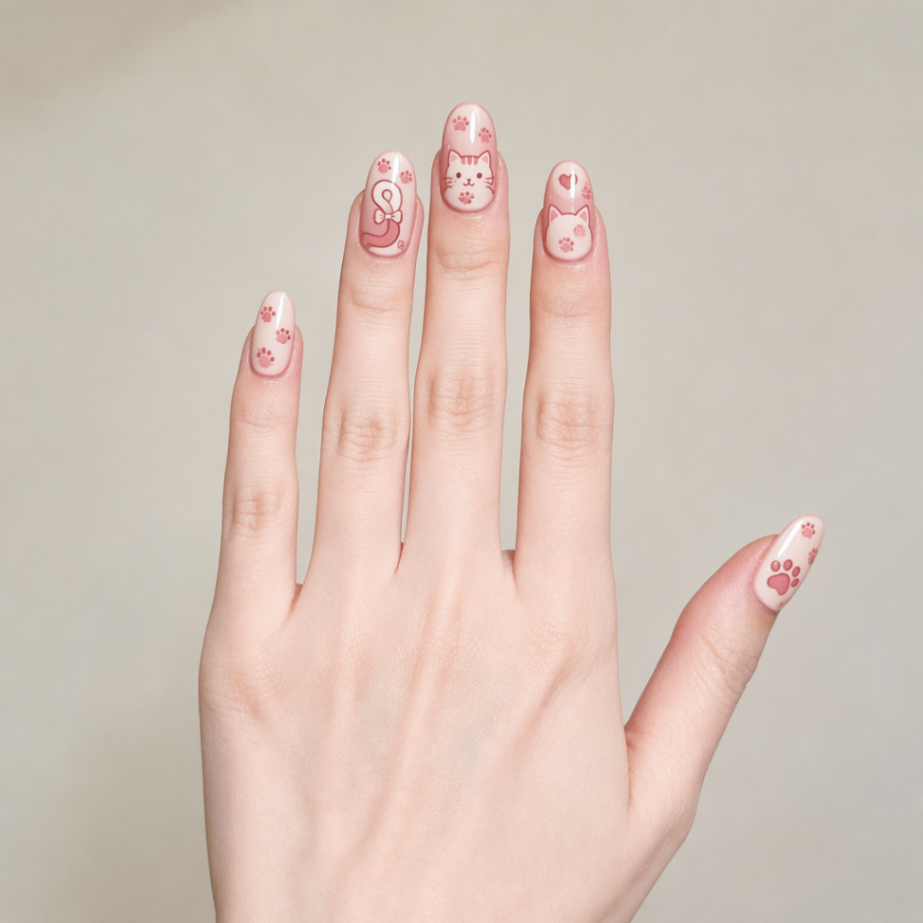
Screenshots
Use Cases
- A nail technician previews a client's design sketch as a try-on image for approval.
- An online shop renders a new nail design onto a hand photo for product display.
- A designer adds sparkle or 3D requirements and generates an enhanced preview.
- A client needs a 9:16 vertical try-on image for short-video content.
Best For
- Nail designers who need to show clients how a sketch will look when worn.
- E-commerce operators who need quick product preview images for online listings.
- Effect designers who need to enhance sparkle or 3D details from prompts.
- Content creators who need vertical 9:16 previews for short-video assets.
Related Skills

A ComfyUI image-generation skill that uses a five-step dialog to collect prompts, prefill templates, confirm parameters, submit API jobs, and return results.

A design-system guidance skill for Impeccable that produces token-based rules, component states, accessibility criteria, and QA checklists.

Director-level video lapian that diagnoses material precision, then produces frame evidence, director analysis, a style bible, and a showcase video.
Plan and brief Amazon MAIN, Listing, and A+ image sets from verified product facts, then return plan and image QA status.