dsh-cc-import
Run the following command in DeepSeek Harness:
dsh plugin install Mreate/dsh-cc-import
Paste the following prompt into your AI chat to install this plugin:
In DeepSeek Harness, install the plugin using the command dsh plugin install Mreate/dsh-cc-import, or visit https://github.com/Mreate/dsh-cc-import for more details.
About this plugin
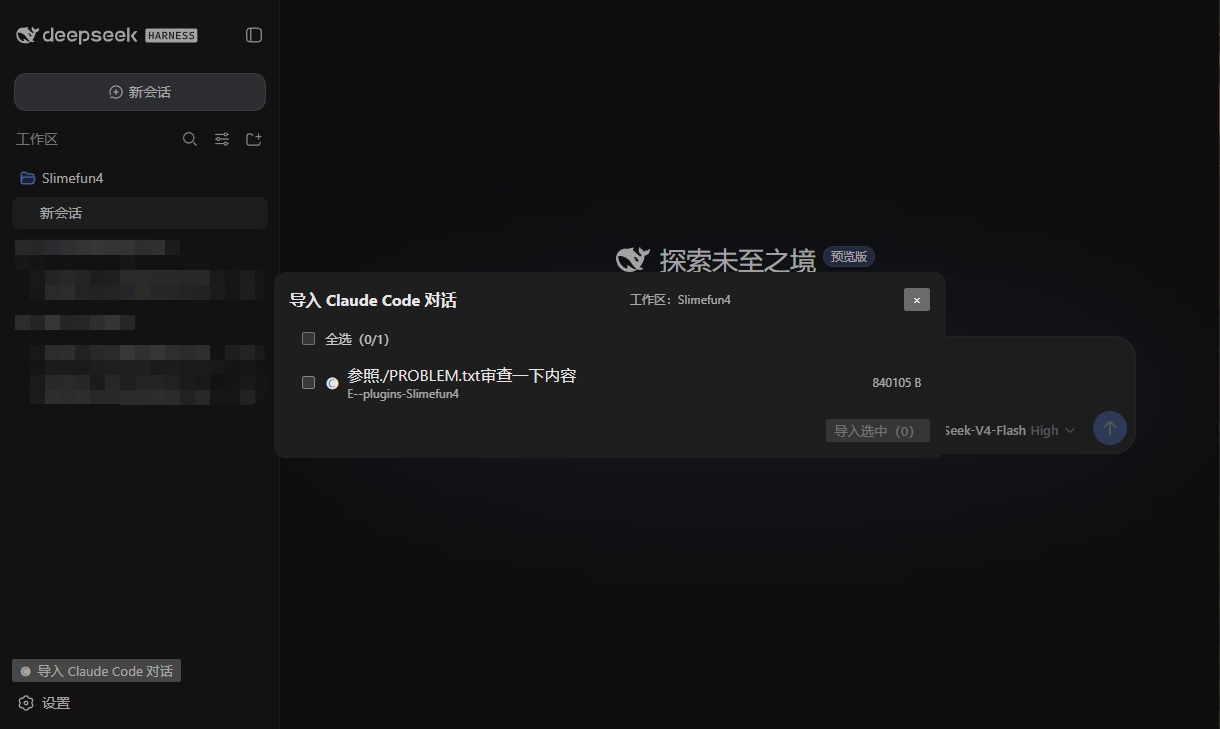
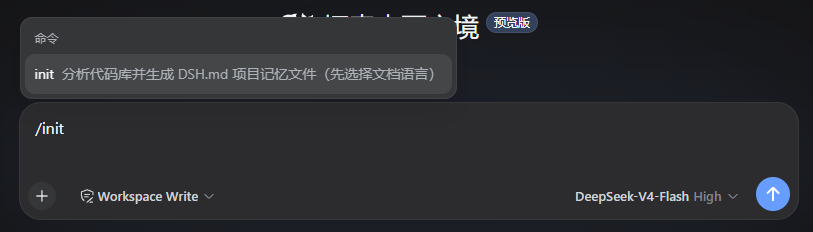
Developers who use Claude Code for code assistance often accumulate valuable memory files (e.g., CLAUDE.md) and conversation histories, but migrating these to other platforms like DeepSeek Harness can be challenging due to data loss or format incompatibility. The dsh-cc-import plugin addresses this issue by seamlessly importing Claude Code's memory and conversations into DeepSeek Harness, ensuring a high-fidelity and extensible migration process. Its core capabilities include automatically loading memory hierarchies from both Claude Code and DSH, providing a one-click initialization command (/init) to generate DSH.md files, and converting .jsonl conversation files into traceable, resumable DSH sessions with support for subagent imports and model-driven operations. The plugin's architecture also allows for future extension to support imports from other agents such as Cursor or Codex.
Screenshots
Use Cases
- Seamlessly migrate Claude Code conversation history to DeepSeek Harness.
- Use the one-click init command to create DSH.md memory files for projects.
- Batch import multiple .jsonl conversation files to restore work context.
Best For
- Developers using Claude Code for code assistance.
- Teams needing to migrate data from Claude Code to DeepSeek Harness.
- Engineers focused on conversation traceability and session resumption.
Related Plugins

A method pack that makes AI coding agents plan against your real baseline, prove completion with fresh evidence, and reduce reworks and unsafe changes.

Turns the DeepSeek Harness session into a captain that builds a durable sub-agent team, splits goals into dependency-aware tasks, and coordinates work via direct messages and a live Web UI.
Gives coding agents design judgment, letting Claude Code, Cursor, and 70+ agents generate and iterate high-quality UI, presentations, and graphics right from the terminal.
Run the Pi ecosystem's plugins on DeepSeek Harness, unmodified, via a compatibility layer that implements Pi's public extension ABI on DSH's native services.