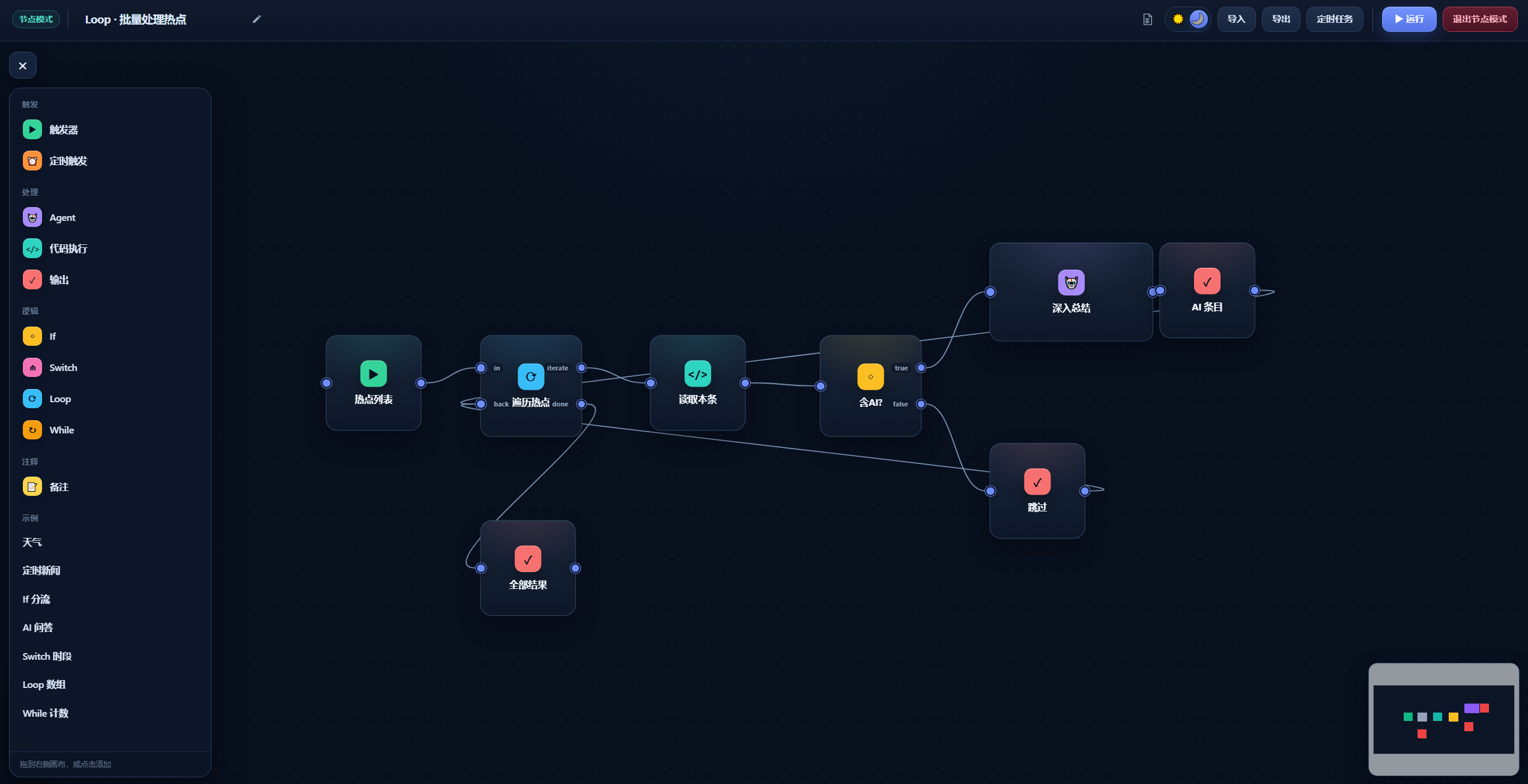
dsh-workflow
Run the following command in DeepSeek Harness:
dsh plugin install luxi233/dsh-workflow
Paste the following prompt into your AI chat to install this plugin:
Run dsh plugin install luxi233/dsh-workflow in your terminal to install the plugin; the source repository is https://github.com/luxi233/dsh-workflow , and you can then open the Node panel in the DSH sidebar to start building workflows.
About this plugin
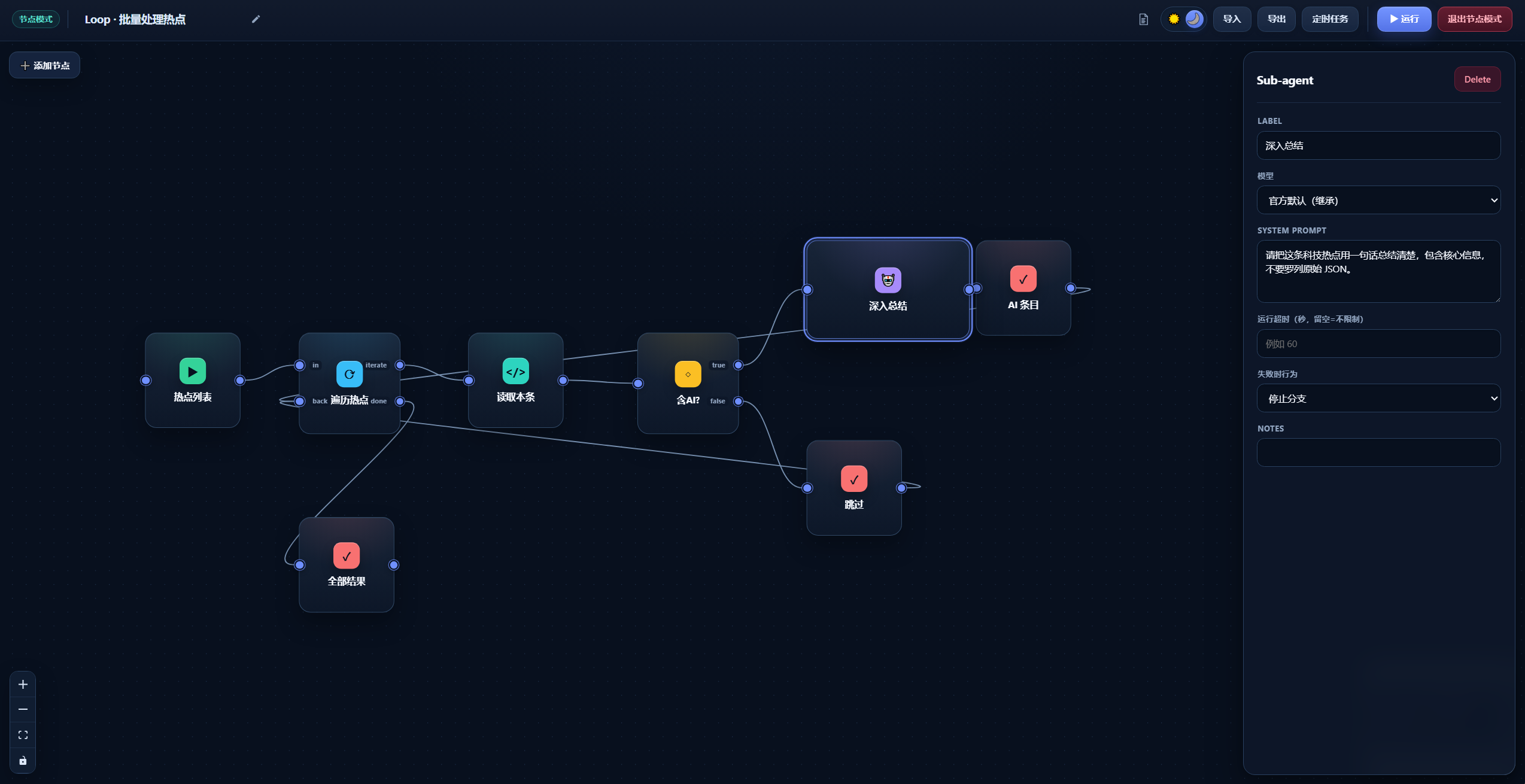
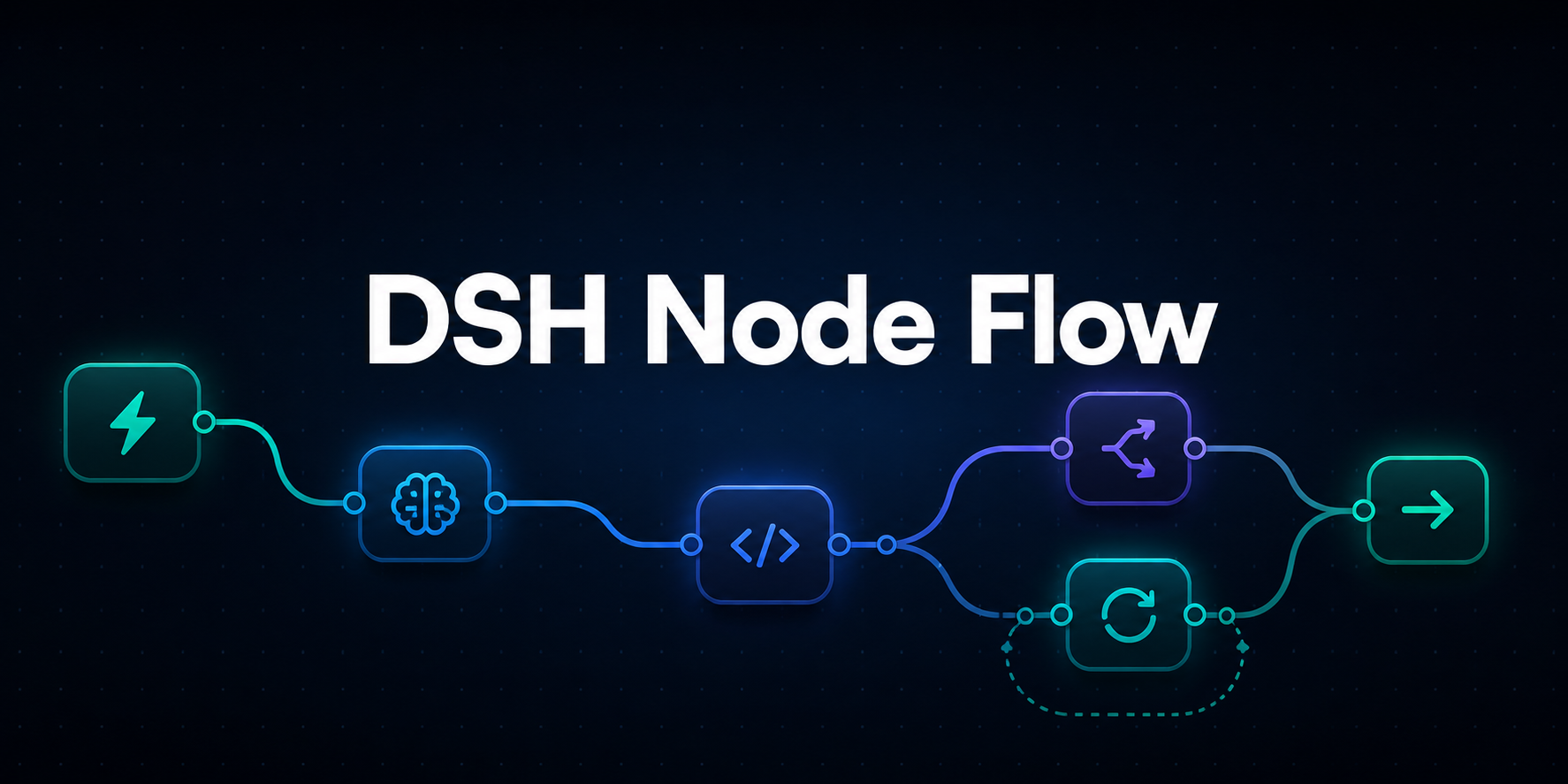
Multi-step automation inside DeepSeek Harness often means chaining Agent calls, HTTP requests, conditional branches, loops, and cron jobs across scattered scripts and terminal commands. dsh-workflow brings all of that into a single visual canvas: drag nodes such as Trigger, Agent, Code (TypeScript or Python), HTTP, If, Switch, Loop, While, Wait, and Data Store from the left panel, wire their ports to define data flow, and configure model routing, retry policies, timeouts, and error handling in the right-hand inspector, all running natively inside DSH without leaving the harness.
Reliability is the design focus. Webhook endpoints support HMAC-SHA256 signature verification and idempotency-key deduplication. A declarative connector catalog covers 16 platforms including GitHub, Slack, Notion, Stripe, and Jira, with OAuth2 auto-refresh and a built-in single 401 retry. The Wait node handles delays, external callbacks, and human approvals, releasing execution resources while pending and resuming automatically after a host restart. Project variables and Secrets are stored under AES-256-GCM encryption and masked in logs and API responses. Error branches, checkpoint recovery, execution budgets, and full version history give production workflows the auditability and rollback safety they need.
This plugin is for DSH users who want to compose Agent orchestration, API integration, and business logic into reusable, schedulable pipelines without dropping out of their harness. If you are tired of manually chaining curl commands and ad-hoc Python scripts, or you need a persistent workflow with cron triggers, human approval gates, and error compensation, dsh-workflow is built for exactly that.
Screenshots

Use Cases
- Compose Agent, HTTP, and code logic with drag-and-drop nodes instead of scattered scripts
- Trigger workflows from external Webhooks and scheduled cron jobs
- Run production automation with human approval, retries, and error branches
Best For
- Developers building Agent workflows inside DeepSeek Harness
- Teams that need persistent API integration, business rules, and scheduled jobs
- Automation engineers turning ad-hoc scripts into reusable, auditable pipelines
Related Plugins

A method pack that makes AI coding agents plan against your real baseline, prove completion with fresh evidence, and reduce reworks and unsafe changes.

Turns the DeepSeek Harness session into a captain that builds a durable sub-agent team, splits goals into dependency-aware tasks, and coordinates work via direct messages and a live Web UI.
Gives coding agents design judgment, letting Claude Code, Cursor, and 70+ agents generate and iterate high-quality UI, presentations, and graphics right from the terminal.
Run the Pi ecosystem's plugins on DeepSeek Harness, unmodified, via a compatibility layer that implements Pi's public extension ABI on DSH's native services.