dsh-beginner-hub
Run the following command in DeepSeek Harness:
dsh plugin install chaochaokongbai/dsh-beginner-hub
Paste the following prompt into your AI chat to install this plugin:
Run dsh plugin install chaochaokongbai/dsh-beginner-hub in a DeepSeek Harness terminal to install the plugin; source code and full documentation are available at https://github.com/chaochaokongbai/dsh-beginner-hub .
About this plugin
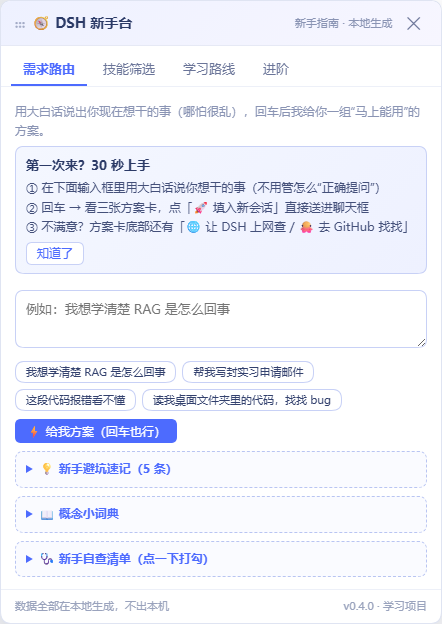
The DSH ecosystem is full of capable plugins, yet beginners often freeze at the very first step - opening the panel and wondering what to ask, how to phrase it, and what the tool can actually do. That is the exact moment dsh-beginner-hub is built for: you type what you want in plain language, and it turns one vague request into a set of ready-to-use plans.
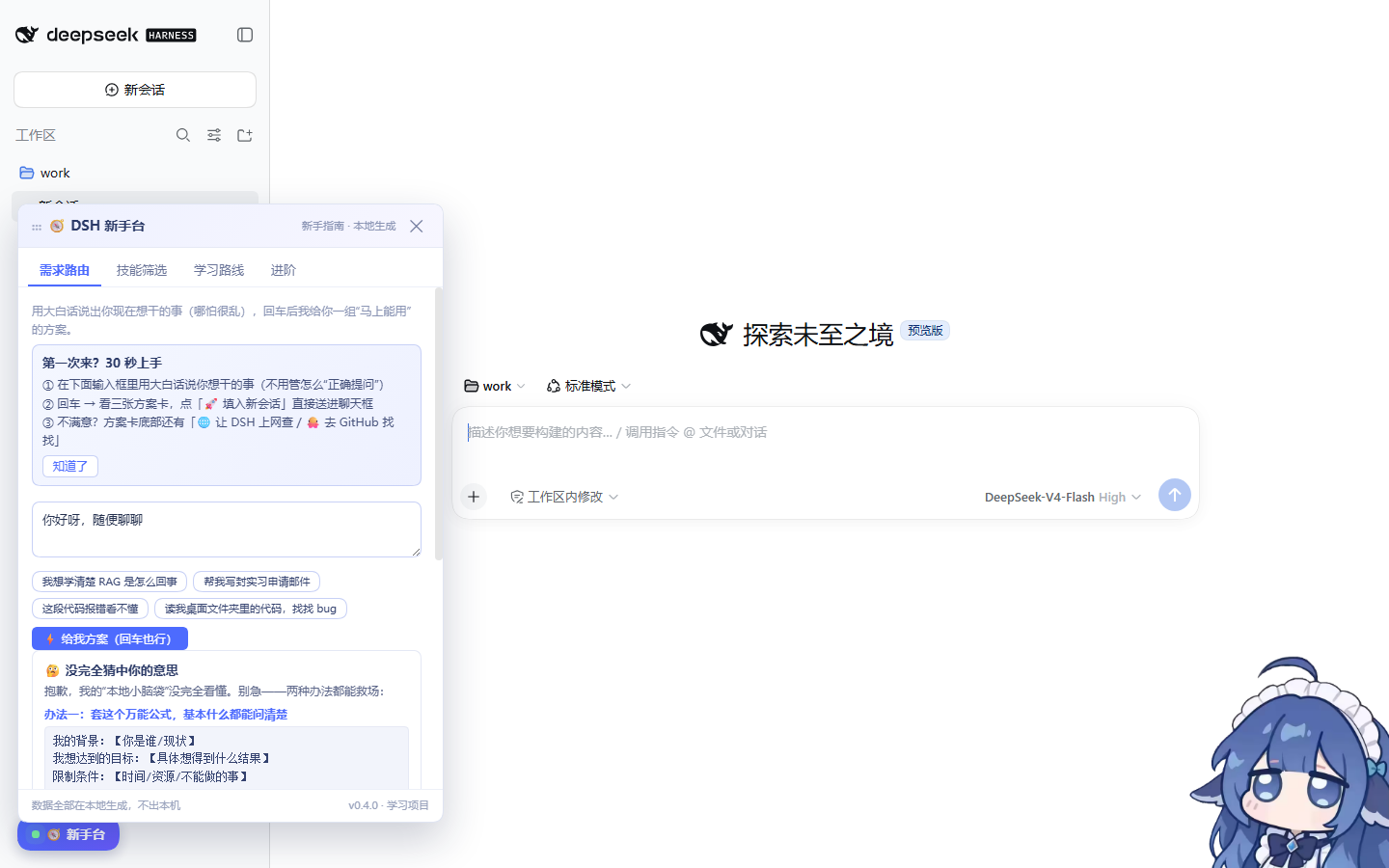
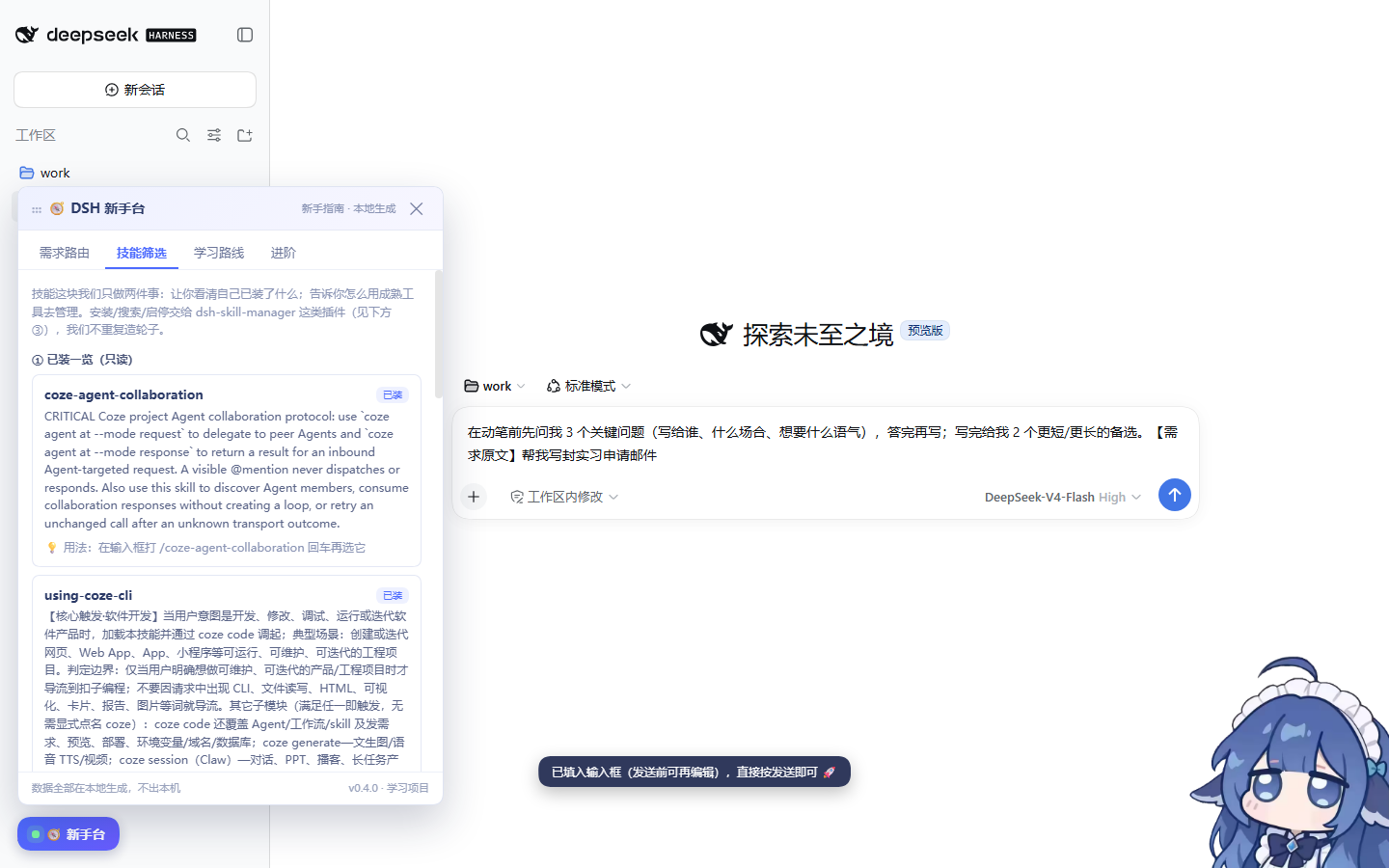
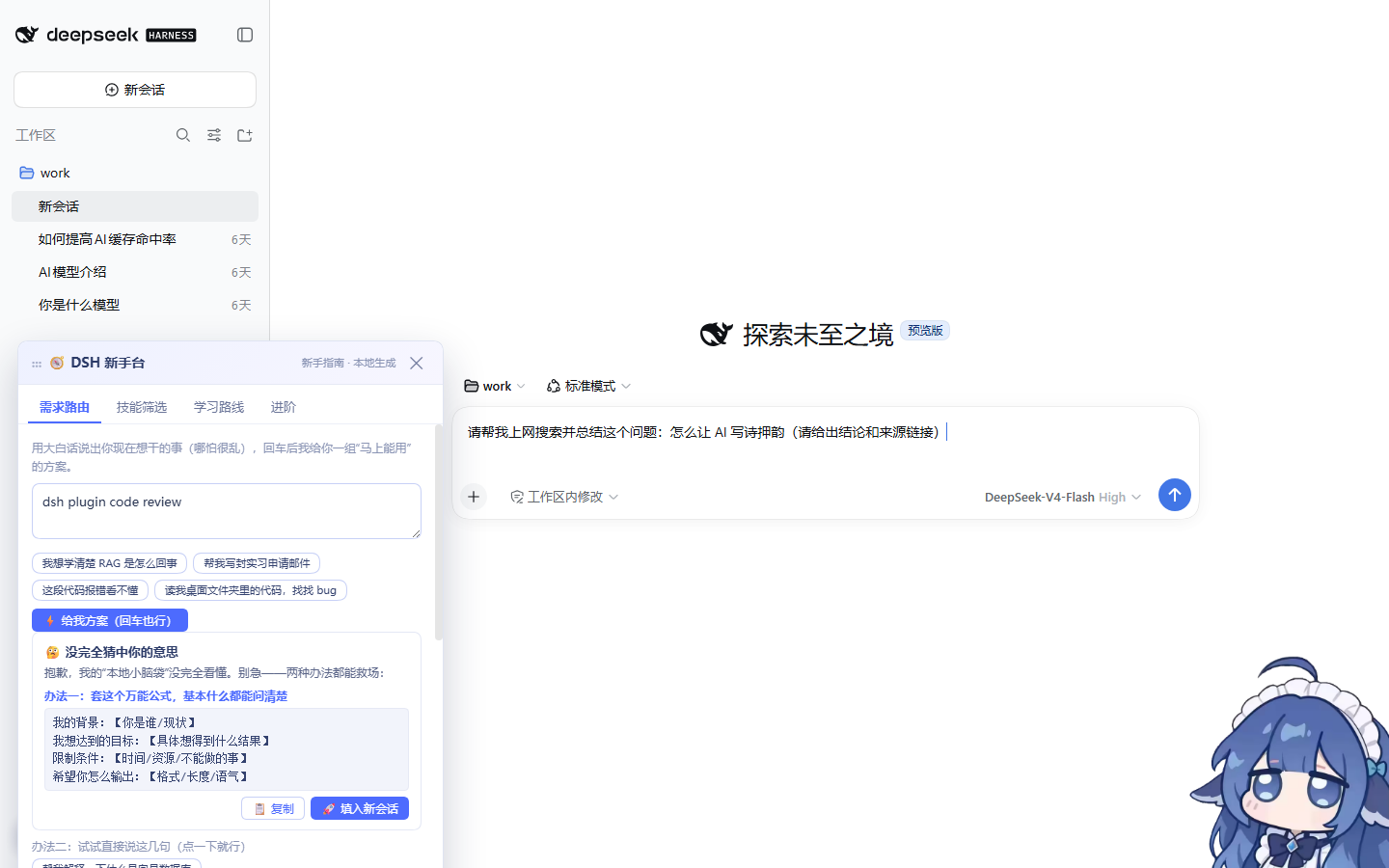
The core capability is a local need-router. A pure-frontend keyword rules engine (zero network, zero tokens) classifies your input into nine intent categories such as learning, code explanation, writing, programming tasks, and agent actions. Each category yields three plan cards: colloquial prompt variants you can drop straight into a chat, references to installed skills with usage tips, and advanced moves like reading files by path or running self-verification after edits. Every card can be filled into a new DSH session with one click or copied to the clipboard. When the rules miss, a dynamic fallback kicks in: ask DSH to search the web, look up repositories on GitHub, or rephrase and retry - three safety nets in one.
Who is it for? Pure newcomers to DSH who want to start fast but do not know where to begin. The panel ships with a dismissible three-step onboarding card on first visit and a checkable beginner checklist that breaks learning DSH into small, tickable goals. Heavier responsibilities such as skill management, plugin installation, and environment diagnostics are deliberately delegated to more mature ecosystem plugins; dsh-beginner-hub stays focused on routing and light guidance - lean, purposeful, and out of your way.
Screenshots
Use Cases
- Open DSH but don't know what to ask - type your need in plain language and get ready-to-use prompts
- Want to learn RAG, explain code, or draft a report - one sentence yields three actionable plan cards
- Just installed DSH - use the built-in onboarding card and checklist to break down your first learning steps
Best For
- Pure newcomers to DSH who don't know where to start
- Non-technical users who want quick wins over complex dashboards
- DSH explorers looking for light onboarding rather than heavy management panels
Related Plugins

A method pack that makes AI coding agents plan against your real baseline, prove completion with fresh evidence, and reduce reworks and unsafe changes.

Turns the DeepSeek Harness session into a captain that builds a durable sub-agent team, splits goals into dependency-aware tasks, and coordinates work via direct messages and a live Web UI.
Gives coding agents design judgment, letting Claude Code, Cursor, and 70+ agents generate and iterate high-quality UI, presentations, and graphics right from the terminal.
Run the Pi ecosystem's plugins on DeepSeek Harness, unmodified, via a compatibility layer that implements Pi's public extension ABI on DSH's native services.