dsh-loom
Run the following command in DeepSeek Harness:
dsh plugin install ZTCNO0NE/dsh-loom
Paste the following prompt into your AI chat to install this plugin:
In DeepSeek Harness, run the command dsh plugin install ZTCNO0NE/dsh-loom to install the plugin; the full source address is https://github.com/ZTCNO0NE/dsh-loom.
About this plugin
Within the DeepSeek Harness ecosystem, a single plugin rarely suffices for complex workflows. For instance, cost tracking, model routing, test execution, and result reporting need to work in concert, but traditional package managers only handle individual plugin installations and versions. They can’t ensure whether a group of plugins will function together, are from trusted sources, or how to roll back if something fails—often leading to half-upgraded states and maintenance headaches that require manual coordination.
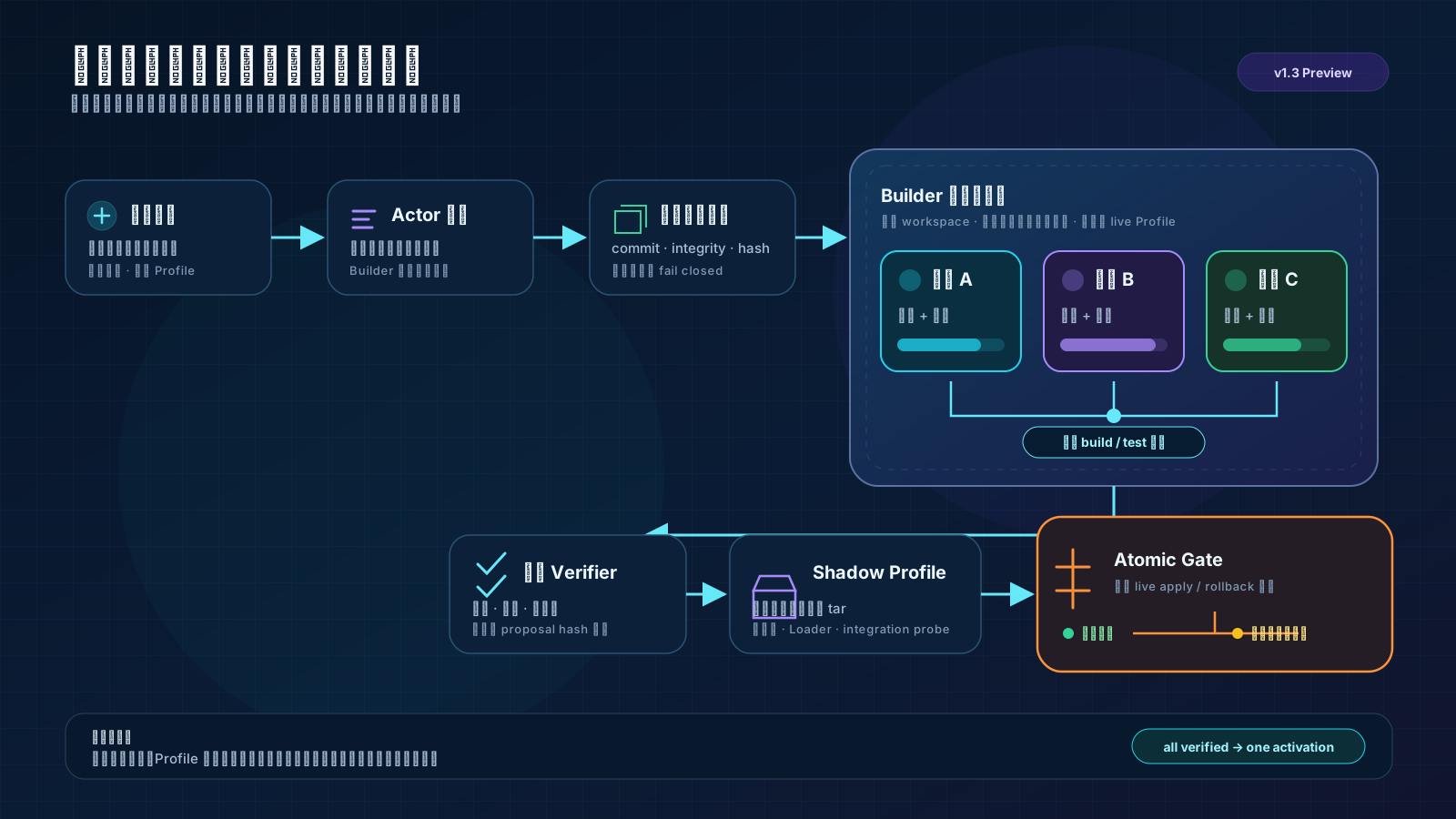
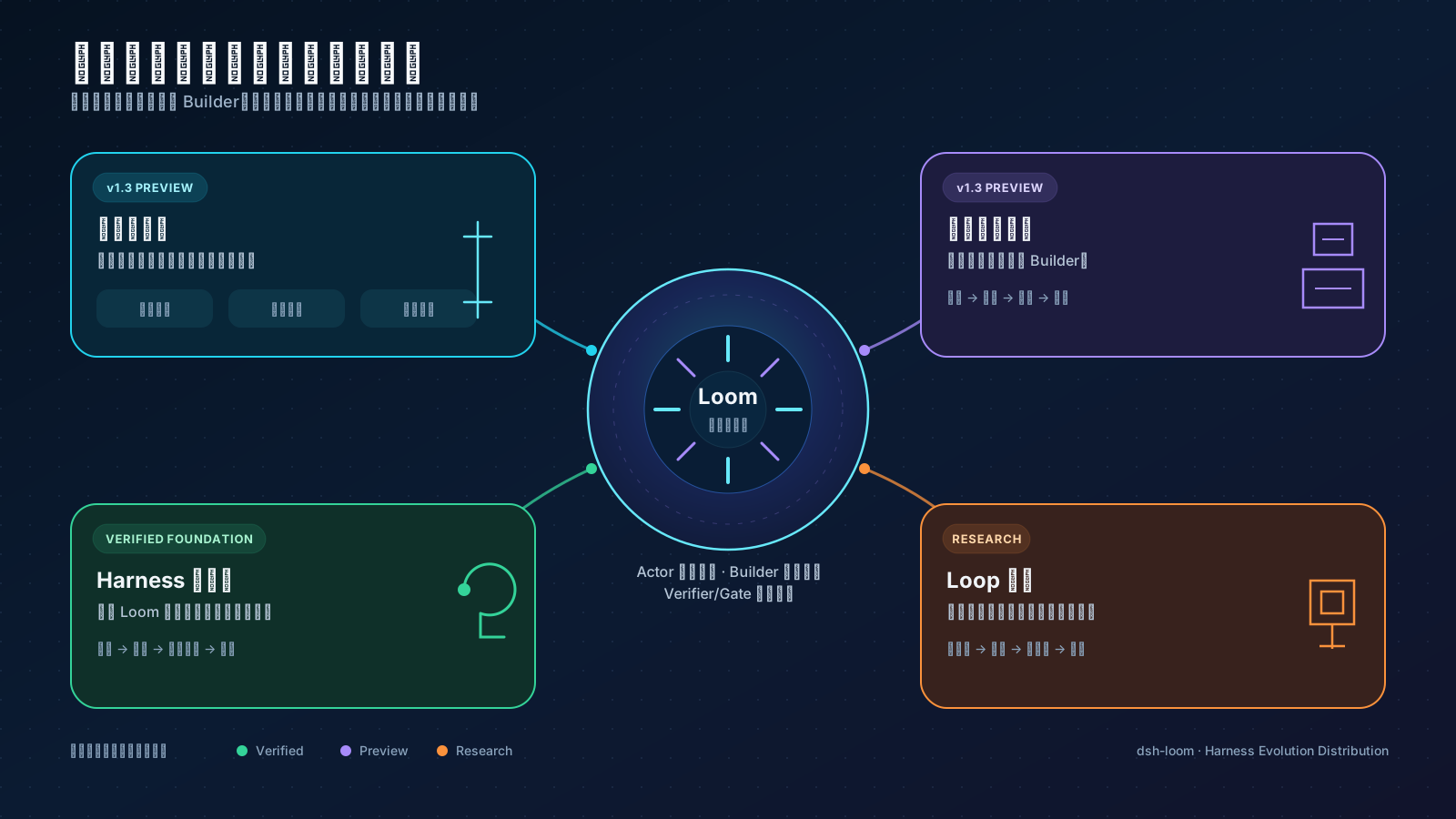
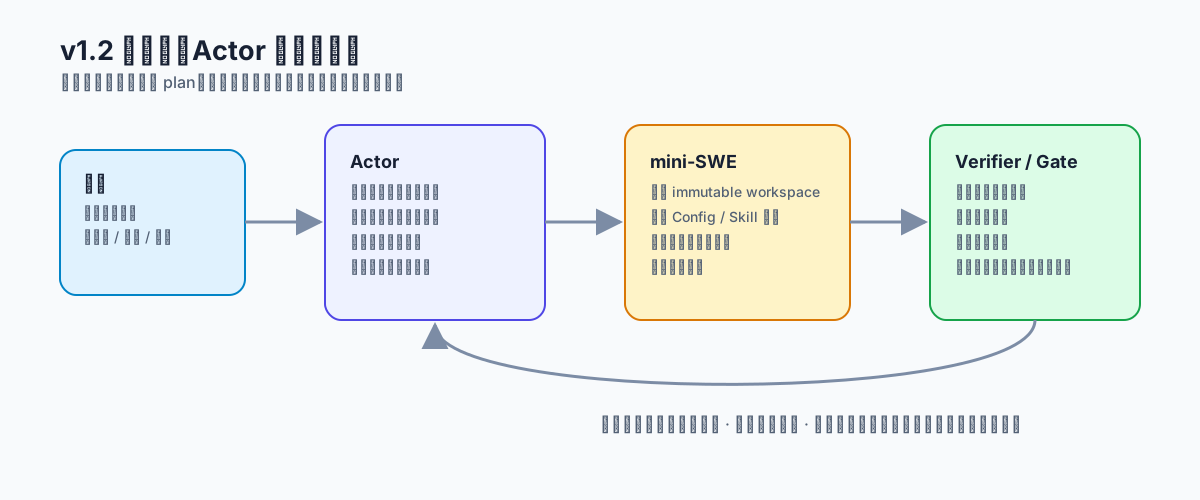
dsh-loom acts as a verifiable evolution control plane, treating plugin combinations as cohesive transactions. It delegates tasks across Actor, Builder, Verifier, and Gate: the Actor focuses on the current task, the Builder modifies plugin source code in an isolated environment, the Verifier validates feasibility and safety, and the Gate handles atomic activation or recovery. This ensures that multiple plugins can evolve together securely—from proposing changes in natural language (e.g., “link cost statistics with notification plugins”) to deterministic installation, updates, or rollbacks. The entire process is traceable, recoverable, and shielded from exposing intermediate failure states.
This plugin is ideal for developers, teams, or advanced users of DeepSeek Harness who need to build reliable plugin combinations for sophisticated workflows, such as automated cost optimization, code delivery chains, or system self-evolution. Whether you’re managing routine updates for a handful of plugins or exploring innovative multi-plugin setups, Loom provides a clear control plane that lets you focus on goals rather than tedious dependency management. It doesn’t aim to monopolize the ecosystem but instead grants unified evolution capabilities to open plugins: why change, how to verify, when to activate, and how to recover.
Screenshots
Use Cases
- Manage multiple plugins working together for complex workflows
- Safely upgrade or rollback plugin combinations to avoid system instability
- Modify plugin source code in isolation and verify the overall effect
Best For
- Developers or advanced users of DeepSeek Harness
- Teams that need to manage plugin dependencies and collaboration
- System administrators seeking reliable plugin evolution control
Related Plugins

A method pack that makes AI coding agents plan against your real baseline, prove completion with fresh evidence, and reduce reworks and unsafe changes.

Turns the DeepSeek Harness session into a captain that builds a durable sub-agent team, splits goals into dependency-aware tasks, and coordinates work via direct messages and a live Web UI.
Gives coding agents design judgment, letting Claude Code, Cursor, and 70+ agents generate and iterate high-quality UI, presentations, and graphics right from the terminal.
Run the Pi ecosystem's plugins on DeepSeek Harness, unmodified, via a compatibility layer that implements Pi's public extension ABI on DSH's native services.