dsh-plugin-appshot
Run the following command in DeepSeek Harness:
dsh plugin install TaurusWood/dsh-plugin-appshot
Paste the following prompt into your AI chat to install this plugin:
To install this plugin in DeepSeek Harness, run the command dsh plugin install TaurusWood/dsh-plugin-appshot, with the source code at https://github.com/TaurusWood/dsh-plugin-appshot.
About this plugin
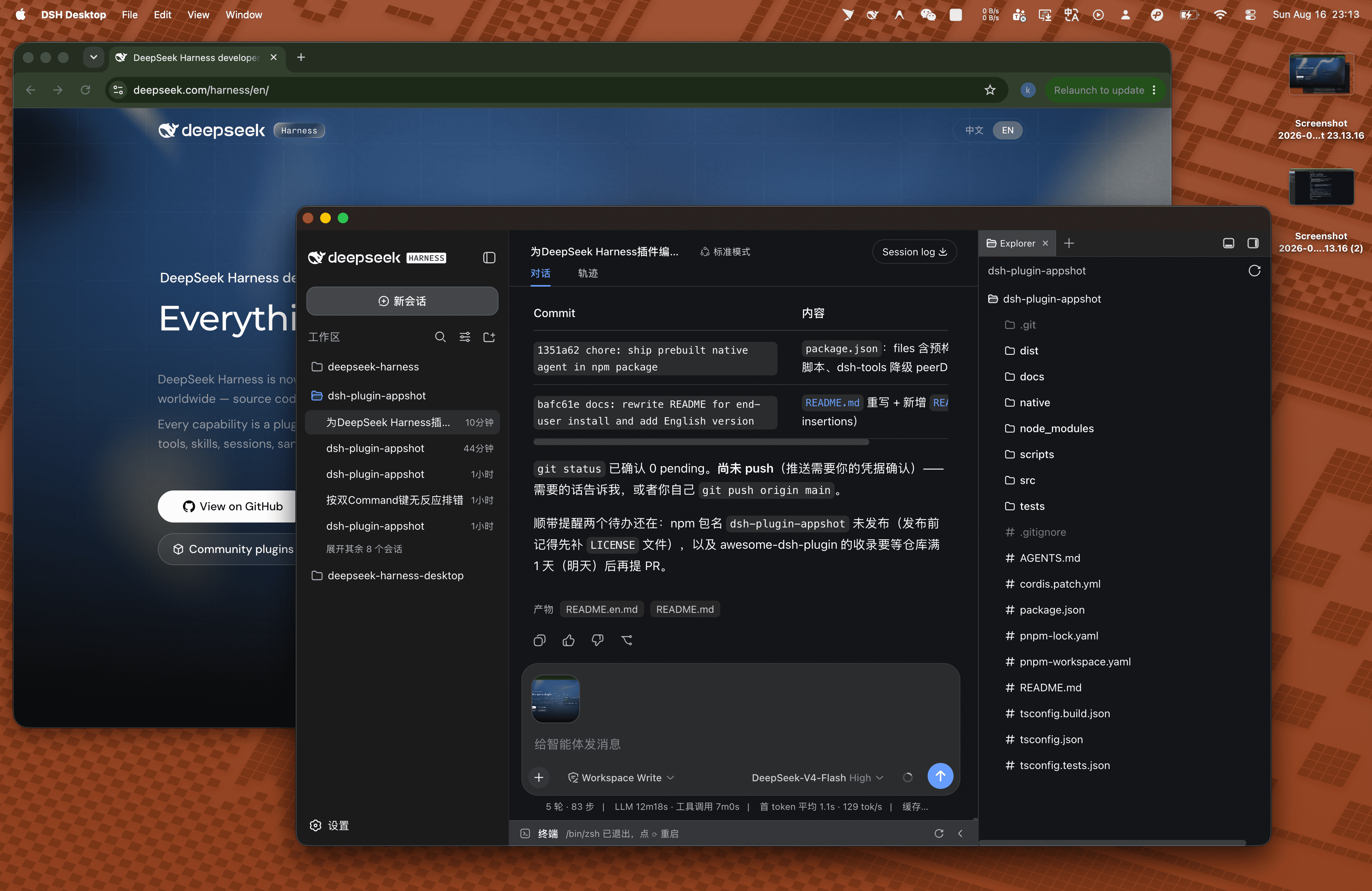
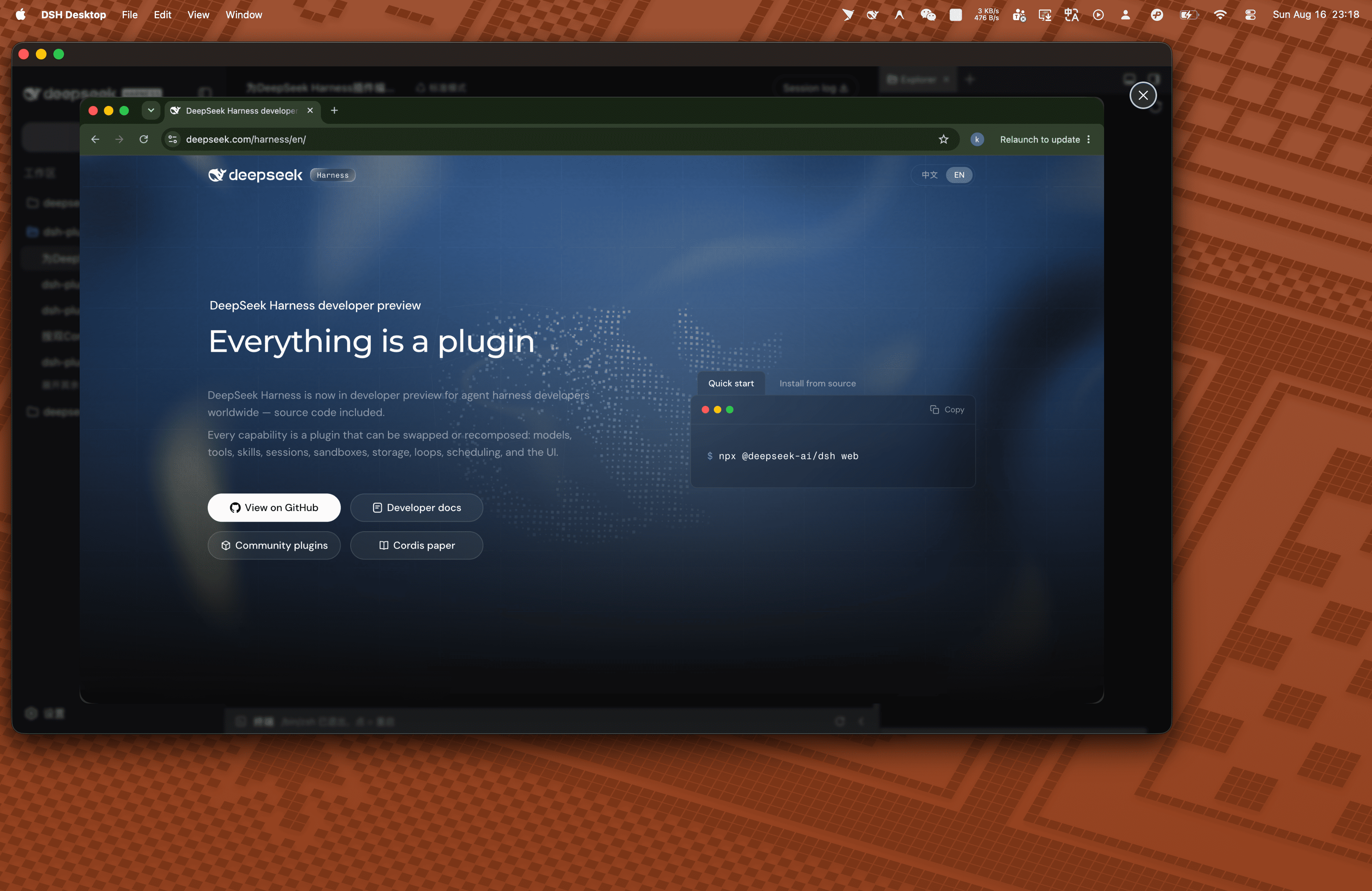
When interacting with DeepSeek Harness agents, users often need to capture the current window interface to ask questions, but the traditional process of manually taking screenshots, switching windows, and pasting them is cumbersome and disrupts workflow. The dsh-plugin-appshot plugin solves this issue with a global hotkey: users simply press the shortcut to precisely capture the current window (not the entire screen), and the screenshot automatically attaches to the Composer input draft, allowing them to add context and send directly to the agent for seamless interaction. This plugin supports both macOS and Windows, with platform-specific optimizations for screenshot mechanisms and user experience, making it ideal for all DSH users who want to enhance their efficiency, whether they are developers debugging code, document readers, or anyone troubleshooting in the terminal.
Screenshots
Use Cases
- Capture the current browser window to ask questions while reading documentation.
- Quickly screenshot error messages in IDE for debugging with the agent.
- Take a snapshot of terminal output to seek assistance during command execution.
Best For
- DeepSeek Harness users seeking to enhance interaction efficiency with agents.
- Software developers needing to quickly share interfaces during coding and debugging.
- Cross-platform workers who use both macOS and Windows systems.
Related Plugins

A method pack that makes AI coding agents plan against your real baseline, prove completion with fresh evidence, and reduce reworks and unsafe changes.

Turns the DeepSeek Harness session into a captain that builds a durable sub-agent team, splits goals into dependency-aware tasks, and coordinates work via direct messages and a live Web UI.
Gives coding agents design judgment, letting Claude Code, Cursor, and 70+ agents generate and iterate high-quality UI, presentations, and graphics right from the terminal.
Run the Pi ecosystem's plugins on DeepSeek Harness, unmodified, via a compatibility layer that implements Pi's public extension ABI on DSH's native services.