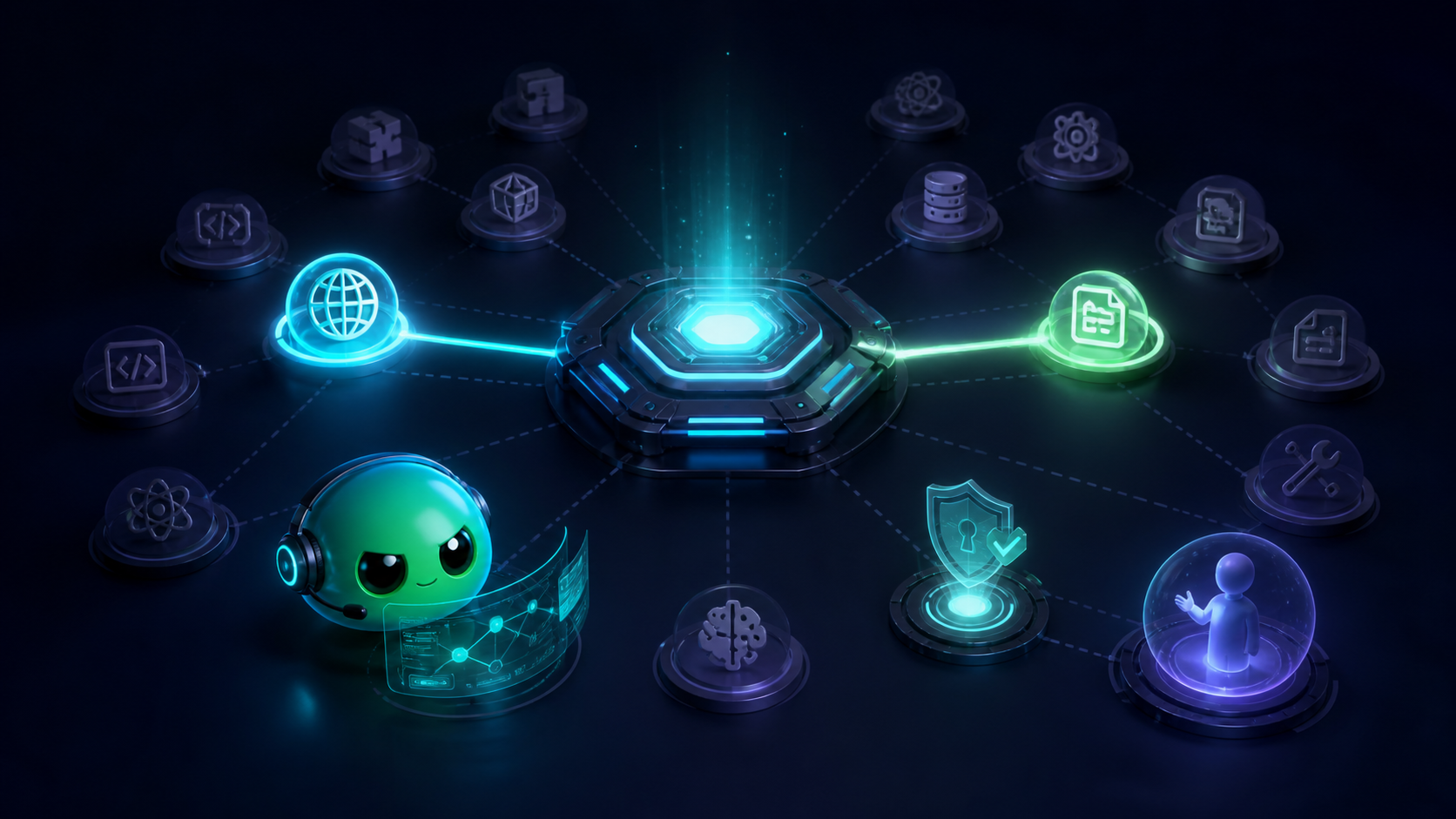
neoxider-mcp-hub
Run the following command in DeepSeek Harness:
dsh plugin install NeoXider/neoxider-mcp-hub
Paste the following prompt into your AI chat to install this plugin:
Run dsh plugin install NeoXider/neoxider-mcp-hub (source: https://github.com/NeoXider/neoxider-mcp-hub) in your terminal, then restart DeepSeek Harness to pick up the new capability_hub tool.
About this plugin
Running multiple MCP servers means every tool schema from every configured server stays resident in the prompt on every single turn, even when the current task touches no external tool at all. neoxider-mcp-hub collapses the host-facing surface into one flat capability_hub entry. Child servers are started over stdio only when the agent discovers a capability by intent, reviews its permissions, and explicitly enables it, then shut down again. Measured resident context drops by 93.2% without sacrificing tool-selection accuracy.
Core capabilities include: searching a lightweight catalog, inspecting a single capability for permissions and configuration, starting or stopping one trusted server, proxying a child tool call through a structured arguments object, and loading one approved local skill at a time. All model-facing JSON uses compact serialization, and the capability list is inlined in the tool description so a separate search call is unnecessary. Benchmarks on Qwen3.8-27B confirm 96.4% tool-selection accuracy at the same level as 47 static schemas, with average prompt tokens reduced to roughly a quarter of the classic setup.
This plugin is suited for anyone running several MCP servers in DeepSeek Harness or another MCP client, where most tasks touch only a small subset of the available tools. If you need permission gating, human approval for third-party additions, or a context cost that stays flat as the catalog grows, this is the trade designed for you.
Screenshots
Use Cases
- Compressing the always-resident tool schema cost across multiple MCP servers into a single compact entry
- Letting the agent discover, enable, use, and shut down external tools on demand instead of pre-loading all schemas
- Requiring human approval for third-party MCP capabilities before the model is allowed to call them
Best For
- Developers running multiple MCP servers in DeepSeek Harness or any MCP client who want minimal resident context
- Agent application builders who care about the token cost vs. tool-selection accuracy tradeoff
- Ops or platform teams that require permission gating and human approval before AI can execute external capabilities
Related Plugins

A method pack that makes AI coding agents plan against your real baseline, prove completion with fresh evidence, and reduce reworks and unsafe changes.

Turns the DeepSeek Harness session into a captain that builds a durable sub-agent team, splits goals into dependency-aware tasks, and coordinates work via direct messages and a live Web UI.
Gives coding agents design judgment, letting Claude Code, Cursor, and 70+ agents generate and iterate high-quality UI, presentations, and graphics right from the terminal.
Run the Pi ecosystem's plugins on DeepSeek Harness, unmodified, via a compatibility layer that implements Pi's public extension ABI on DSH's native services.