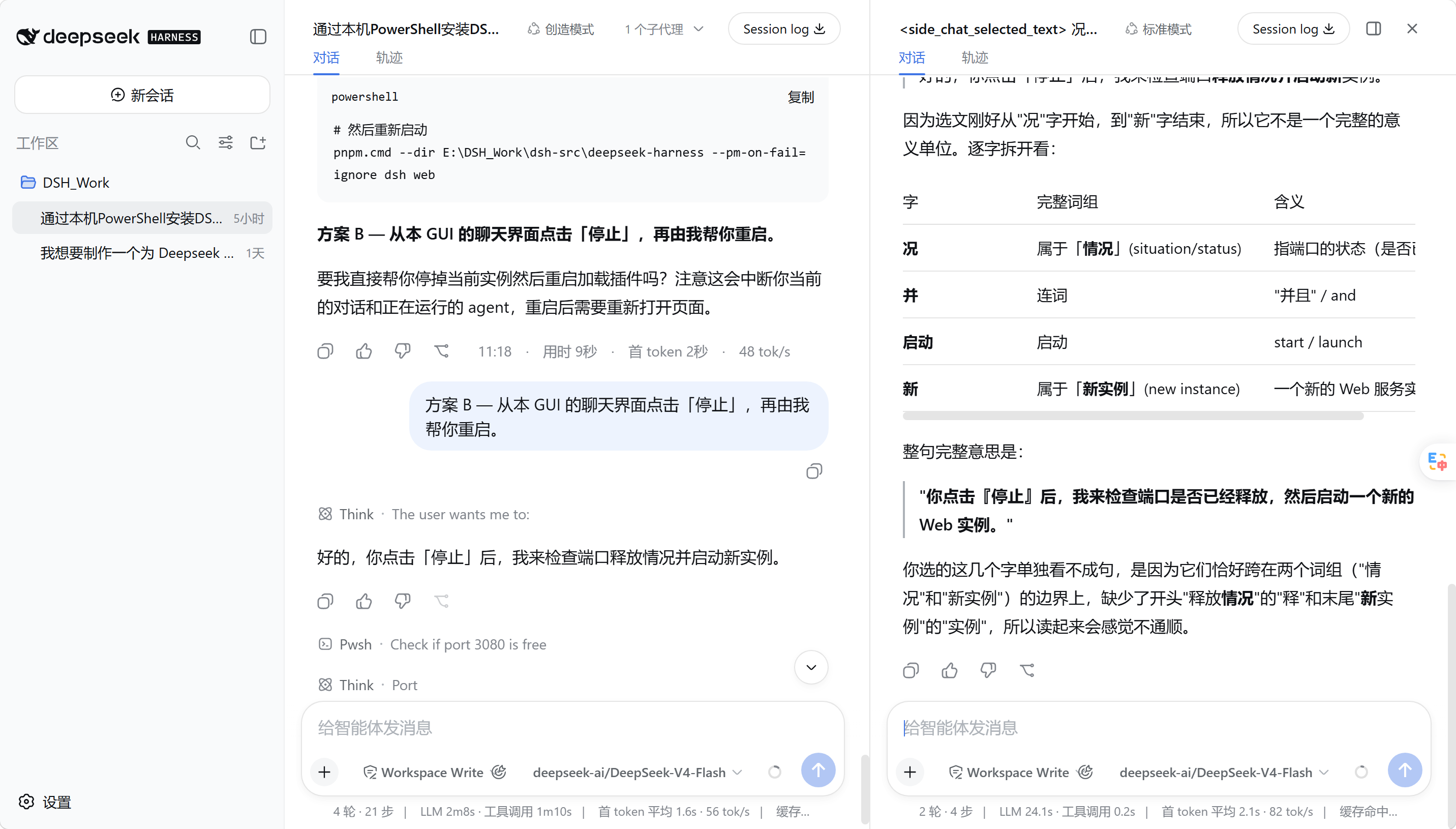
dsh-side-chat
Run the following command in DeepSeek Harness:
dsh plugin install xlennart/dsh-side-chat
Paste the following prompt into your AI chat to install this plugin:
Run dsh plugin install xlennart/dsh-side-chat in your DeepSeek Harness terminal to install the plugin; the full source is hosted at https://github.com/xlennart/dsh-side-chat
About this plugin
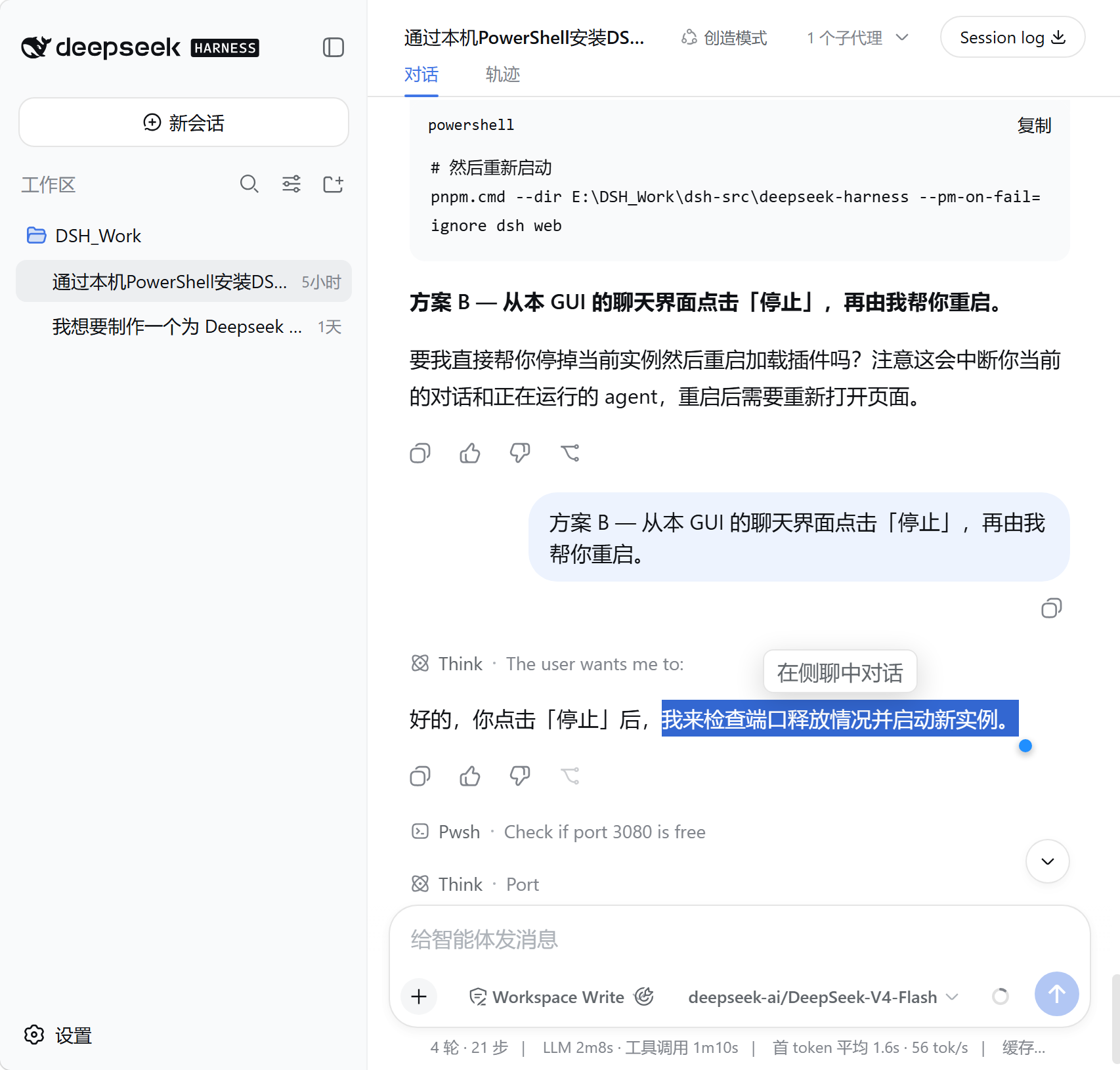
When the main conversation is running a complex multi-step workflow, you often need to ask a quick question, verify a variable, or run a command without interrupting the agent or manually copying context into another window. DSH Side Chat solves exactly this: a truly independent native DSH session opens alongside the main chat. It is not a floating panel nor a hand-built chat UI, but a full DSH Session where two threads proceed in parallel.
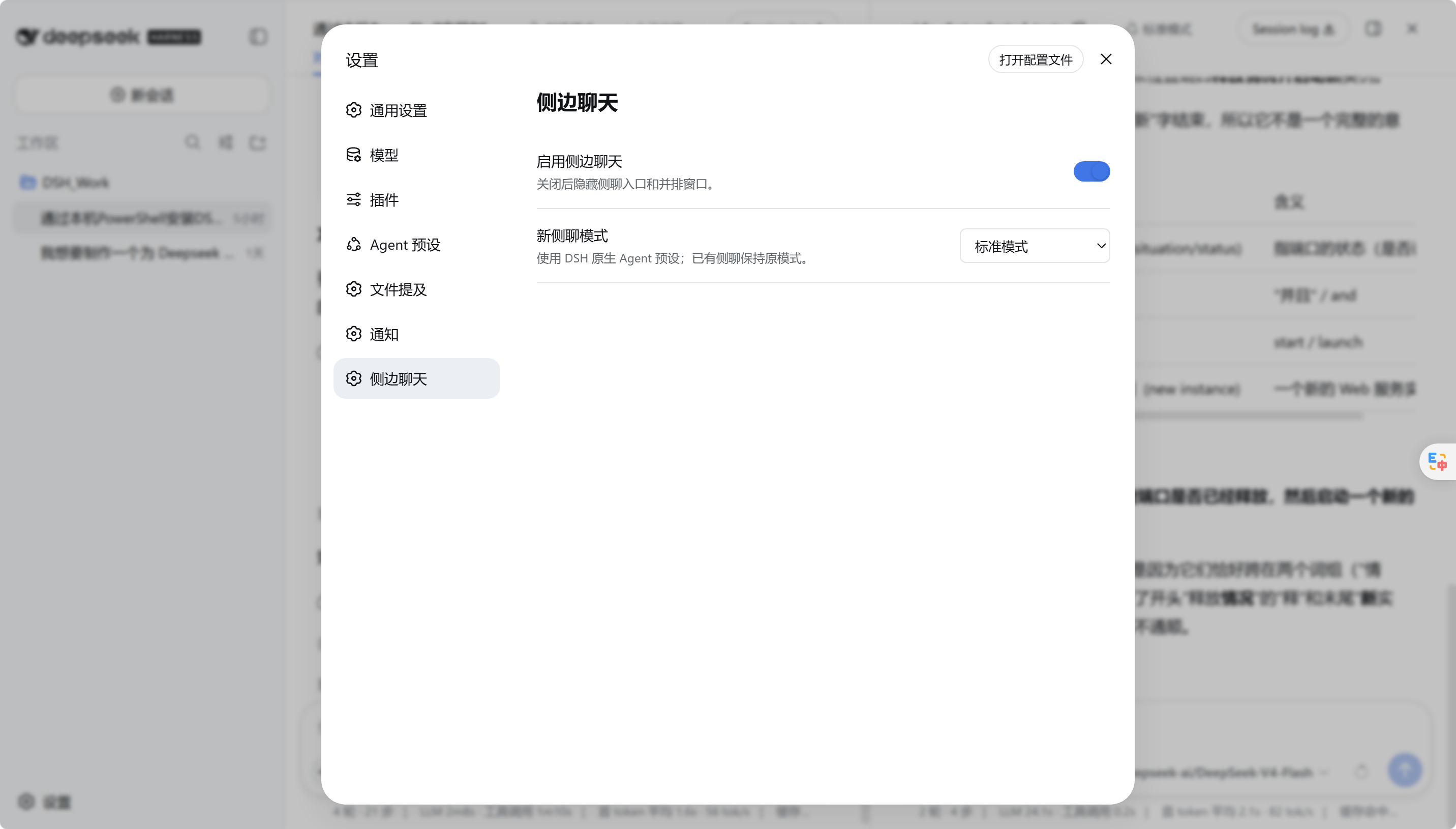
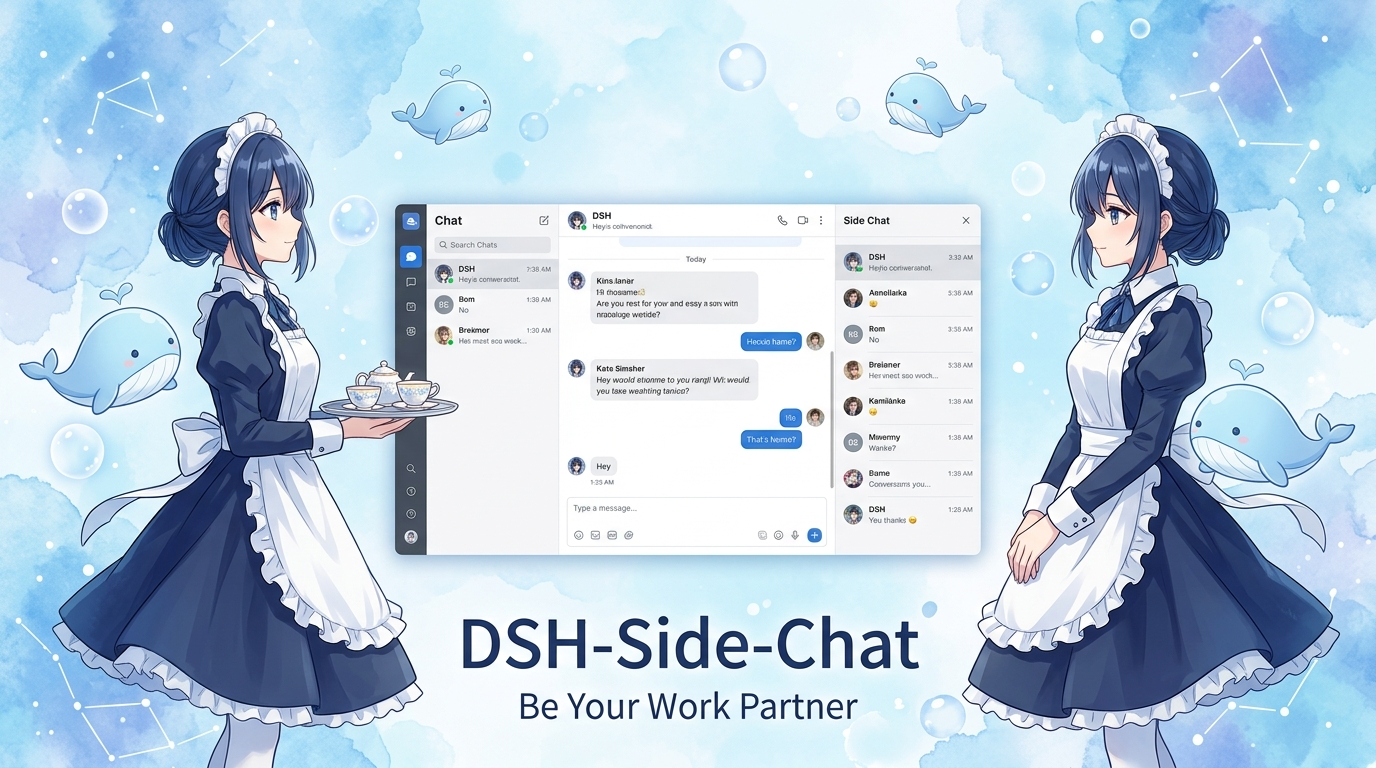
Both sessions share the same workspace, so file modifications and tool side-effects are real, yet their transcripts remain fully independent. The side chat never auto-copies the entire main conversation. It presents the complete native interface: model picker, attachments, tool invocations, and approval flows all work out of the box. Select text in any main message to quote it into the side chat; the reference is injected only at send-time and leaves no residue in the composer. When the side chat genuinely needs more context, it retrieves bounded, relevant fragments from the parent session via the side_chat_context tool rather than duplicating the full history.
Ideal for DeepSeek Harness users running long tasks, multi-step reasoning, or workflow orchestration. If you frequently want to step aside and ask a question while the agent is mid-execution, or prefer to compare two approaches side by side without cross-contamination, this plugin is built for that workflow.
Screenshots
Use Cases
- Open a side chat mid-execution to ask a quick question without interrupting the main workflow
- Select text in the main conversation and quote it into the side chat to follow up on a detail
- Run independent tool calls in the side chat to verify results or tweak workspace files
Best For
- Developers orchestrating multi-step workflows in DeepSeek Harness
- Agent users who need parallel threads without cross-contamination
- Engineers who want to keep the main session intact while doing side tasks
Related Plugins

A method pack that makes AI coding agents plan against your real baseline, prove completion with fresh evidence, and reduce reworks and unsafe changes.

Turns the DeepSeek Harness session into a captain that builds a durable sub-agent team, splits goals into dependency-aware tasks, and coordinates work via direct messages and a live Web UI.
Gives coding agents design judgment, letting Claude Code, Cursor, and 70+ agents generate and iterate high-quality UI, presentations, and graphics right from the terminal.
Run the Pi ecosystem's plugins on DeepSeek Harness, unmodified, via a compatibility layer that implements Pi's public extension ABI on DSH's native services.