dsh-task-graph
Run the following command in DeepSeek Harness:
dsh plugin install KevinZhangNothing/dsh-task-graph
Paste the following prompt into your AI chat to install this plugin:
Run dsh plugin install KevinZhangNothing/dsh-task-graph in the DeepSeek Harness terminal to install the plugin; the source is available at https://github.com/KevinZhangNothing/dsh-task-graph
About this plugin
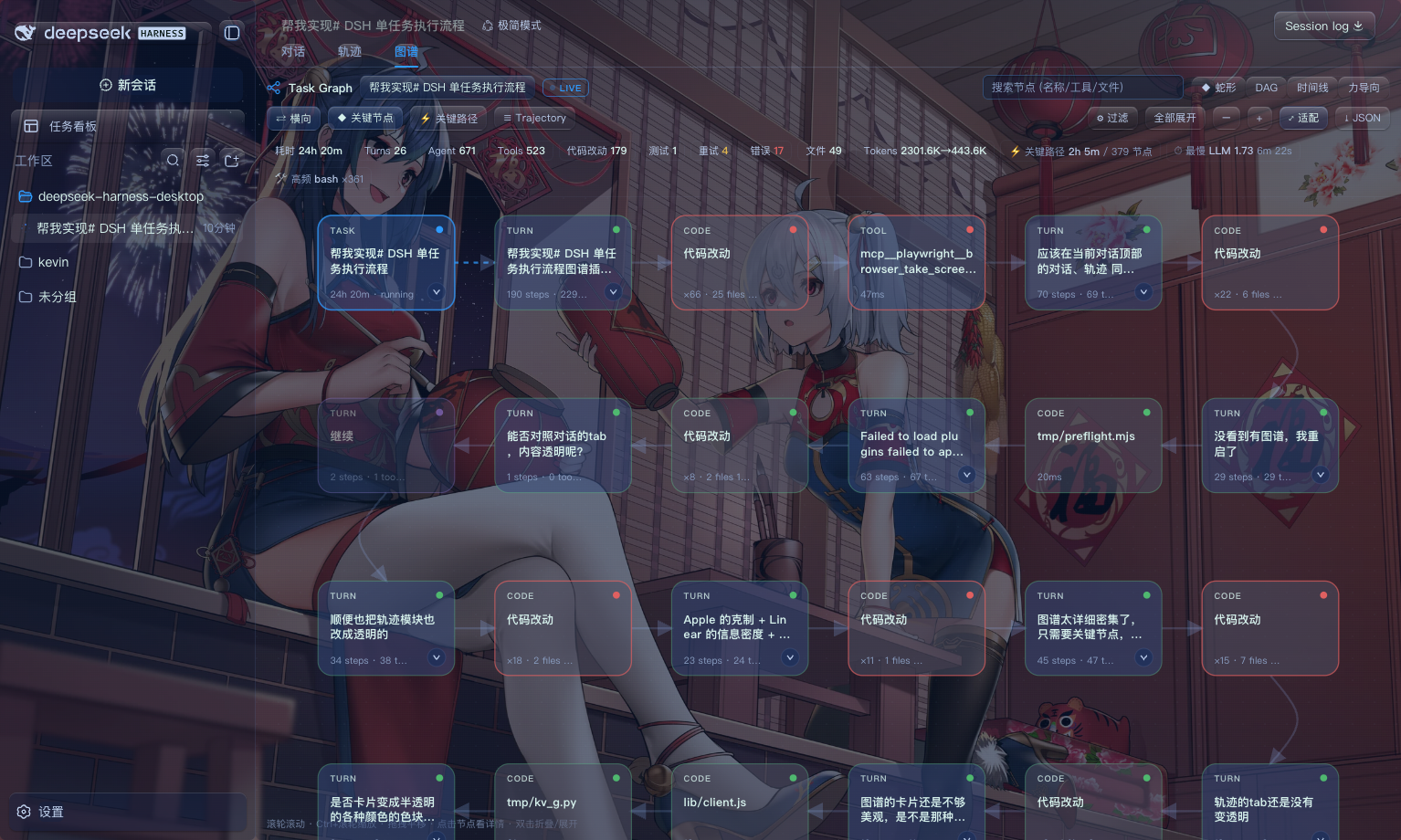
Running a single task in DeepSeek Harness can chain multiple Agents, dozens of tool calls, rounds of code edits, and test retries. The raw session.jsonl log is complete, but scanning hundreds of events by eye makes it hard to spot where a failure occurred or where time was spent. dsh-task-graph distils each task into an interactive execution-flow graph so the full chain—Task, Agent / Skill / Tool, sub-task, code change, test, success or failure—is visible at a glance.
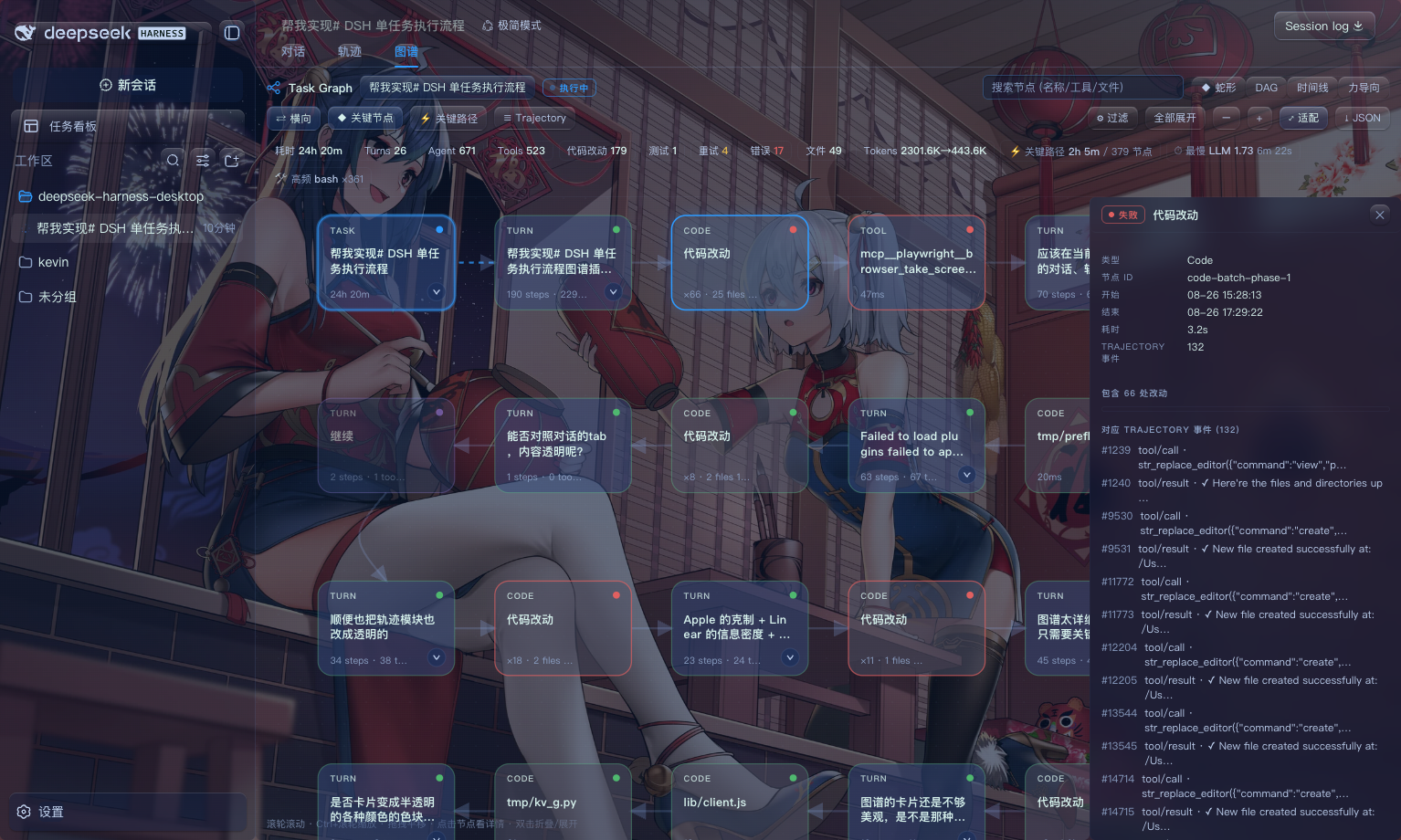
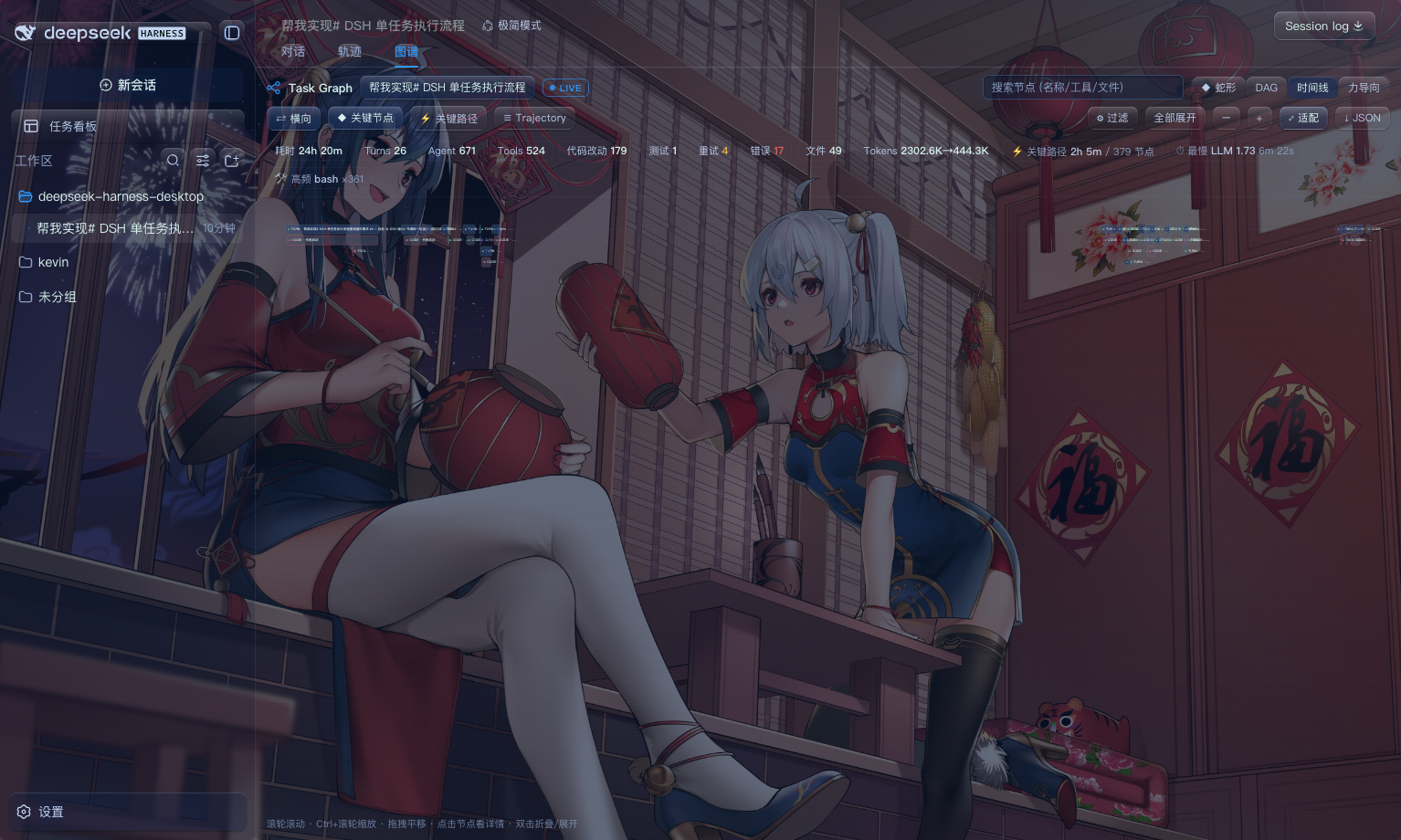
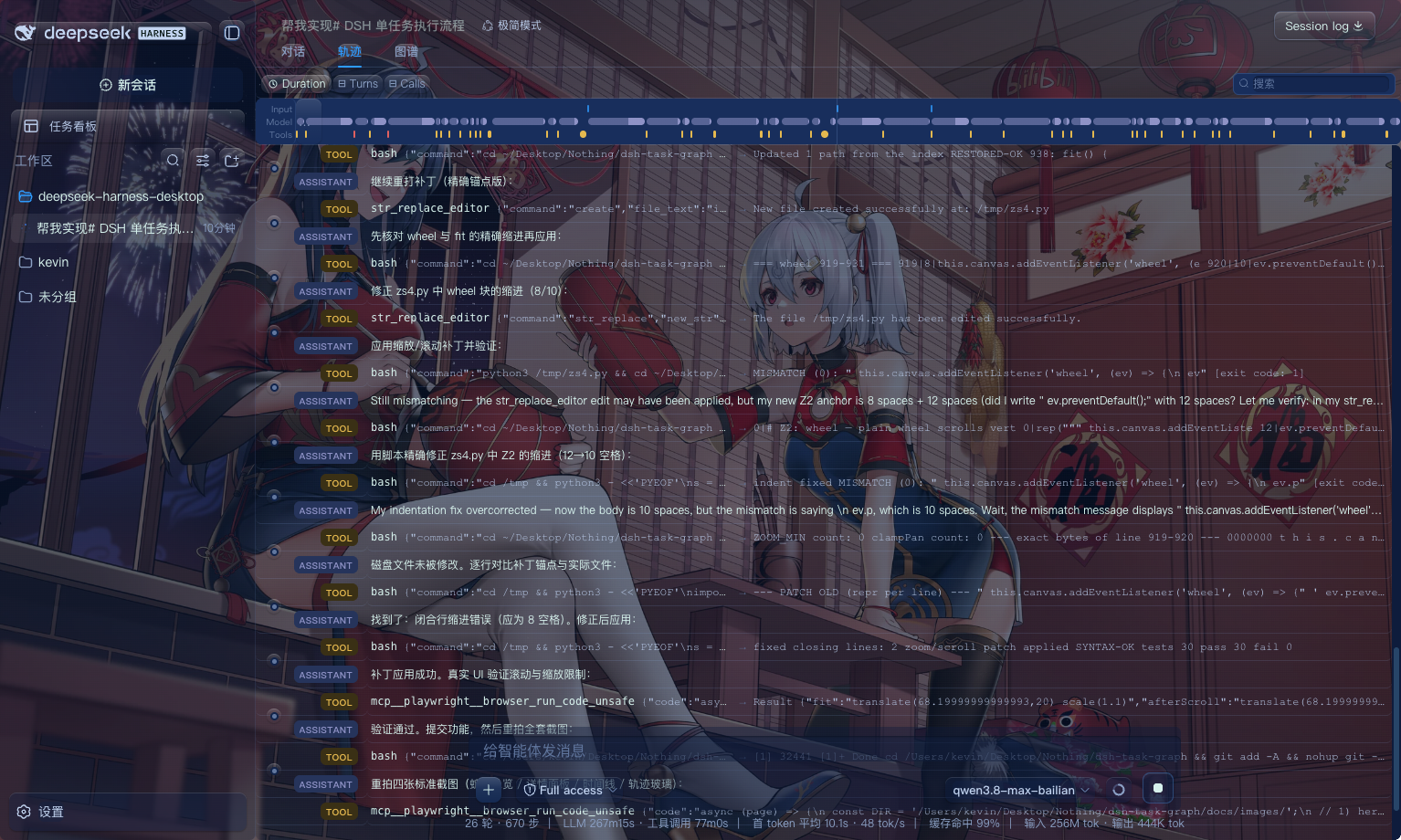
The canvas surfaces only semantically important nodes—turn summaries, batched code edits, Plans, Skills, SubAgents, tests, and failed or retried tools—while LLM step details and tool-call I/O live in a right-hand detail panel for on-demand drill-down. Four layout modes (snake, DAG, timeline, force-directed) are available; during live runs, SSE streaming keeps RUNNING nodes pulsing with second-level timers and active edges flowing as animated dashes. The graph is bidirectionally linked to the Trajectory drawer: clicking a node highlights the corresponding event, and clicking an event row re-selects the graph node.
Built for developers who orchestrate Agent workflows in DSH and need to quickly locate execution bottlenecks or debug failed steps. No extra deployment required—after installation, reload the Web UI and a third Graph tab appears alongside the native Chat and Trajectory tabs.
Screenshots
Use Cases
- Pinpoint the exact failing Agent, tool, or code-edit node after a task error
- Review per-turn LLM timing, token usage, and retry distribution in one task
- Watch a live task in real time—see which node is running and which edges are flowing
Best For
- Developers orchestrating Agent workflows in DSH day-to-day
- Engineers debugging multi-Agent, multi-tool call chains
- Builders and contributors in the DSH plugin ecosystem
Related Plugins

A method pack that makes AI coding agents plan against your real baseline, prove completion with fresh evidence, and reduce reworks and unsafe changes.

Turns the DeepSeek Harness session into a captain that builds a durable sub-agent team, splits goals into dependency-aware tasks, and coordinates work via direct messages and a live Web UI.
Gives coding agents design judgment, letting Claude Code, Cursor, and 70+ agents generate and iterate high-quality UI, presentations, and graphics right from the terminal.
Run the Pi ecosystem's plugins on DeepSeek Harness, unmodified, via a compatibility layer that implements Pi's public extension ABI on DSH's native services.