
dsh-ui-kanban
Run the following command in DeepSeek Harness:
dsh plugin install JianwuYang/dsh-ui-kanban
Paste the following prompt into your AI chat to install this plugin:
Run dsh plugin install JianwuYang/dsh-ui-kanban in your DeepSeek Harness terminal to install the plugin; the full source repository is at https://github.com/JianwuYang/dsh-ui-kanban
About this plugin
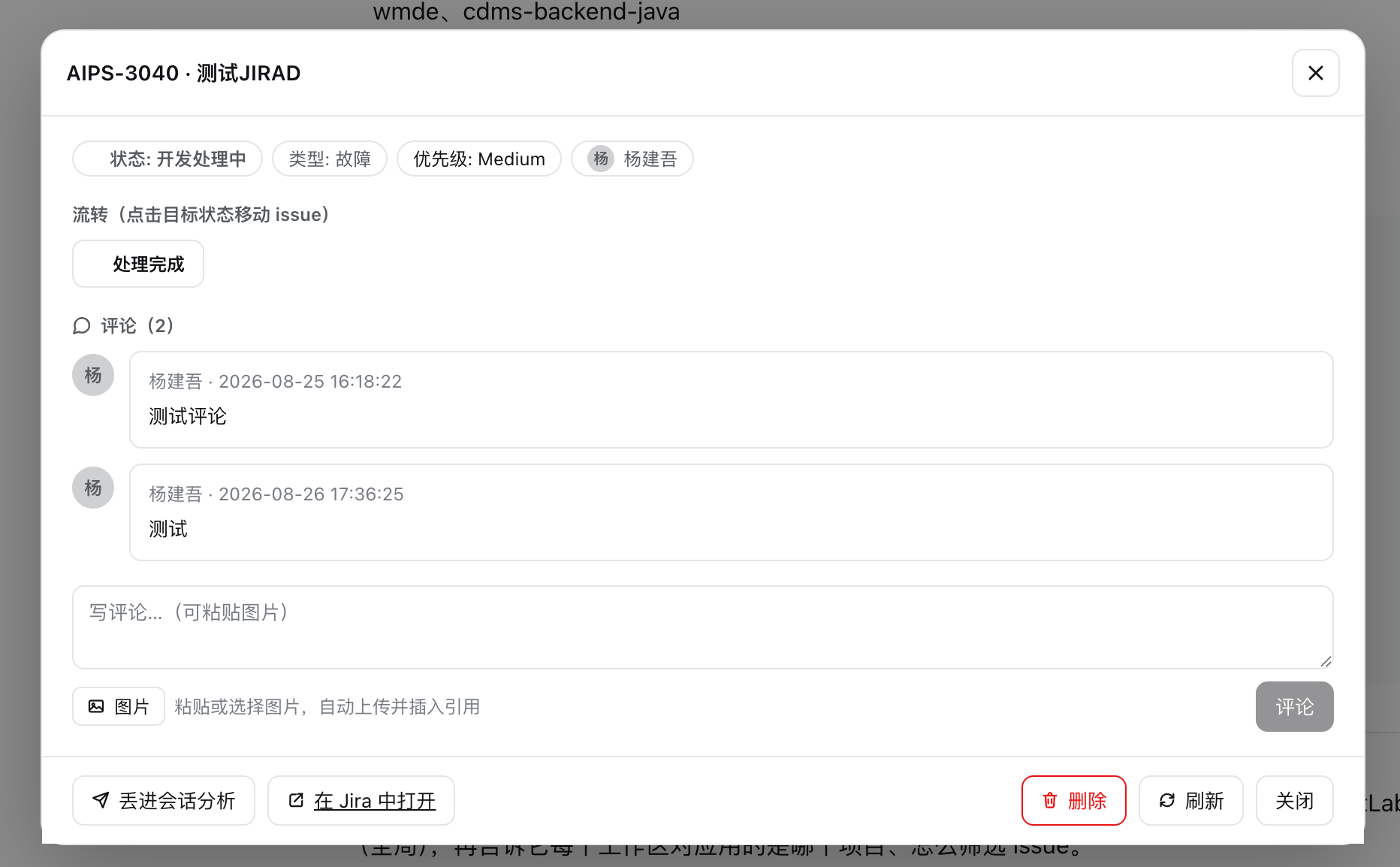
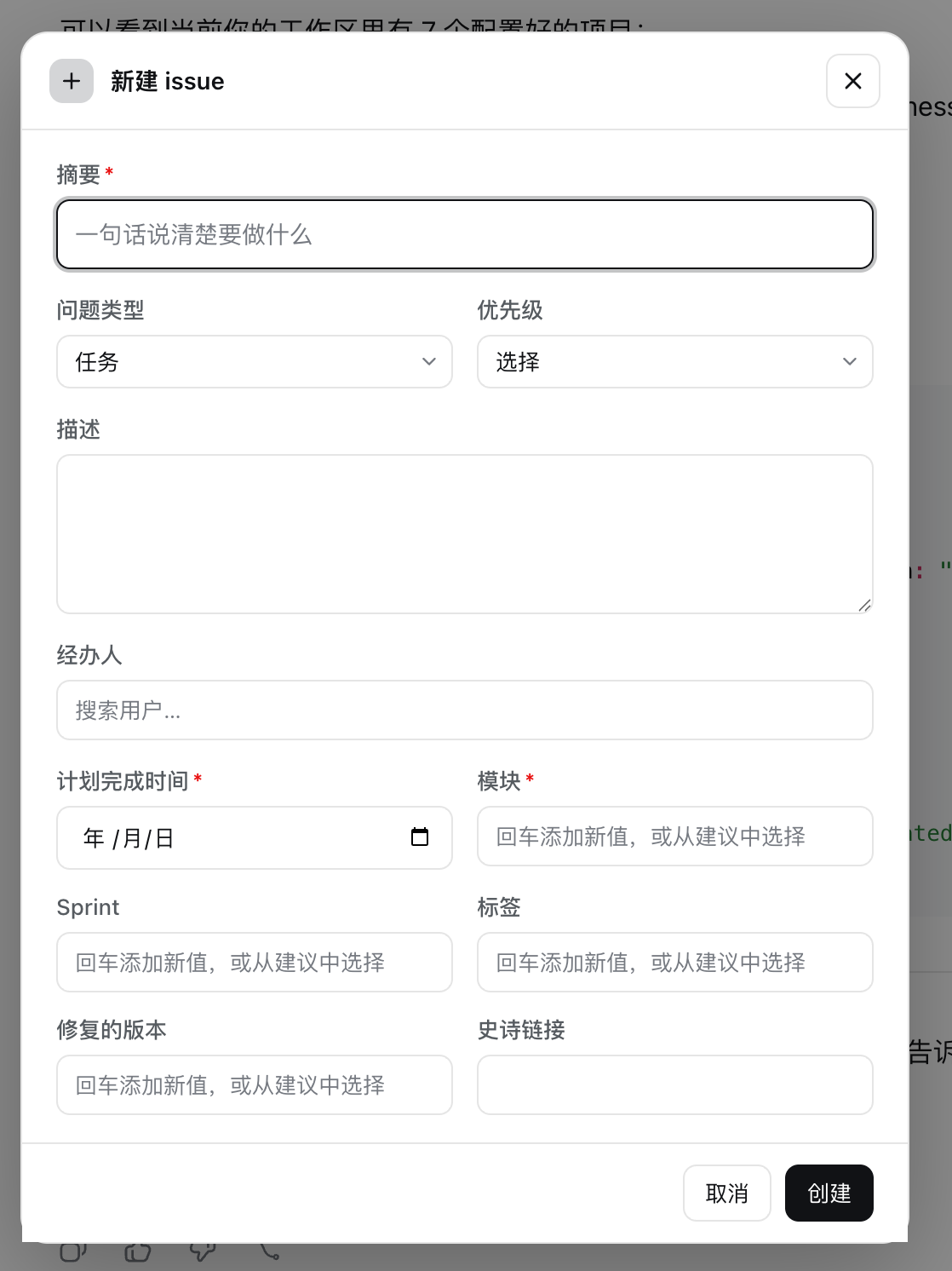
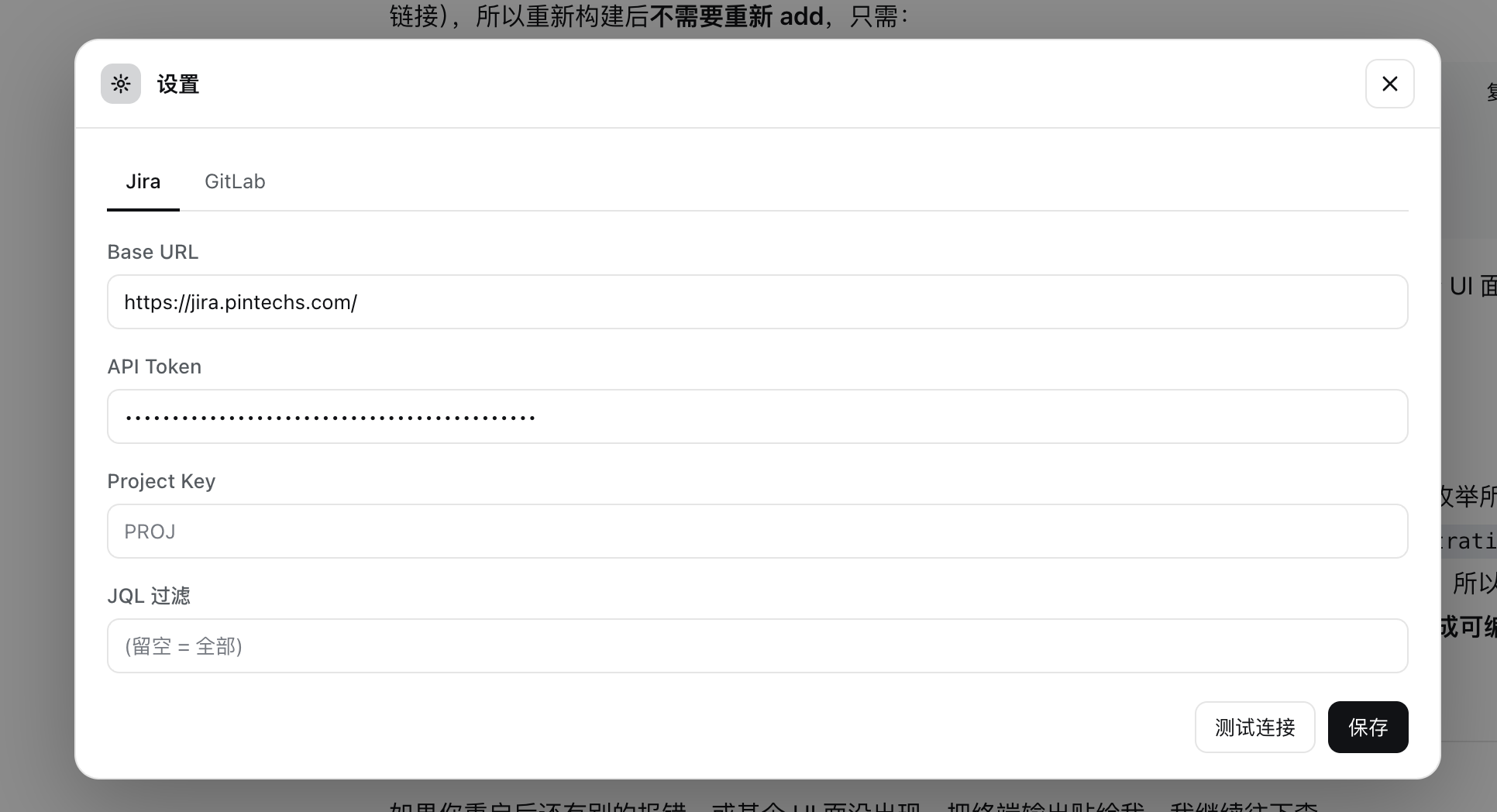
Most teams run their boards on self-hosted Jira Server / Data Center and GitLab, yet a DeepSeek Harness Agent can only manipulate plain text and local files by default. dsh-kanban bridges the Jira board and GitLab workspace into the harness: every DSH workspace automatically derives one project, and the agent completes syncing, card reading, status transitions, issue creation, commenting, assignment, and GitLab issue / MR linking through 15 model-callable tools. All Jira and GitLab tokens stay as role(secret) on the host side, so nothing sensitive ever reaches the browser.
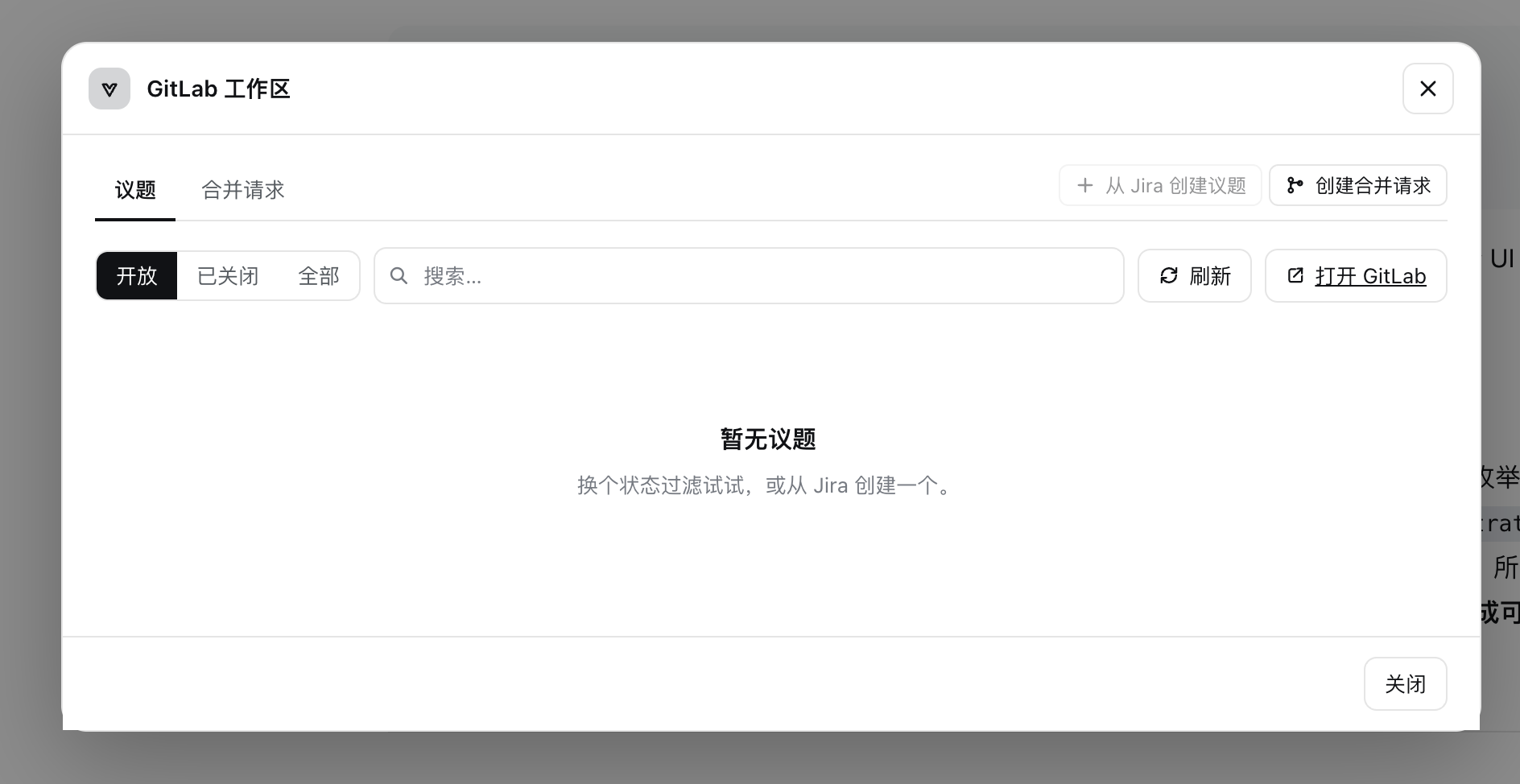
The floating panel opens from the session-header Kanban button and tracks the currently selected session, so switching sessions swaps the board instantly. A Jira card with an open linked MR shows a branch chip that runs git fetch + checkout with one click. The GitLab workspace supports creating issues or MRs from selected Jira cards, establishing bidirectional links, and writing Closes # back into the MR description so GitLab's native UI displays the association. From the issue detail screen, the Analyze action pushes a read-only prompt into the current or a new session; image attachments travel as base64 content parts, letting vision-capable models actually see screenshots while text-only models degrade gracefully.
This plugin suits engineering teams that run self-hosted Jira plus GitLab and use DeepSeek Harness: they want the agent to participate in board-level task flow without stuffing raw JQL or SSH scripts into prompts, and they need an always-available interactive panel as a human vantage point. Licensed under MIT, it can be distributed via git, tarball, or npm into internal registries.
Screenshots
Use Cases
- Agent drives Jira board transitions, card creation, and commenting in-session without switching to a browser
- One-click checkout to the branch behind a GitLab MR directly from a Jira card
- Push an issue into a session for read-only analysis with image attachments visible to vision-capable models
Best For
- Engineering teams using DeepSeek Harness with self-hosted Jira and GitLab
- Developers who want agent-driven board-level task flow without hand-written JQL scripts
- Tech leads who need an always-visible interactive board panel in-session as a vantage point
Related Plugins

A method pack that makes AI coding agents plan against your real baseline, prove completion with fresh evidence, and reduce reworks and unsafe changes.

Turns the DeepSeek Harness session into a captain that builds a durable sub-agent team, splits goals into dependency-aware tasks, and coordinates work via direct messages and a live Web UI.
Gives coding agents design judgment, letting Claude Code, Cursor, and 70+ agents generate and iterate high-quality UI, presentations, and graphics right from the terminal.
Run the Pi ecosystem's plugins on DeepSeek Harness, unmodified, via a compatibility layer that implements Pi's public extension ABI on DSH's native services.