
DSH_xieshujing
Run the following command in DeepSeek Harness:
dsh plugin install shuaweng/DSH_xieshujing
Paste the following prompt into your AI chat to install this plugin:
Run dsh plugin install shuaweng/DSH_xieshujing in your terminal to install Write Whale; the source repository is at https://github.com/shuaweng/DSH_xieshujing .
About this plugin
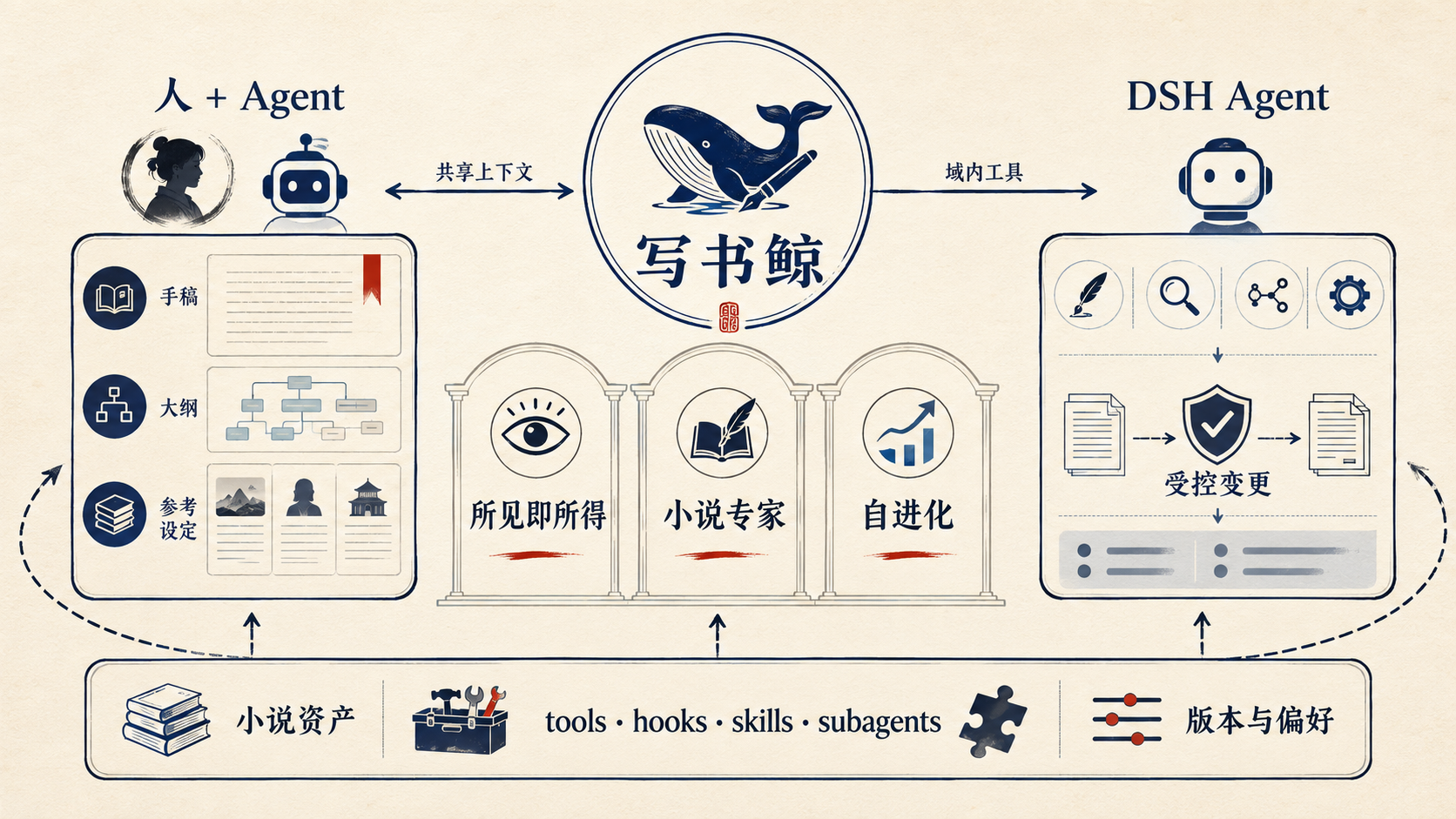
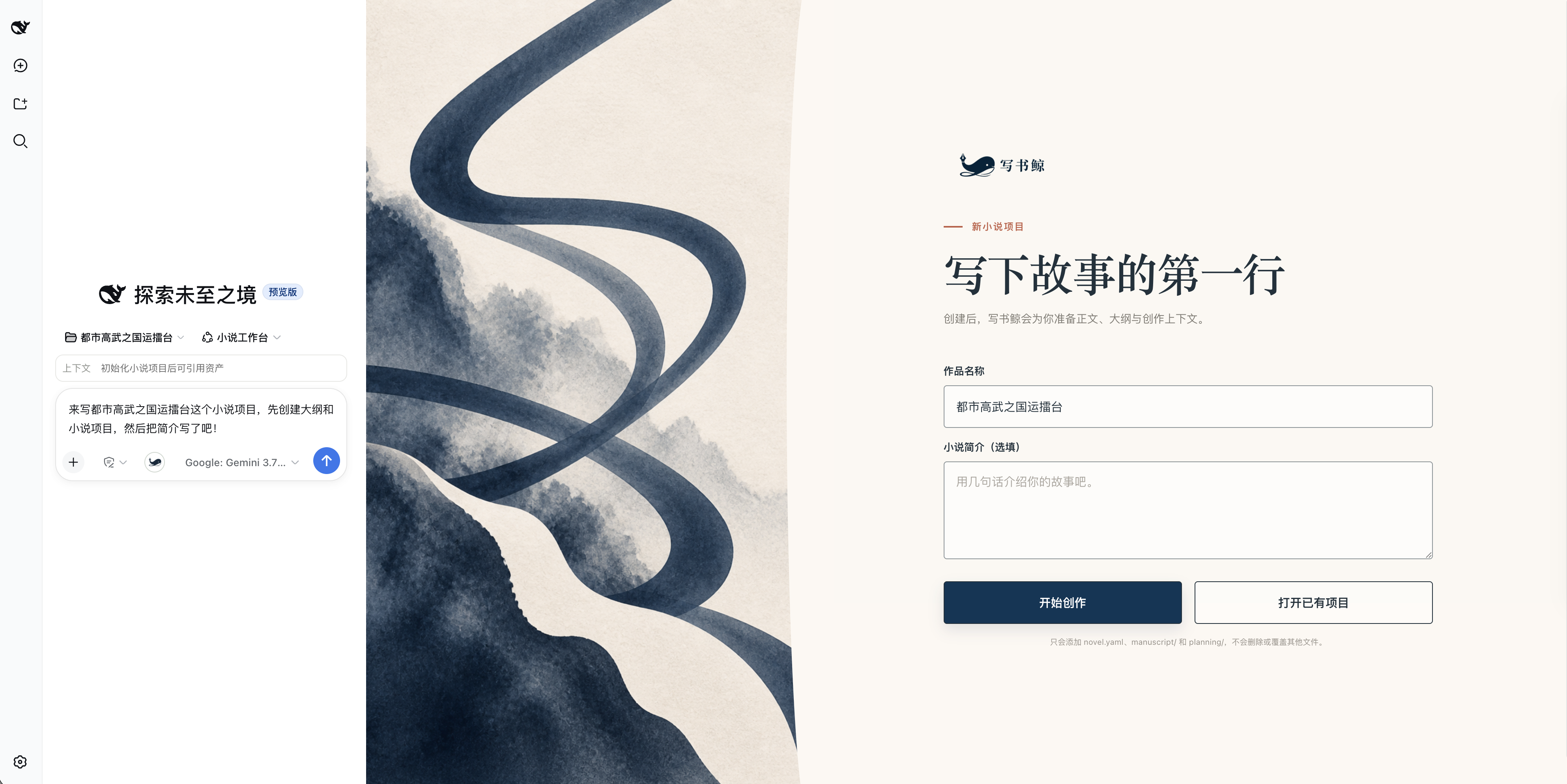
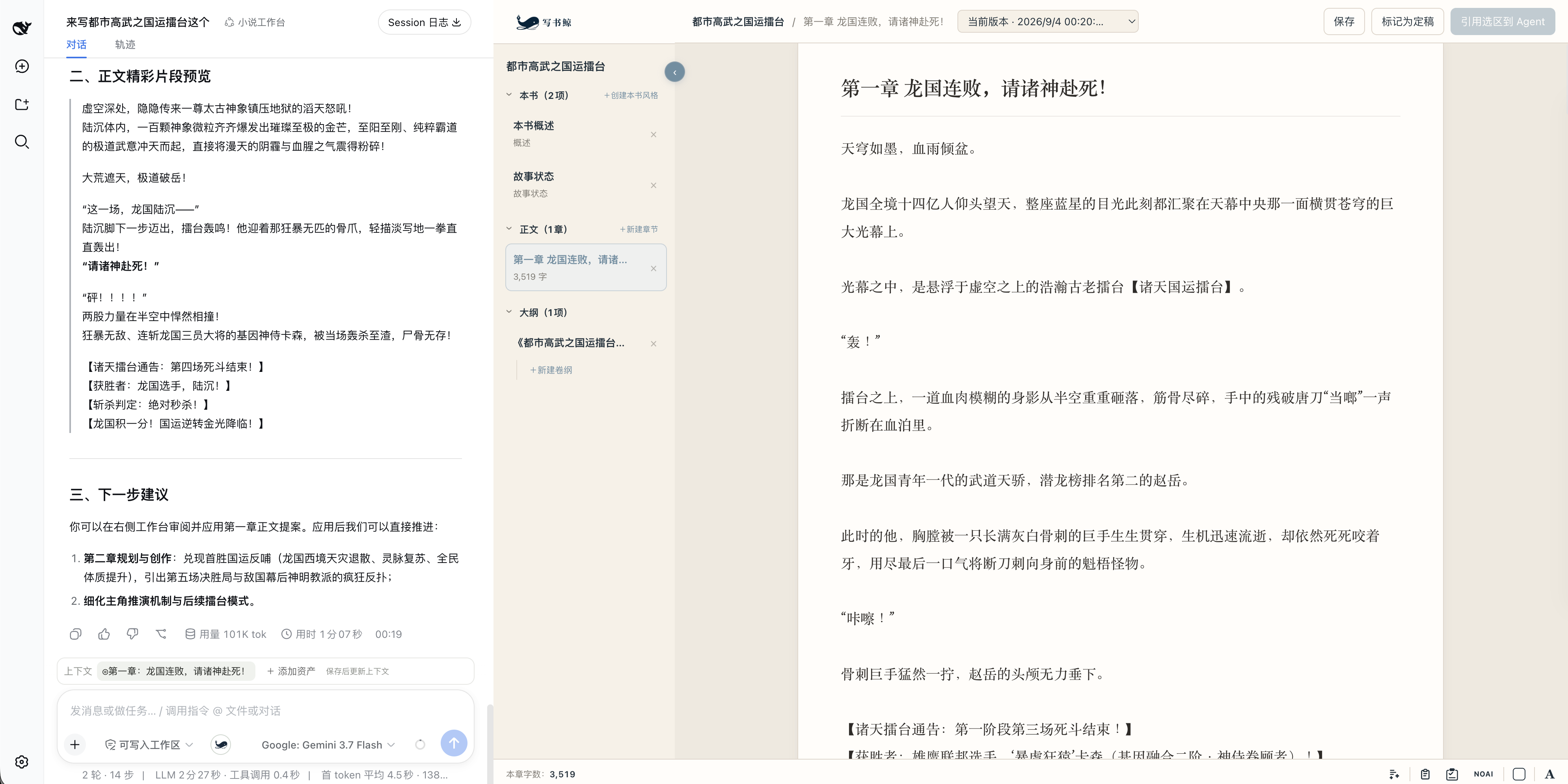
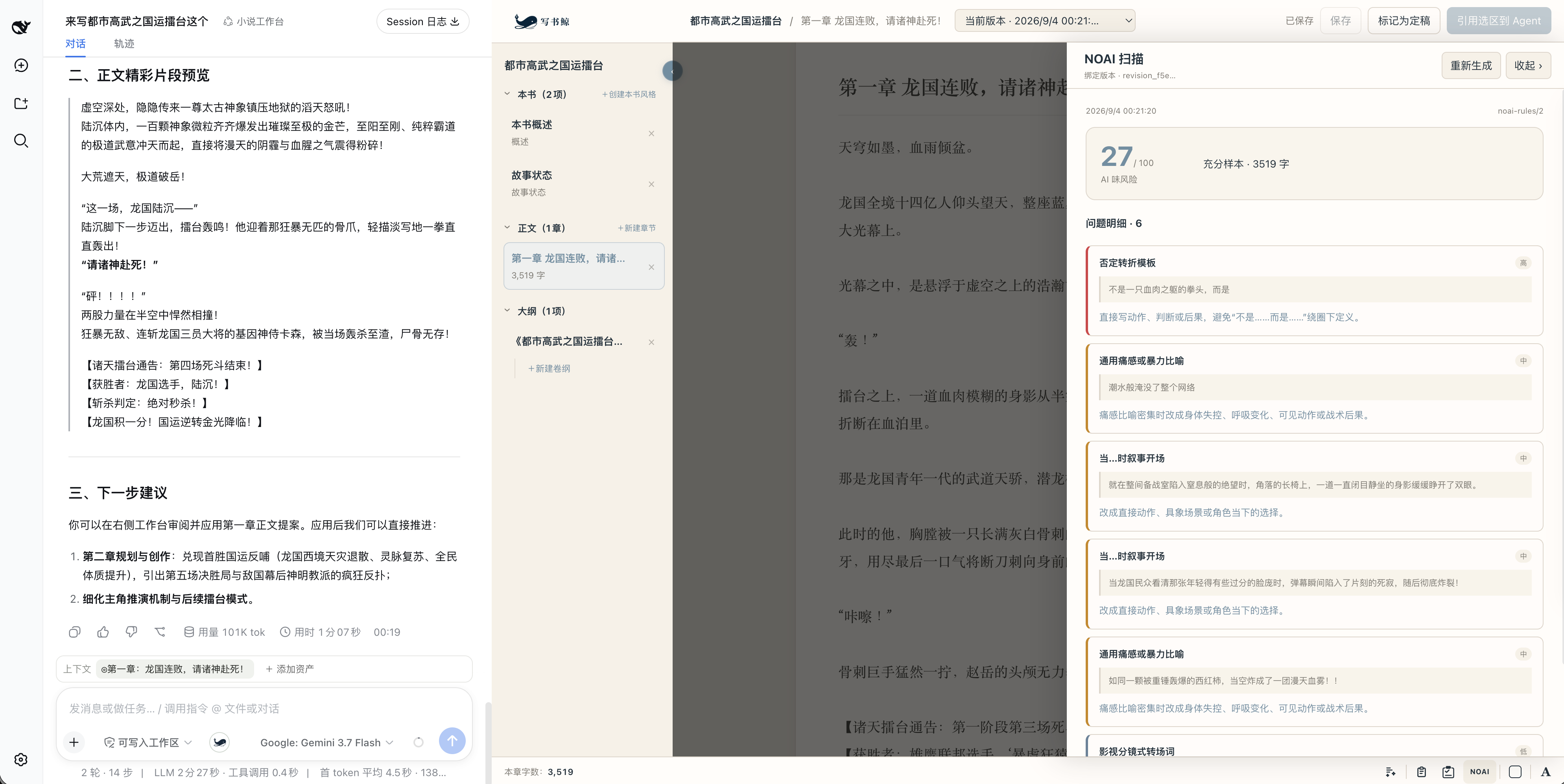
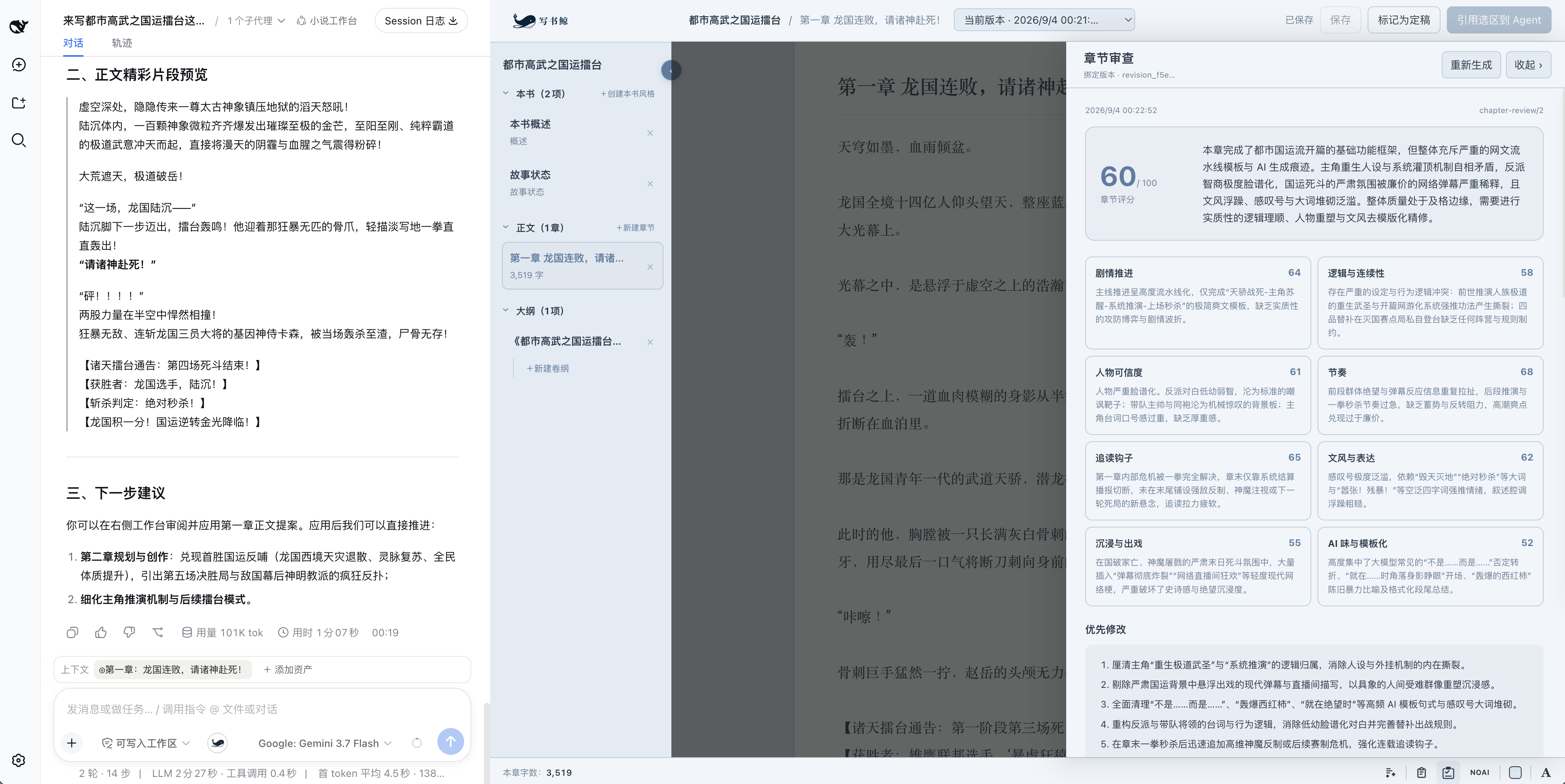
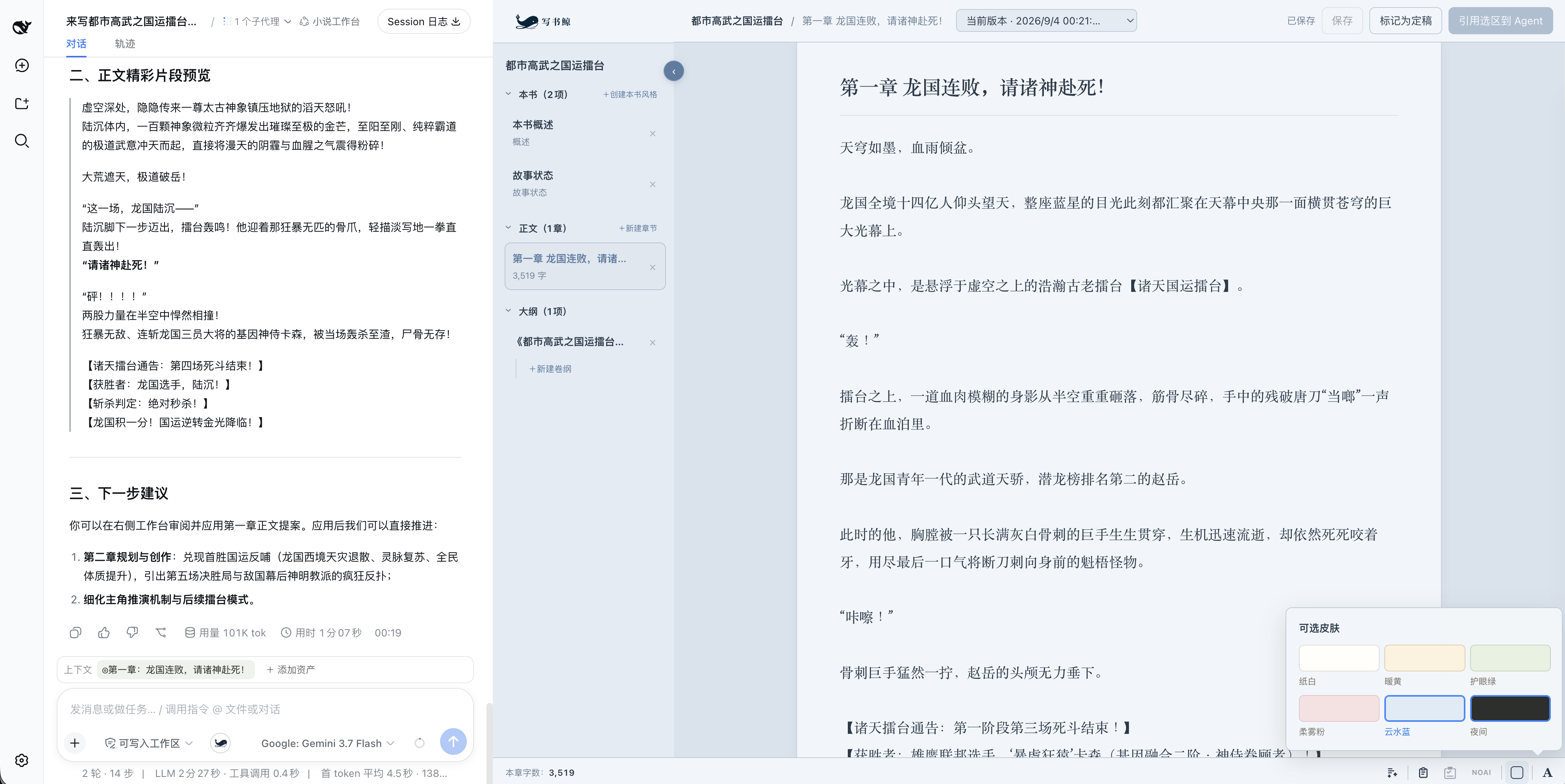
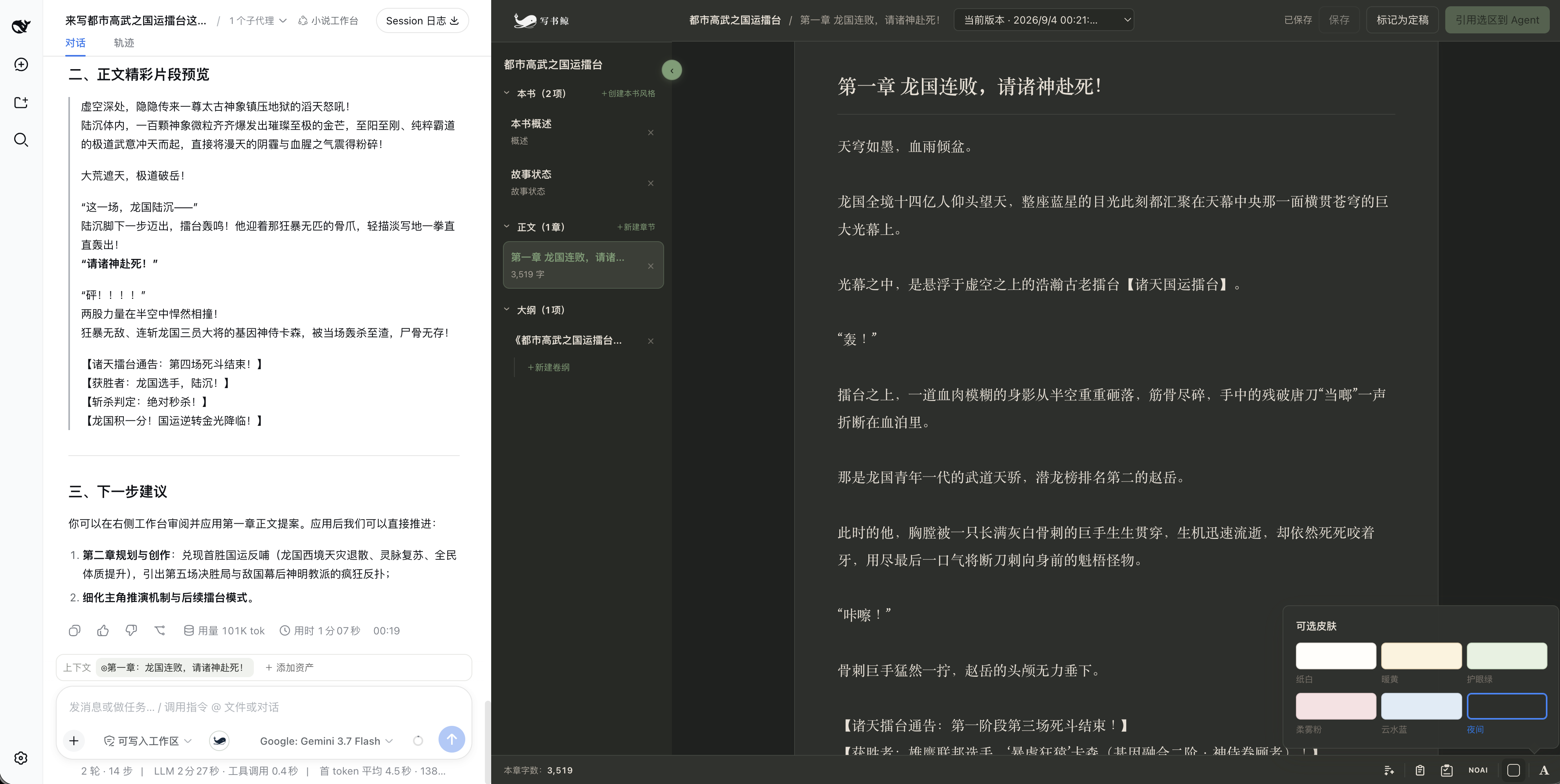
Managing a long-form novel is rarely about hitting a blank page; it is about pasting the whole book into a chat box round after round, juggling scattered files for outlines and chapter notes, and constantly worrying that an AI agent might silently overwrite a sentence you spent hours polishing. DSH_xieshujing (Write Whale) exists to kill those frictions: it is a fully DSH-native novel workbench where the human and the agent always edit the same book, without any copy-paste shuttle.\n\nThree pillars define what it does. First, WYSIWYG context: the chapter you are reading, the passage you have highlighted, and the reference you have pinned all become traceable creative context for the agent, while the chapter outline sits right beside the prose so you can unfold it when stuck and tuck it away when the flow returns. Second, a dedicated novel specialist: a full set of Novel Tools, Skills, Subagents, and an Agent Preset lets the agent work around outlines, chapter outlines, Story State, and versioned proposals rather than generically continuing text. Third, self-evolution: every manual edit, prompt-driven prose change, and final chapter lock is logged and analyzed so Write Whale gradually learns your taste in writing. After a chapter is done you can run a strict review or a NOAI scan that flags logic gaps, pacing issues, character inconsistencies, and mechanically repetitive phrasing bound to the current version, but both only diagnose and never rewrite behind your back. Every agent modification arrives as a diff you can accept, reject, revise, or roll back, and only versions you explicitly mark as final feed into the preference-learning loop.\n\nWrite Whale is built for authors serializing a long novel who want the agent to remember prior chapters and the book's own rhythm; for DSH writers who are done with chat logs plus a pile of loose files; for anyone who wants AI in the loop for continuation, rewriting, and proofreading while keeping every change visible, selectable, and restorable; and for writers who prefer their manuscript to stay on their machine, managed with Markdown, YAML, and Git. Your book stays yours.
Screenshots
Use Cases
- Highlight a passage mid-serialization and ask the agent to continue or revise; the change returns as a diff proposal you accept or reject.
- Unfold the chapter outline right beside the prose to jot down emotional beats, scene keys, or end-of-chapter hooks, then tuck it away when the flow returns.
- Before locking a chapter, run a strict review or NOAI scan to diagnose logic gaps, pacing issues, and mechanical phrasing without the agent rewriting anything.
Best For
- Authors serializing a long novel who want the agent to retain prior chapters and the book's own rhythm.
- DSH writers who are done with chat logs plus a pile of loose files managing novel assets.
- Writers who want AI in the loop for continuation, rewriting, and proofreading while keeping every change visible, selectable, and restorable.
Related Plugins

A method pack that makes AI coding agents plan against your real baseline, prove completion with fresh evidence, and reduce reworks and unsafe changes.

Turns the DeepSeek Harness session into a captain that builds a durable sub-agent team, splits goals into dependency-aware tasks, and coordinates work via direct messages and a live Web UI.
Gives coding agents design judgment, letting Claude Code, Cursor, and 70+ agents generate and iterate high-quality UI, presentations, and graphics right from the terminal.
Run the Pi ecosystem's plugins on DeepSeek Harness, unmodified, via a compatibility layer that implements Pi's public extension ABI on DSH's native services.