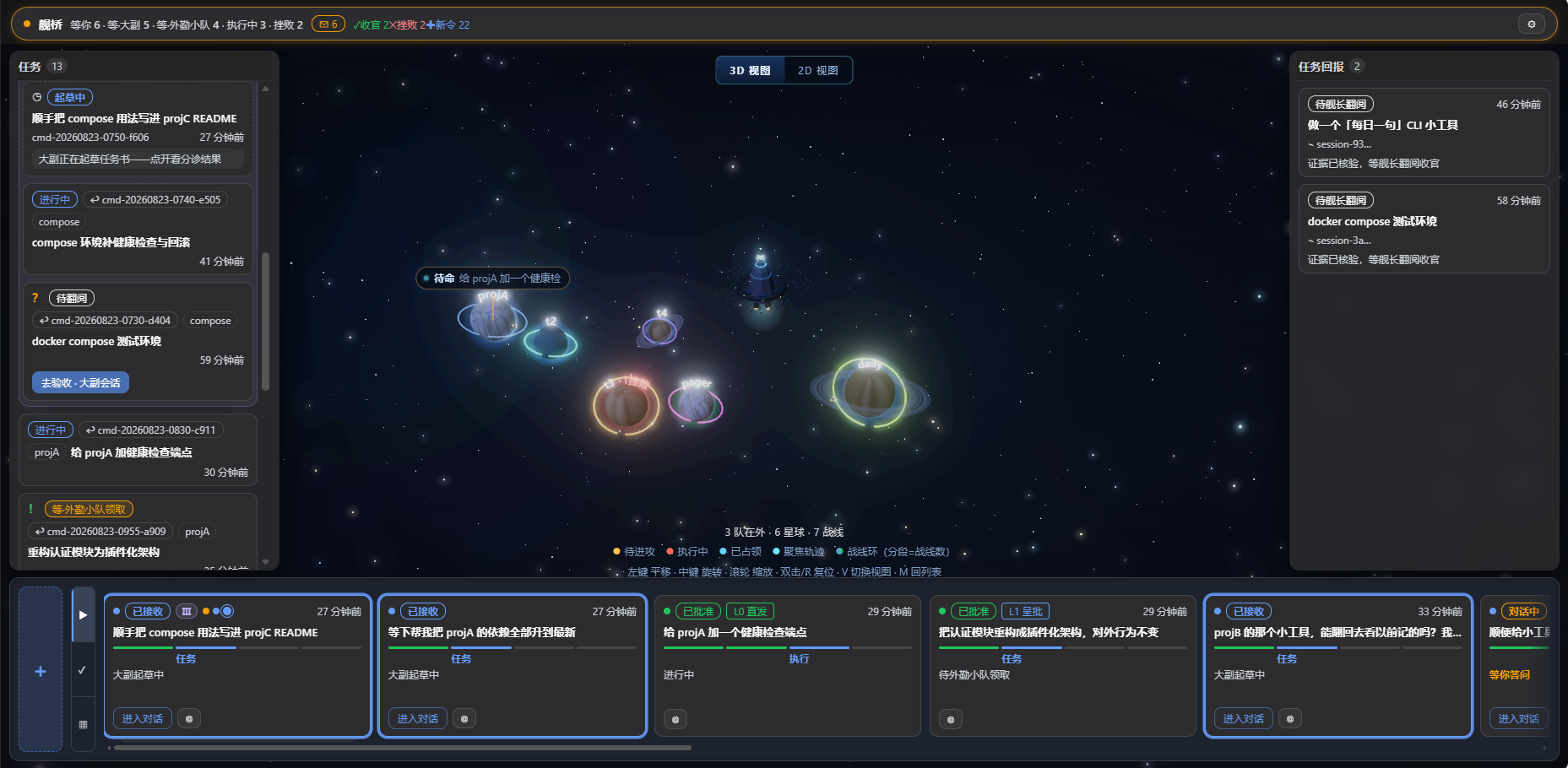
dsh-plugin-stardeck
Run the following command in DeepSeek Harness:
dsh plugin install Kaiji-Z/dsh-plugin-stardeck
Paste the following prompt into your AI chat to install this plugin:
Run dsh plugin install Kaiji-Z/dsh-plugin-stardeck in your DeepSeek Harness terminal to install the plugin; source code is available at https://github.com/Kaiji-Z/dsh-plugin-stardeck .
About this plugin
Most agent sidebars organize around project folders and chat transcripts. Once sessions pile up you hit the same wall: you cannot find the session you need, you cannot remember what you actually asked, and one conversation is stuffed with three unrelated jobs. The root cause is a granularity mismatch. The core loop with an agent is simply command, execute, command, execute, yet the UI manages everything by session.
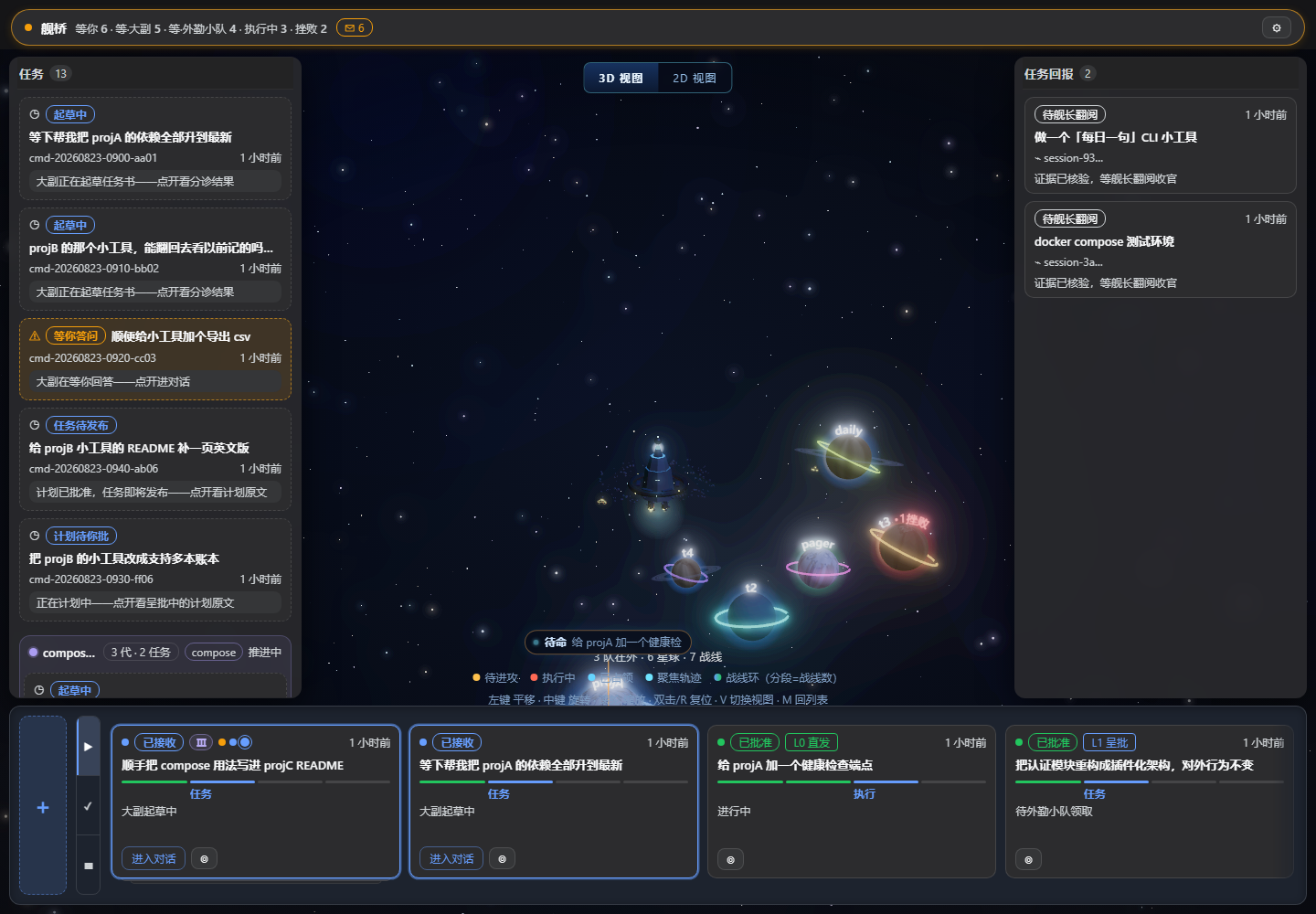
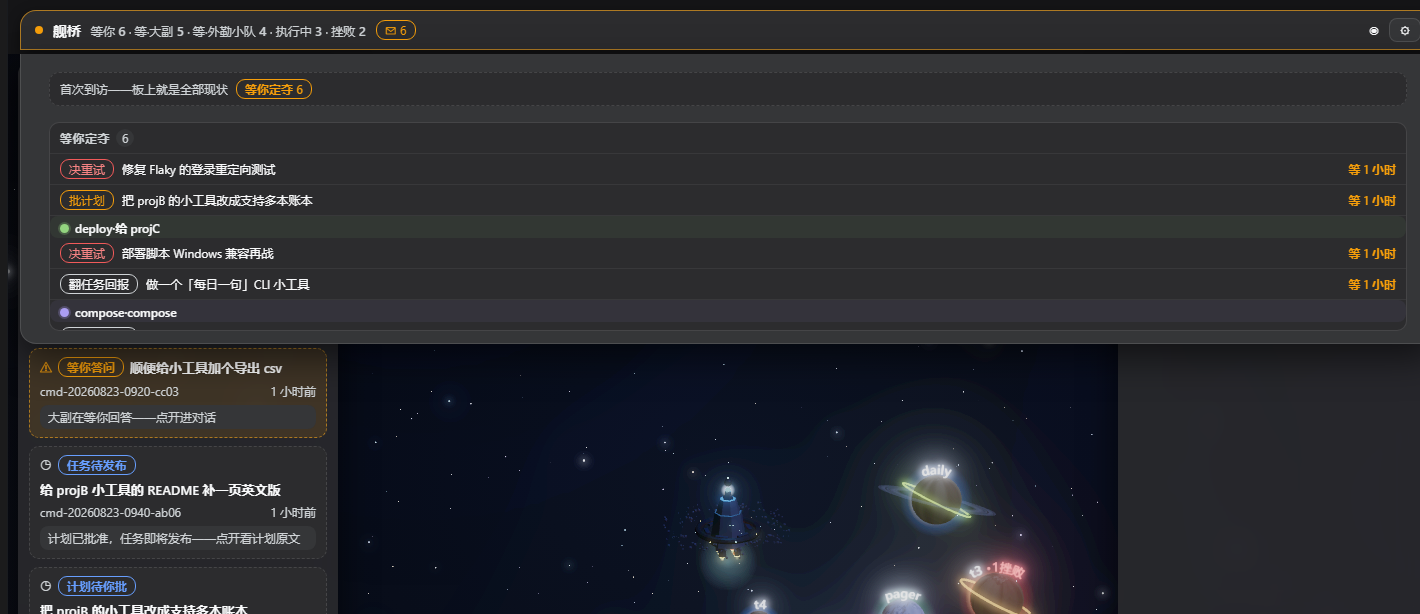
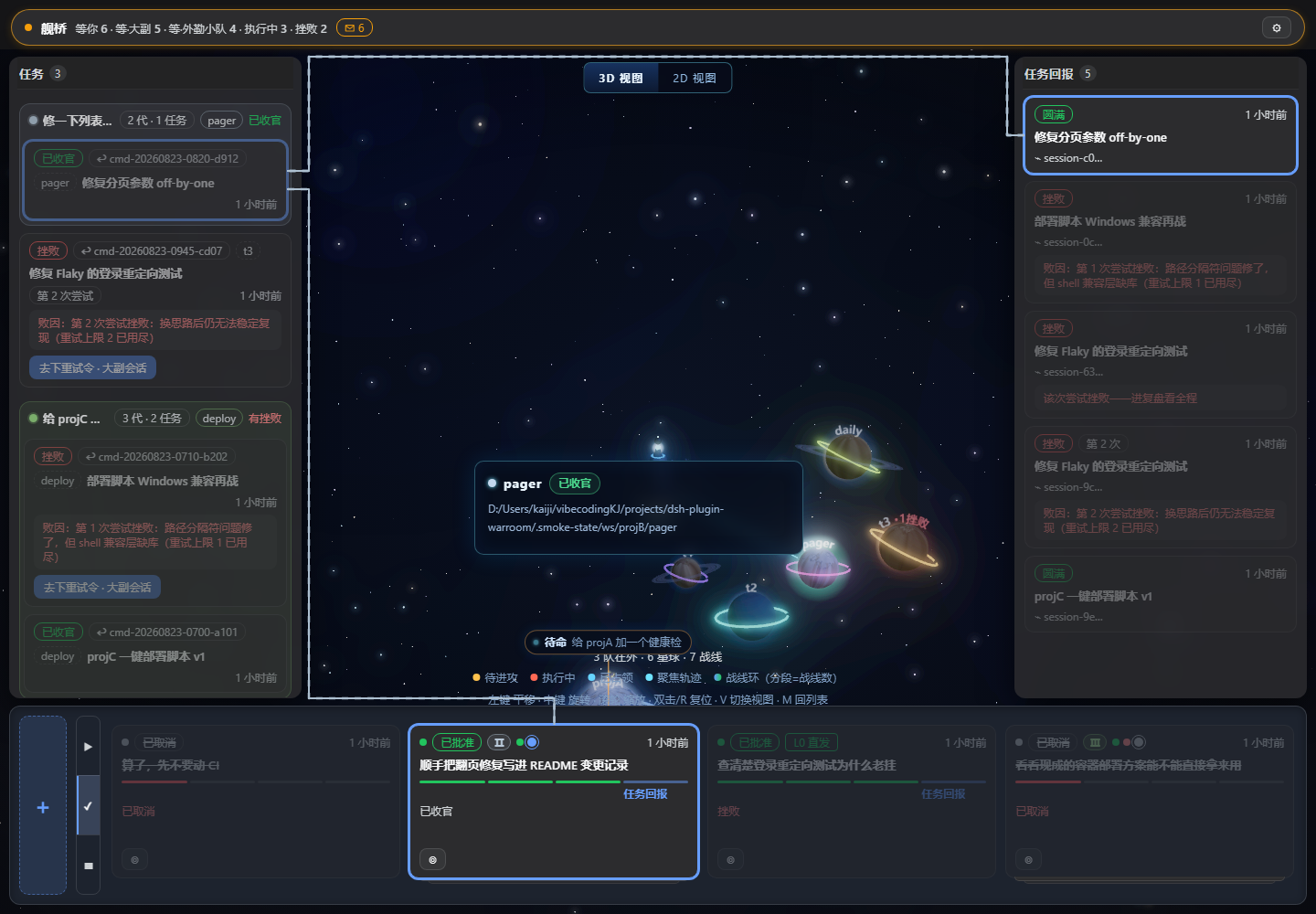
stardeck swaps the unit of management from session to command. You type a plain-language order; the First Mate breaks it into a task brief with acceptance criteria; a sub-agent squad (recon, engineering, medical, press, extendable via TOML) deploys to real workspaces on the star map. KillCredit checks every deliverable against evidence -- all green to pass, one failure to veto -- and final sign-off stays with you. Three autonomy tiers let you slide from full auto to plan-first review. Underneath is an append-only JSONL ledger, so a crash is recoverable and history is never lost. Multi-generation commands roll up into a single faction line; hover to light up the whole family. The Dynamic Island batches every pending decision into one column so you can clear a night of accumulated work in a single bridge visit.
If you are juggling agent tasks across several workspaces, tired of scrolling chat logs to find the command you issued, or you want agents to run scheduled patrols, push forward autonomously, and surface only the decisions that genuinely need your call, stardeck is built for you. It does not replace dsh; it wraps dsh in a bridge perspective that turns multi-agent orchestration from a chat window into a command-faction-acceptance workflow.
Screenshots
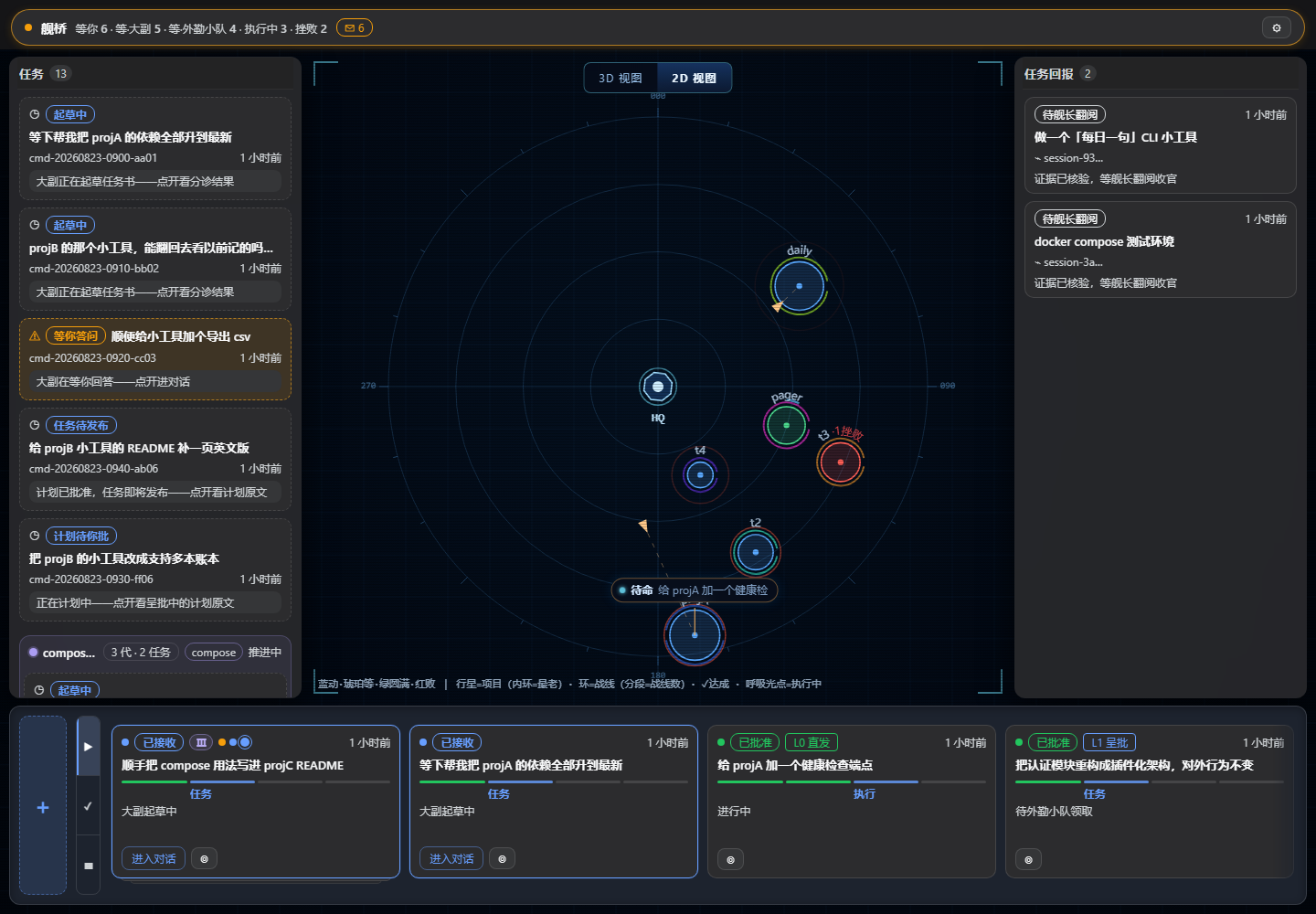
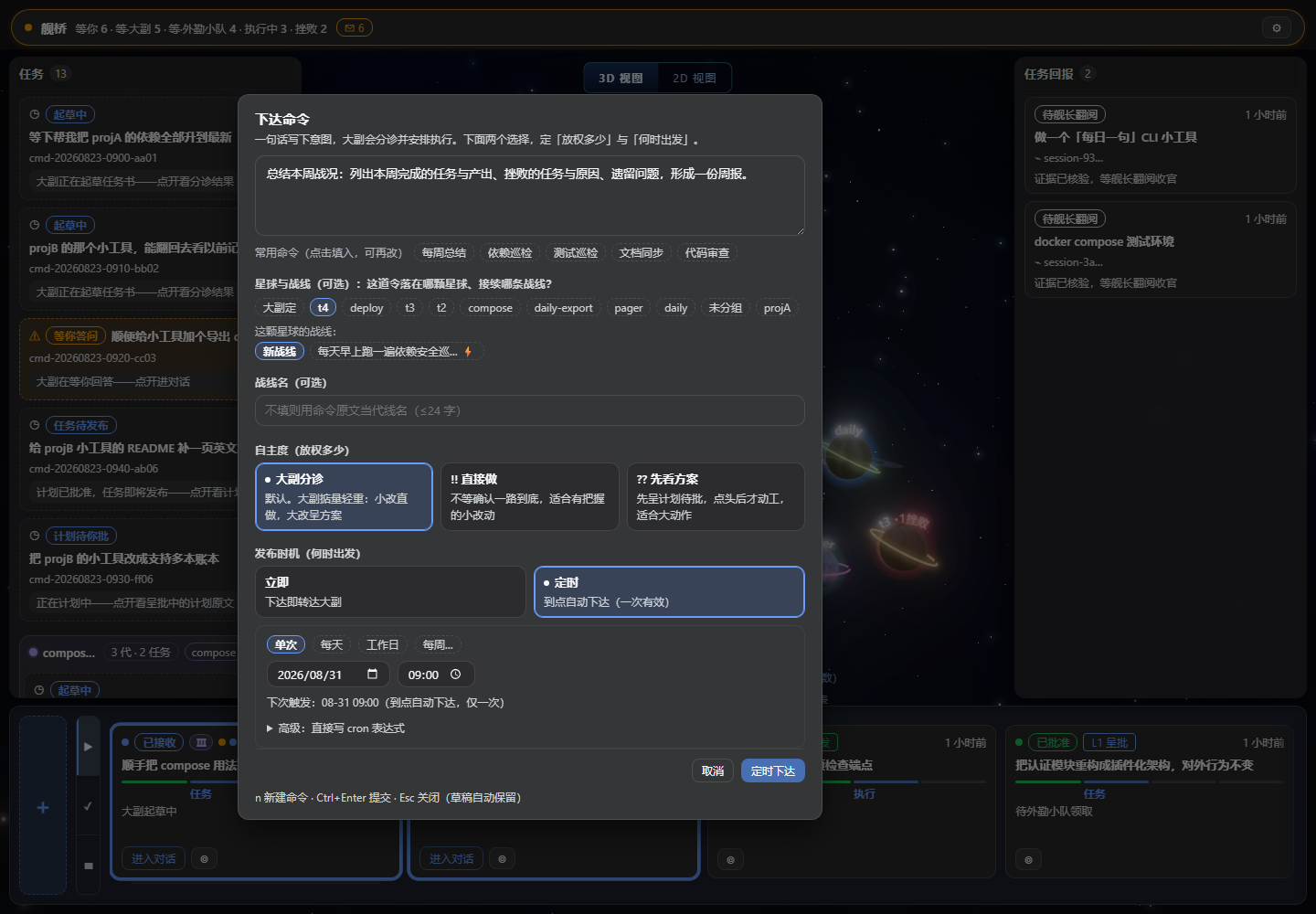
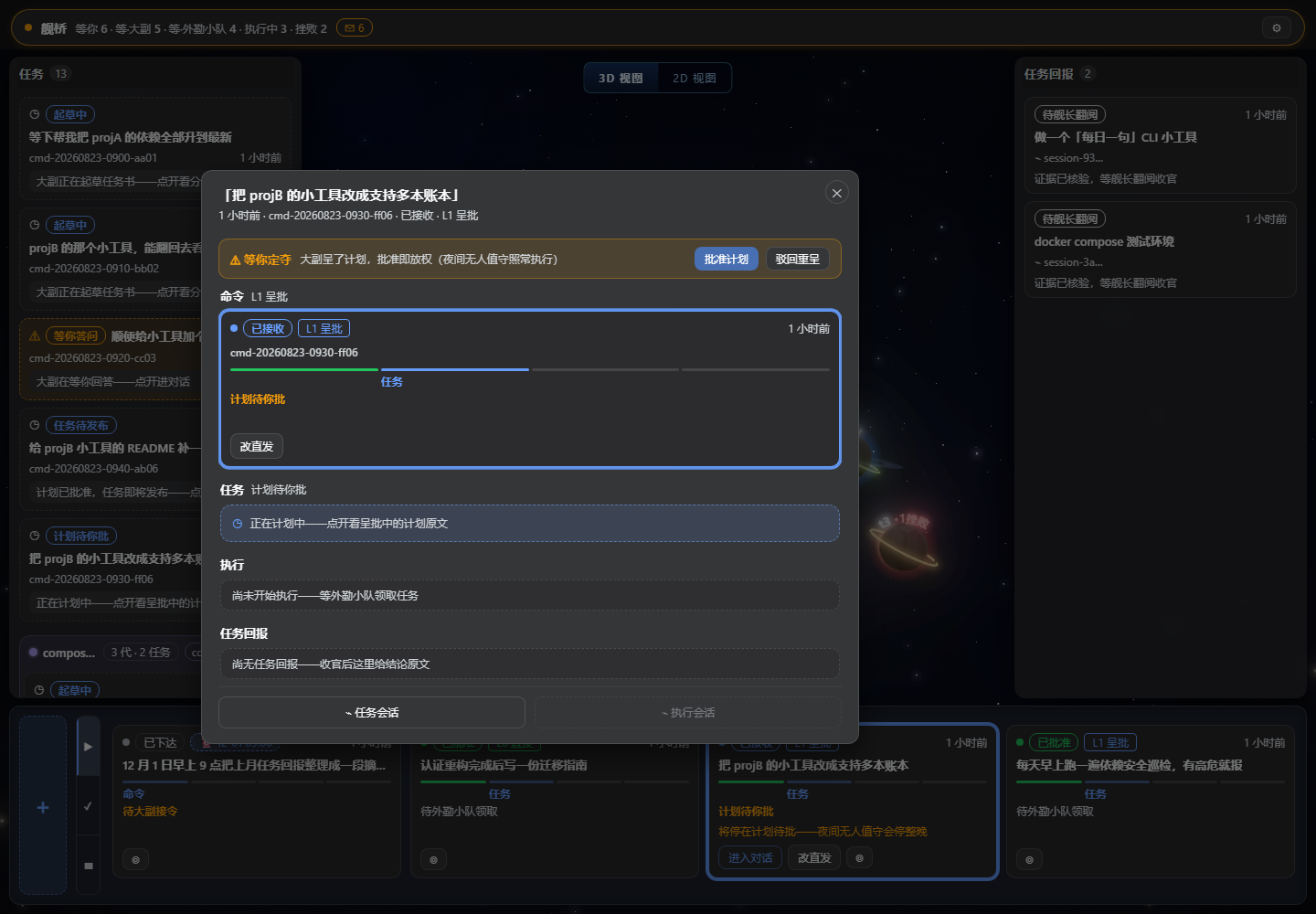
Use Cases
- Track status, evidence, and acceptance across parallel agent runs, organized by command rather than by chat session
- Schedule agents for recurring patrols (dependency checks, test runs, doc sync) that progress autonomously and surface only decisions that need your call
- Replace the session list with a faction-line structure; hover to light up the full family and batch-resolve pending decisions in one visit
Best For
- Developers orchestrating agent tasks across multiple workspaces simultaneously
- Teams that demand strict evidence-backed acceptance and want to keep final sign-off authority
- Individual users who prefer command-flow and task-flow over chat-flow for managing agent collaboration
Related Plugins

A method pack that makes AI coding agents plan against your real baseline, prove completion with fresh evidence, and reduce reworks and unsafe changes.

Turns the DeepSeek Harness session into a captain that builds a durable sub-agent team, splits goals into dependency-aware tasks, and coordinates work via direct messages and a live Web UI.
Gives coding agents design judgment, letting Claude Code, Cursor, and 70+ agents generate and iterate high-quality UI, presentations, and graphics right from the terminal.
Run the Pi ecosystem's plugins on DeepSeek Harness, unmodified, via a compatibility layer that implements Pi's public extension ABI on DSH's native services.