dsh-plugin-open-app
Run the following command in DeepSeek Harness:
dsh plugin install 2nd1st/dsh-plugin-open-app
Paste the following prompt into your AI chat to install this plugin:
In DeepSeek Harness, you can install this plugin by running the command "dsh plugin install 2nd1st/dsh-plugin-open-app", with the source code available at https://github.com/2nd1st/dsh-plugin-open-app.
About this plugin
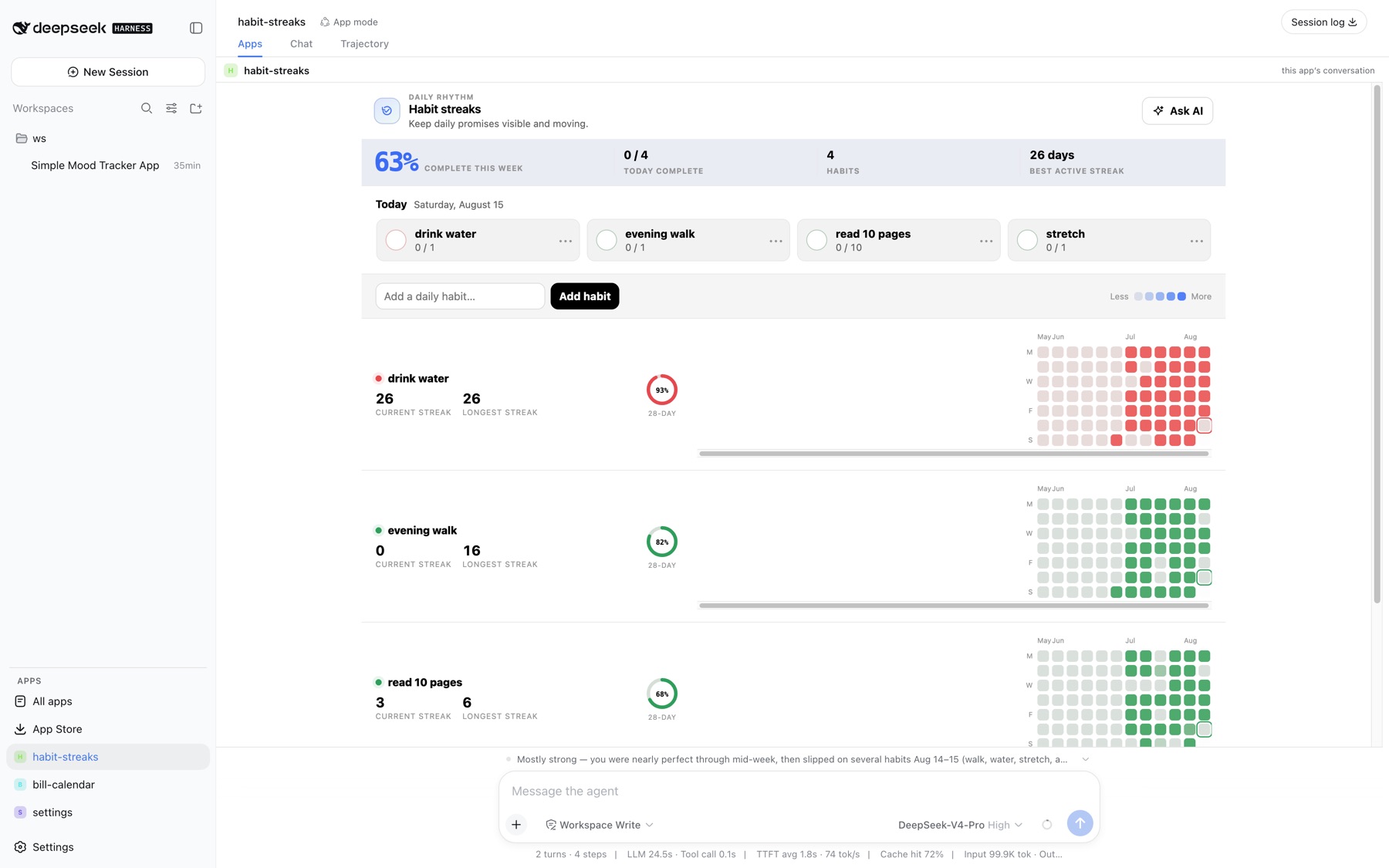
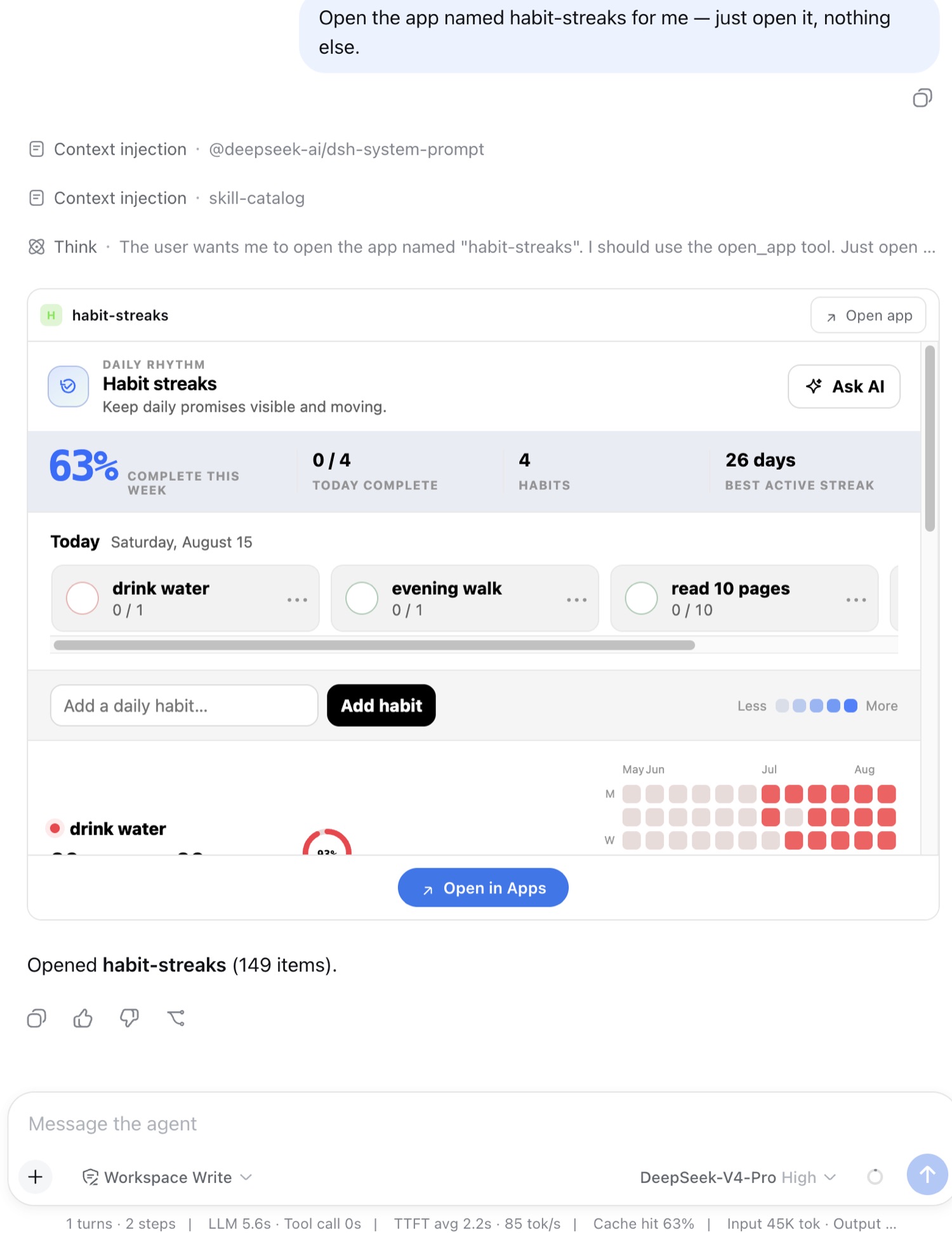
In AI chat assistants like DeepSeek Harness, users often need to interact with external applications, but switching contexts frequently disrupts conversation flow and reduces efficiency. This plugin solves that problem by seamlessly integrating open-mcp-apps applications into dsh's sidebar, turning each app into an accessible 'place'. Its core capability lies in providing each application with its own workspace and conversation session, enabling real-time interaction and inline rendering so users can operate apps directly within the chat without leaving the environment. Additionally, the plugin introduces an app mode that tailors prompts and rules for each app, along with real-time status display of the agent's actions for transparency. It is ideal for developers, tech enthusiasts, or advanced users of dsh and open-mcp-apps who want to build and interact with custom applications while maintaining conversational context, thereby boosting productivity and experience.
Screenshots
Use Cases
- Operate open-mcp-apps applications directly within chat sessions.
- Provide independent workspaces for each app to maintain conversation history.
- Inline render applications in ordinary chats for real-time interaction.
Best For
- Developers and advanced users of DeepSeek Harness.
- Technical personnel who need to build and operate interactive applications.
- Enterprise teams looking to integrate tools into chats.
Related Plugins

A method pack that makes AI coding agents plan against your real baseline, prove completion with fresh evidence, and reduce reworks and unsafe changes.

Turns the DeepSeek Harness session into a captain that builds a durable sub-agent team, splits goals into dependency-aware tasks, and coordinates work via direct messages and a live Web UI.
Gives coding agents design judgment, letting Claude Code, Cursor, and 70+ agents generate and iterate high-quality UI, presentations, and graphics right from the terminal.
Run the Pi ecosystem's plugins on DeepSeek Harness, unmodified, via a compatibility layer that implements Pi's public extension ABI on DSH's native services.