dsh-plugin-oh-my-engine
Run the following command in DeepSeek Harness:
dsh plugin install oh-my-engine/dsh-plugin-oh-my-engine
Paste the following prompt into your AI chat to install this plugin:
Run dsh plugin install oh-my-engine/dsh-plugin-oh-my-engine in DSH Desktop or Web to install the plugin; the source is at https://github.com/oh-my-engine/dsh-plugin-oh-my-engine . After installation, restart the profile and select the OME engineering preset to begin.
About this plugin
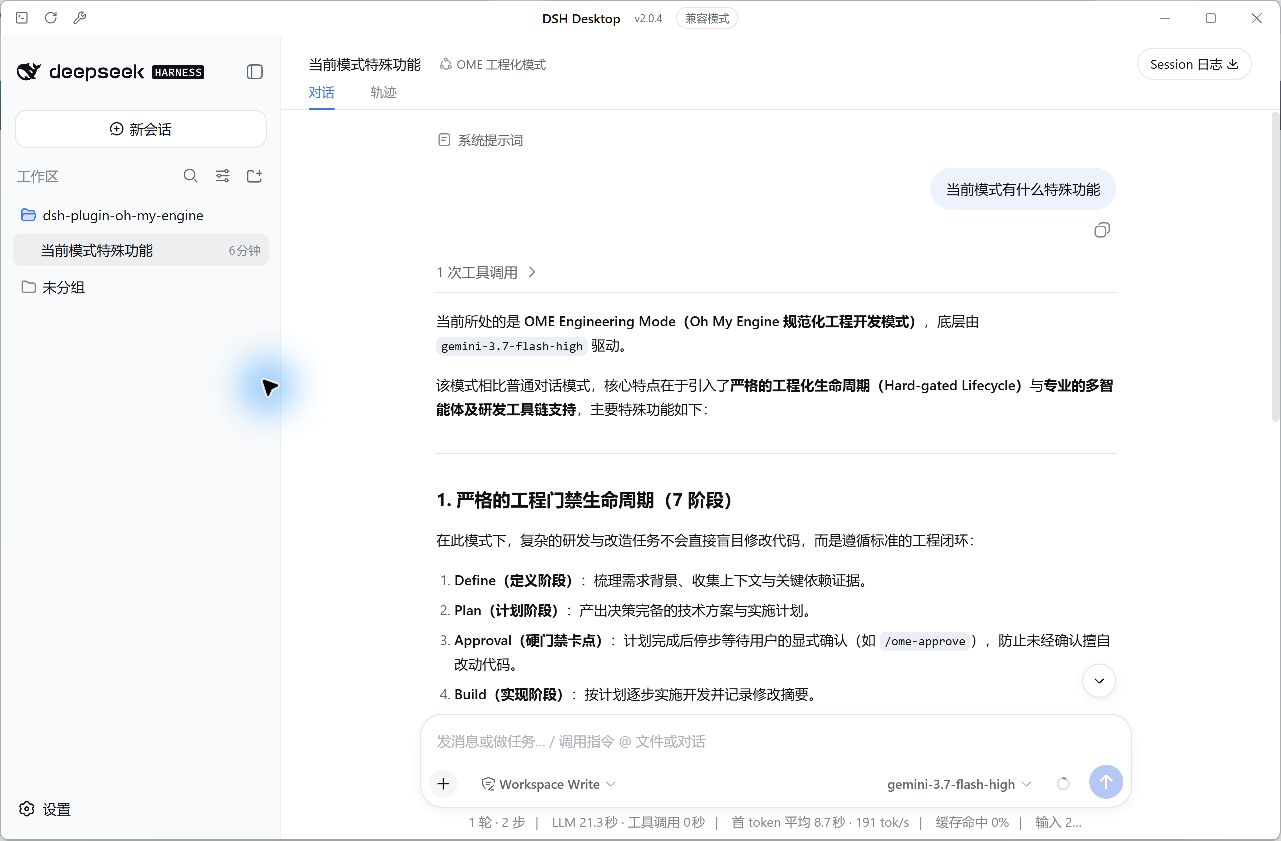
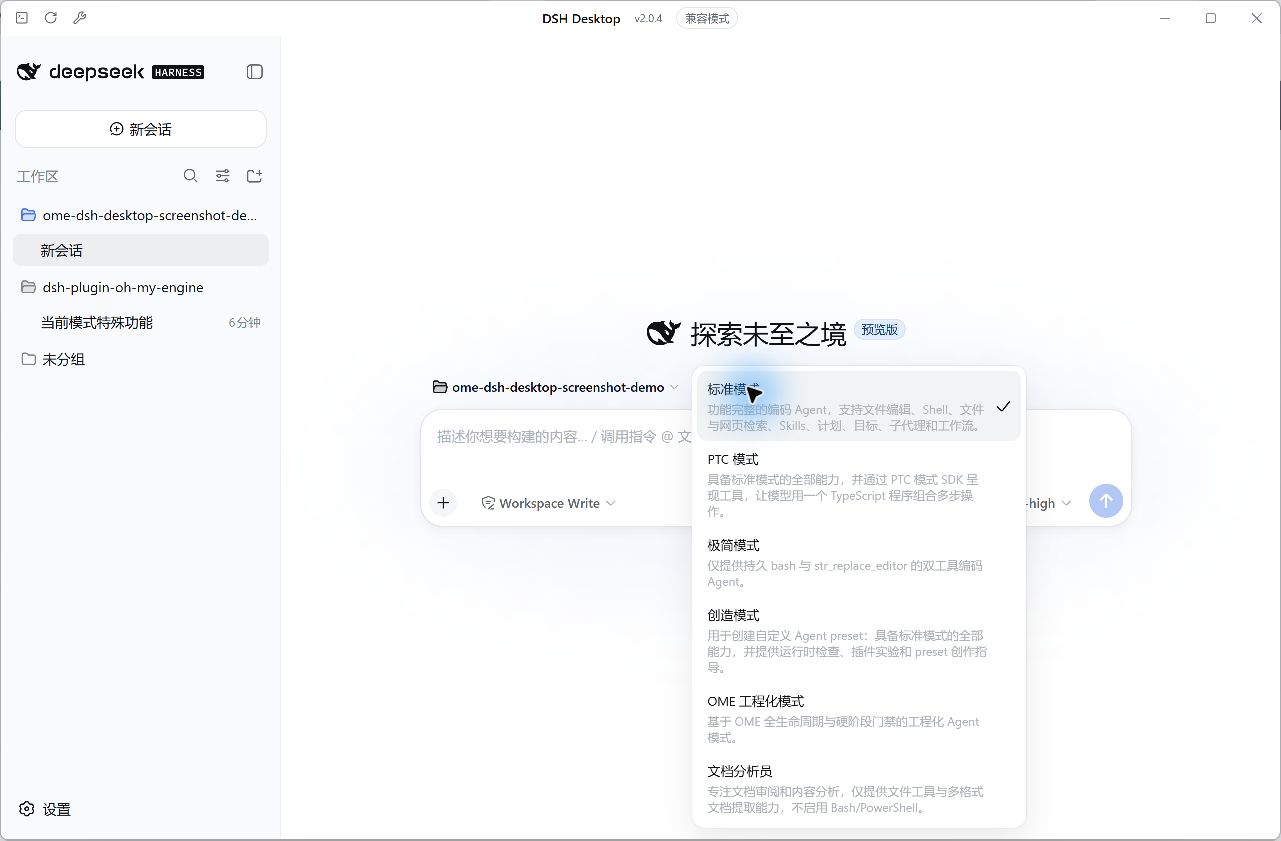
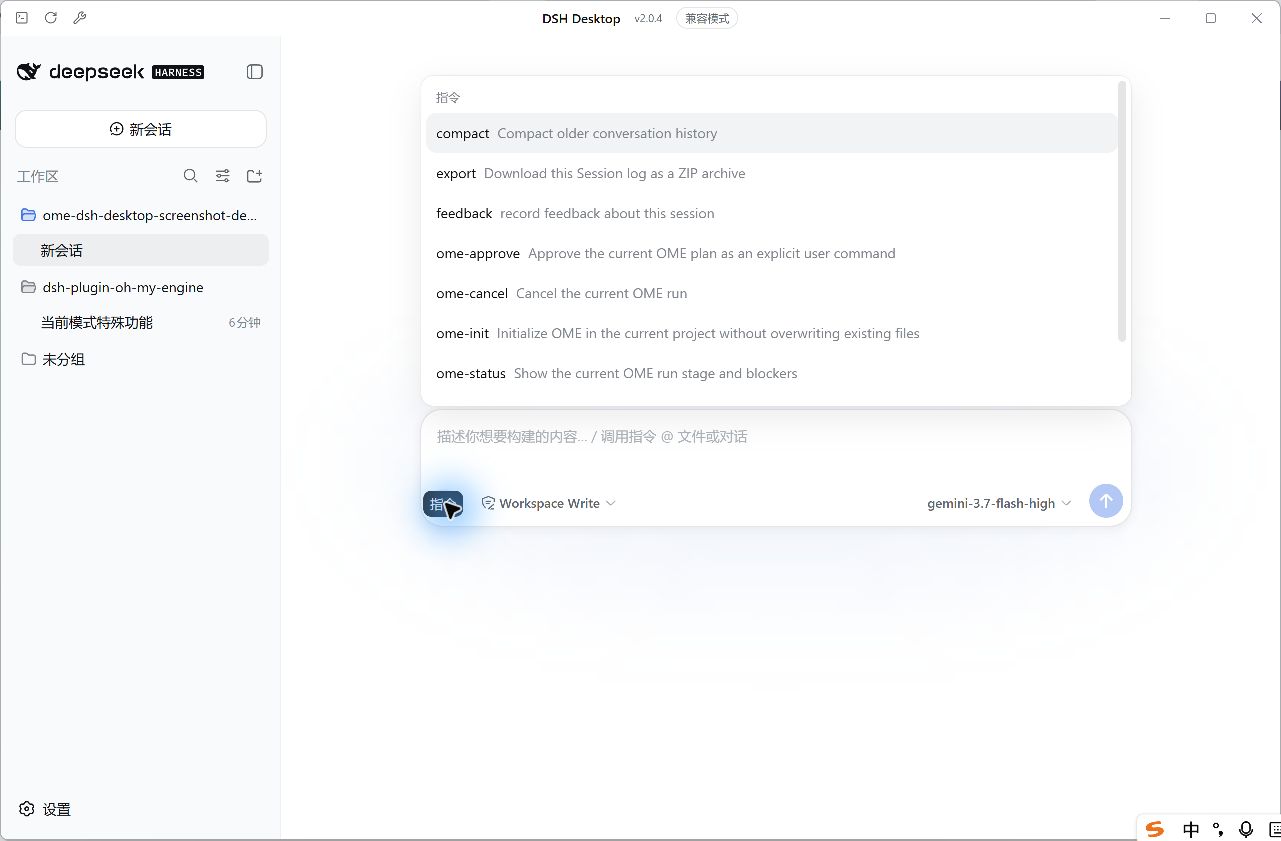
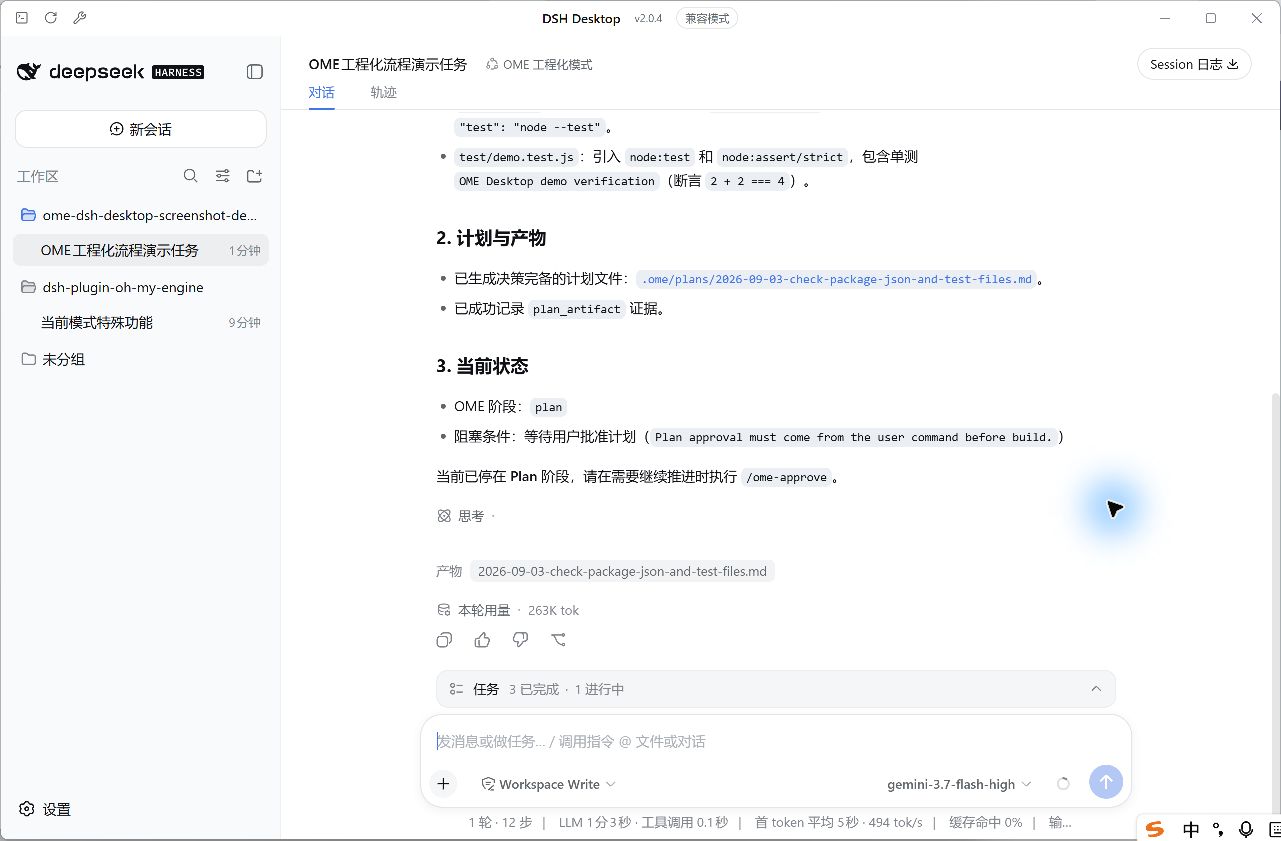
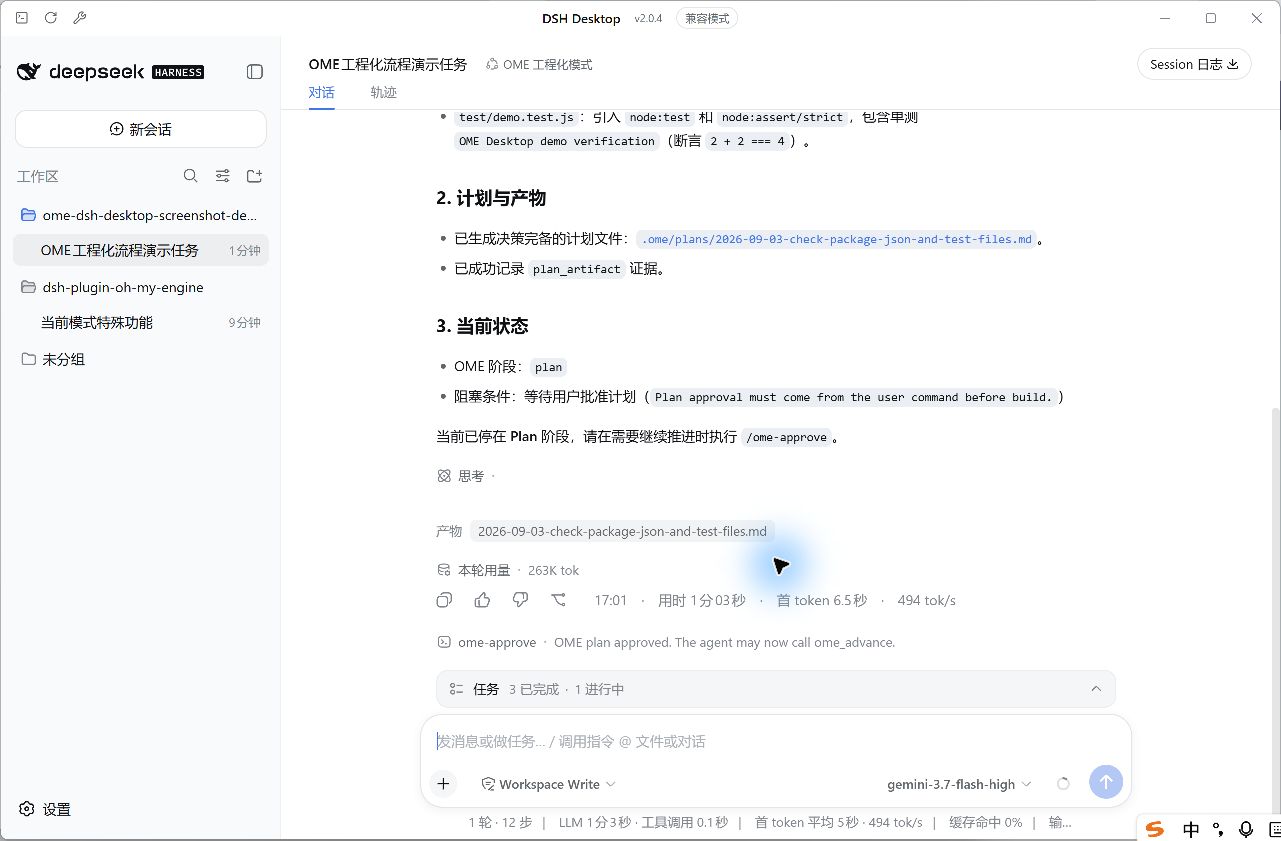
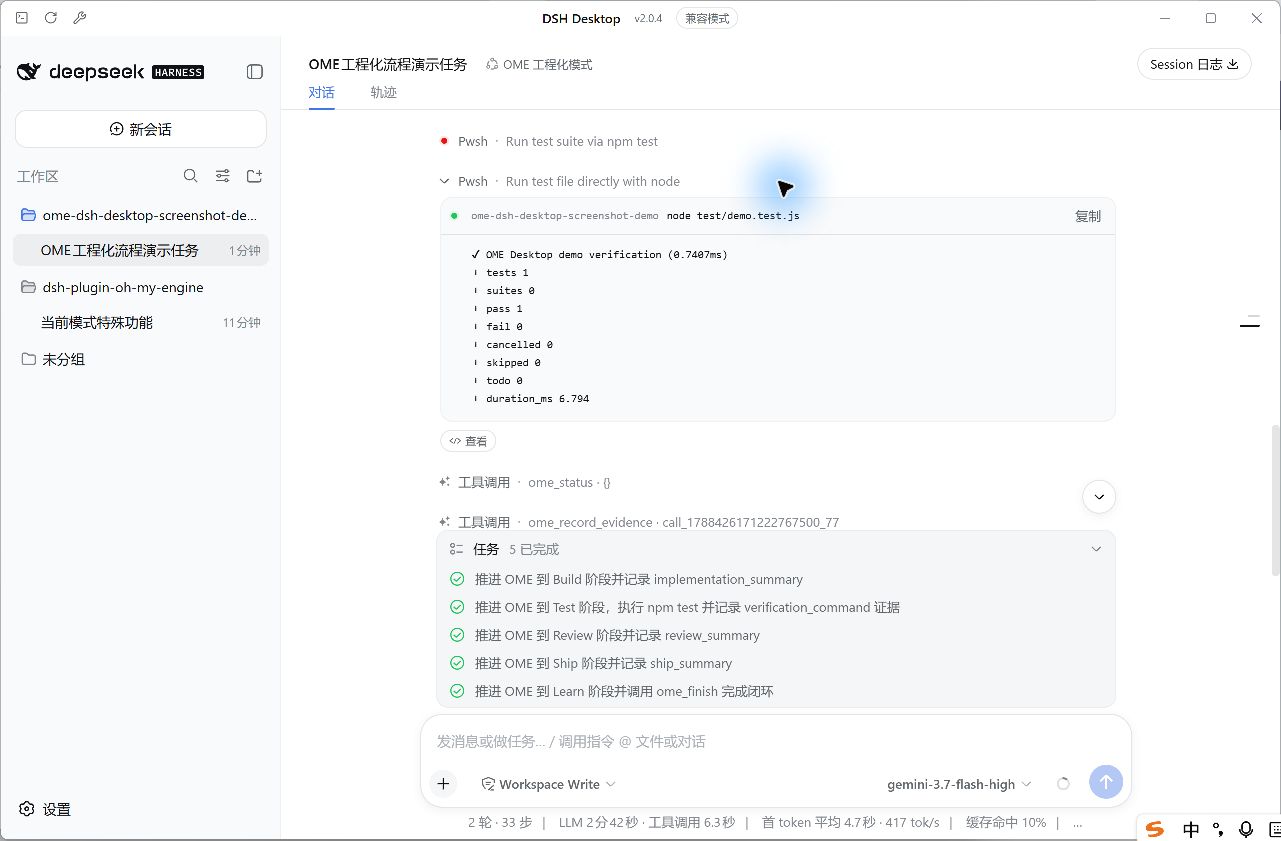
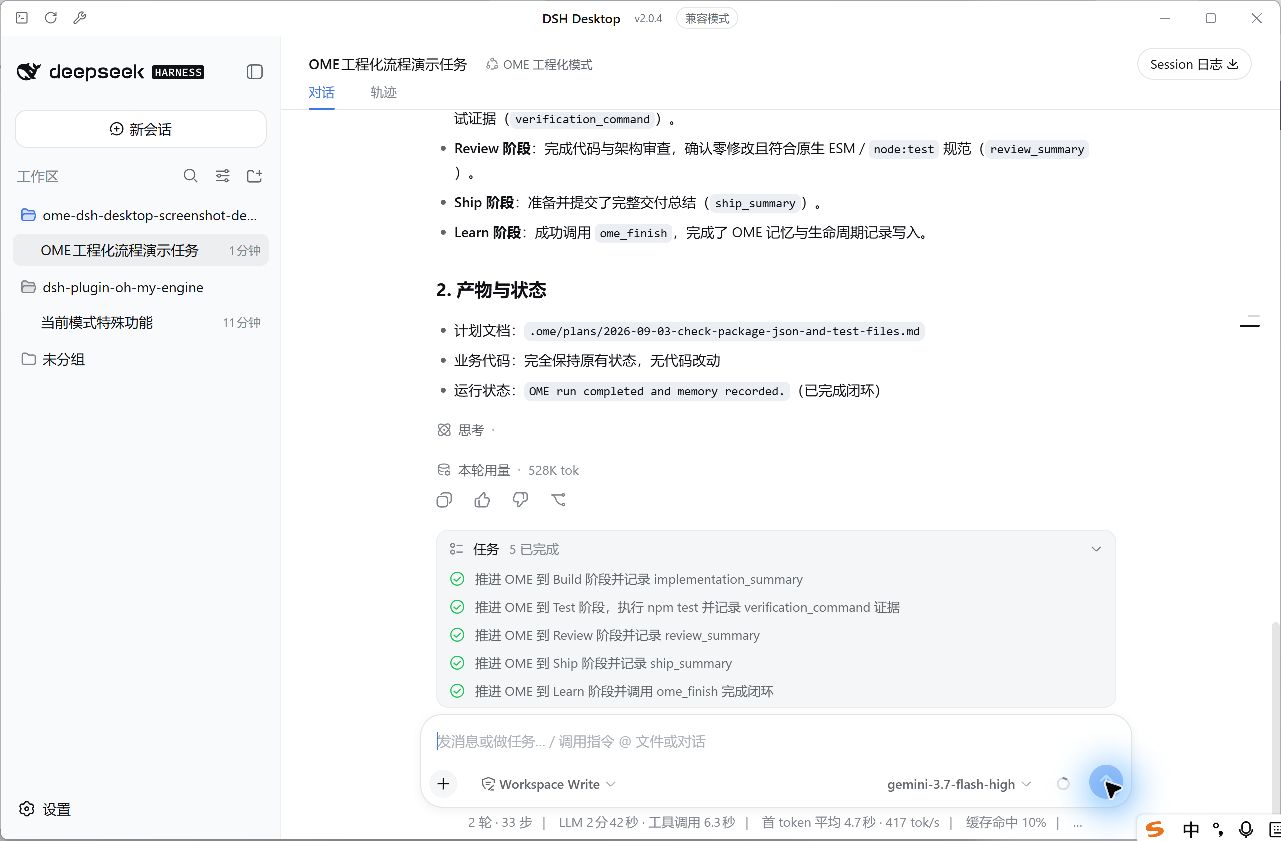
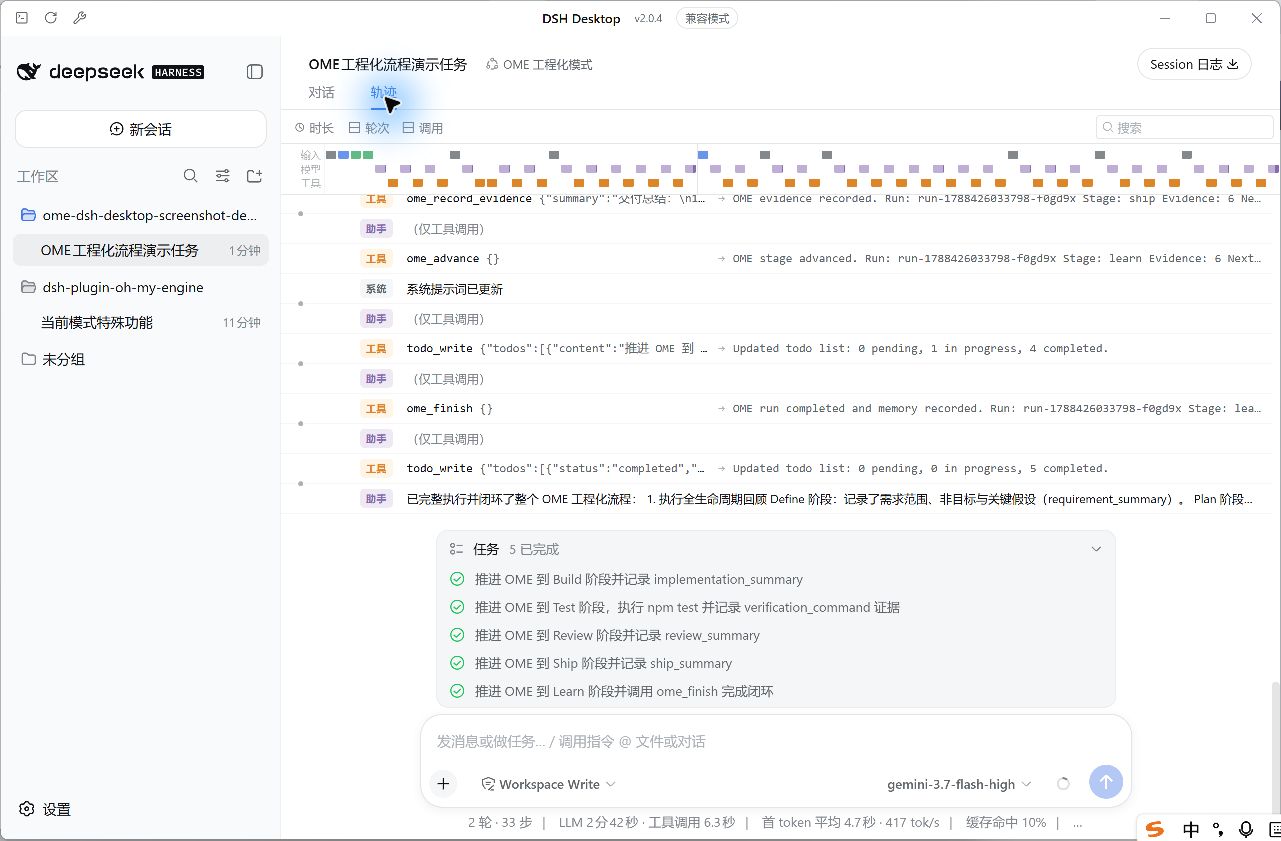
Many teams want to bring Oh My Engine's structured engineering process into their DeepSeek Harness workflows, but OME is deliberately platform-neutral and ships no frontend binding, leaving DSH users without a native integration path. dsh-plugin-oh-my-engine closes that gap by injecting the OME engineering preset as an isolated agent into Web and Desktop profiles. It consumes only OME's public lifecycle API, stores all runtime state in the active DSH Session Event Log, and leaves every other preset—Standard, Code, Minimal, and beyond—completely untouched in tools, commands, and prompts.\n\nThe full Define, Plan, Build, Verify, Review, Ship, and Learn pipeline ships with a hard Plan-approval gate that only the /ome-approve command can pass. The Verify stage demands test evidence that references a successful prior tool call within the same Session, and the Learn phase records OME Memory so the entire lifecycle remains traceable in the Session event log. Subagents inherit context but are restricted to calling ome_status, while editing, commands, sandboxing, approvals, and cancellation stay firmly with DSH native tools, keeping role boundaries crisp and predictable.\n\nIt is built for solo developers and small teams already on DeepSeek Harness who value an auditable engineering loop: every build is gated by explicit approval, every verification is backed by traceable evidence, and the whole lifecycle is logged for post-hoc review—all with zero intrusion into the rest of your profile configuration.
Screenshots
Use Cases
- Run the full Define-to-Learn engineering pipeline inside DSH Desktop
- Enforce a hard Plan-approval gate to block unapproved builds
- Replay every lifecycle event of an OME run from the DSH Session event log
Best For
- Solo developers working daily inside DeepSeek Harness
- Small teams that need an auditable and replayable engineering process
- Engineers who want OME engineering discipline in their DSH profile without touching other presets
Related Plugins

A method pack that makes AI coding agents plan against your real baseline, prove completion with fresh evidence, and reduce reworks and unsafe changes.

Turns the DeepSeek Harness session into a captain that builds a durable sub-agent team, splits goals into dependency-aware tasks, and coordinates work via direct messages and a live Web UI.
Gives coding agents design judgment, letting Claude Code, Cursor, and 70+ agents generate and iterate high-quality UI, presentations, and graphics right from the terminal.
Run the Pi ecosystem's plugins on DeepSeek Harness, unmodified, via a compatibility layer that implements Pi's public extension ABI on DSH's native services.