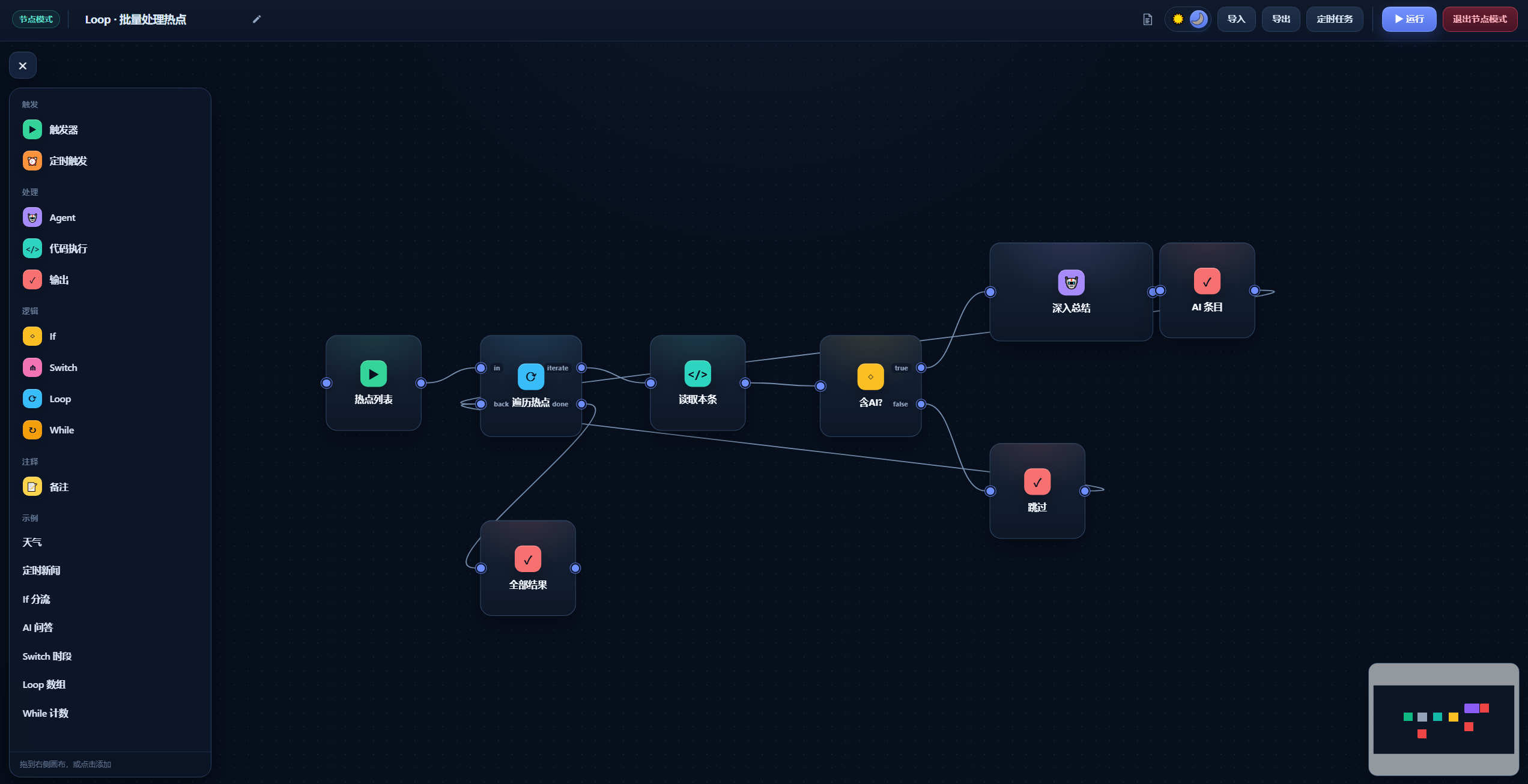
dsh-node-flow
Run the following command in DeepSeek Harness:
dsh plugin install CodermanYHZ/dsh-node-flow
Paste the following prompt into your AI chat to install this plugin:
Run dsh plugin install CodermanYHZ/dsh-node-flow in DeepSeek Harness to install this visual node-flow plugin. Source code: https://github.com/CodermanYHZ/dsh-node-flow . After installation, restart the Web UI and open Node Mode from the sidebar.
About this plugin
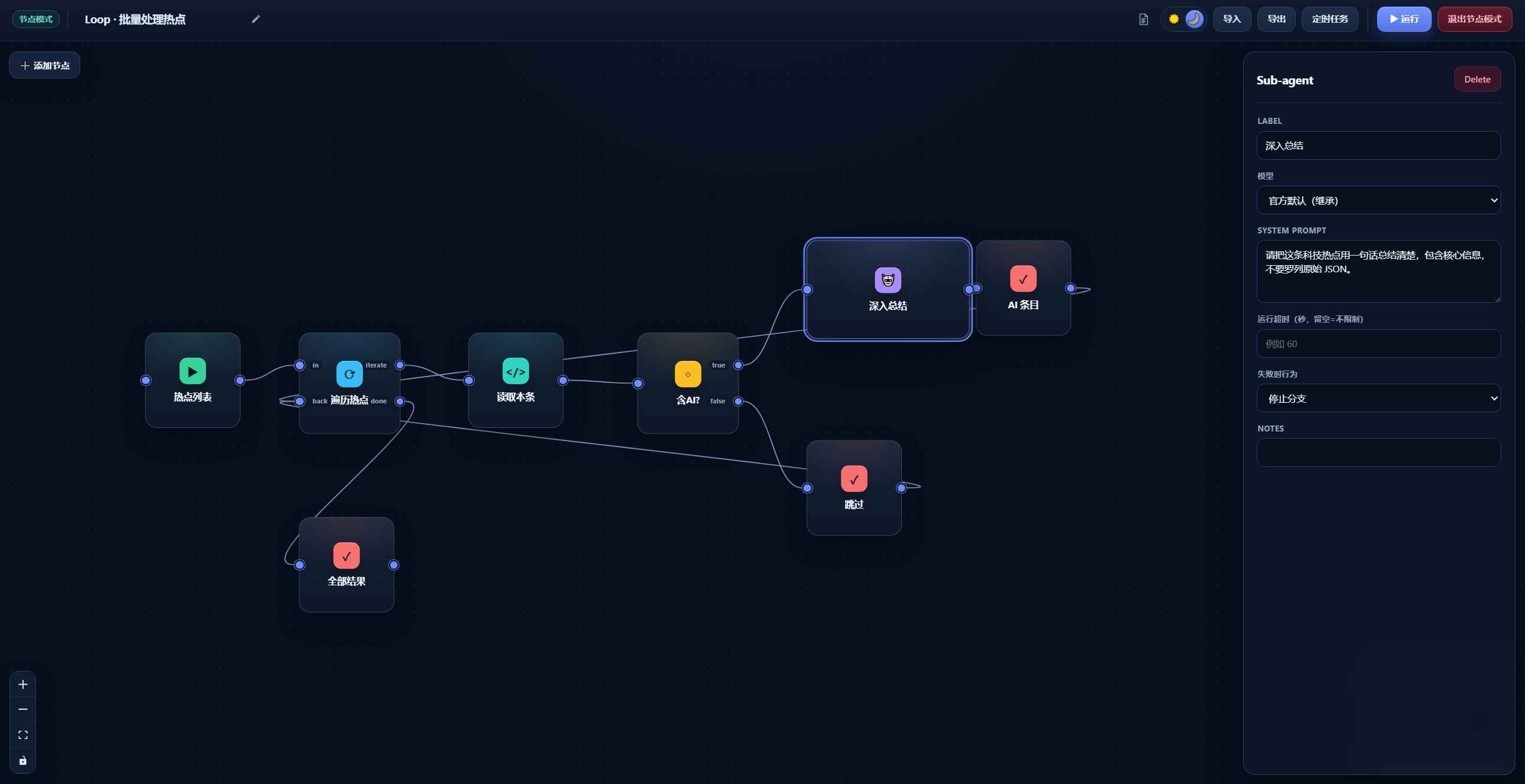
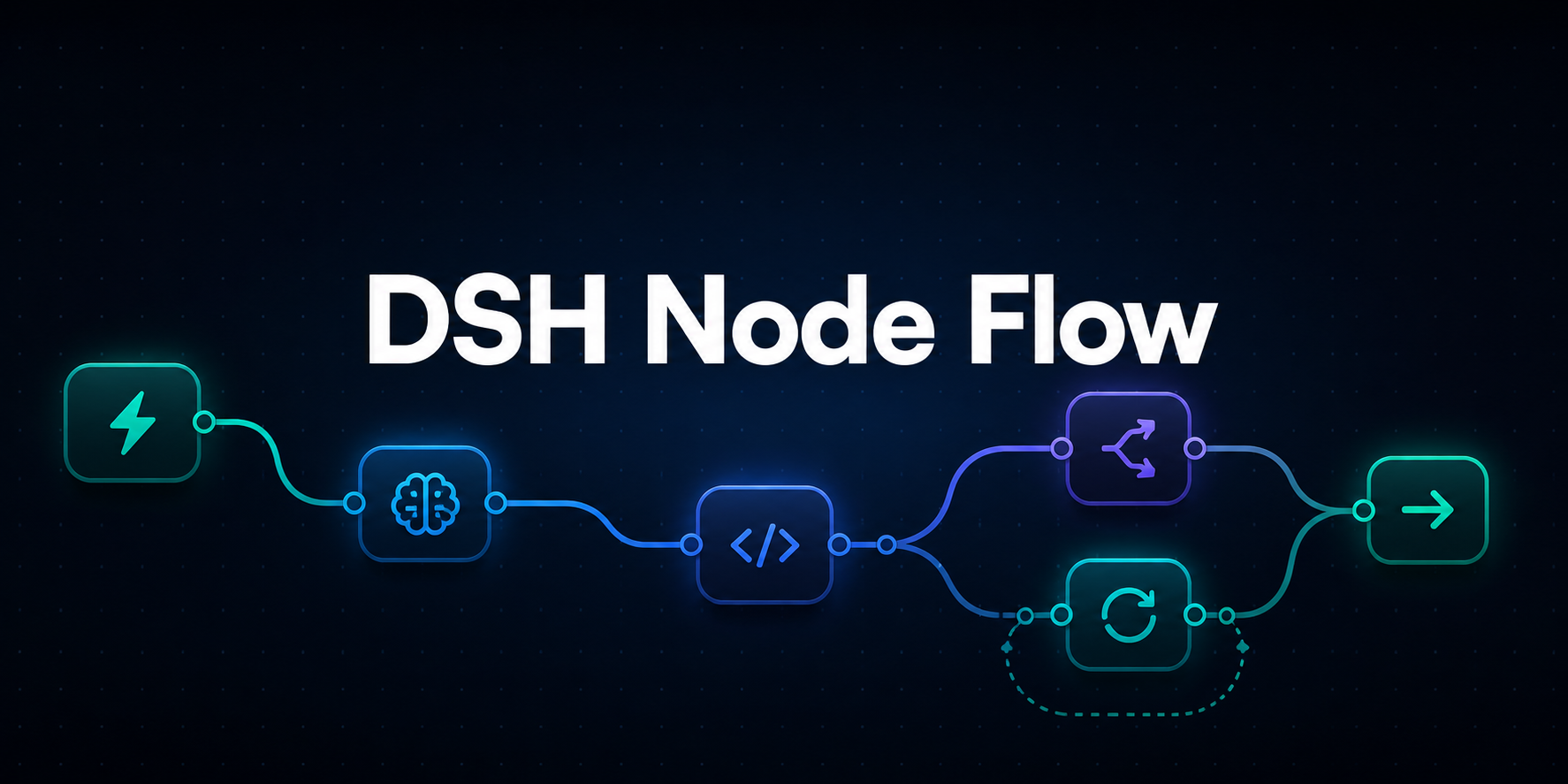
Chaining multi-step Agent calls, code execution, and conditional logic inside DSH used to mean hand-writing JSON and guessing port names one field at a time. dsh-node-flow turns that into a drag-and-drop flow canvas: pull nodes from the left panel, connect ports to express data flow, fill in parameters, and hit Run. Each node then lights up its status and the exact path that actually executed gets highlighted, so debugging is no longer an archaeology dig through logs.
The canvas ships with ten node types: Trigger, Agent, Code, If, Switch, Loop, While, Output, and Note. Agent nodes can inherit the current model or switch to any model route already configured in DSH. Code nodes run TypeScript or Python with a built-in full-screen editor. Control-flow nodes cover branching, value-based matching, array iteration, and bounded conditional loops. Every Agent and Code node supports a timeout and a failure strategy—stop the branch or keep going with null values—so a single misfire does not stall the entire pipeline. Workflows can be scheduled with a five-field Cron expression or exported to a file for backup, sharing, and reuse.
If you are building multi-Agent pipelines, automation tasks with conditional gates, or simply need a way to show non-engineers what a DSH workflow actually does, this visual canvas cuts the hidden cost of layout, troubleshooting, and team communication. A companion AI Skill can also generate spec-compliant JSON directly, shortening the distance from idea to a fully runnable flow.
Screenshots

Use Cases
- Drag and combine Agent calls, code nodes, and conditional branches to build multi-step automation pipelines
- Schedule workflows with Cron expressions and monitor run status in the task panel
- Export workflows as JSON files for backup, sharing, and reuse across the team
Best For
- Developers building multi-Agent collaboration pipelines quickly
- Engineers who prefer visual debugging and demos of DSH workflows
- Tech leads who need to present automation logic to non-engineering stakeholders
Related Plugins

A method pack that makes AI coding agents plan against your real baseline, prove completion with fresh evidence, and reduce reworks and unsafe changes.

Turns the DeepSeek Harness session into a captain that builds a durable sub-agent team, splits goals into dependency-aware tasks, and coordinates work via direct messages and a live Web UI.
Gives coding agents design judgment, letting Claude Code, Cursor, and 70+ agents generate and iterate high-quality UI, presentations, and graphics right from the terminal.
Run the Pi ecosystem's plugins on DeepSeek Harness, unmodified, via a compatibility layer that implements Pi's public extension ABI on DSH's native services.