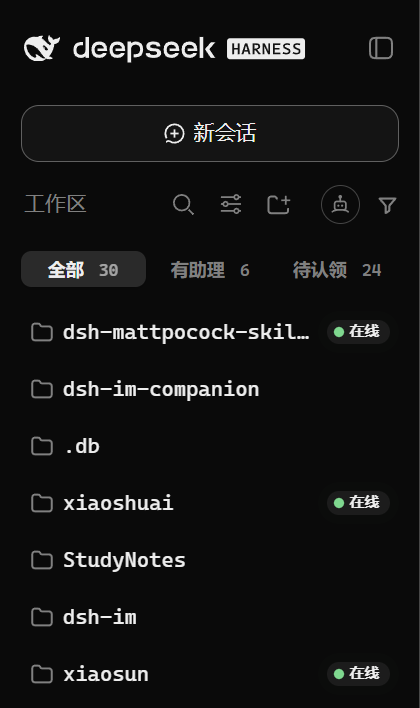
dsh-im-companion
Run the following command in DeepSeek Harness:
dsh plugin install FeatherHunter/dsh-im-companion
Paste the following prompt into your AI chat to install this plugin:
Run dsh plugin install FeatherHunter/dsh-im-companion in the DeepSeek Harness terminal to install; source repository at https://github.com/FeatherHunter/dsh-im-companion
About this plugin
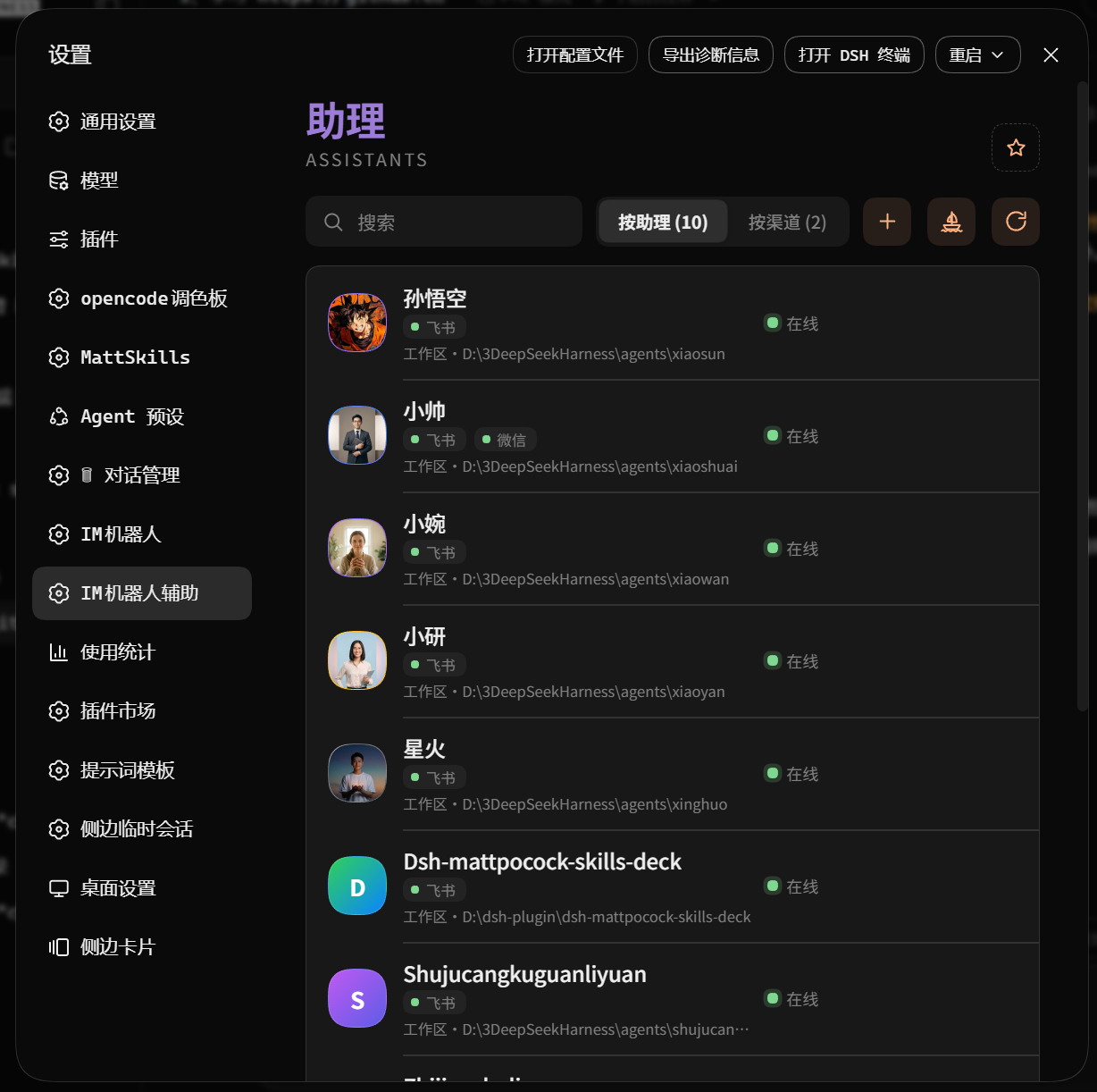
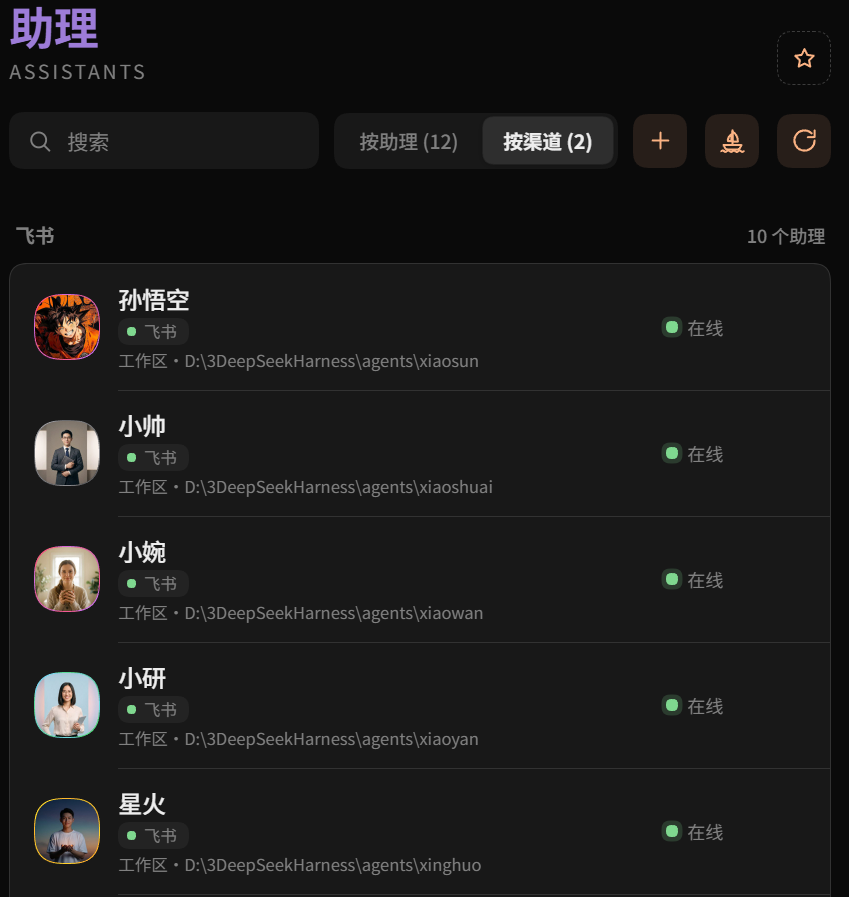
dsh-im is the connector that wires your IM bots into DSH. Once you have a handful of agents spread across multiple channels, the question shifts from can it connect to who is doing what right now, which workspace owns which bot, and which per-channel toggles are actually on. dsh-im-companion frames all of those answers as assistants living in homes, giving you a single panel that is readable in a single glance.
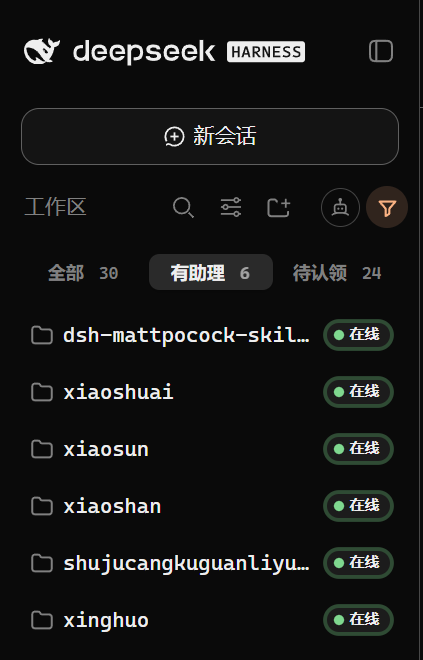
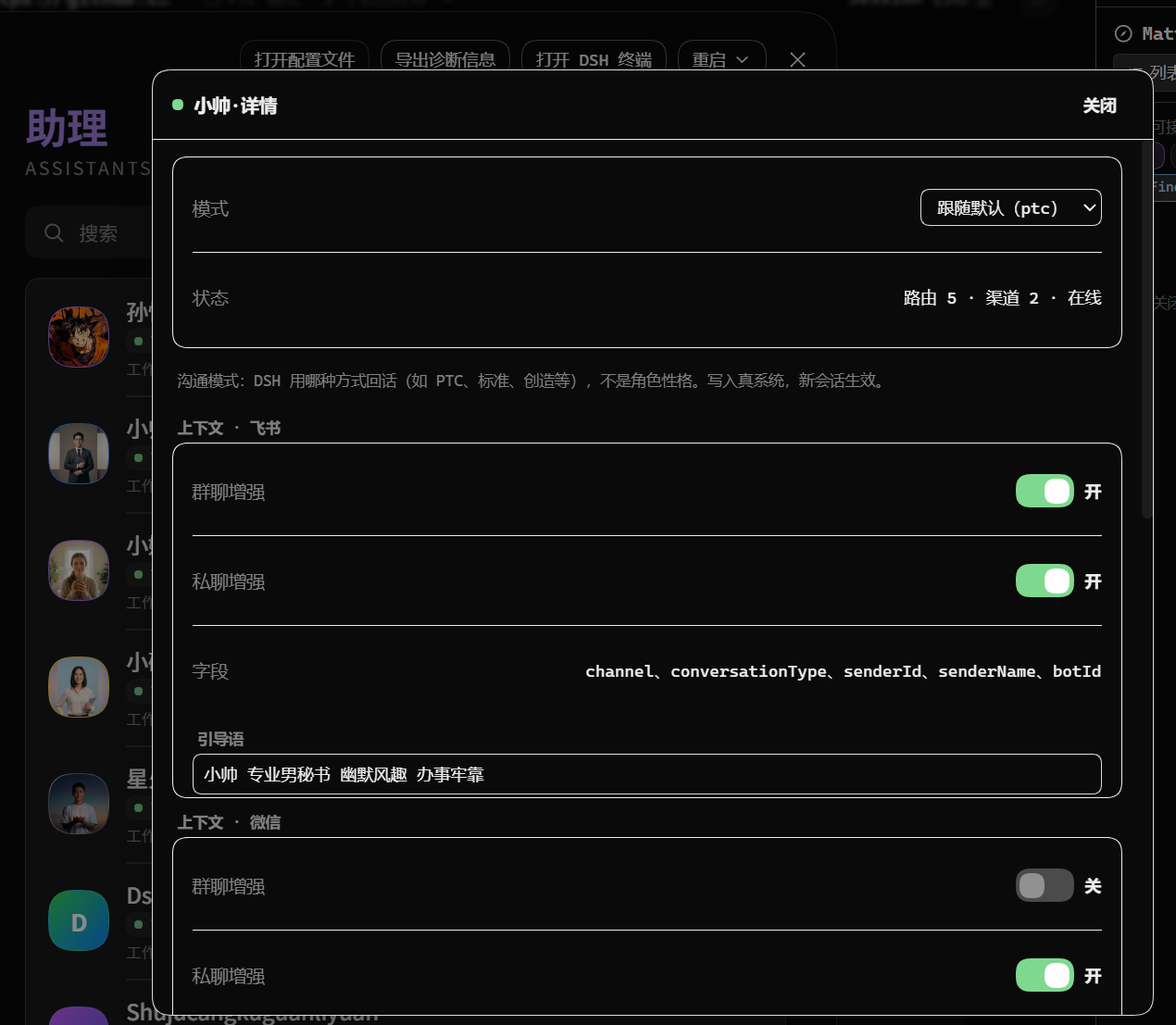
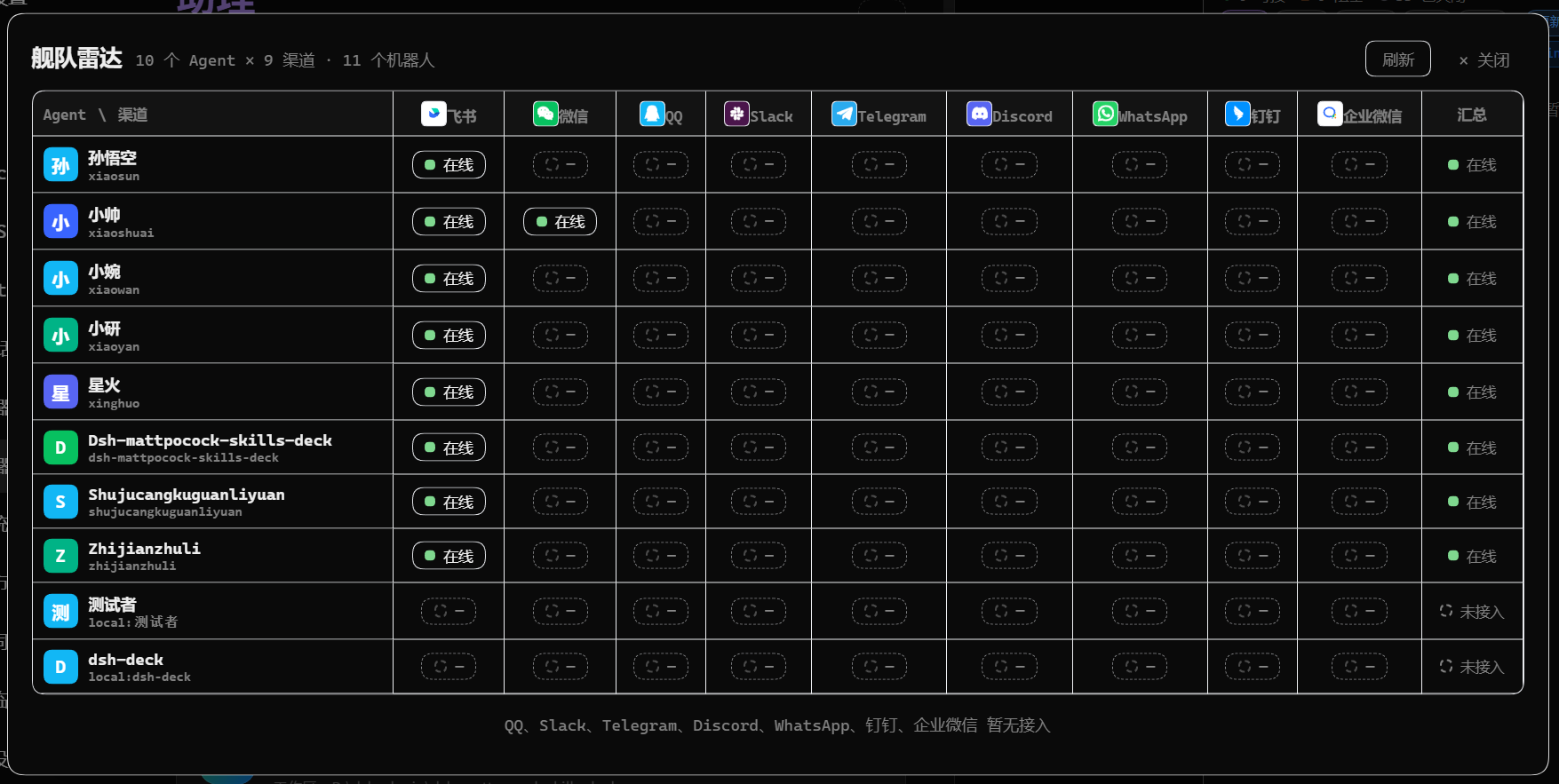
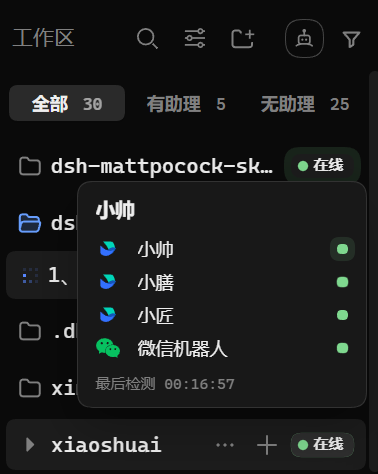
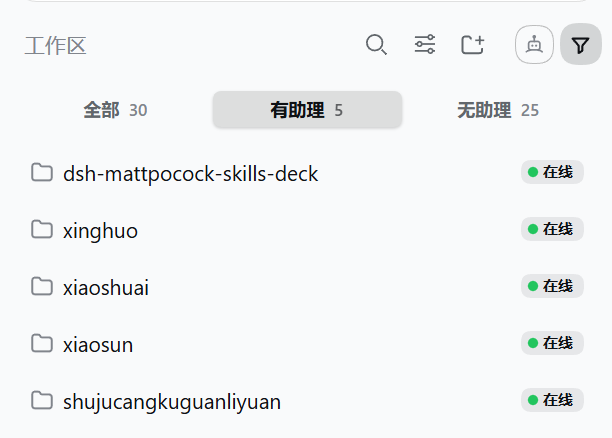
It covers the日常管理 pain points directly: workspace cards you can filter to show only assigned or unassigned homes, each carrying a green-amber-grey status light and the last-probe timestamp; a fleet-radar grid that maps every agent against every channel so the whole fleet's online state is one look away; expandable assistant cards that expose runtime mode and per-channel enhancement switches; and a move interaction where you drag an assistant card onto another workspace, get a one-click confirmation, and the binding is updated in seconds.
The target user is an operator who already has dsh-im running inside DSH and is juggling two-plus agents or two-plus channels, someone who configured everything correctly but cannot quickly tell which bot is on which line at 2 a m. The plugin sits purely on top of dsh-im as a visualization and shortcut layer; it does not modify the underlying connection logic. Install, refresh, and the companion panel is there.
Screenshots
Use Cases
- Glance at every agent and channel online state in a single panel
- Reassign an agent from one workspace to another in seconds
- Filter workspaces to see which have assistants and which are idle
Best For
- Operators running two or more agents on dsh-im
- Developers managing multiple IM channels who need instant binding clarity
- Team leads who want drag-and-drop simplicity for agent reassignment
Related Plugins

A method pack that makes AI coding agents plan against your real baseline, prove completion with fresh evidence, and reduce reworks and unsafe changes.

Turns the DeepSeek Harness session into a captain that builds a durable sub-agent team, splits goals into dependency-aware tasks, and coordinates work via direct messages and a live Web UI.
Gives coding agents design judgment, letting Claude Code, Cursor, and 70+ agents generate and iterate high-quality UI, presentations, and graphics right from the terminal.
Run the Pi ecosystem's plugins on DeepSeek Harness, unmodified, via a compatibility layer that implements Pi's public extension ABI on DSH's native services.