chicheng-cron
Run the following command in DeepSeek Harness:
dsh plugin install 534119219/chicheng-cron
Paste the following prompt into your AI chat to install this plugin:
In DeepSeek Harness, install the chicheng-cron plugin by running 'dsh plugin install 534119219/chicheng-cron' in the terminal, with the source code available at https://github.com/534119219/chicheng-cron.
About this plugin
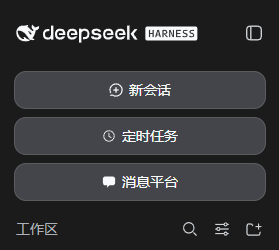
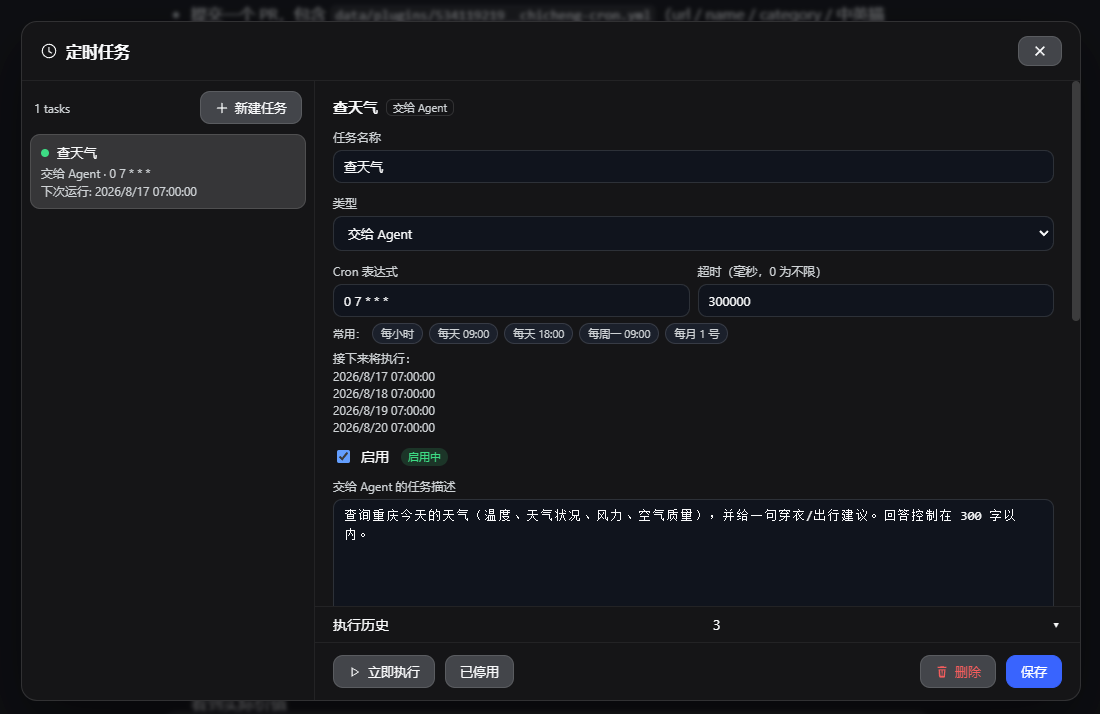
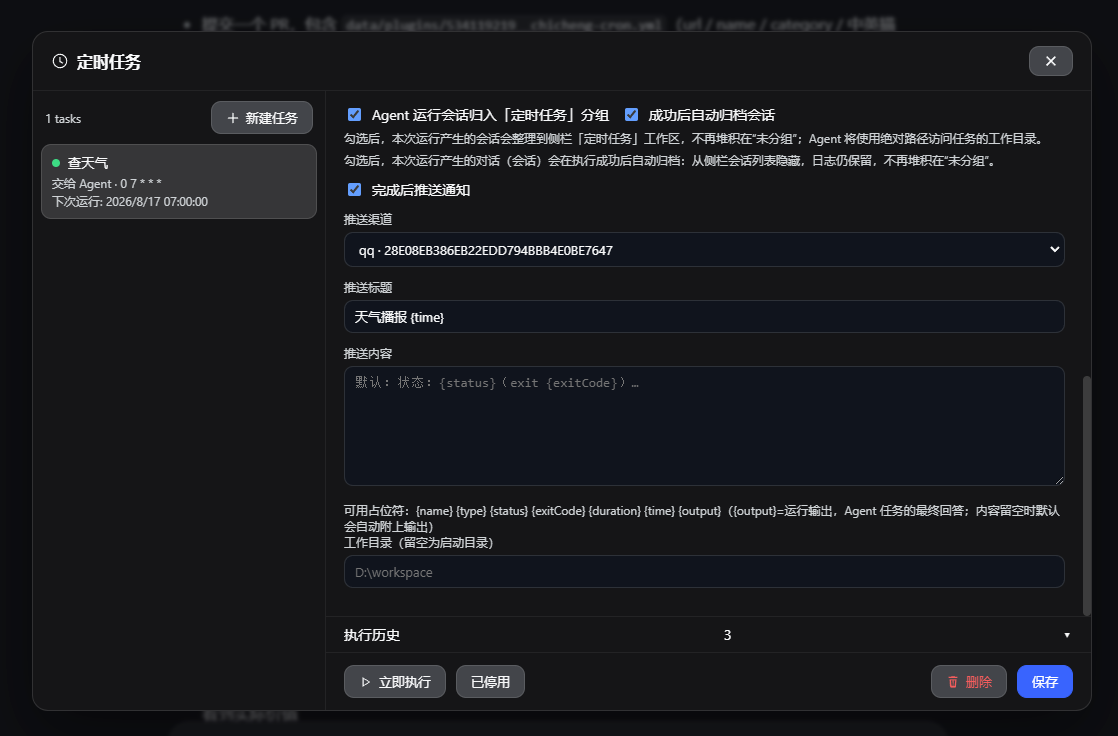
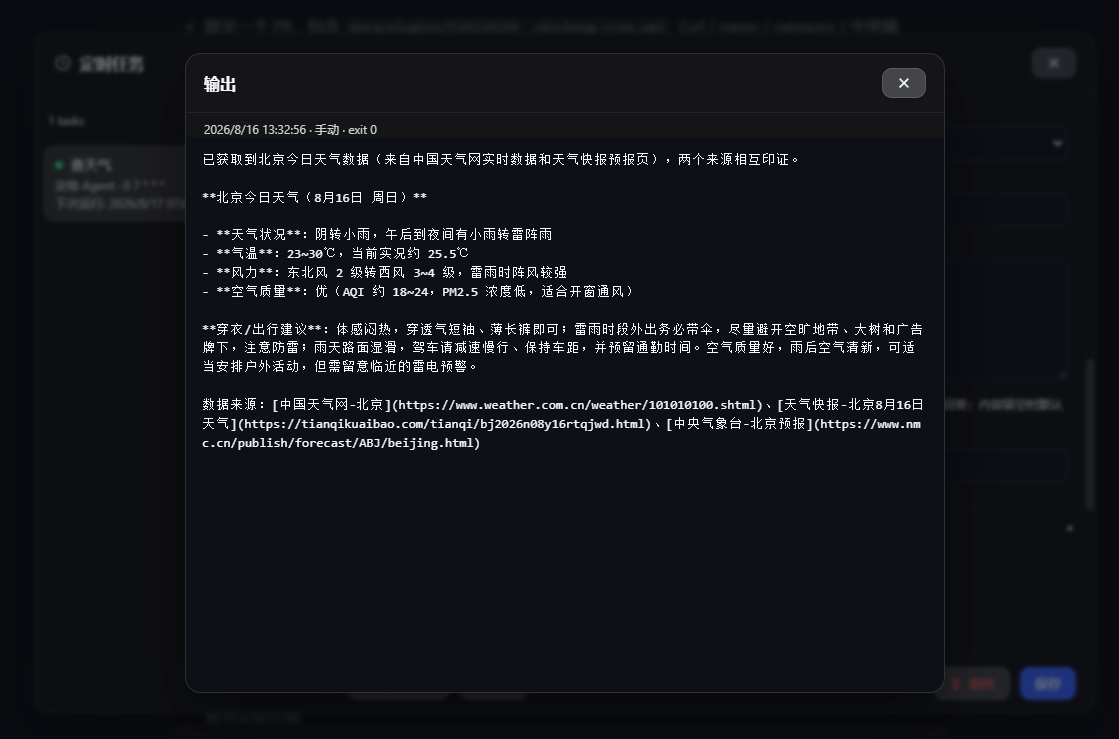
In daily development and operations, manually executing repetitive scripts or tasks is time-consuming and error-prone. As a native cron job plugin for DeepSeek Harness, chicheng-cron addresses the pain points of workflow automation and centralized management. Through an intuitive sidebar entry, it allows users to easily create cron-based scheduled tasks, enabling automatic execution of scripts, Skills, or Agent tasks without leaving the familiar interface, complete with push notifications and session archiving.
The plugin's core strengths lie in its flexibility and deep integration. Users can schedule not only standard Shell, Python, or Node.js scripts but also leverage installed Skills or drive complex tasks via prompts through Agents. An intelligent push notification system supports multiple channels to keep task status readily available, while session organization features ensure orderly execution records—ideal for scenarios requiring long-term tracking of automated workflows. Mobile adaptation further enhances convenience, making management accessible on the go.
Whether you're a developer seeking to simplify repetitive operations, a team needing to run data analysis scripts on schedule, or an AI application builder pursuing efficient workflow integration, chicheng-cron offers a lightweight yet powerful solution. It lowers the barrier to automation, seamlessly integrating task scheduling into the DeepSeek Harness ecosystem, letting users focus on core work rather than tedious process management.
Screenshots
Use Cases
- Automatically execute scheduled backup or cleanup scripts.
- Periodically run data analysis and push result notifications.
- Integrate Skills or Agents for complex task scheduling.
Best For
- Developers needing to automate repetitive scripts.
- Operations personnel managing server scheduled jobs.
- Builders aiming to integrate AI workflows.
Related Plugins

A method pack that makes AI coding agents plan against your real baseline, prove completion with fresh evidence, and reduce reworks and unsafe changes.

Turns the DeepSeek Harness session into a captain that builds a durable sub-agent team, splits goals into dependency-aware tasks, and coordinates work via direct messages and a live Web UI.
Gives coding agents design judgment, letting Claude Code, Cursor, and 70+ agents generate and iterate high-quality UI, presentations, and graphics right from the terminal.
Run the Pi ecosystem's plugins on DeepSeek Harness, unmodified, via a compatibility layer that implements Pi's public extension ABI on DSH's native services.