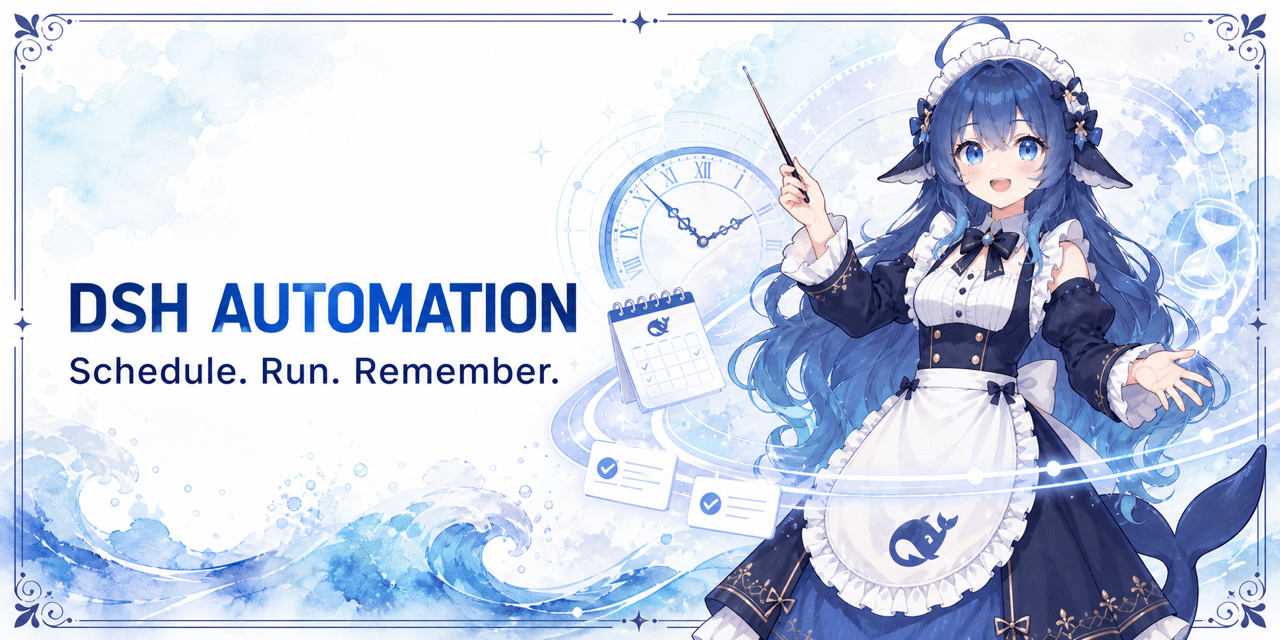
dsh-automation
Run the following command in DeepSeek Harness:
dsh plugin install titanwings/dsh-automation
Paste the following prompt into your AI chat to install this plugin:
To install the dsh-automation plugin in DeepSeek Harness, run `dsh plugin install titanwings/dsh-automation`; full source code: https://github.com/titanwings/dsh-automation
About this plugin
In daily coding work, many tasks are repetitive and bounded, yet hard to automate because they depend on chat context. dsh-automation solves this by packaging task, schedule, and permission boundary together. Every run starts in a fresh root Agent and Session, using the saved prompt without inheriting source conversation history, ensuring a clean and predictable execution environment.
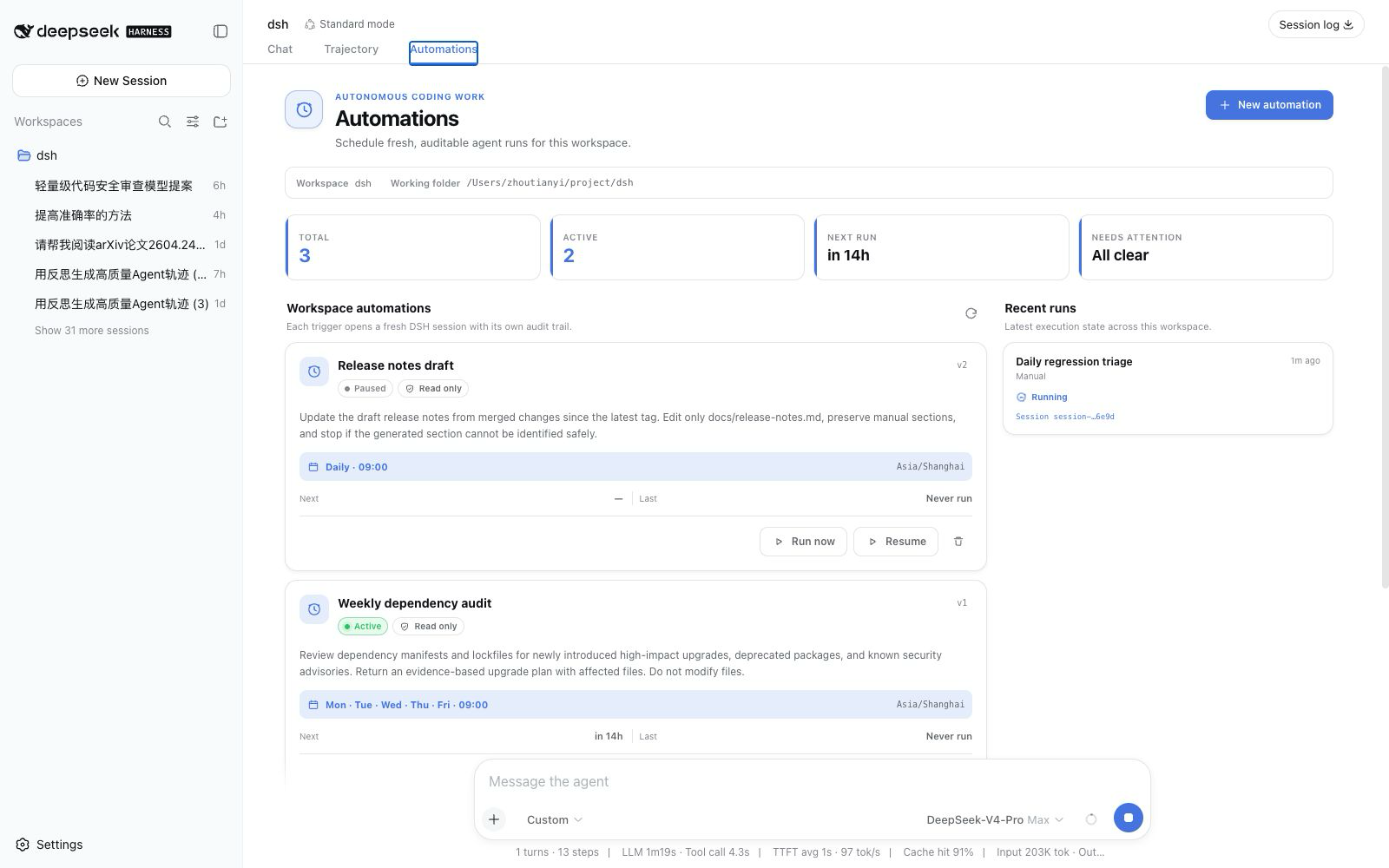
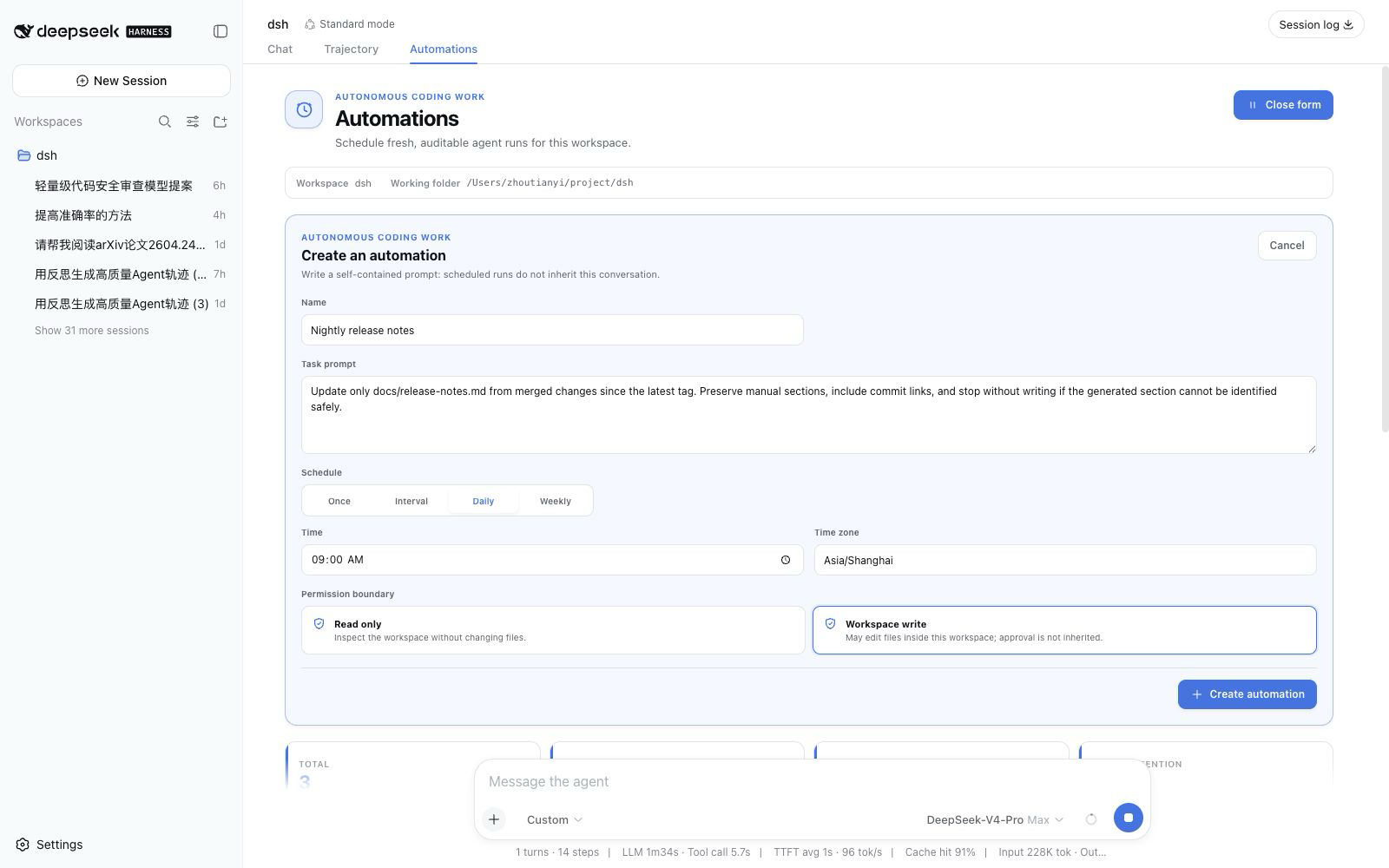
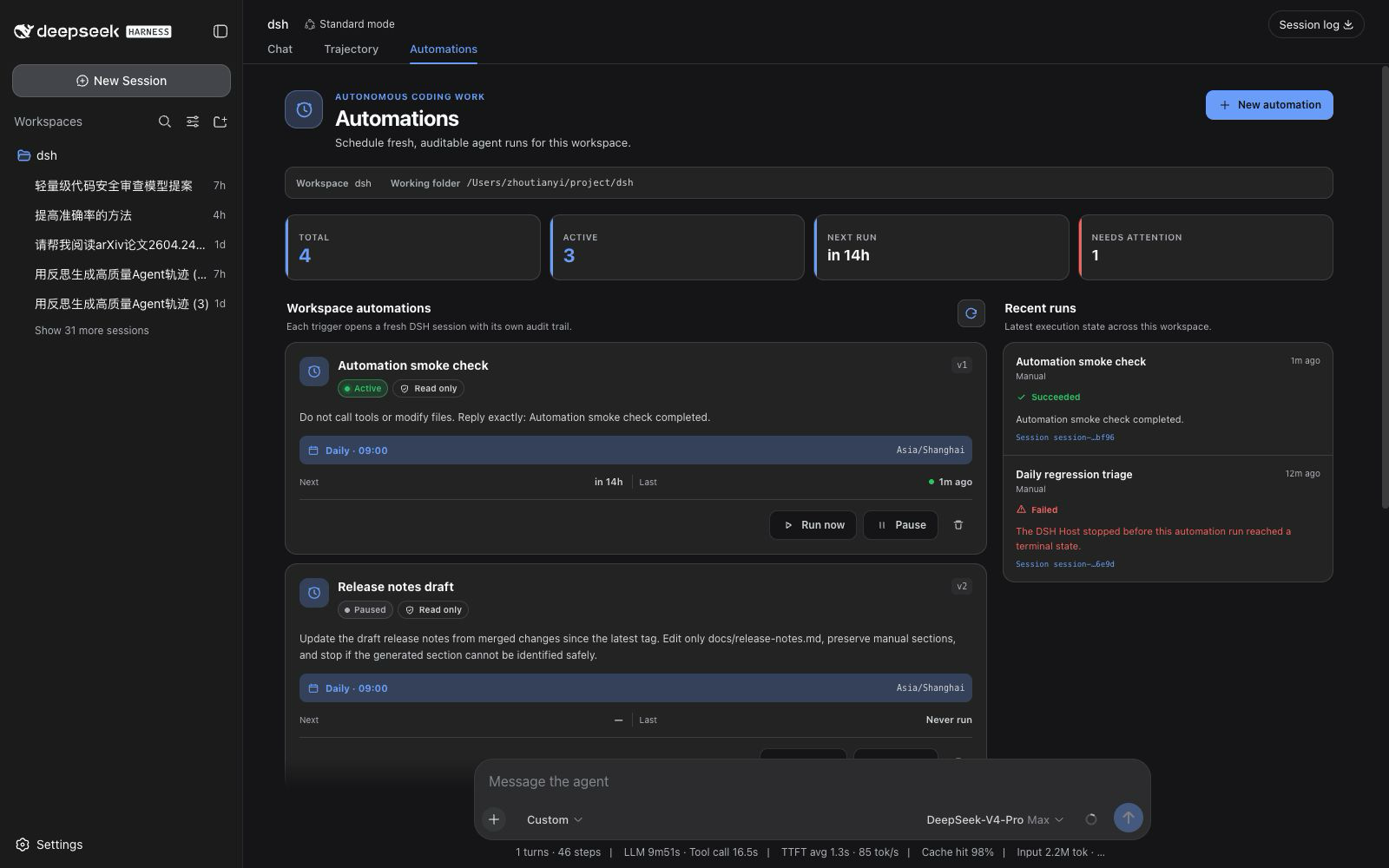
Core capabilities include creating and managing schedules from DSH Web or any eligible root Agent, supporting one-shot, fixed-interval, daily, and weekly rules with IANA time zones normalized into RFC 5545 RRULE. Each run keeps an immutable snapshot of definition revision, prompt, and model target, and records terminal states such as succeeded, failed, skipped, or cancelled, forming an auditable history. Permission is limited to read-only or workspace-write modes, with fail-closed behavior to prevent unattended privilege escalation.
This plugin is ideal for individuals or teams who need recurring coding automation—such as weekday regression triage, weekly repository health reports, one-shot verification, or generated-code refresh. If you want tasks that are repeatable, clearly bounded, and inspectable after each run, dsh-automation is a dependable choice.
Screenshots
Use Cases
- Automatically generate a weekly repository health report in a fresh session
- Run weekday regression triage and record failure summaries on schedule
- Set a one-shot task to re-verify a flaky failure later
Best For
- Developers who need recurring automated coding tasks
- Teams that require clear permission boundaries and audit trails for unattended runs
- DSH workspace users who want to manage schedules from Web or Agent
Related Plugins

A method pack that makes AI coding agents plan against your real baseline, prove completion with fresh evidence, and reduce reworks and unsafe changes.

Turns the DeepSeek Harness session into a captain that builds a durable sub-agent team, splits goals into dependency-aware tasks, and coordinates work via direct messages and a live Web UI.
Gives coding agents design judgment, letting Claude Code, Cursor, and 70+ agents generate and iterate high-quality UI, presentations, and graphics right from the terminal.
Run the Pi ecosystem's plugins on DeepSeek Harness, unmodified, via a compatibility layer that implements Pi's public extension ABI on DSH's native services.