dsh-enhanced-plugins
Run the following command in DeepSeek Harness:
dsh plugin install sky-unicorn/dsh-enhanced-plugins
Paste the following prompt into your AI chat to install this plugin:
You can install this plugin by running the following command in the DeepSeek Harness plugin manager or terminal: dsh plugin install sky-unicorn/dsh-enhanced-plugins. The full source code repository is located at: https://github.com/sky-unicorn/dsh-enhanced-plugins
About this plugin
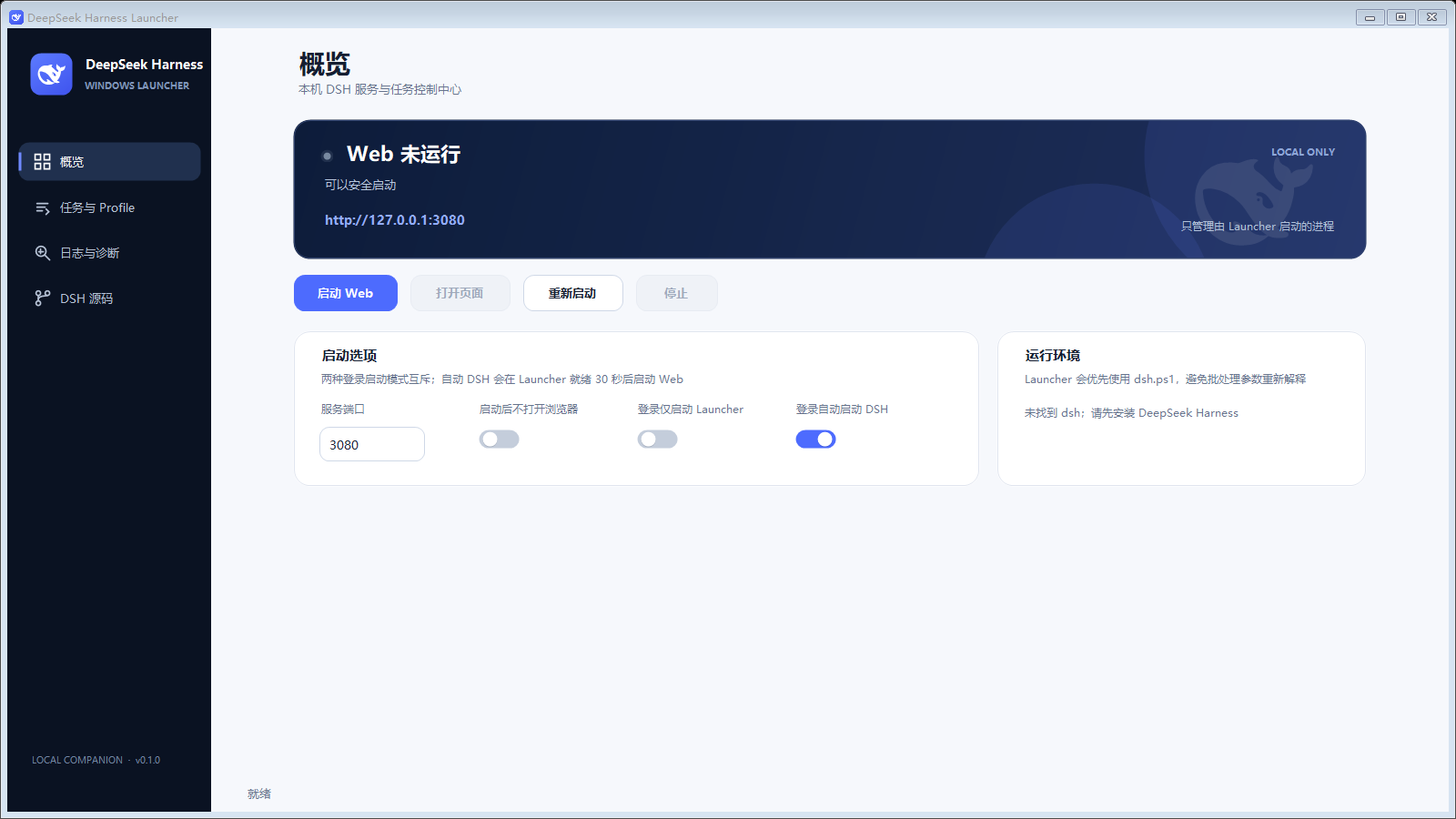
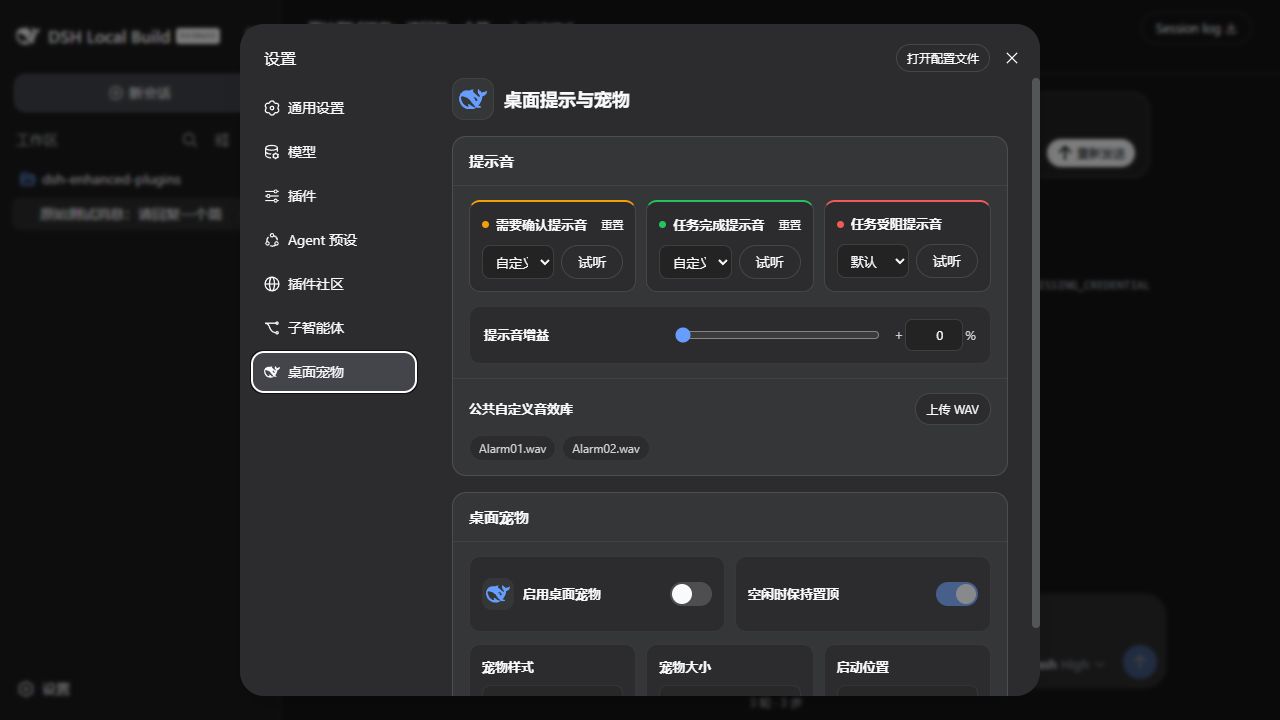
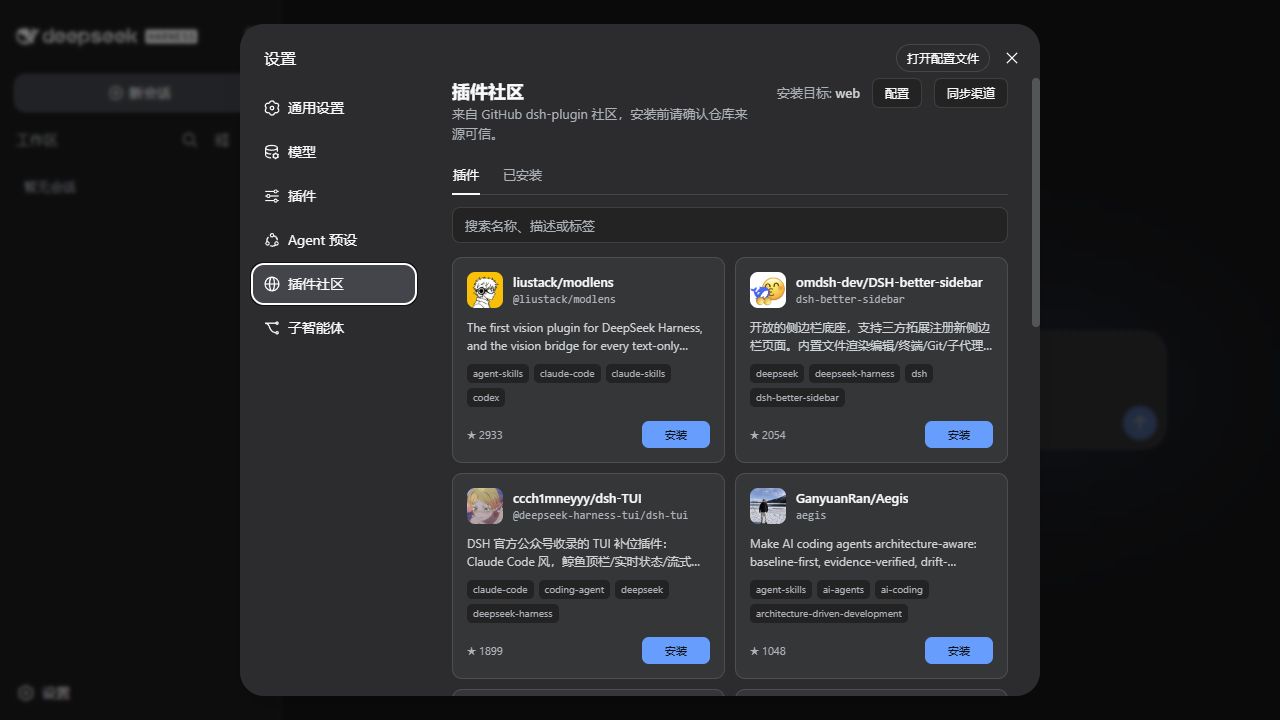
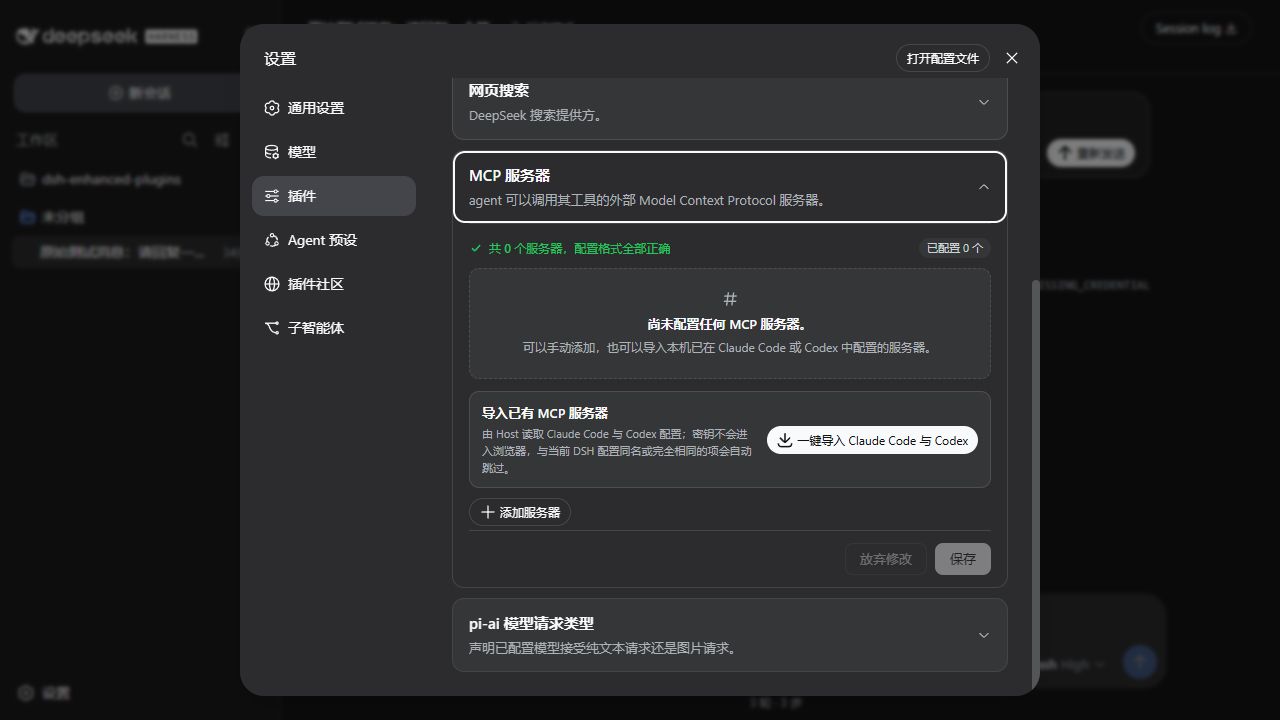
dsh-enhanced-plugins addresses limitations in the native DeepSeek Harness regarding desktop integration, configuration management, and developer experience. As a non-invasive enhancement suite, it provides ready-to-use professional tooling without waiting for core updates. Its core capabilities include: bringing DSH from the frontend into the system tray via a Windows Launcher for one-click control, task management, and source maintenance; simplifying ecosystem expansion and external service connectivity through a Plugin Community and MCP Server Manager; and directly boosting efficiency in daily AI development and workflow debugging with fine-grained features like model input type declarations, message editing, and sub-agent management. The entire suite is modular, with all features independently selectable, ensuring it remains lightweight and flexible.
Whether you are a developer exploring DSH or an engineer building complex AI workflows, this plugin delivers a critical experience upgrade. It is particularly suited for those looking to seamlessly integrate DSH into a Windows desktop environment, needing streamlined management of numerous MCP servers, or requiring quick conversation edits and sub-agent switching during frequent debugging sessions. For teams prioritizing stability and customization, its configurable installation and lifecycle management capabilities also make maintenance and collaboration simpler and more reliable.
Screenshots
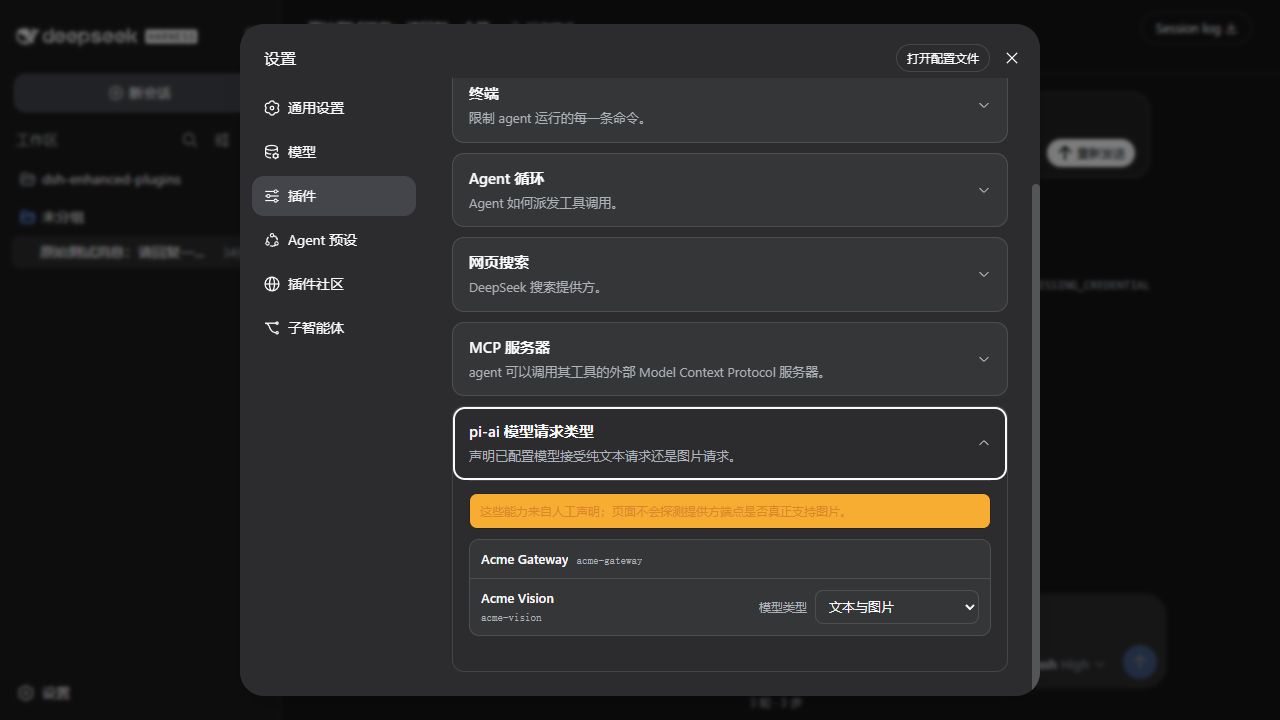

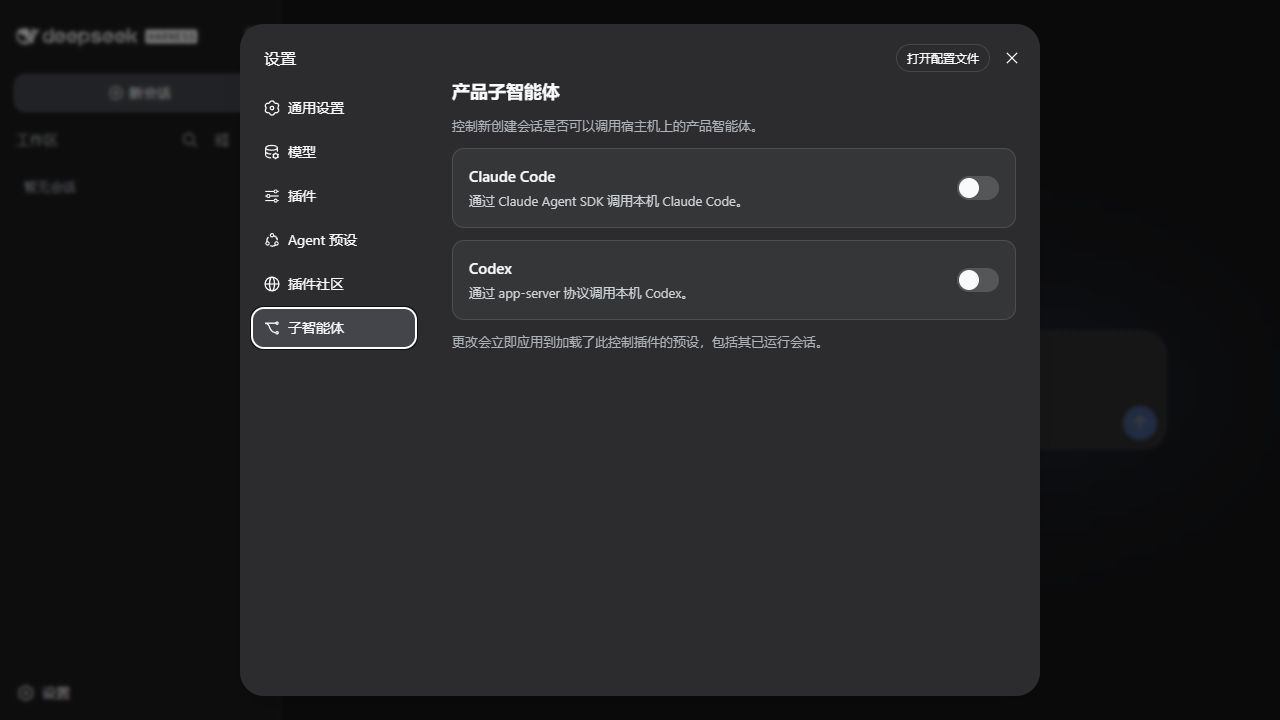
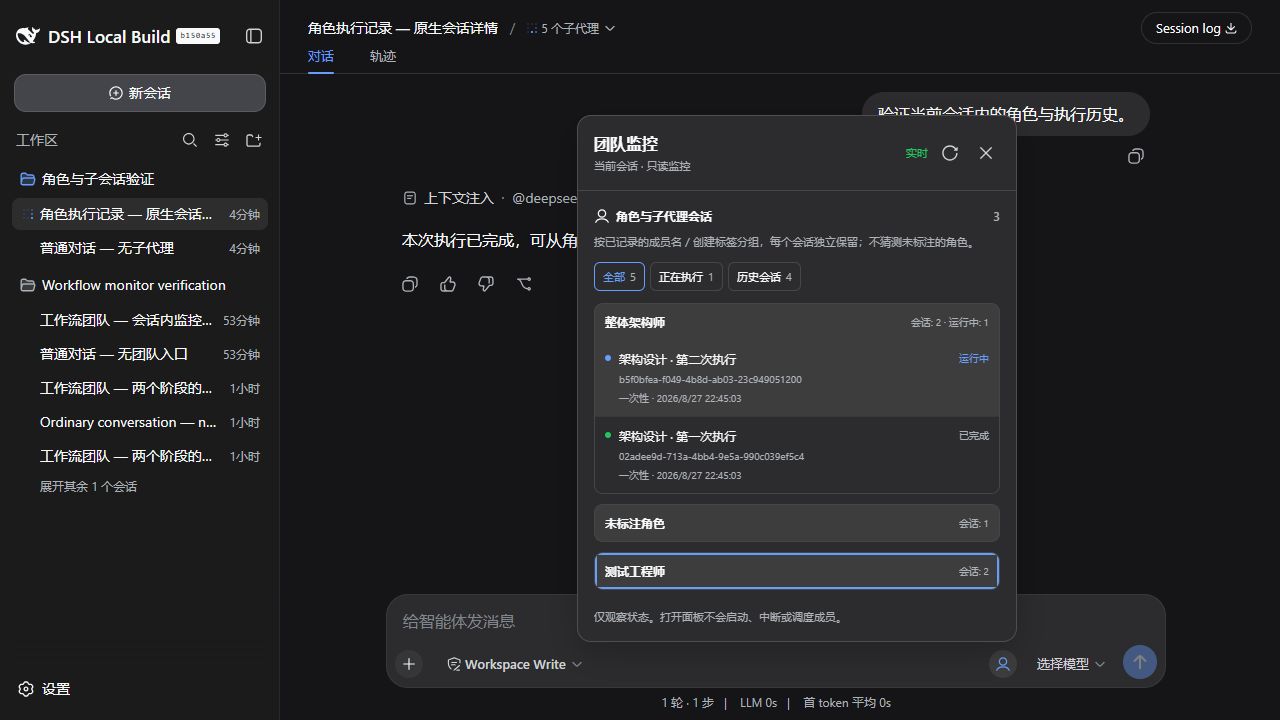
Use Cases
- Quickly start, monitor, and manage DeepSeek Harness instances from the Windows system tray.
- Safely discover, preview, and install new feature extension packages via the built-in community.
- Configure and manage local or remote MCP servers directly within the web interface.
Best For
- AI developers and engineers who need to use DSH efficiently in a Windows desktop environment.
- Advanced users looking to extend and customize DSH functionalities and manage the plugin ecosystem.
- Teams relying on MCP servers for complex toolchain integration who require a visual management interface.
Related Plugins

A method pack that makes AI coding agents plan against your real baseline, prove completion with fresh evidence, and reduce reworks and unsafe changes.

Turns the DeepSeek Harness session into a captain that builds a durable sub-agent team, splits goals into dependency-aware tasks, and coordinates work via direct messages and a live Web UI.
Gives coding agents design judgment, letting Claude Code, Cursor, and 70+ agents generate and iterate high-quality UI, presentations, and graphics right from the terminal.
Run the Pi ecosystem's plugins on DeepSeek Harness, unmodified, via a compatibility layer that implements Pi's public extension ABI on DSH's native services.