dsh-adb-ultimate
Run the following command in DeepSeek Harness:
dsh plugin install newborne/dsh-adb-ultimate
Paste the following prompt into your AI chat to install this plugin:
To install this plugin in DeepSeek Harness, use the installation command or ask the Agent to install it via natural language with the source address: https://github.com/newborne/dsh-adb-ultimate
About this plugin
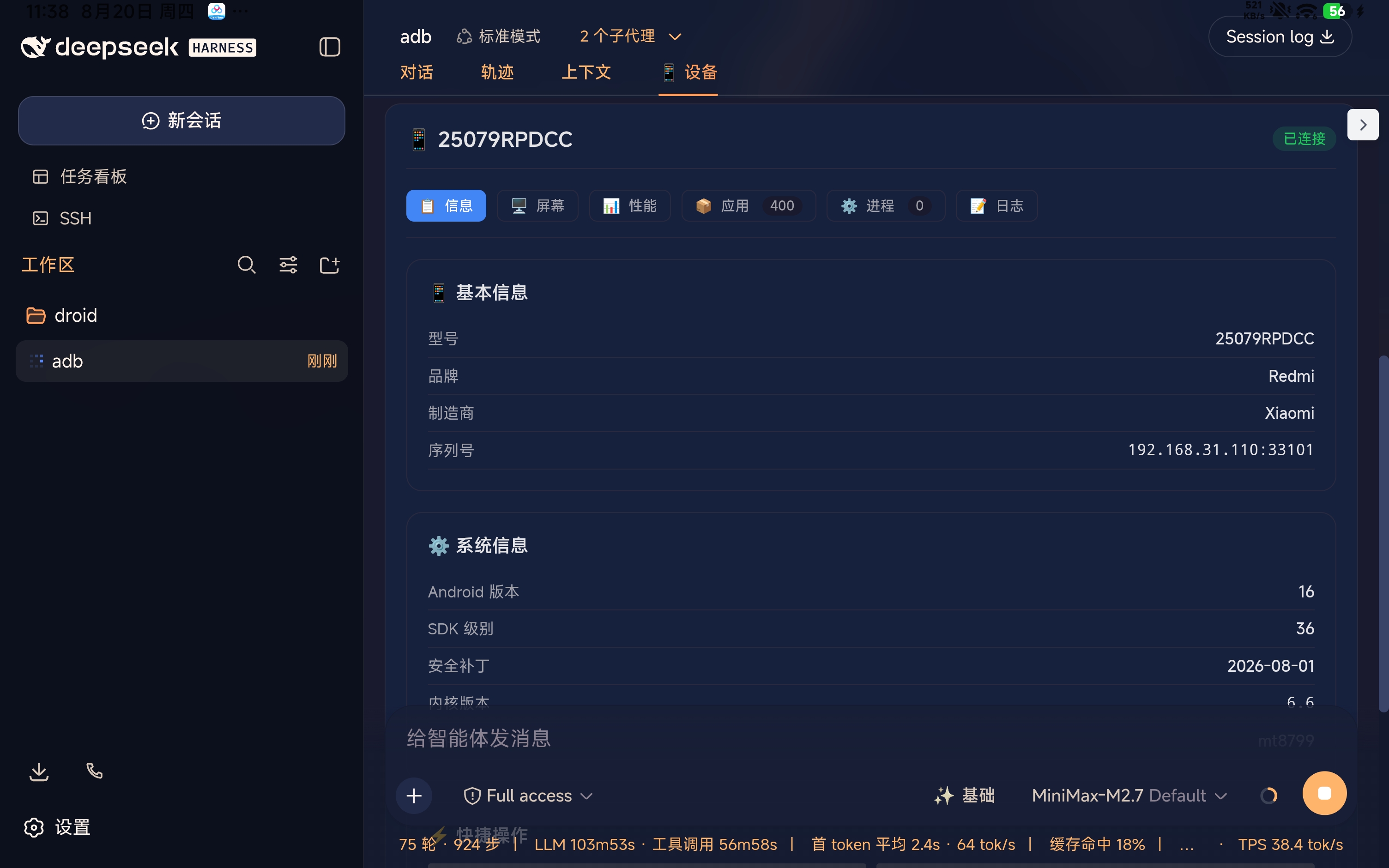
Managing our Android devices from a computer often involves typing various ADB commands, which can be inefficient and requires technical know-how. The dsh-adb-ultimate plugin addresses this by seamlessly integrating the power of the Android Debug Bridge into DeepSeek Harness's AI workflows. It allows you to control your Android device directly using natural language or via an AI Agent. Whether you need to view a real-time screen, manage apps, transfer files, monitor performance, or debug the system, AI can handle it, truly realizing the concept of an 'AI Phone Assistant.'
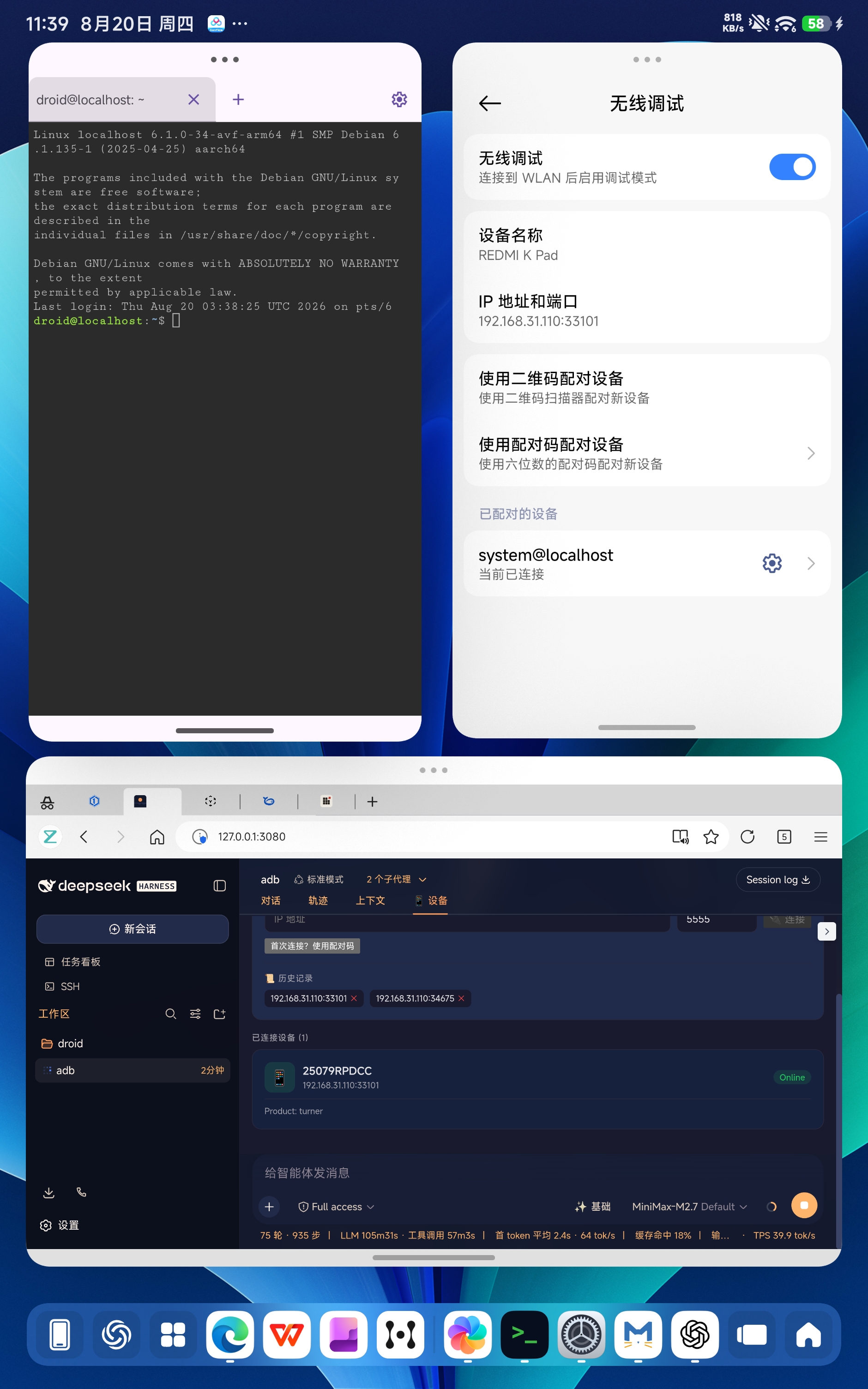
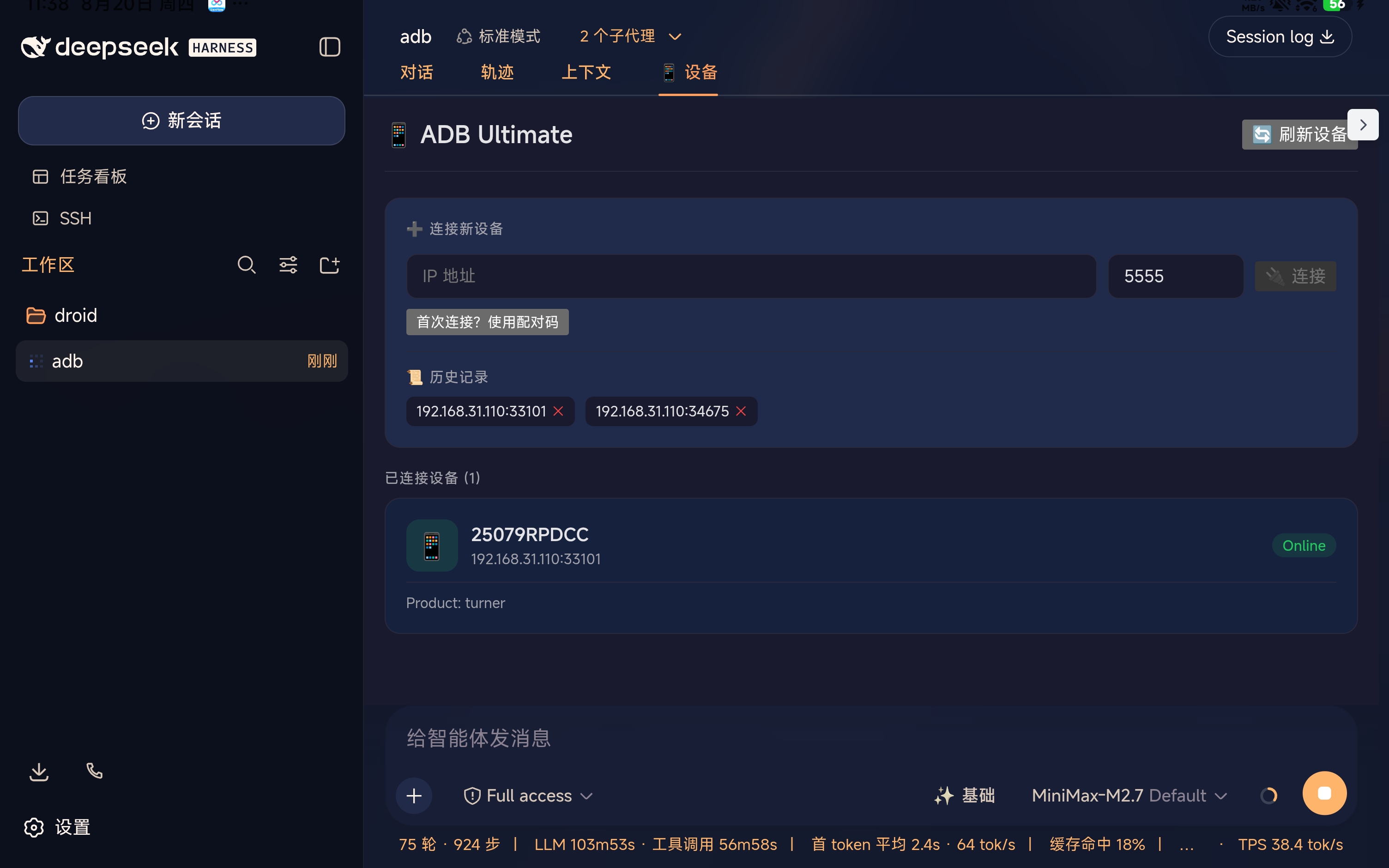
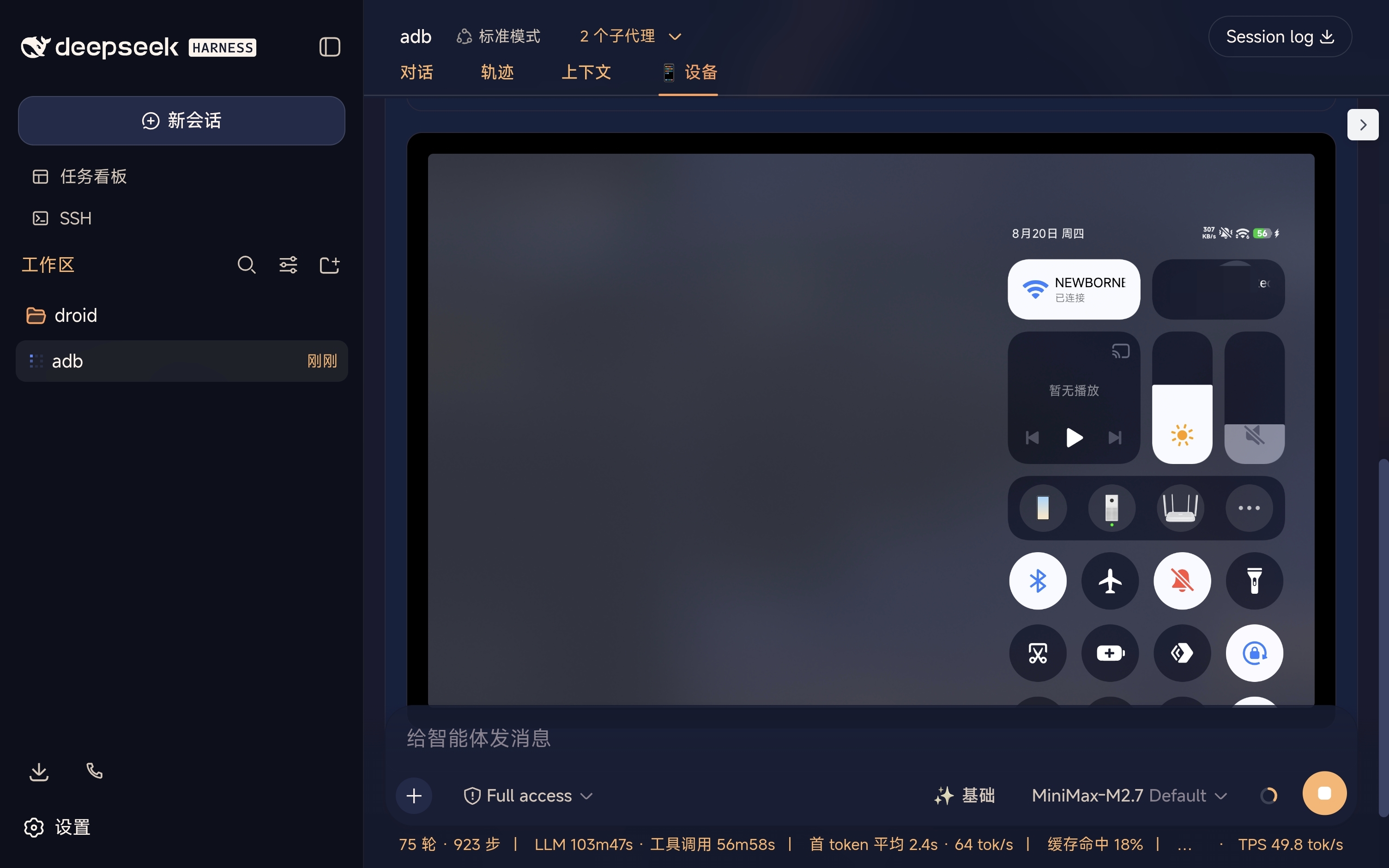
The plugin's core capabilities are showcased in its comprehensive device management panel and deep control features. It connects to devices over WiFi and offers a visual interface with real-time screen monitoring, a performance dashboard, app management, and log filtering. Crucially, it empowers the AI to perform actions like taking screenshots, simulating taps and swipes, installing or uninstalling apps, pushing and pulling files, querying system properties, and even executing shell commands. This enables you to build automated workflows where AI completes complex device maintenance or testing tasks.
dsh-adb-ultimate is ideal for developers, QA engineers, and tech enthusiasts looking to explore mobile automation in the AI era. If you're developing cross-platform applications, conducting automated testing, managing multiple personal devices, or simply want to try boosting your phone's efficiency with AI, this plugin provides a powerful and accessible toolset. It lowers the barrier to using ADB, making device control intuitive and programmable, serving as an excellent starting point for deeper human-computer interaction and automation.
Screenshots
Use Cases
- Automate repetitive tasks on a smartphone via AI voice commands or instructions.
- Monitor and manage performance status and applications across multiple Android devices in real-time.
- Wirelessly perform app installation, file transfer, and system debugging without a physical computer connection.
Best For
- Developers and testers who need to efficiently manage or test Android applications.
- Tech enthusiasts who enjoy enhancing device control capabilities through AI and automation.
- Users who own multiple Android devices and want to monitor and manage them centrally.
Related Plugins

A method pack that makes AI coding agents plan against your real baseline, prove completion with fresh evidence, and reduce reworks and unsafe changes.

Turns the DeepSeek Harness session into a captain that builds a durable sub-agent team, splits goals into dependency-aware tasks, and coordinates work via direct messages and a live Web UI.
Gives coding agents design judgment, letting Claude Code, Cursor, and 70+ agents generate and iterate high-quality UI, presentations, and graphics right from the terminal.
Run the Pi ecosystem's plugins on DeepSeek Harness, unmodified, via a compatibility layer that implements Pi's public extension ABI on DSH's native services.