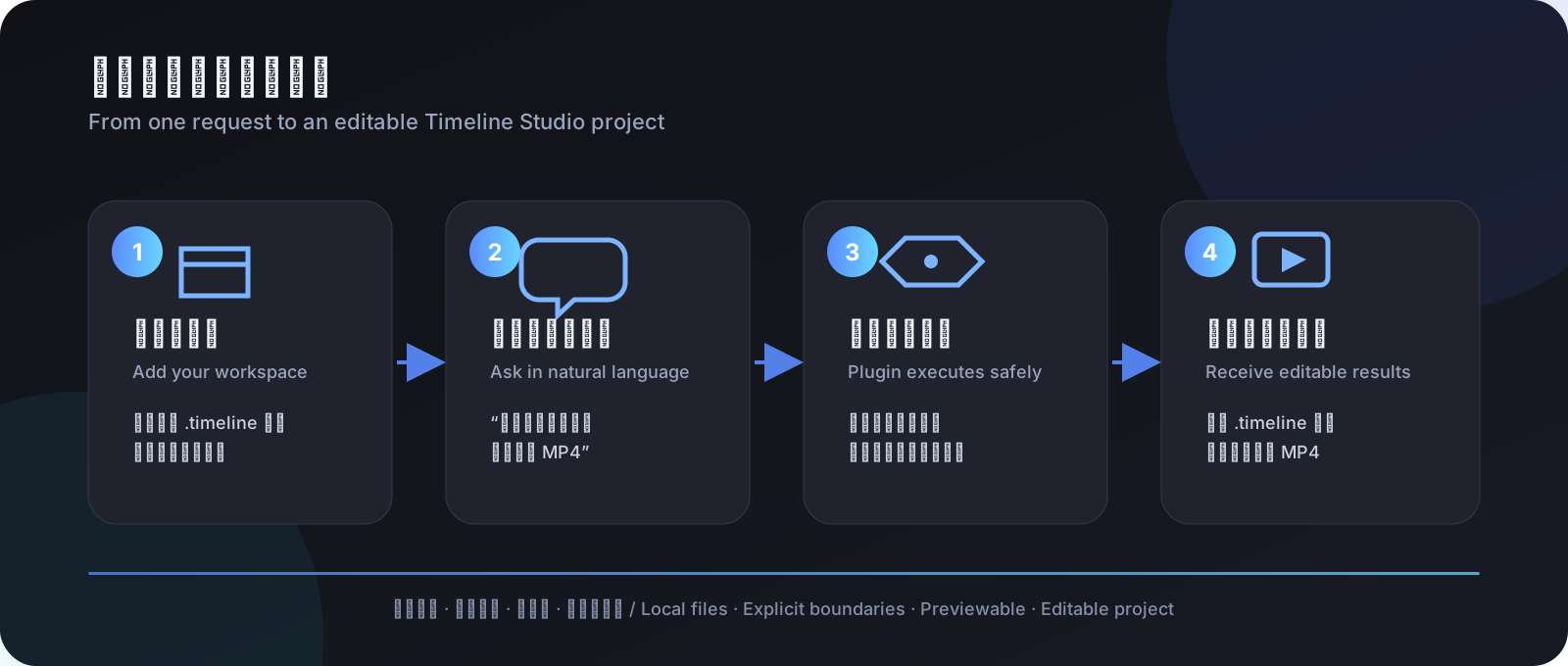
dsh-timeline-studio-plugin
Run the following command in DeepSeek Harness:
dsh plugin install MartinDelophy/dsh-timeline-studio-plugin
Paste the following prompt into your AI chat to install this plugin:
In DeepSeek Harness, install this plugin using the command 'dsh plugin install MartinDelophy/dsh-timeline-studio-plugin'. Full source repository: https://github.com/MartinDelophy/dsh-timeline-studio-plugin
About this plugin
The dsh-timeline-studio-plugin bridges DeepSeek Harness and Timeline Studio, addressing the core challenge of executing video editing tasks safely and efficiently under AI assistant guidance. Traditional video editing often requires complex interface interactions, but this plugin lets users describe desired outcomes in natural language—such as inspecting project parameters, adjusting aspect ratios, or exporting final videos—without leaving the Harness conversation. It prevents potential risks of overwriting original projects by ensuring all modifications occur within a controlled workflow.
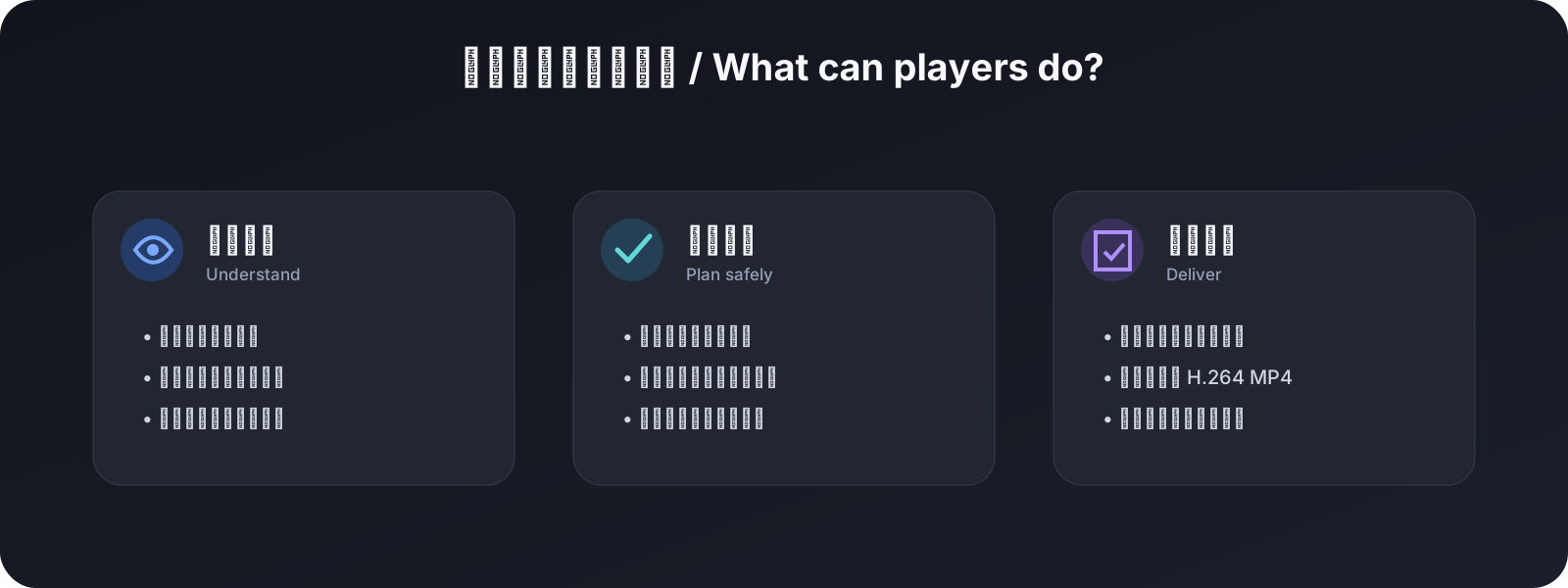
The plugin's core capabilities include seven model tools that enable comprehensive inspection of .timeline projects, semantic diffing, transactional application, and MP4 rendering. With its enforced allowedRoots security boundary and symlink-escape protection, it ensures file operations stay within permitted directories, while propagating Harness cancellation signals to Timeline Studio child processes. Additionally, it bundles the complete edit-timeline-studio skill, equipping agents with the necessary rules and tools to understand and execute complex editing commands.
This plugin is ideal for video content creators, AI workflow developers, and teams seeking automated video processing. If you already have the Timeline Studio editor and want to integrate it with DeepSeek Harness to drive editing, previewing, and rendering through natural language, this plugin significantly boosts efficiency. It doesn't require users to master underlying commands; instead, it makes AI your video editing assistant, focusing on creative descriptions rather than technical details.
Whether you're an individual creator or an enterprise user, as long as you pursue efficient and secure video production, the dsh-timeline-studio-plugin seamlessly fits into your workflow. It simplifies complex video editing tasks, allowing you to describe intentions in a conversation and receive editable project files and final videos, truly realizing an AI-driven content creation experience.
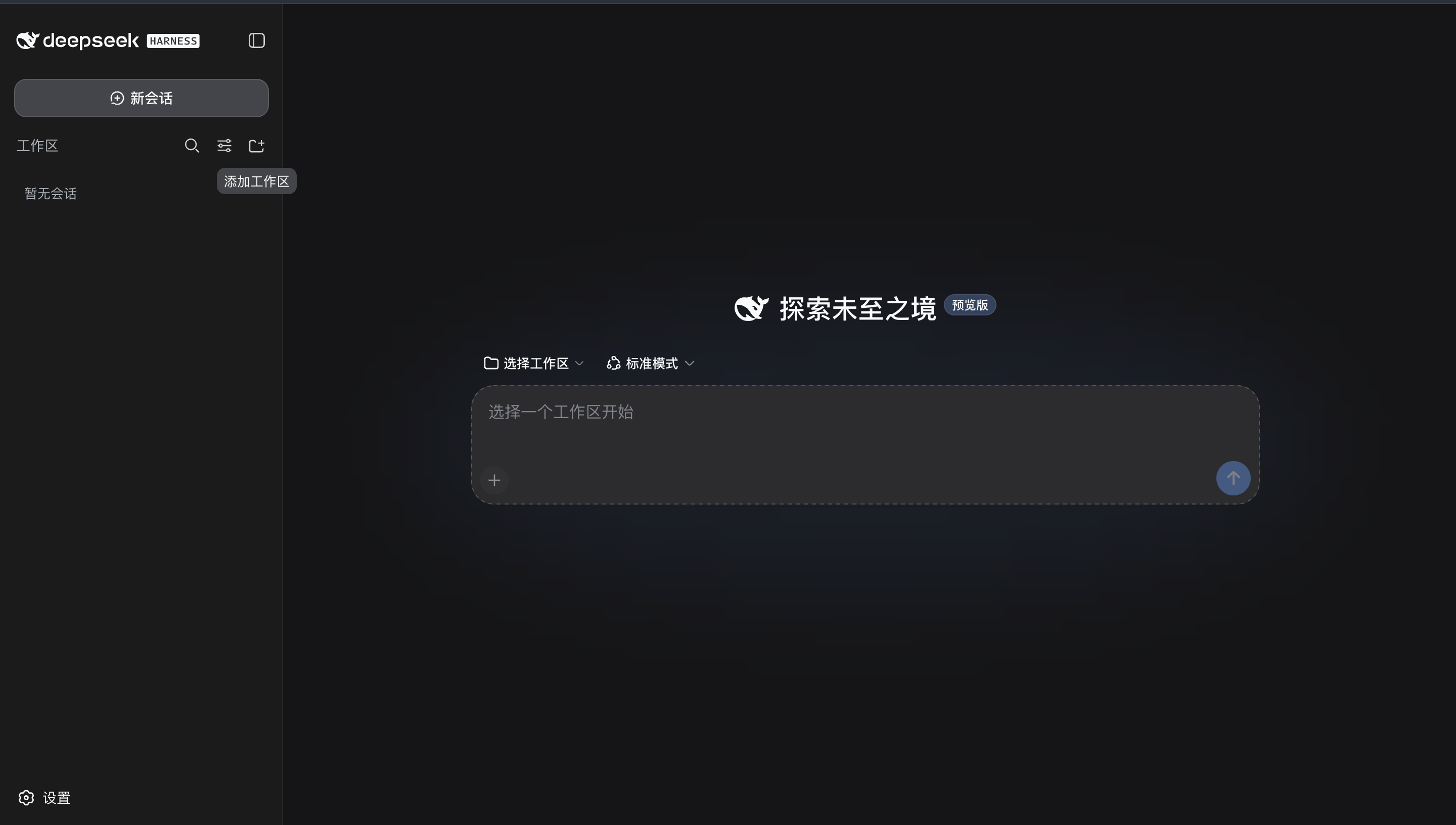
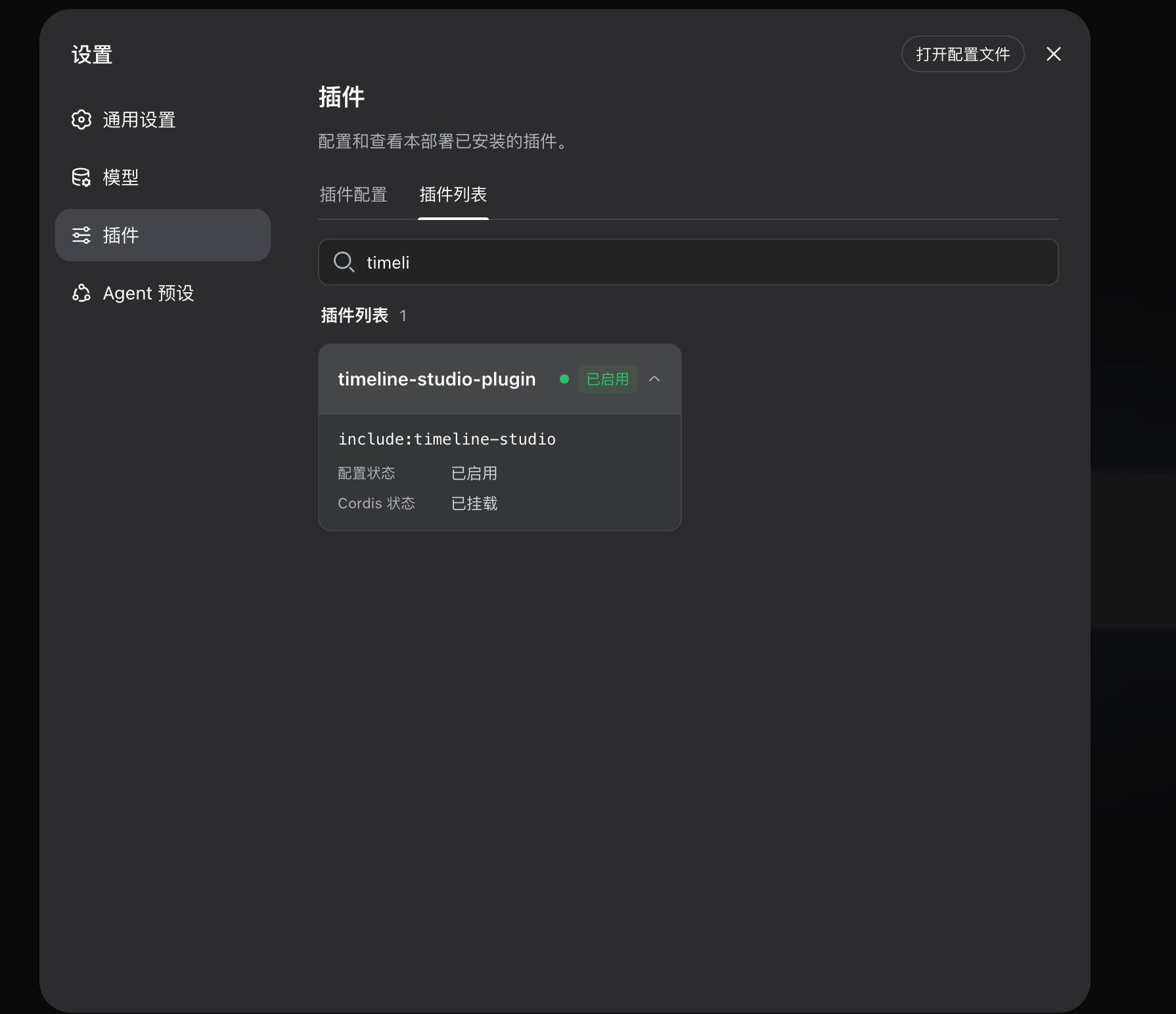
Screenshots
Use Cases
- Edit video project parameters via natural language
- Safely inspect .timeline project structure and tracks
- Render MP4 files without overwriting original source
Best For
- Video content creators
- AI workflow developers
- Teams needing automated video processing
Related Plugins

A method pack that makes AI coding agents plan against your real baseline, prove completion with fresh evidence, and reduce reworks and unsafe changes.

Turns the DeepSeek Harness session into a captain that builds a durable sub-agent team, splits goals into dependency-aware tasks, and coordinates work via direct messages and a live Web UI.
Gives coding agents design judgment, letting Claude Code, Cursor, and 70+ agents generate and iterate high-quality UI, presentations, and graphics right from the terminal.
Run the Pi ecosystem's plugins on DeepSeek Harness, unmodified, via a compatibility layer that implements Pi's public extension ABI on DSH's native services.