dsh-smart-restart
Run the following command in DeepSeek Harness:
dsh plugin install edusrez/dsh-smart-restart
Paste the following prompt into your AI chat to install this plugin:
To install this plugin in DeepSeek Harness, run the command dsh plugin install edusrez/dsh-smart-restart, with the full source code at https://github.com/edusrez/dsh-smart-restart.
About this plugin
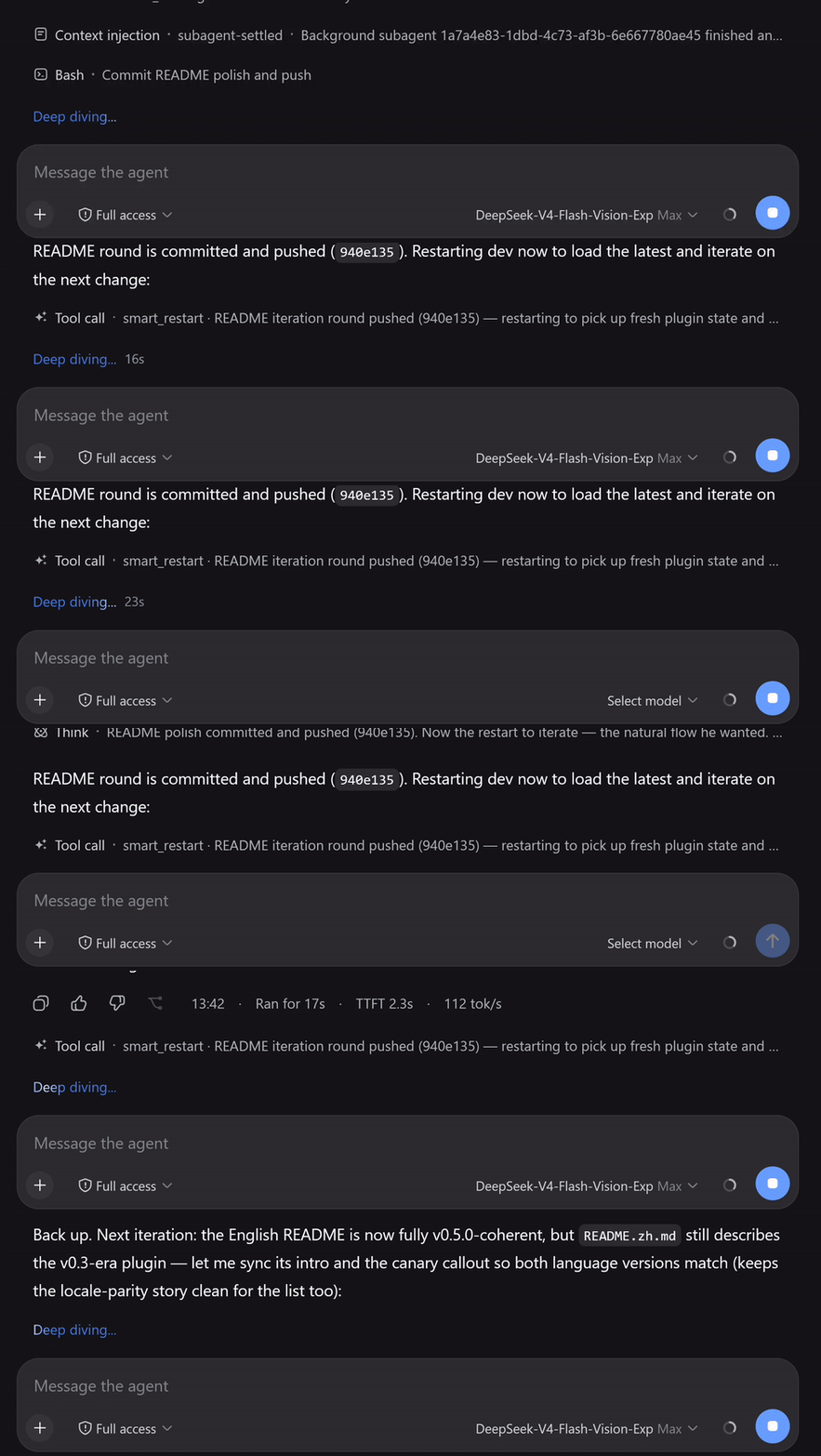
When a long-running DeepSeek Harness instance restarts—due to plugin installation, system reboot, or systemd intervention—the agent loses context, forcing users to manually prompt with "you restarted." dsh-smart-restart addresses this gap by detecting the restart automatically, waking the primary agent with a boot notification that includes the boot time, downtime, and optional reason, and delivering it to the correct session so the conversation resumes without user input. Key capabilities include: a smart restart tool that lets the agent trigger restarts and recover its own tasks, canary pre-validation for safe restarts, auto-detection of systemd units for zero-configuration, and automatic notifications when active sessions are interrupted, covering both planned and unplanned restarts. This plugin is ideal for anyone running long-lived DSH agents, particularly developers or system managers seeking to enhance automation reliability by enabling seamless task resumption after restarts.
Screenshots
Use Cases
- Auto-resuming context when an agent task is interrupted by a service restart
- Maintaining workflow continuity after system maintenance or plugin updates
- Achieving zero-configuration restart notifications when managing DSH services with systemd
Best For
- Users running long-lived DeepSeek Harness instances
- Developers seeking to enhance automation workflow reliability
- System administrators managing agent services
Related Plugins

A method pack that makes AI coding agents plan against your real baseline, prove completion with fresh evidence, and reduce reworks and unsafe changes.

Turns the DeepSeek Harness session into a captain that builds a durable sub-agent team, splits goals into dependency-aware tasks, and coordinates work via direct messages and a live Web UI.
Gives coding agents design judgment, letting Claude Code, Cursor, and 70+ agents generate and iterate high-quality UI, presentations, and graphics right from the terminal.
Run the Pi ecosystem's plugins on DeepSeek Harness, unmodified, via a compatibility layer that implements Pi's public extension ABI on DSH's native services.