dsh-git-worktree
Run the following command in DeepSeek Harness:
dsh plugin install wloops/dsh-git-worktree
Paste the following prompt into your AI chat to install this plugin:
To install this plugin, use the DSH plugin command from the GitHub repository: dsh plugin install wloops/dsh-git-worktree. Source: https://github.com/wloops/dsh-git-worktree
About this plugin
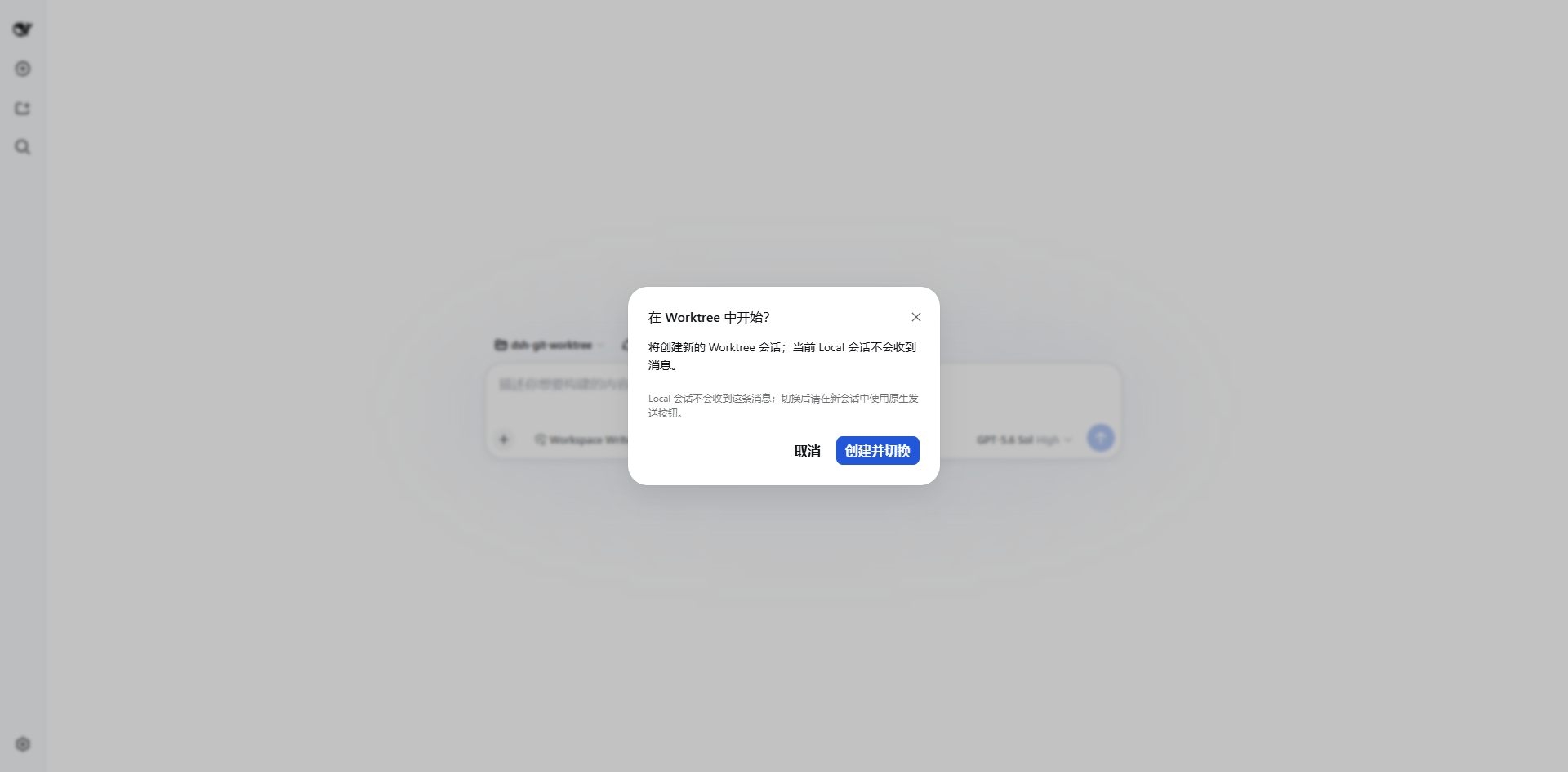
A common frustration when using AI coding assistants is that the agent often makes changes directly within your local repository. This can lead to the agent's modifications being tangled with your own in-progress work (like staged or unstaged changes), creating confusion and potential conflicts.
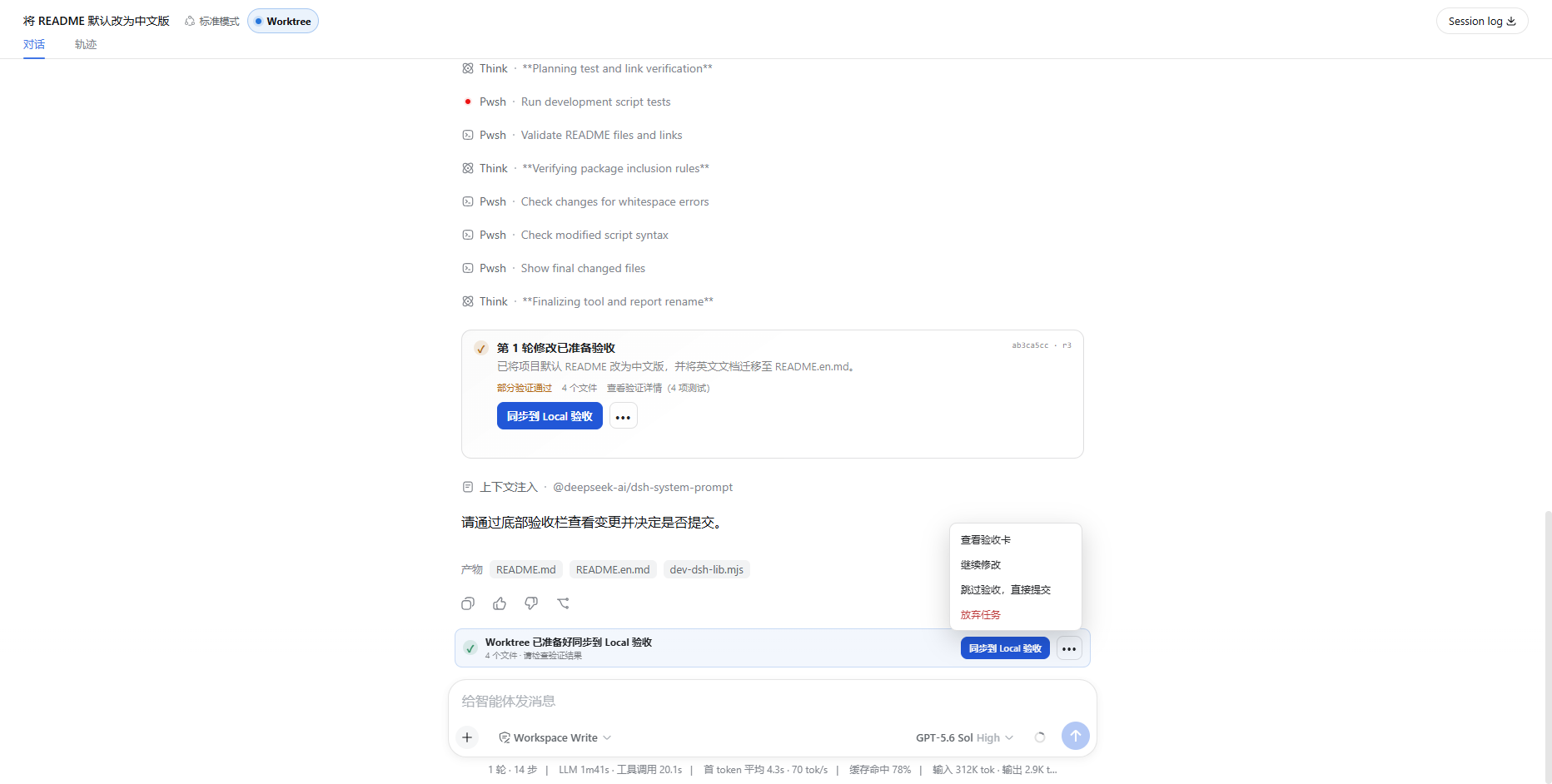
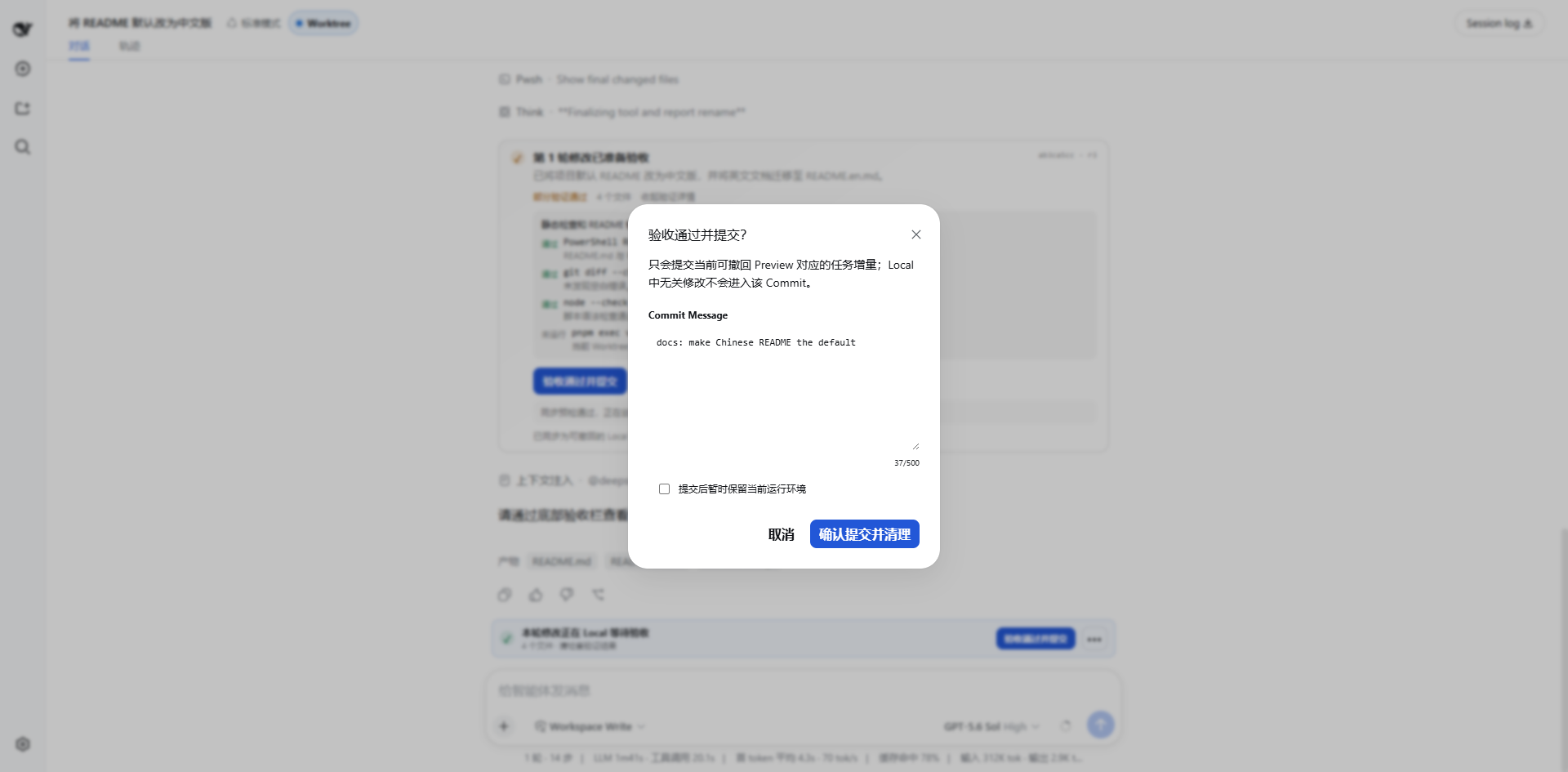
The dsh-git-worktree plugin addresses this pain point. Its core philosophy is to create a completely isolated Git worktree for each AI task. Within this dedicated "sandbox," the agent can freely modify and test code, leaving your local main branch untouched. Once the task is complete, the plugin enforces a "preview" step, allowing you to review all proposed changes—much like a code review—before deciding whether to merge them back into your local codebase.
The plugin's core strengths lie in its rigorous workflow: it delivers true environment isolation, mandatory human verification, a safe and reversible preview mechanism, and produces a single, clean commit for the entire task. It is ideally suited for developers and teams who use AI assistants for complex coding tasks but have a high regard for repository hygiene and version control safety. If you want to leverage AI to accelerate development while retaining ultimate control over your code, this plugin is an excellent tool for that purpose.
Screenshots

Use Cases
- Using an AI assistant for parallel development and wanting to isolate modifications between different tasks.
- Needing a clear preview and review of all changes before applying AI-generated code.
- Letting an AI safely experiment and modify an active codebase without affecting the main branch.
Best For
- Developers who frequently use AI coding assistants.
- Teams with strict requirements for codebase hygiene and version control.
- Engineers who want to safely integrate AI-generated code into projects under controlled conditions.
Related Plugins

A method pack that makes AI coding agents plan against your real baseline, prove completion with fresh evidence, and reduce reworks and unsafe changes.

Turns the DeepSeek Harness session into a captain that builds a durable sub-agent team, splits goals into dependency-aware tasks, and coordinates work via direct messages and a live Web UI.
Gives coding agents design judgment, letting Claude Code, Cursor, and 70+ agents generate and iterate high-quality UI, presentations, and graphics right from the terminal.
Run the Pi ecosystem's plugins on DeepSeek Harness, unmodified, via a compatibility layer that implements Pi's public extension ABI on DSH's native services.