dsh-grok-plan-mode
Run the following command in DeepSeek Harness:
dsh plugin install aa2246740/dsh-grok-plan-mode
Paste the following prompt into your AI chat to install this plugin:
Run dsh plugin install aa2246740/dsh-grok-plan-mode in your terminal, then restart the DSH Host and refresh the page; the source code is at https://github.com/aa2246740/dsh-grok-plan-mode
About this plugin
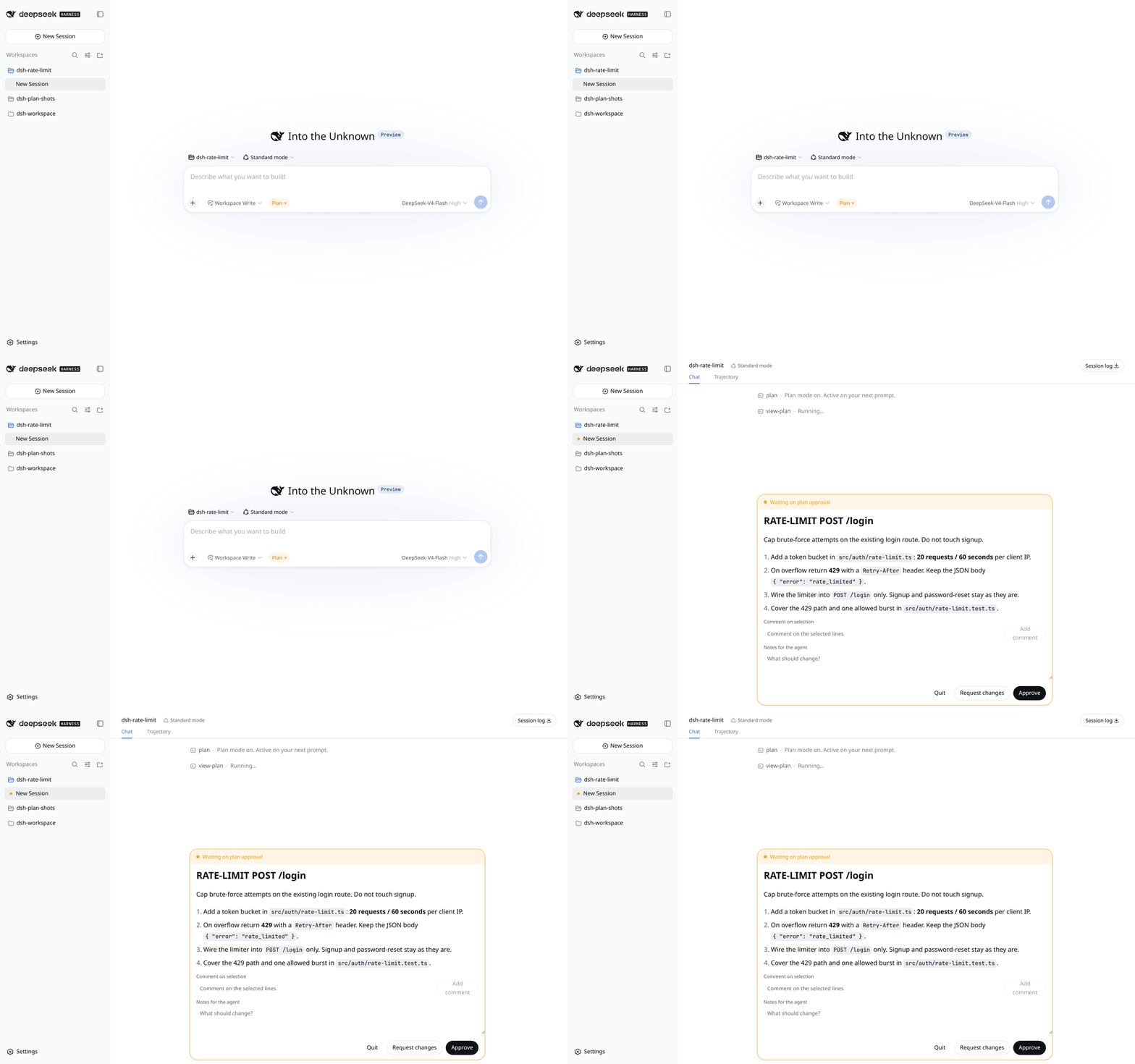
The stock DSH Plan is essentially a prompt plus two buttons. After entering Plan mode the model can still write files and modify code, making approval a formality. dsh-grok-plan-mode brings the Grok-style hard gate into DeepSeek Harness Web: while Active, write / edit / str_replace_editor / apply_patch are hard-rejected, and the only file the model may touch is the current session plan.md.
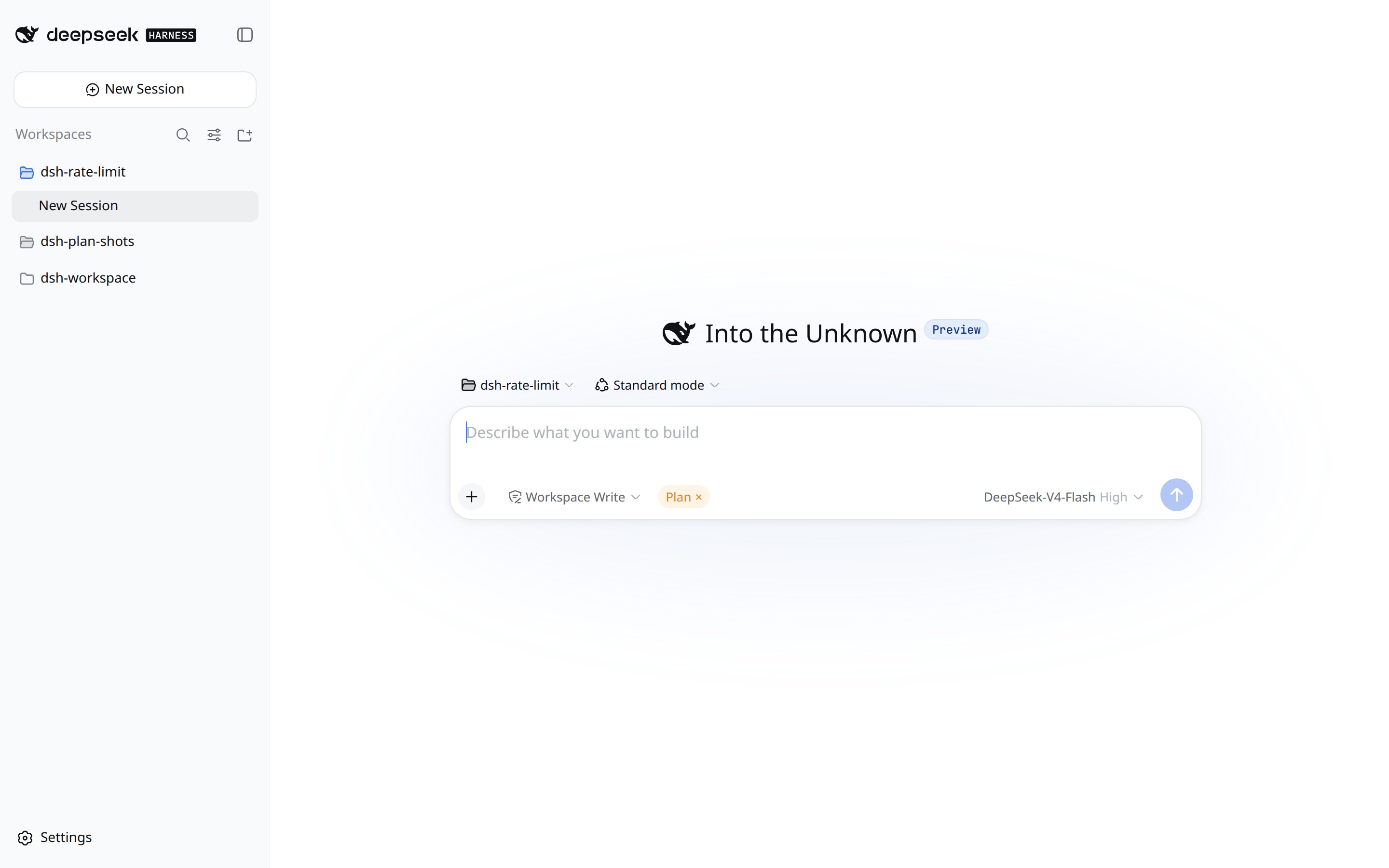
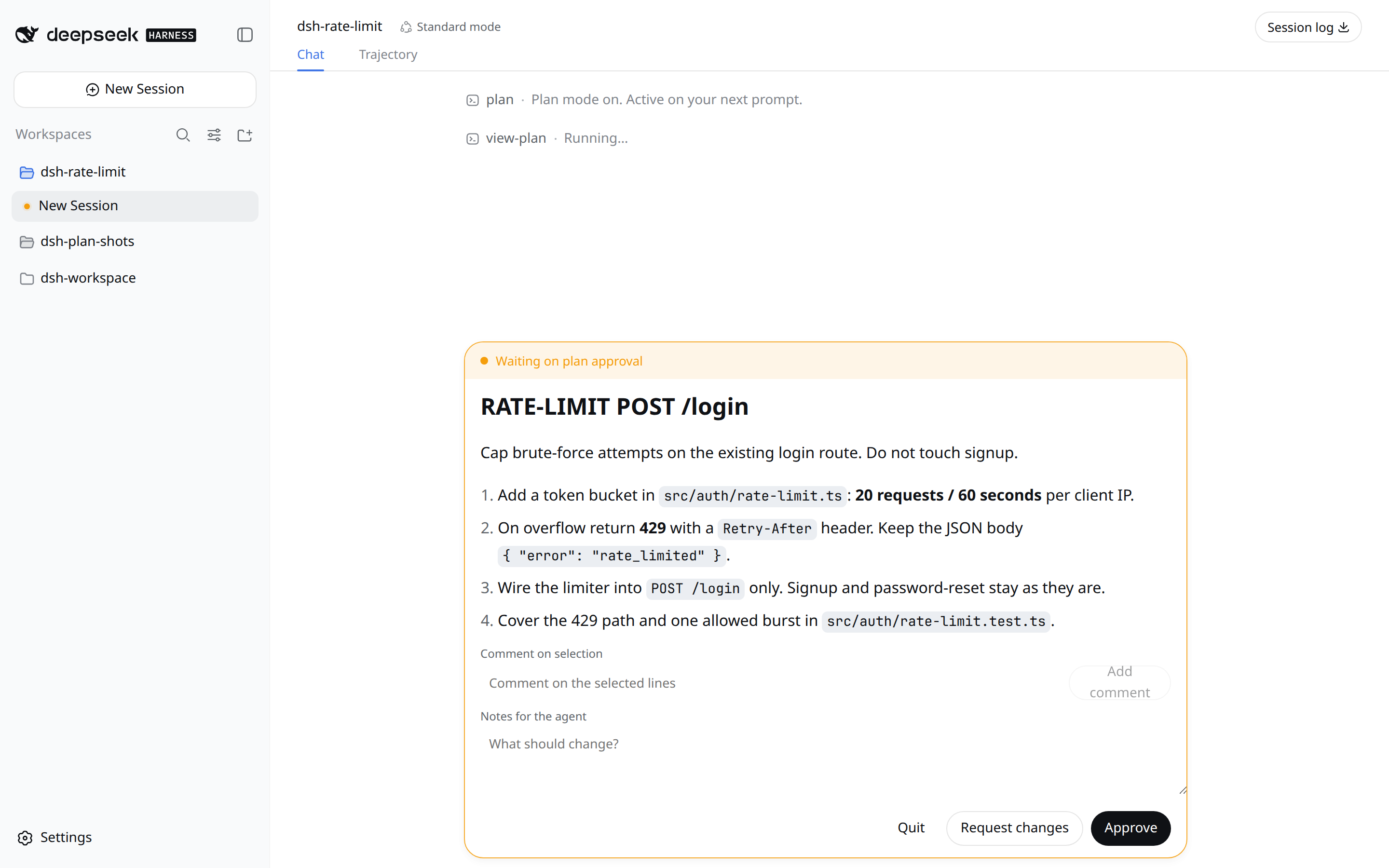
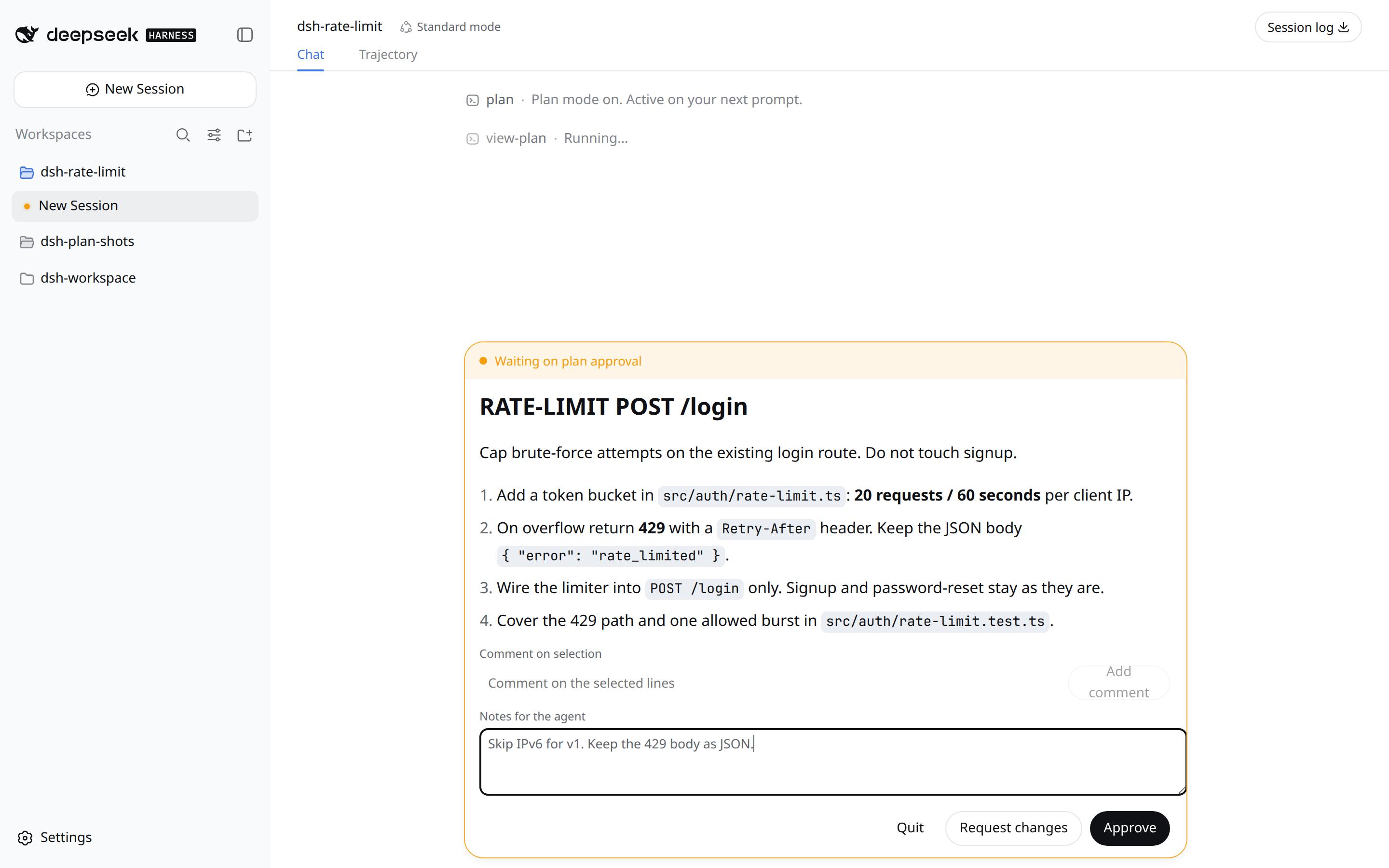
Calling exit_plan_mode pops up an approval card with Approve, Request changes, and Quit. You can annotate inline by selecting text and leave notes for the model. Neither auto nor always-approve can bypass this card. A Plan chip appears above the composer; click the × or type /grok-plan-leave to exit. Bash redirections and sub-agents are intentionally left un-gated, matching the Grok spec.
If you run daily Agent workflows on DeepSeek Harness Web and want the Plan phase to genuinely lock down file edits so approval becomes a real hard gate, this plugin was built for you. It does not modify DSH source code; after installing, restart the DSH Host and refresh the page.
Screenshots
Use Cases
- Lock down file writes during DSH Web plan sessions
- Get a hard approval card that auto-approve cannot bypass
- Replace the stock DSH Plan with a real edit-tool gate
Best For
- Developers running daily Agent workflows on DSH Web
- Users who want hard-gated file edits during Plan, not prompt nudges
- Engineers familiar with Grok Plan Mode who want it in DSH
Related Plugins

A method pack that makes AI coding agents plan against your real baseline, prove completion with fresh evidence, and reduce reworks and unsafe changes.

Turns the DeepSeek Harness session into a captain that builds a durable sub-agent team, splits goals into dependency-aware tasks, and coordinates work via direct messages and a live Web UI.
Gives coding agents design judgment, letting Claude Code, Cursor, and 70+ agents generate and iterate high-quality UI, presentations, and graphics right from the terminal.
Run the Pi ecosystem's plugins on DeepSeek Harness, unmodified, via a compatibility layer that implements Pi's public extension ABI on DSH's native services.