dsh-computer-use-win
Run the following command in DeepSeek Harness:
dsh plugin install Yu-tao-Li/dsh-computer-use-win
Paste the following prompt into your AI chat to install this plugin:
To install this plugin in DeepSeek Harness, use the command 'dsh plugin install Yu-tao-Li/dsh-computer-use-win', with the full source code at https://github.com/Yu-tao-Li/dsh-computer-use-win.
About this plugin
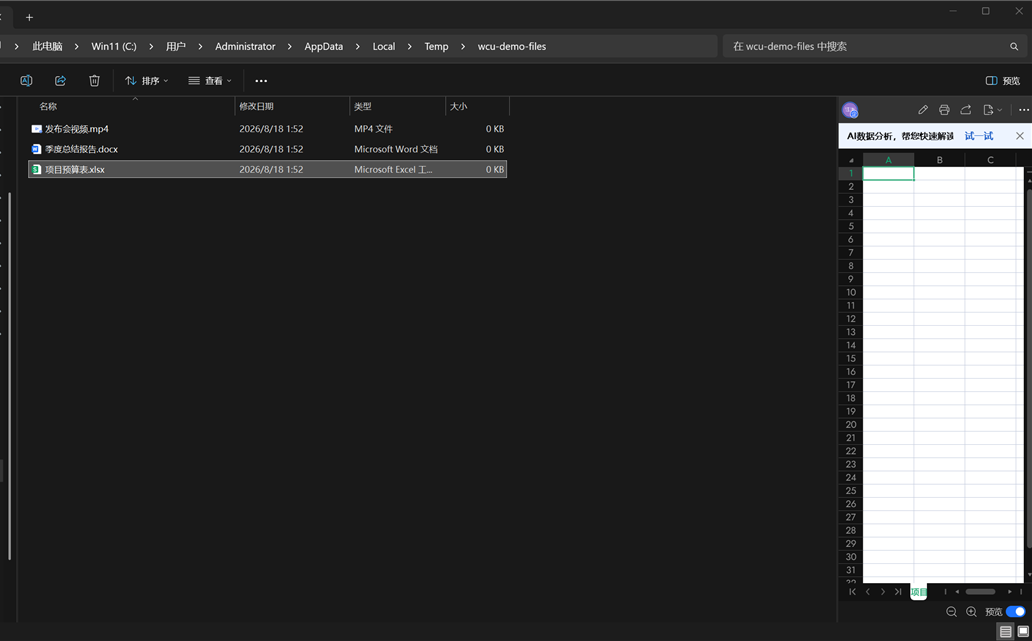
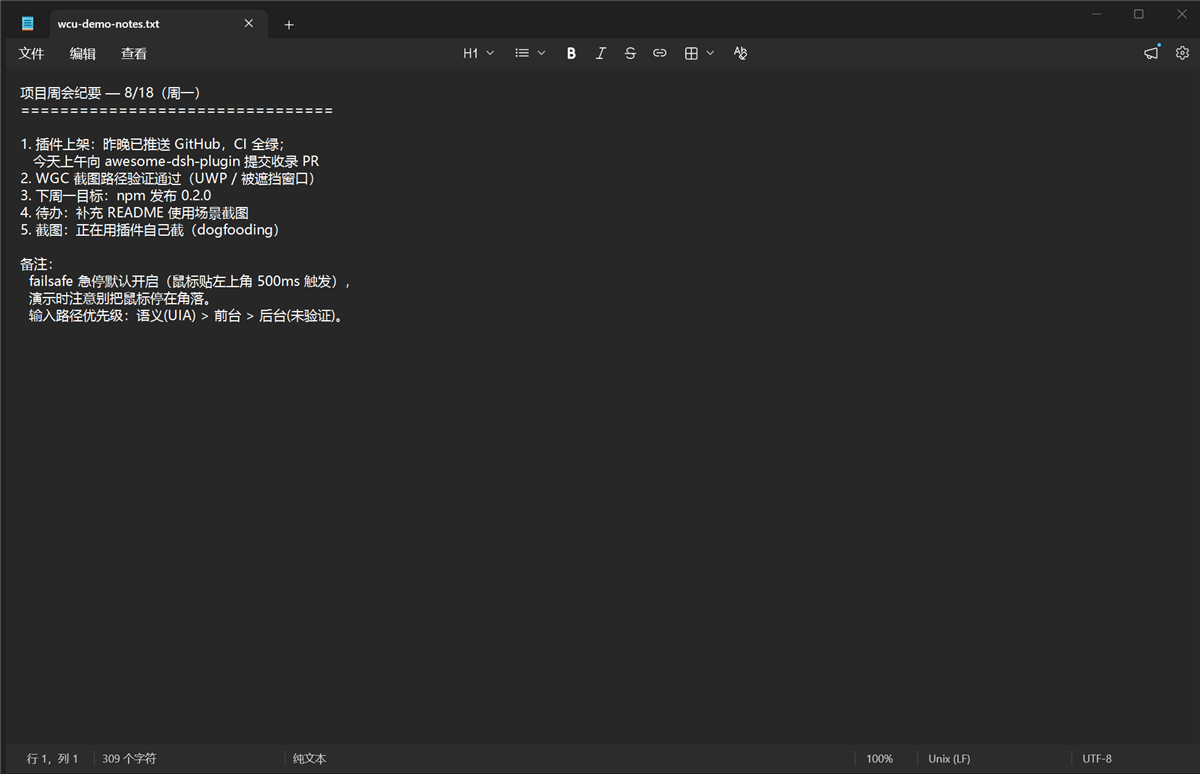
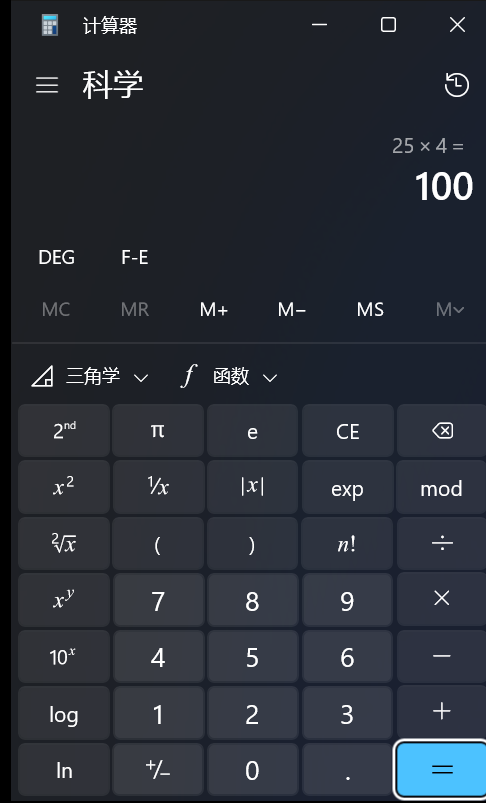
When agents in DeepSeek Harness need to control real Windows desktop applications, they often face the bottleneck of lacking direct interaction capabilities. This plugin, dsh-computer-use-win, is designed precisely to bridge that gap: by tightly integrating an MCP stdio server with a PowerShell/UIA desktop engine, it equips agents with "eyes" and "hands" to observe Windows interfaces and execute precise actions, enabling end-to-end intelligent control for office automation, testing, or daily tasks.
The plugin's core strength lies in its 22 well-crafted tools that cover the entire chain from observation to action. On the observation side, it leverages UIA accessibility trees for structured interface understanding, supplemented by multi-level screenshots and OCR technology to reliably capture information across various window states; on the action side, it supports semantic clicking, text input, window management, and more, with built-in mechanisms like coordinate compensation and emergency stop for a balance of flexibility and reliability. This design ensures agents make decisions based on real desktop contexts rather than guessing or simple simulation.
Whether you need to automate Windows office software, test desktop application interactions, or build cross-platform intelligent workflows, this plugin is suitable for developers, test engineers, or researchers. It empowers DeepSeek Harness agents to collaborate deeply with Windows systems like humans, significantly expanding the boundaries and practicality of automation tasks.
Screenshots
Use Cases
- Automate tasks in Windows office software
- Perform interactive testing of Windows desktop applications
- Build cross-platform intelligent office workflows
Best For
- Developers needing to automate Windows operations
- Engineers testing Windows applications
- Researchers studying agent-desktop interactions
Related Plugins

A method pack that makes AI coding agents plan against your real baseline, prove completion with fresh evidence, and reduce reworks and unsafe changes.

Turns the DeepSeek Harness session into a captain that builds a durable sub-agent team, splits goals into dependency-aware tasks, and coordinates work via direct messages and a live Web UI.
Gives coding agents design judgment, letting Claude Code, Cursor, and 70+ agents generate and iterate high-quality UI, presentations, and graphics right from the terminal.
Run the Pi ecosystem's plugins on DeepSeek Harness, unmodified, via a compatibility layer that implements Pi's public extension ABI on DSH's native services.