dsh-realtime-voice
Run the following command in DeepSeek Harness:
dsh plugin install zfu691531-hash/dsh-realtime-voice
Paste the following prompt into your AI chat to install this plugin:
Run dsh plugin install zfu691531-hash/dsh-realtime-voice in the DeepSeek Harness terminal to install the prebuilt plugin from the GitHub repository (https://github.com/zfu691531-hash/dsh-realtime-voice); after restarting Harness, expand the Realtime Voice section in Settings to start using it.
About this plugin
Realtime voice in a DeepSeek Harness workflow has long been an either/or: either spin up Docker containers and local models, or point a browser at multiple voice APIs and lose the session scheduling, tool orchestration, and memory that Harness provides. dsh-realtime-voice collapses that pipeline into three steps—the browser captures PCM, the Harness Host proxies ASR and TTS over a same-origin WebSocket, and complete utterances flow through the native input box into the current session. No Python, no local weights, no extra agent service; restart Harness and the microphone is ready.
Three design principles anchor the core capability. First, every transcript and every spoken reply passes through Harness native input box and send flow, so reasoning, memory, web access, plugins, and tool dispatch all stay inside Harness; the voice vendor never gets a standalone turn. Second, a strict TurnCoordinator assigns a unique ID to each round, serialises ASR state events, and guarantees that a late callback from an older round can neither overwrite the new round nor trigger duplicate playback; new speech captured while TTS is playing is appended to the input box, and any keyboard edit, paste, clear, or connection drop cancels the auto-send to prevent mid-sentence commits. Third, an adaptive floor manager generates up to three natural bridging sentences when the wait exceeds 800 ms and cancels them the moment a fast answer arrives, keeping perceived latency smooth. The Qwen line supports Tencent voice-print soft gating and barge-in echo verification; the OpenAI line defaults to gpt-realtime-2.1; both share a single TTS writer queue.
It is aimed at developers and teams who want to say one sentence and drive a full Harness workflow—no local inference stack to babysit, no parallel voice-only session to manage. One install command plus the API key for the chosen line turns the microphone into a natural entry point for the entire workflow.
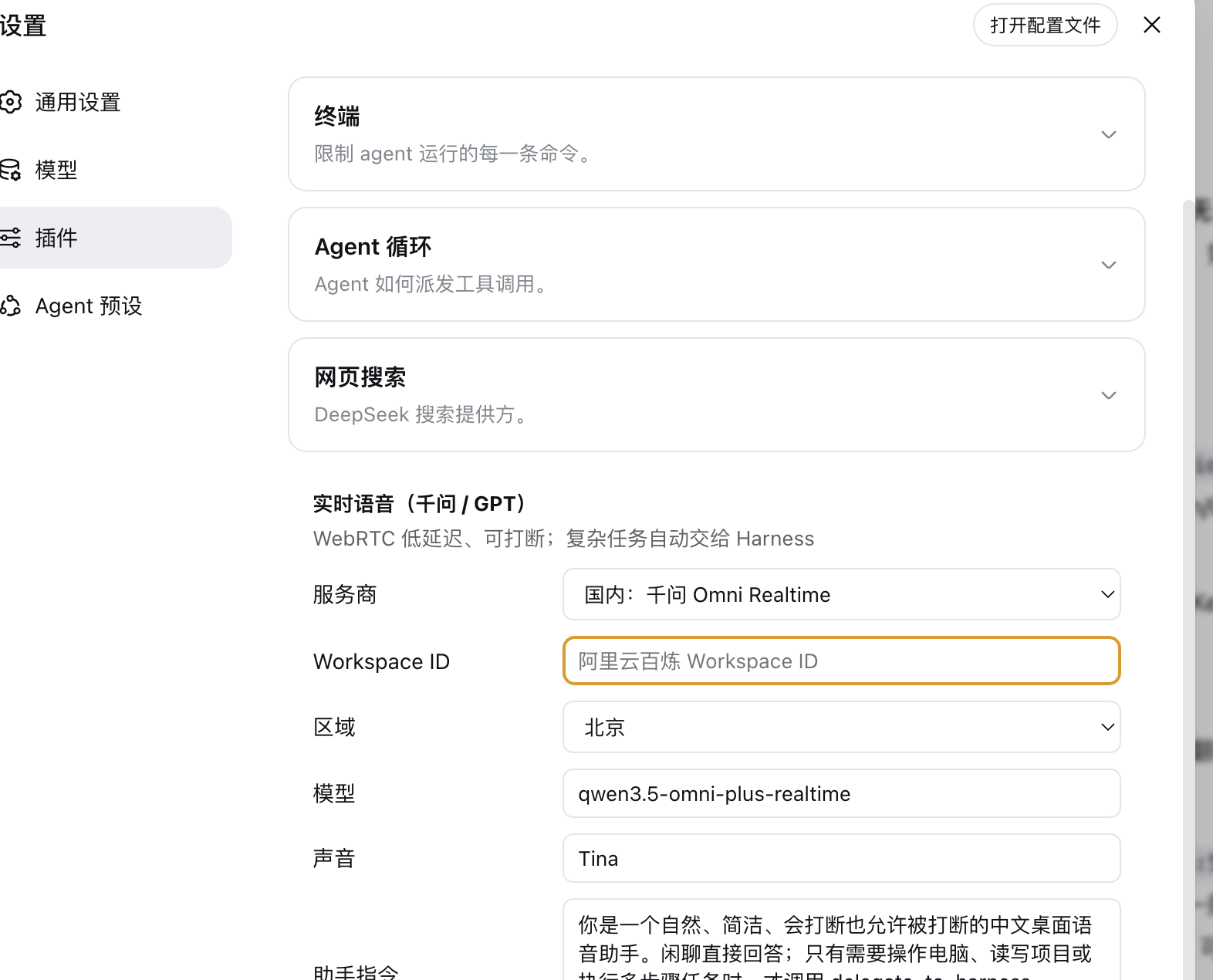
Screenshots
Use Cases
- Drive a full Harness workflow with a single spoken sentence instead of typing every word
- Barge in naturally during reasoning or tool execution; speech merges into the native input box automatically
- Switch between Qwen and OpenAI voice lines without changing any workflow configuration
Best For
- Dev teams that need voice interaction without running a local inference stack
- Users who have built Harness workflows and want a natural spoken-language entry point
- Architects who need flexible voice-line switching without spinning up an extra agent service
Related Plugins

A method pack that makes AI coding agents plan against your real baseline, prove completion with fresh evidence, and reduce reworks and unsafe changes.

Turns the DeepSeek Harness session into a captain that builds a durable sub-agent team, splits goals into dependency-aware tasks, and coordinates work via direct messages and a live Web UI.
Gives coding agents design judgment, letting Claude Code, Cursor, and 70+ agents generate and iterate high-quality UI, presentations, and graphics right from the terminal.
Run the Pi ecosystem's plugins on DeepSeek Harness, unmodified, via a compatibility layer that implements Pi's public extension ABI on DSH's native services.