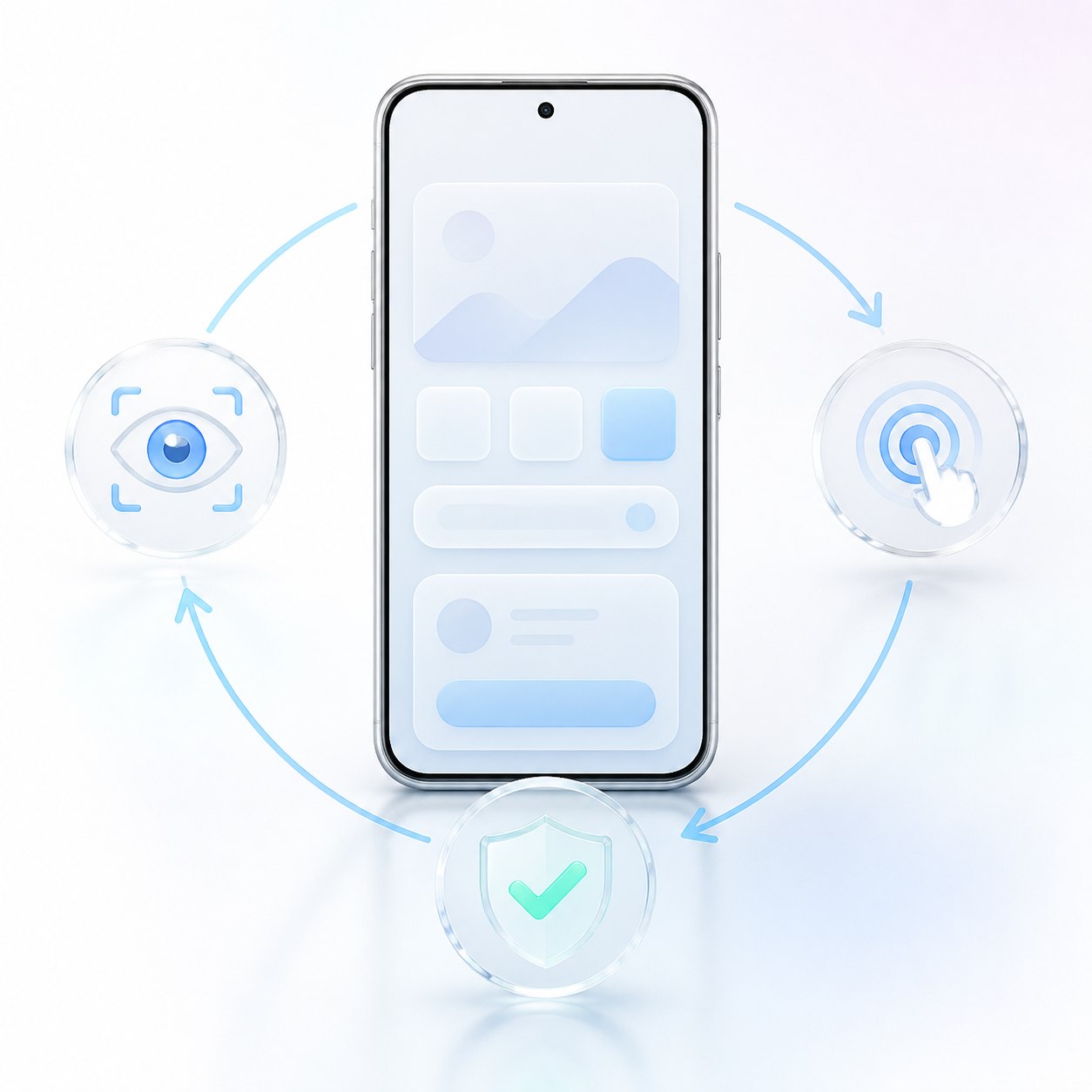
dsh-mobile-gui-agent
Run the following command in DeepSeek Harness:
dsh plugin install kunjinkao-os/dsh-mobile-gui-agent
Paste the following prompt into your AI chat to install this plugin:
To install this plugin in DeepSeek Harness, run dsh plugin install kunjinkao-os/dsh-mobile-gui-agent; the source code is available at https://github.com/kunjinkao-os/dsh-mobile-gui-agent.
About this plugin
While desktop automation has matured rapidly, mobile GUI automation still often suffers from fragmented toolchains, unstable input, and hard-to-verify actions. dsh-mobile-gui-agent extends DeepSeek Harness into the world of Android devices: it bridges to real phones or emulators via ADB, adds a dedicated mobile_gui_agent session to the Harness Web UI, and drives every task through an observe → decide → act → verify loop. No root access or persistent accessibility service is required—the plugin combines ADB screenshots with UIAutomator hierarchies to understand the screen and execute taps, swipes, text input, key events, and app launches, always returning to a fresh observation after each action to prevent drift.
The plugin’s core strengths are stability and safety. It ships with stale-element protection, adaptive screen stabilization, stuck detection, step and time limits, and support for wireless ADB and transparent Unicode input via an external helper. For consequential semantic actions—sending, publishing, deleting, purchasing, paying, transferring, calling, installing, or changing account security—the agent pauses and requests standard Harness approval before continuing. The model only interacts with the device through strict phone_observe and phone_act tools, never gaining arbitrary ADB shell access, which limits risk by design.
This makes the plugin ideal for developers and researchers who need to evaluate multimodal agents on real Android hardware, build mobile task benchmarks, or automate app testing. You can launch tasks from a blank session or follow the recommended flow of sending a short ordinary message first, then switching to the mobile_gui_agent tab to clearly separate conversation messages from phone commands. A fake device with scripted state transitions is included for keyless agent-loop tests, while real-device runs are best performed on a dedicated test phone with a non-production account.
Screenshots
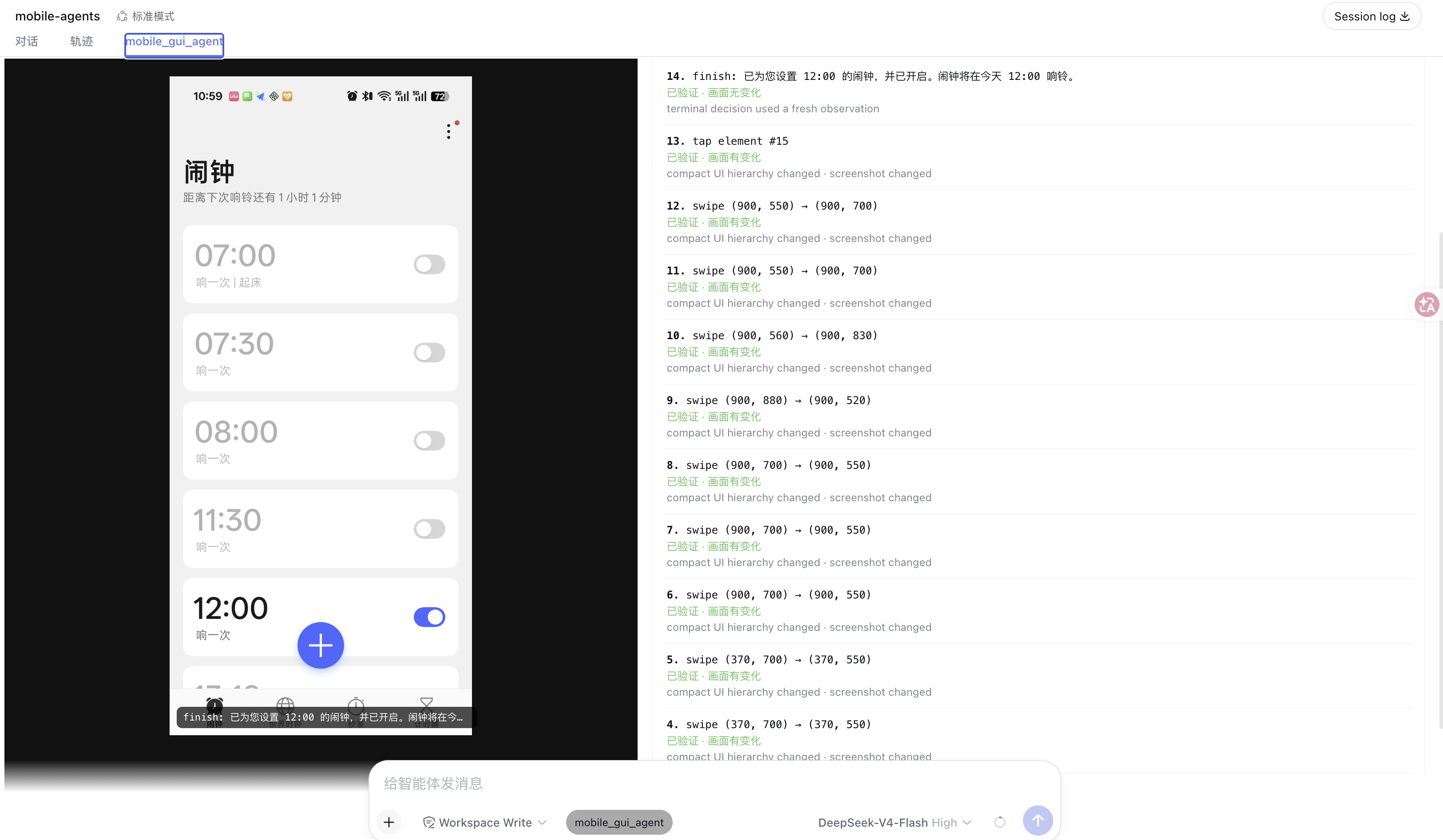
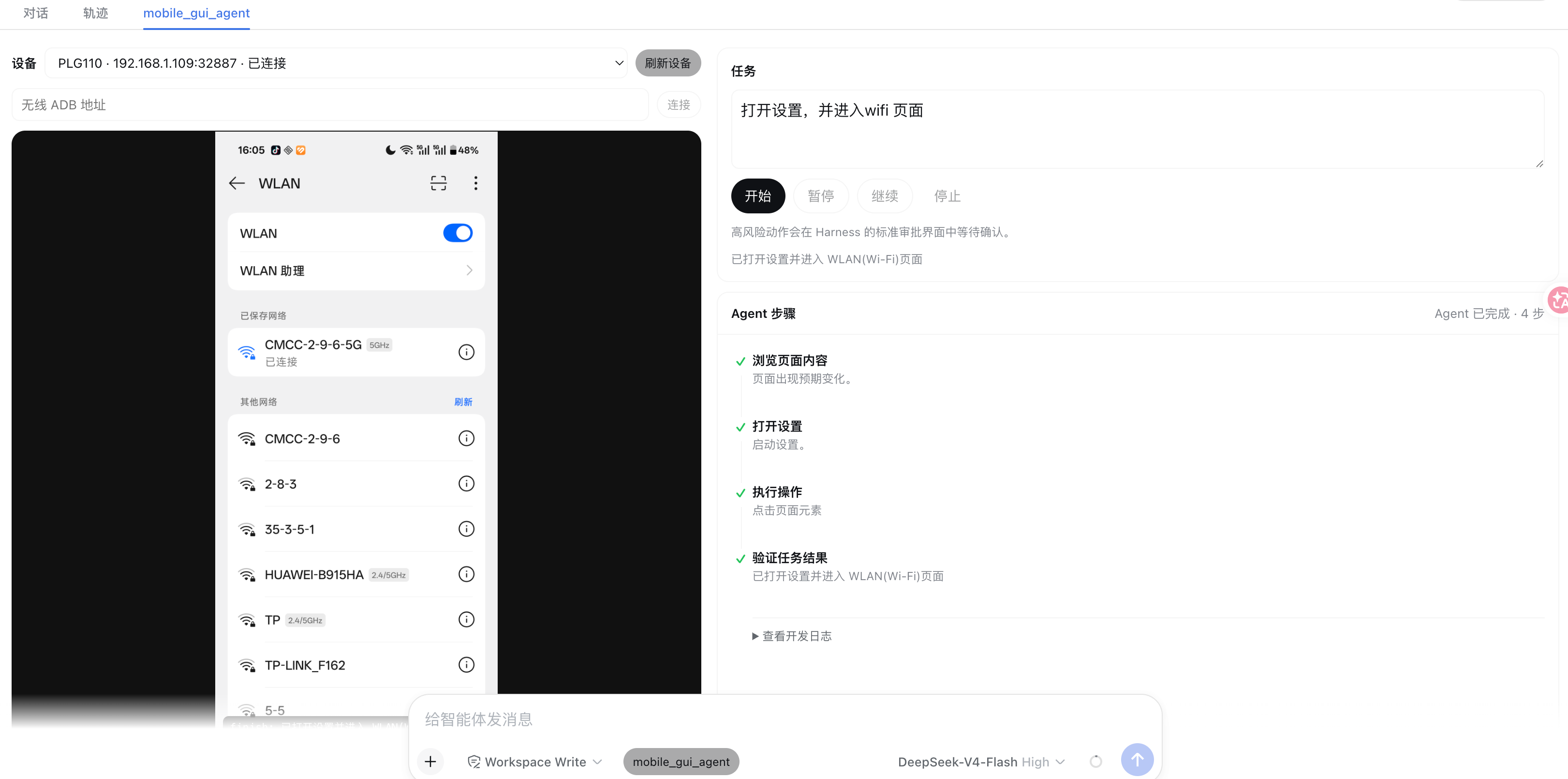
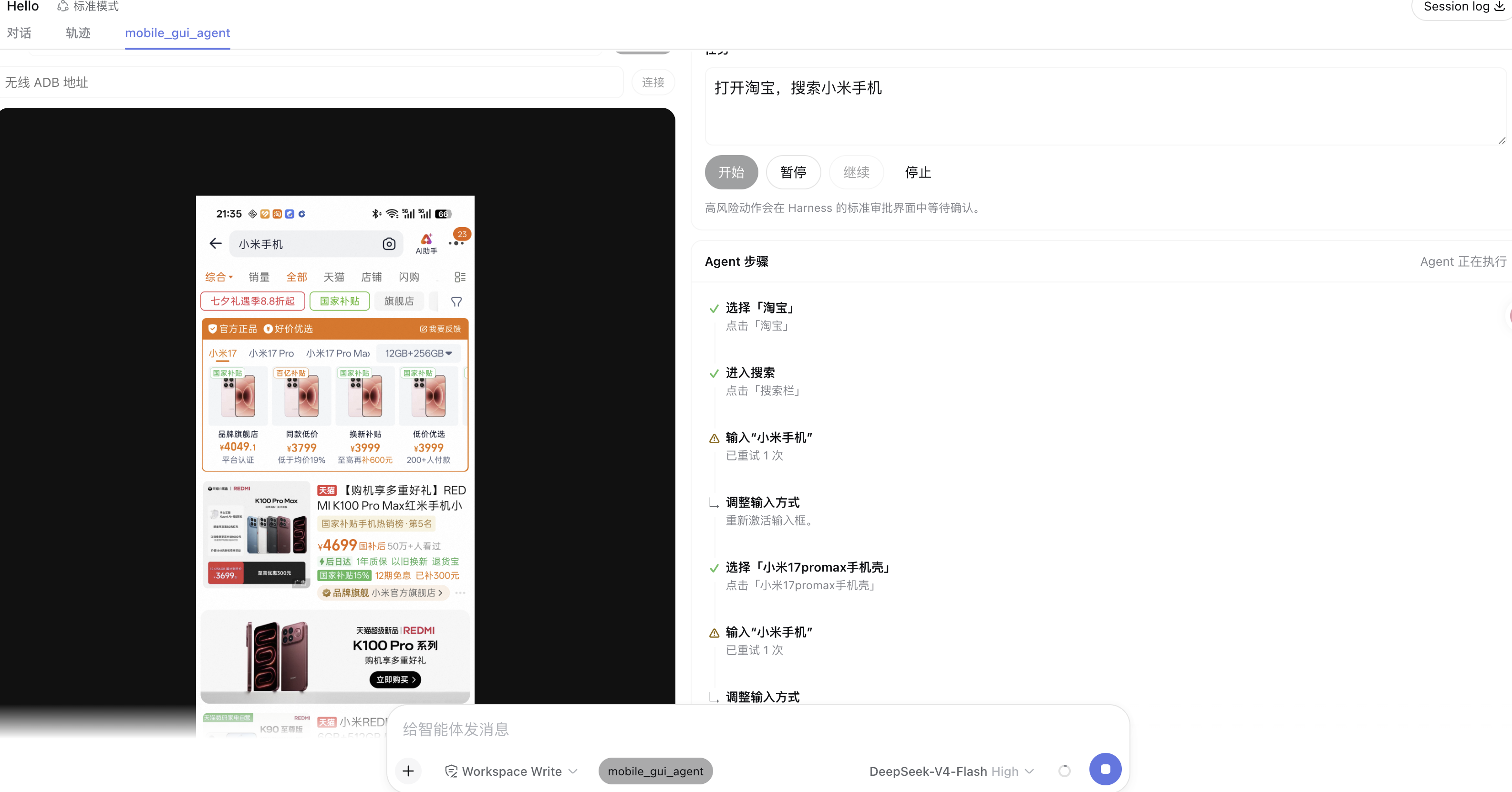
Use Cases
- Automate in-app actions and navigation on real Android devices
- Drive sensitive phone operations like sending or payment through natural language tasks with approval
- Build mobile agent evaluation benchmarks using an observe-act-verify loop
Best For
- Test engineers who need to automate Android app testing
- AI researchers studying multimodal agent behavior on mobile
- Developers who want to safely execute phone tasks on real devices
Related Plugins

A method pack that makes AI coding agents plan against your real baseline, prove completion with fresh evidence, and reduce reworks and unsafe changes.

Turns the DeepSeek Harness session into a captain that builds a durable sub-agent team, splits goals into dependency-aware tasks, and coordinates work via direct messages and a live Web UI.
Gives coding agents design judgment, letting Claude Code, Cursor, and 70+ agents generate and iterate high-quality UI, presentations, and graphics right from the terminal.
Run the Pi ecosystem's plugins on DeepSeek Harness, unmodified, via a compatibility layer that implements Pi's public extension ABI on DSH's native services.